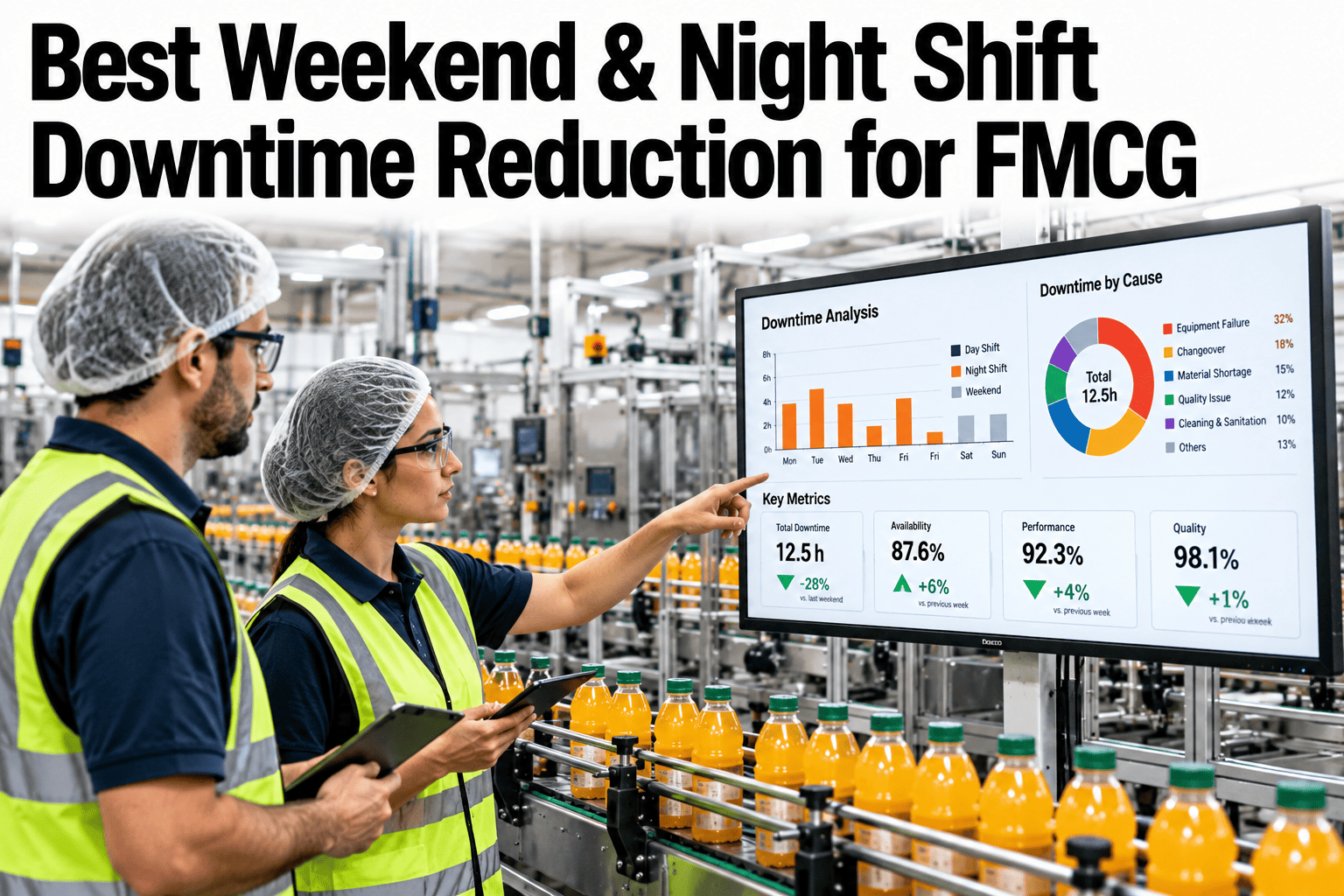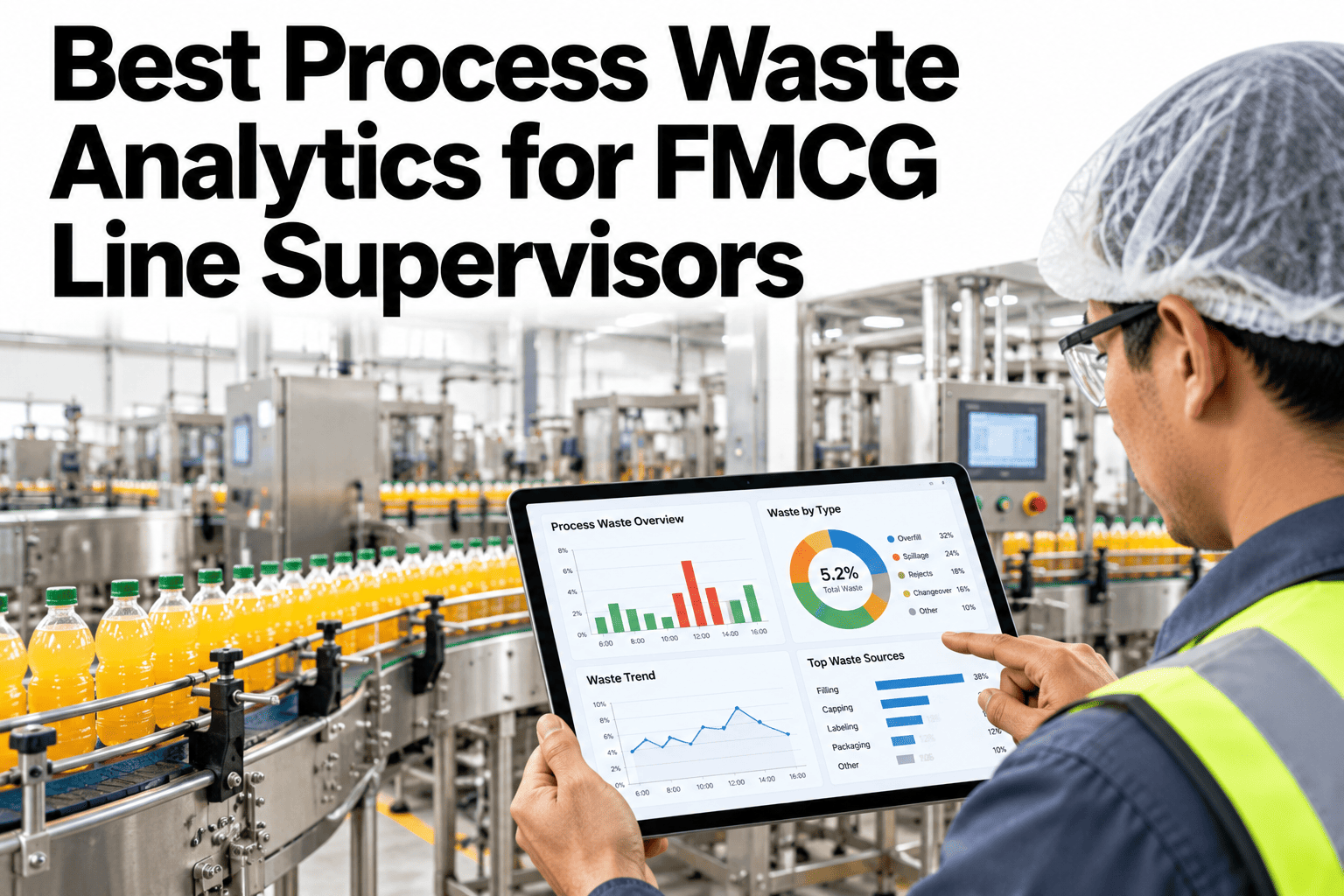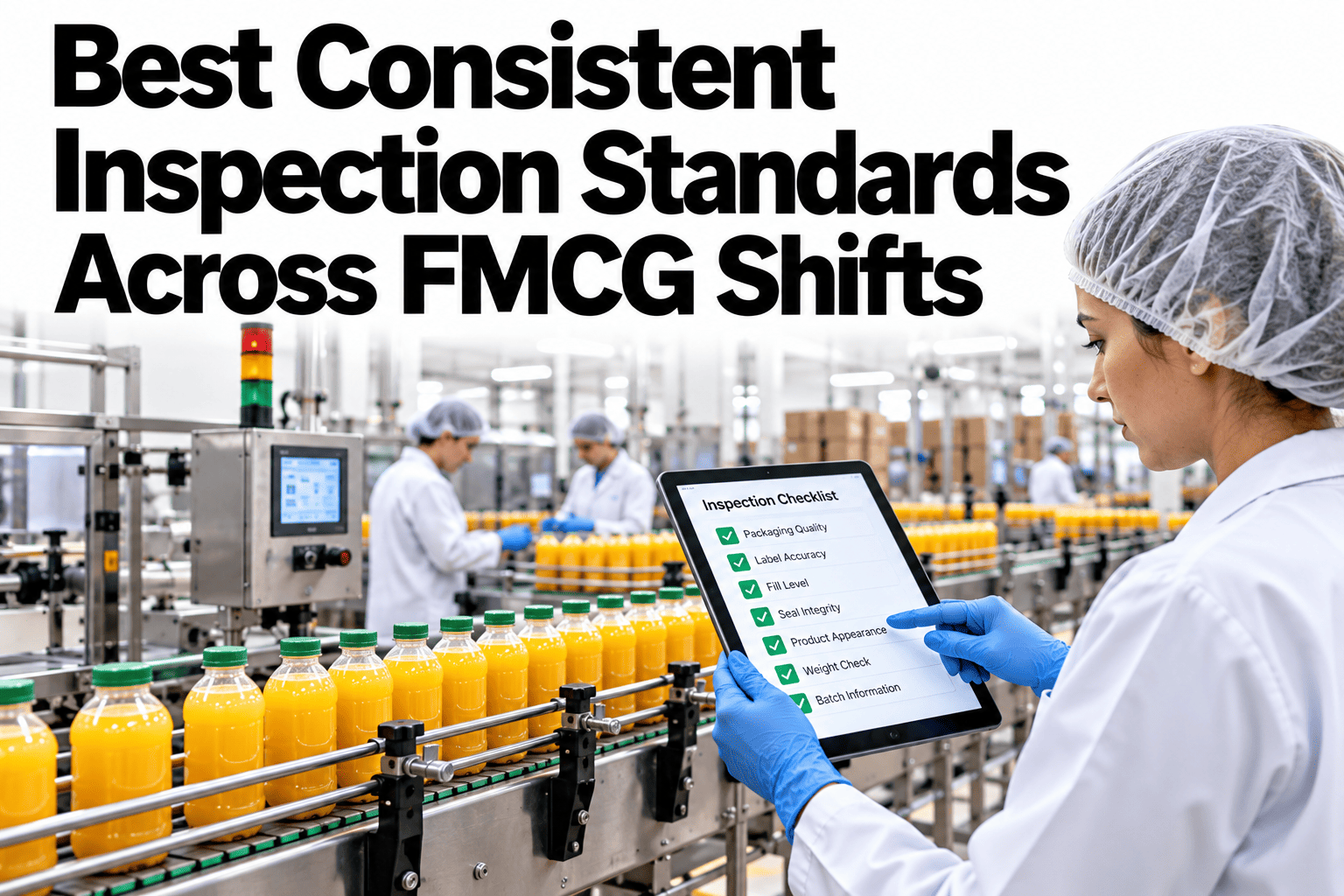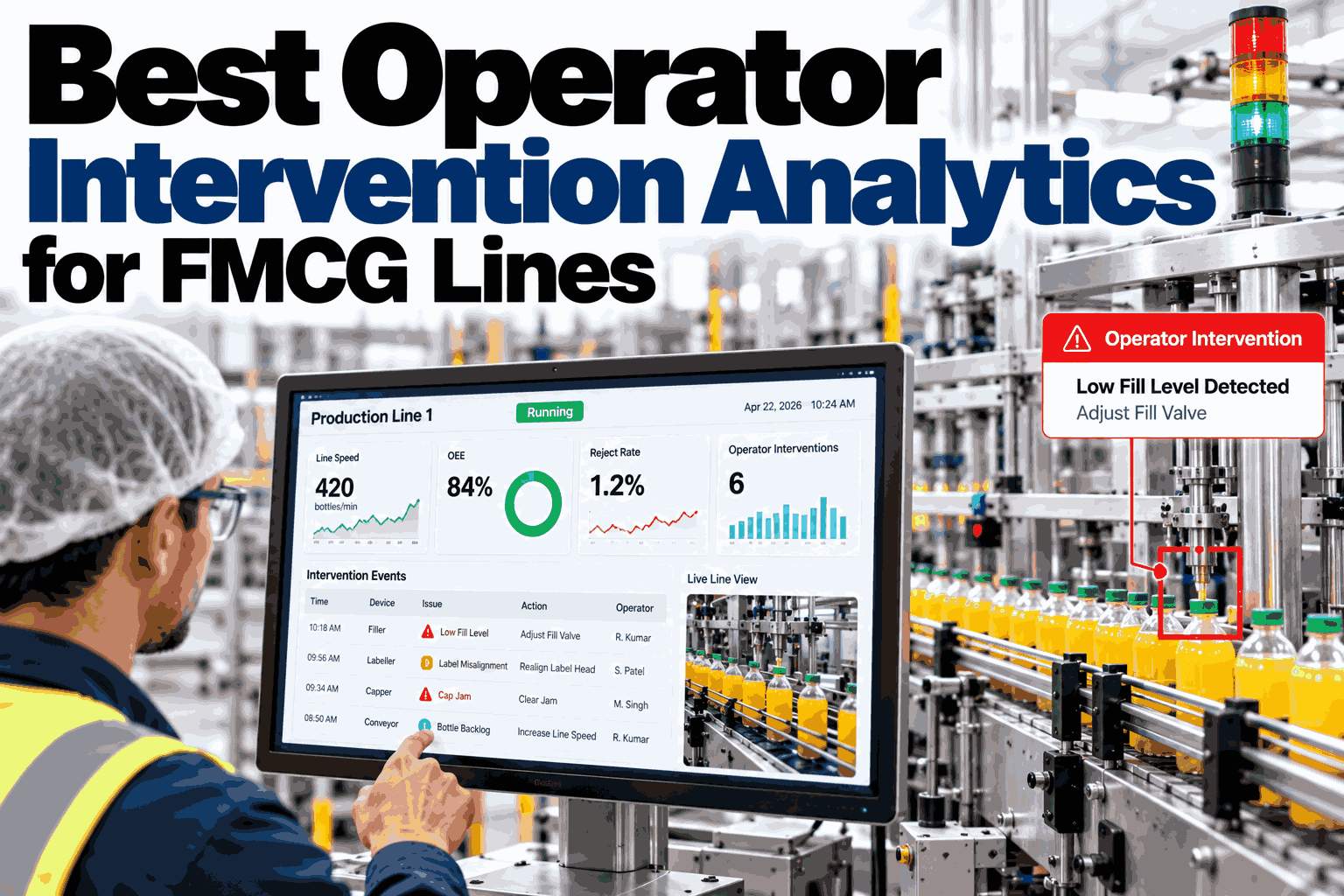
When one shift's OEE consistently trails the other two, the instinct in most plants is to assume it's a people problem: that crew must be slower, less careful, or less experienced. Sometimes that's true. Just as often, the gap is systemic, a maintenance window that happens to fall in that shift, a raw material delivery pattern that leaves that crew running the harder SKUs, or a staffing level that's genuinely lower on paper. Applying a people fix to a systemic cause wastes effort and, worse, damages trust with a crew that was never actually underperforming. Operations leaders can see how iFactory AI separates systemic loss from crew-driven variance across shifts before the next performance conversation.
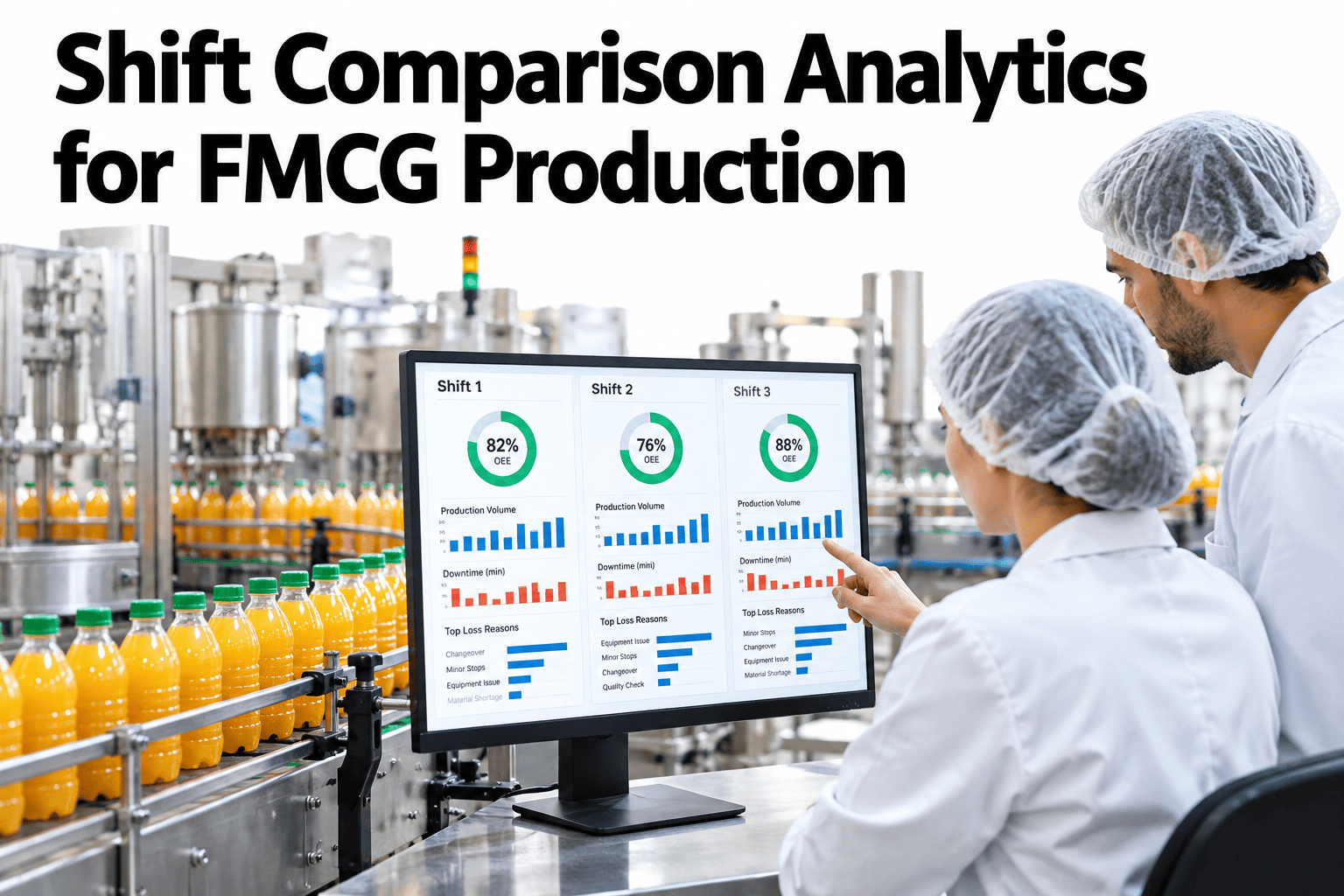
Shift Comparison Analytics for FMCG Production
Separate systemic loss from crew-driven variance across three shifts, and apply the right fix to the right cause.
The Question Behind Every Shift Gap
Before deciding a shift gap is about people, it's worth checking whether the conditions those people are working under are actually the same.
If SKU mix, staffing and equipment state are genuinely equal, the gap likely reflects crew practice.
If one shift faces harder SKUs or thinner staffing, the gap reflects the conditions, not the crew.
Often both are true at once, which is why a blended, unadjusted comparison misleads either way.
The honest comparison only happens once the systemic differences are identified and accounted for first.
Four Systemic Factors to Check First
Before attributing a shift gap to crew performance, rule out these common structural differences.
| Factor | How It Skews the Comparison | How to Check |
|---|---|---|
| SKU mix | Harder-to-run products naturally produce lower OEE | Compare OEE within the same SKU, not blended across all products |
| Staffing level | A shift running understaffed will show more micro-stoppages | Check actual headcount against planned for each shift |
| Maintenance timing | Planned maintenance windows falling in one shift lower its availability | Exclude or separately account for planned downtime |
| Equipment state | A shift inheriting a worn tool change or changeover starts at a disadvantage | Check equipment condition at shift start, not just during it |
Check Whether Your Own Shift Gap Is Systemic or Crew-Driven
Book a 30-minute session and iFactory AI will walk through adjusting your shift comparison for SKU mix, staffing and maintenance timing, to show what's left once systemic factors are accounted for.
A Fair Comparison Versus a Misleading One
The practical difference comes down to whether the comparison controls for known differences or just takes the raw numbers at face value.
Once Systemic Factors Are Ruled Out
If a real gap remains after adjusting for conditions, it's worth understanding where in the process it actually shows up before deciding what to do about it.
Narrow to the same SKU
Compare shift performance on identical products run under similar conditions.
Check staffing parity
Confirm each shift was actually staffed as planned during the comparison window.
Isolate the remaining gap
What's left after these adjustments is the real, comparable variance.
Investigate practice, not blame
Look at specific operating habits that might explain the gap, constructively.
The plants that get real value from shift comparison are the ones that present an adjusted comparison to the crews involved, not just a raw ranking that one shift will reasonably feel is unfair. A crew running a harder SKU mix or operating understaffed knows those conditions exist even if the dashboard doesn't show it, and presenting an unadjusted OEE ranking as a performance judgment erodes trust fast, even when the gap genuinely is systemic rather than crew-driven. Do the adjustment work before the conversation happens, not during it, so the comparison itself isn't the first thing being disputed.
Where iFactory AI Fits
iFactory AI adjusts shift comparisons for SKU mix, staffing and maintenance timing automatically, so the comparison that reaches a supervisor is already a fair one.
SKU-normalized comparison
Shift OEE is compared within matching SKUs, not blended across a mixed product list.
Staffing and maintenance context
Actual headcount and maintenance windows are factored in automatically, not left for someone to remember.
Residual gap isolation
What's shown after adjustment is the comparison that's actually fair to act on.
Ask in plain language
Ask whether this week's shift gap is systemic or crew-driven and receive a direct answer.
Frequently Asked Questions
What's the first thing to check before concluding a shift gap is about crew performance?
Compare SKU mix, staffing levels, maintenance timing and equipment state across the shifts in question, since any of these can produce a real OEE gap without the crews themselves performing any differently at all. You can watch a shift comparison adjusted for these factors on sample production data in a live session.
How do we compare shifts fairly when they run different SKU mixes?
Compare OEE within the same SKU across shifts rather than a blended average across each shift's full product list, since a crew running consistently harder products will show lower OEE by default regardless of actual performance. To set this up for your own data, request a shift comparison review with the iFactory AI team, or ask support what production data is needed.
What if a real performance gap remains after adjusting for systemic factors?
Investigate specific operating practices constructively rather than treating the number itself as a verdict, since even a genuine gap deserves a conversation about what's different in approach, not an assumption about effort or competence. A short product tour of residual gap investigation shows how this is approached.
How should shift comparison results be shared with the crews involved?
Present the adjusted comparison, not the raw numbers, so the conversation starts from a picture crews will recognize as fair rather than one they'll immediately dispute because it ignores conditions they know were different. See how adjusted comparisons are presented to shift teams in a guided walkthrough.
Does this only apply to comparing crews, or can it be used for other shift-level decisions?
The same adjusted comparison approach supports broader shift planning decisions too, such as whether staffing levels genuinely need rebalancing or whether a maintenance schedule is unfairly burdening one shift's availability. Schedule a walkthrough of broader shift planning uses to see how this extends beyond performance review.
Compare Shifts Fairly, Before You Compare Them at All
iFactory AI adjusts shift comparisons for SKU mix, staffing and maintenance timing automatically. Book a walkthrough to see it built around your own shifts.