Every line change on an FMCG floor starts as a confident plan and a spreadsheet full of assumptions: the new cycle time will hit target, the changeover will fit inside the scheduled window, the added station won't crowd the safety zone next to it. Most of those assumptions hold up. The ones that don't are usually discovered only after the change is physically installed, tested live, and found wanting, at which point fixing it costs real downtime instead of a few hours of simulation time. The gap between "we think this works" and "we know this works" is exactly what virtual line-change testing closes, and it's the difference between a planned two-day changeover and a two-week improvised recovery.
Test Every Line Change In A Virtual Model Before It Touches The Real Floor
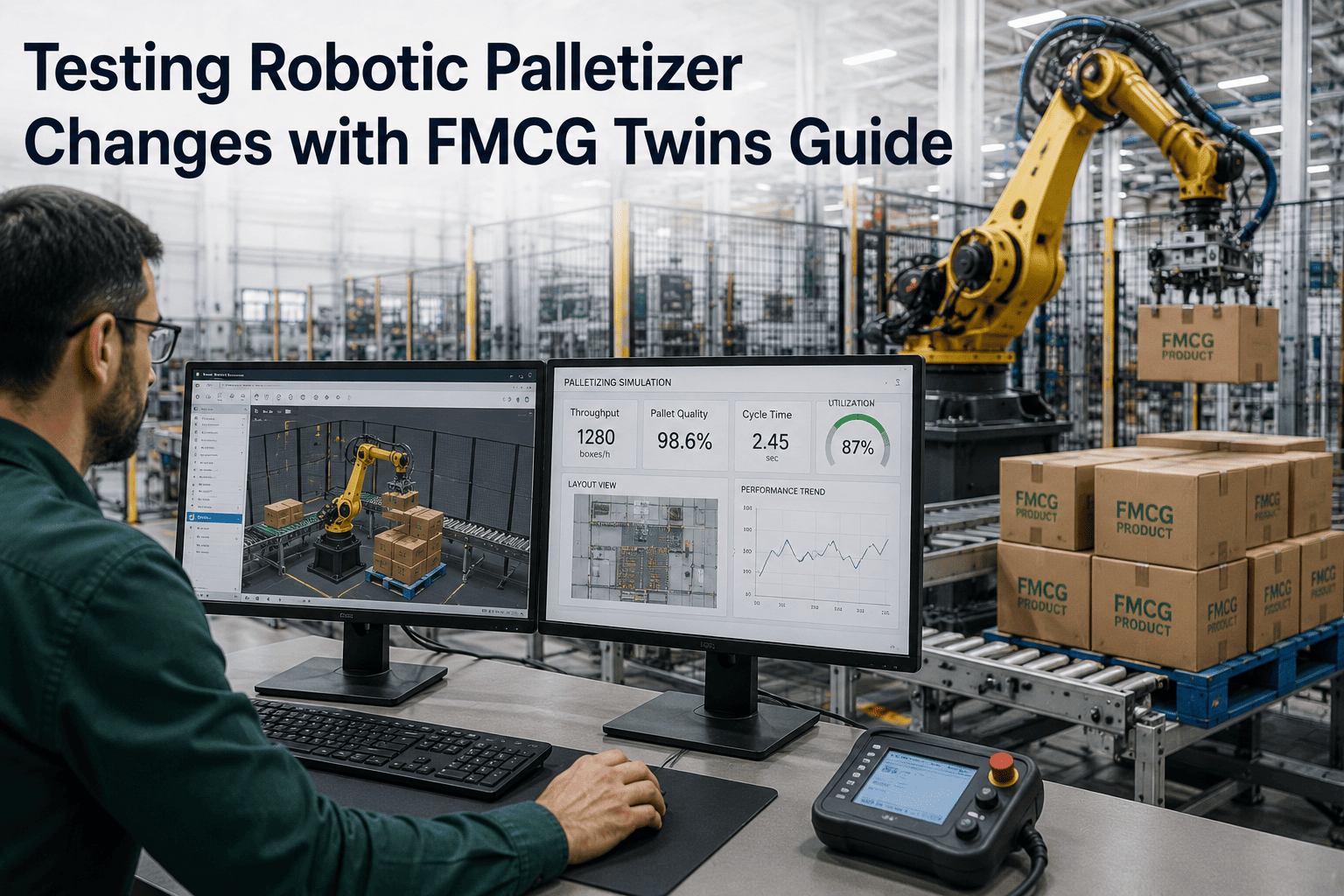
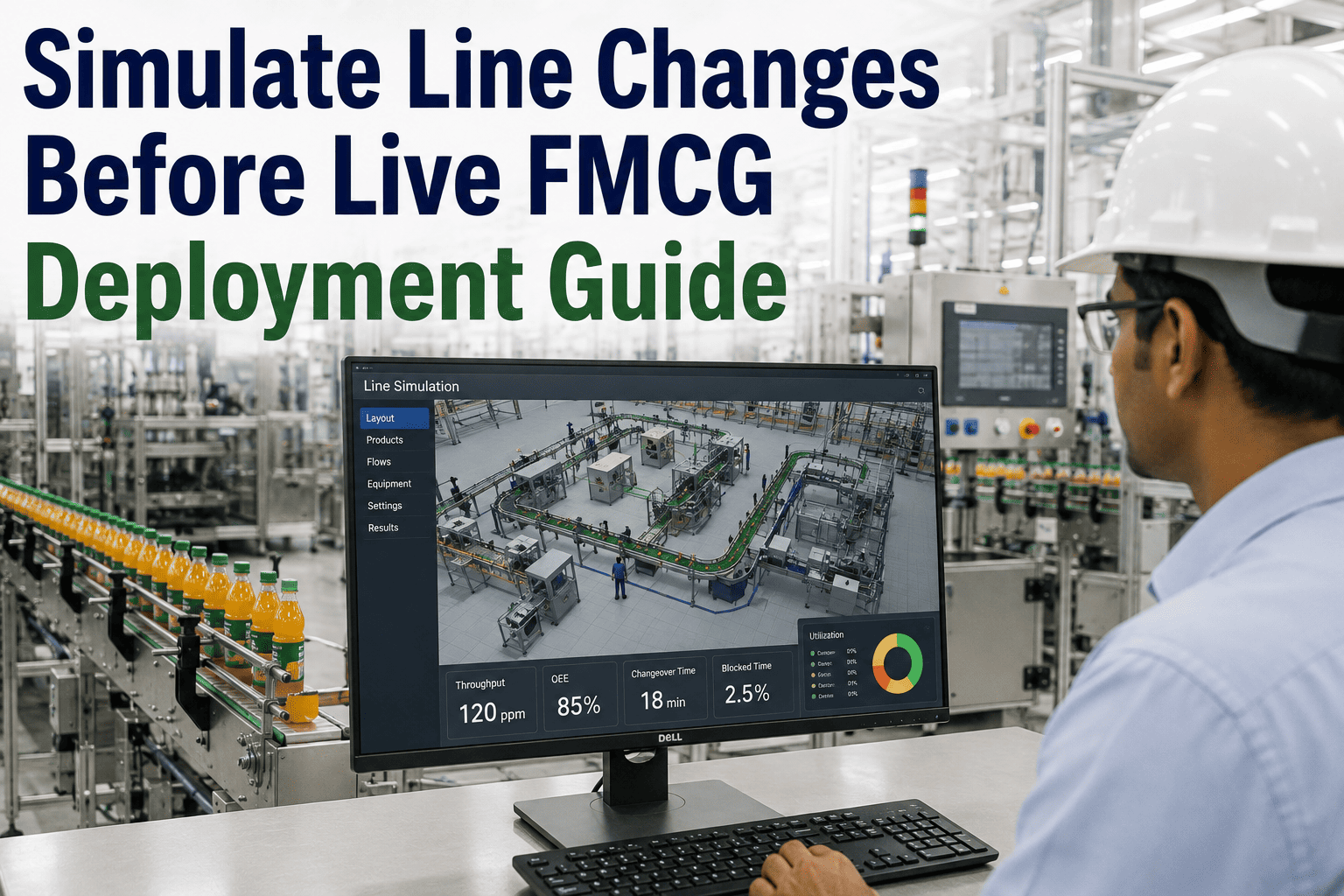
Capacity increases, changeover redesigns, new stations, and safety-zone adjustments can all be simulated against a physics-accurate model of your line, so you know how a change performs before committing production time to find out.
What Testing A Line Change Usually Looks Like
- Change is installed based on paper calculations and vendor specs
- First real test happens during a scheduled production window
- Problems discovered live, with the line already stopped
- Fixes made under time pressure with the whole crew waiting
- Changeover window frequently overruns, pushing the schedule
What Testing A Line Change Looks Like With A Digital Twin
- Change is modeled and run virtually before any physical work
- Cycle time, capacity, and safety zones validated in simulation
- Problems found and corrected in the model, no line downtime
- Physical install proceeds with most risk already retired
- Changeover window holds because the plan was already proven
Four Categories Of Line Change That Benefit Most From Virtual Validation
Capacity And Throughput Changes
Speeding up a line or adding a parallel path can shift bottlenecks to a station nobody expected, and simulation reveals the new constraint before it becomes a live surprise.
Changeover Sequence Redesigns
A faster changeover procedure on paper can conflict with actual mechanical timing, something only visible once the sequence runs against a realistic model.
New Station Or Equipment Additions
Adding a station changes spatial and timing relationships across the whole line, and a virtual run-through catches interference before installation locks it in.
Safety Zone And Guarding Adjustments
Modified robotic reach or guarding layouts need validation against actual motion paths, not just a static drawing of the intended zone.
Know How A Change Performs Before You Commit The Line To It
iFactory lets you run your proposed line change against a physics-accurate virtual model, so cycle time, capacity, and safety-zone impacts are known quantities before a single piece of equipment moves.
A Practical Sequence For Validating A Line Change Before Deployment
Define The Proposed Change And Its Target Outcome
Specify the exact modification and what success looks like, whether that's a cycle-time target, a capacity increase, or a specific safety-zone requirement.
Apply The Change To The Virtual Model
The modification is built into the existing digital twin of the line, reusing the baseline model rather than starting from scratch.
Run Full Production And Changeover Cycles
The modified model runs through normal production, changeover sequences, and fault scenarios to expose any new bottlenecks or conflicts.
Compare Against The Target Outcome
Simulation results are checked against the original goal, and any gap gets addressed in the model before physical work begins.
Deploy The Validated Change Physically
Installation proceeds with a plan that's already been proven virtually, turning the physical changeover into execution rather than discovery.
Why A Capacity Increase Is Rarely As Simple As Speeding Up One Machine
A common request on FMCG lines is straightforward on the surface: increase throughput by running the primary machine faster. In practice, every station downstream of that machine was designed around the original cycle time, and speeding up the source station without checking the rest of the line frequently just relocates the bottleneck rather than eliminating it. A capper rated comfortably above the original filler speed might turn out to be the new constraint once the filler is sped up, and a downstream labeler's changeover timing might no longer fit inside the faster overall cycle. None of this is visible from looking at individual machine specification sheets, it only becomes visible when the whole line is modeled together and run at the proposed new rate, which is precisely what a virtual line-change test is built to reveal before the change goes live and the new bottleneck gets discovered on the floor instead of on a screen.
What Virtual Line-Change Testing Typically Saves Versus Live Trial And Error
| Metric | Live Trial And Error | Virtual Validation First |
|---|---|---|
| Time to identify a bottleneck | Discovered during production run | Identified in simulation, days earlier |
| Production impact of testing | Direct downtime during trial | None, model runs independently |
| Changeover window reliability | Frequently overruns | Holds close to plan |
| Rework after installation | Common on first attempt | Rare, most issues pre-resolved |
Questions Plant Teams Ask About Simulating Line Changes
Test Your Next Line Change Before It Costs You A Changeover Window
See how iFactory validates capacity increases, changeover redesigns, and safety-zone adjustments against your actual line, before any physical commitment.