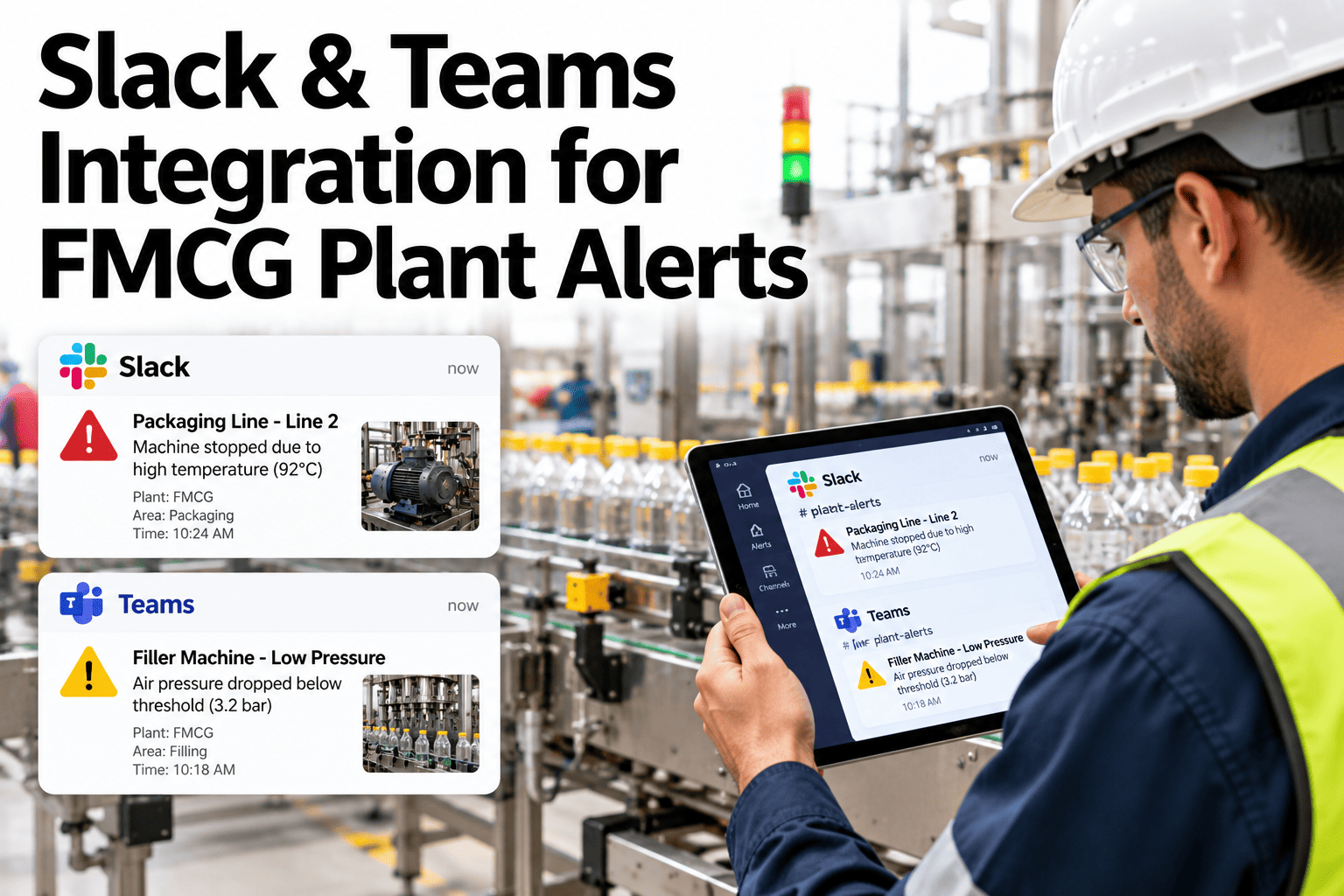
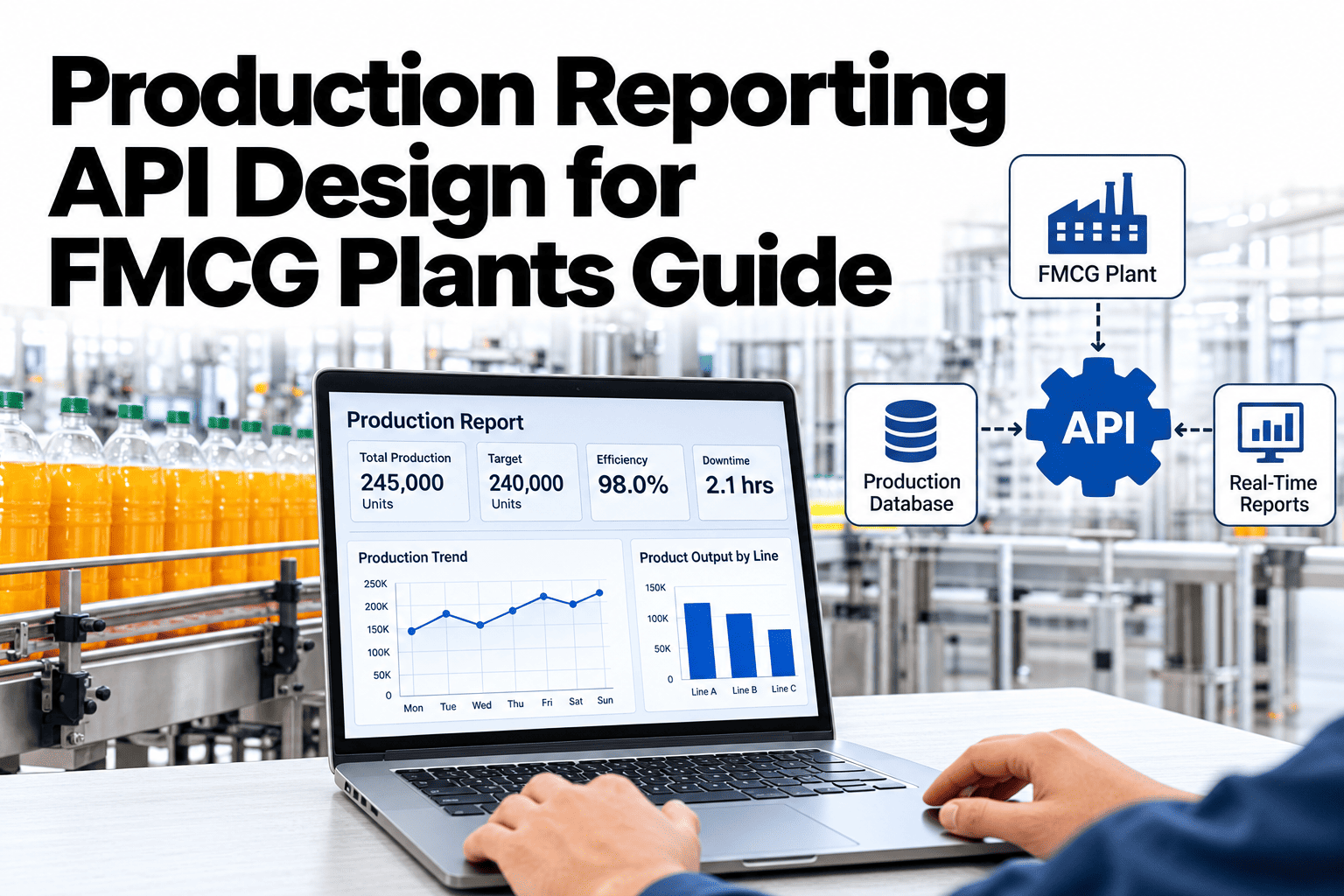
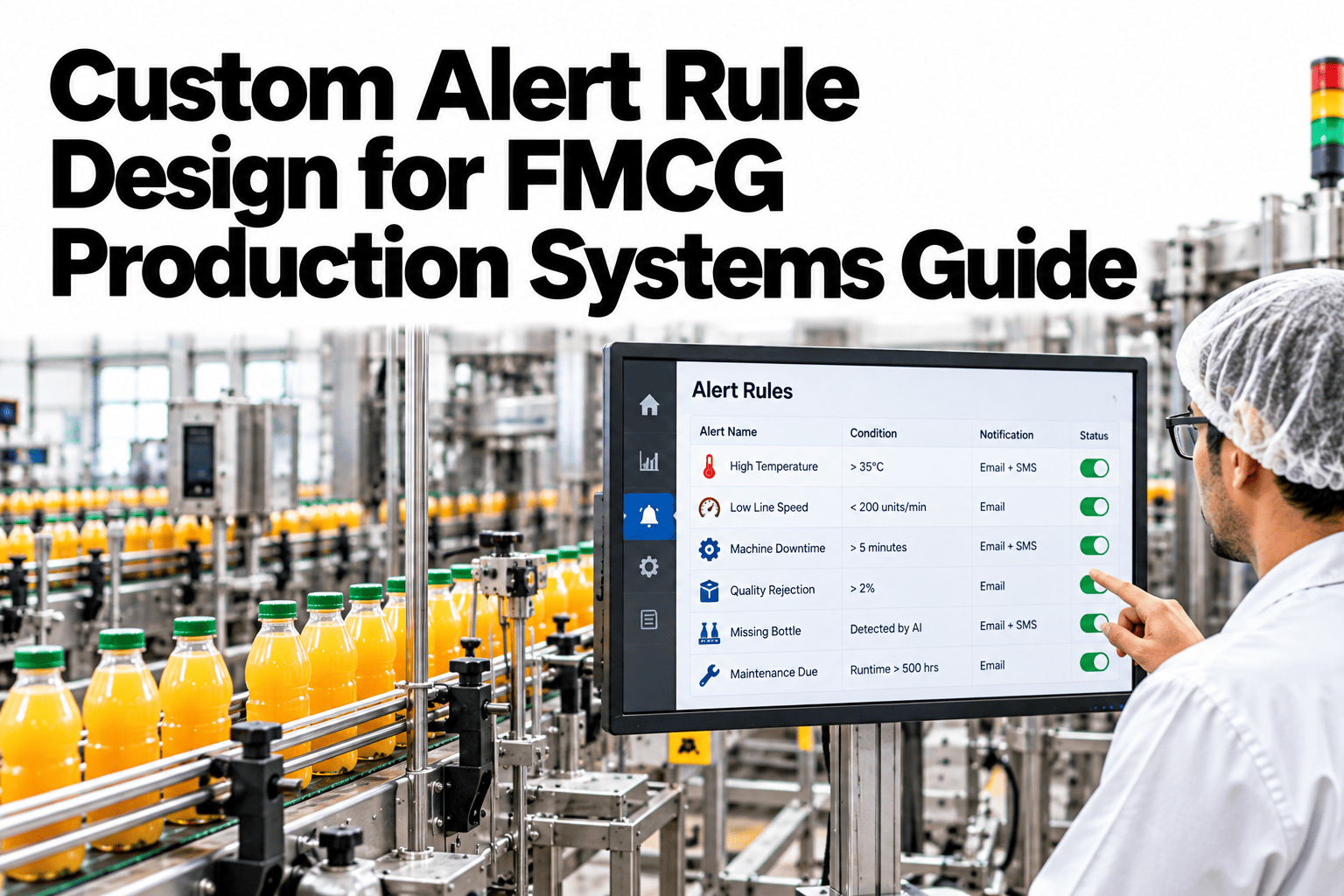
Supervisors already live in Slack or Microsoft Teams, so plant alerts that arrive there are far more likely to be seen and answered than alerts buried in a separate system. Good integration is about more than forwarding messages. It needs sensible channels, routing by severity and a simple way to acknowledge an alert by replying. When it fits team habits, response times drop and alert fatigue falls. To see how this could work for your plant, you can review a chat alert setup with our team.
Real-time reporting and supervisor alerts
Send Plant Alerts to the Chat Tools Your Teams Already Use
iFactory AI routes plant alerts into Slack and Teams with the right channels, clear messages and reply-to-acknowledge actions.
Fill weight is trending low on Line 4
Plant alert
Net weight has drifted below target for 6 minutes. Check the filler head settings. Reply ack to take ownership.
Severity: WarningLine 4
Why chatAlerts Work Best Where People Already Look
Supervisors check chat all day. A separate alert portal competes with everything else on their screen.
Alert fires
Something changes on the line
Appears in chat
Where the team already looks
Someone takes ownership
A reply claims it
Action is logged
The thread becomes the record
A chat message that can be answered in one line removes the friction that delays response.
Channel designPlan Channels Before You Connect Anything
Poor channel design is the main reason chat alerts become noise. A little structure goes a long way.
Line alertsQuality alertsMaintenance alerts
Alert routing layer
Shift supervisorsOn-call techniciansPlant leadership
Keep one channel for each team and topic. A single plant-wide alert channel fills up too quickly to be useful.
RoutingMatch the Alert to the Right Channel and Person
| Alert type | Channel | Who is mentioned | Escalation |
|---|
| Line stop | Line alerts | Line supervisor | After a few minutes, maintenance on-call |
| Quality drift | Quality alerts | Quality technician | Quality lead if not acknowledged |
| Equipment warning | Maintenance alerts | Technician for the area | Planner if not acted on |
| Safety event | Dedicated safety channel | Safety lead and shift manager | Immediate phone call |
| Daily summary | Plant overview | No mention | None |
Bring Plant Alerts Into Slack or Teams
Share your channels and shift pattern and see how iFactory AI would route alerts to the right people.
Message designFour Things Every Alert Message Must Say
What happened
A plain-language headline.
Where
Line, machine and zone.
How serious
Severity and how long it has lasted.
What to do
The first action or a link to a checklist.
Keep messages short. Detail belongs in a link, not in the chat.
Reply to acknowledgeA Simple Acknowledge Loop Keeps Everyone Informed
1
Alert posts
The message lands in the right channel.
2
Someone replies
A short reply or button claims ownership.
3
System records it
The time and person are logged.
4
Escalation if silent
No reply triggers the next level.
Acknowledging in the thread keeps the conversation and the evidence in one place. To set up acknowledgement rules, ask our team about reply-to-acknowledge settings.
Severity levelsNot Every Alert Deserves a Notification
Information
Posted quietly, no mention.
Warning
Mentions the responsible person.
Critical
Mentions the team, repeats and escalates to a call.
Mute rules and quiet hours protect people from noise. Critical alerts should still break through.
Noisy versus structuredCompare Two Ways to Run Chat Alerts
Noisy setup
One big channel for everything
Every alert mentions everyone
Long messages with raw data
No acknowledgement or escalation
Structured setup
Separate channels by team and topic
Mentions only the responsible person
Short messages with links
Clear acknowledgement and escalation
Chat habitsFour Details That Make Adoption Easier
Mobile first
Messages readable on a phone
Threads
Discussion stays under the alert
Search
Past alerts are easy to find
Names
Real people, not shared accounts
Use the habits your teams already have. If they usually react with an emoji or a short reply, let that count as acknowledgement where policy allows.
Security and controlKeep Chat Alerts Safe
1
Limit sensitive content
Do not post confidential recipes, customer data or credentials.
2
Control channel membership
Only the right people should join each channel.
3
Review app permissions
Give the alert app the minimum access needed.
4
Keep critical paths independent
Do not rely on chat alone for safety events.
5
Archive and retain
Follow company retention rules for alert history.
Chat tools can fail or be delayed. Critical alerts should have a backup path such as phone or paging.
RolloutPilot With One Team, Then Spread
1
Pick a pilot team
Choose a line with an engaged supervisor.
2
Design channels
Agree channels, routing and quiet hours.
3
Run in parallel
Send chat alerts beside the current method.
4
Review response times
Compare acknowledgement and fix noisy rules.
5
Extend to more teams
Copy the pattern to other lines and plants.
Channels designed by team and topic
Routing by severity agreed
Mentions limited to responsible people
Reply-to-acknowledge defined
Escalation rules tested
Backup path for critical alerts
Security and retention rules checked
Review of alert noise scheduled
Expert reviewWhat a Plant Communications Lead Would Check First
Expert review
Chat alerts succeed when they respect how people already work. Fewer, clearer messages in the right place beat a stream of notifications that everyone mutes.
VerdictStrong when channels are focused and acknowledgement is one reply away.
Watch forOne giant channel and mentions that wake the whole team.
Do nextPilot one line and review acknowledgement times after a few weeks.
Frequently asked questionsWhat Plant Teams Ask About Slack and Teams Alerts
Can we use both Slack and Teams?
Yes, many companies use both across different sites or functions. The routing rules and message formats should stay the same, so alerts look familiar wherever they appear. Plan channel names and permissions for each tool separately.
See a two-tool setup.
How does reply-to-acknowledge work?
When an alert posts, a team member replies in the thread or presses a button to claim it. The system records the person and time, and stops escalation. If nobody replies within the set time, the alert escalates to the next person.
Ask about acknowledgement flow.
Will chat alerts replace phone calls for critical events?
Not for safety-critical situations. Use chat for fast, searchable communication and keep phone or paging as a backup for events where delay is dangerous. Test the backup path regularly.
Discuss critical alert paths.
How do we stop chat alerts becoming noise?
Use separate channels, mention only responsible people, set severity levels and review the noisiest rules monthly. Retire alerts that never lead to action. Measure acknowledgement times to see whether the system helps.
Ask about alert tuning.
Is it safe to post plant data in chat?
Keep messages free of confidential or sensitive details, and use links to secure systems for anything more. Review app permissions and channel membership regularly, and follow your company's policies on data and retention.
Review a security checklist.
Alerts where your teams already work
Get Plant Alerts Answered in Minutes, Not Hours
Book a session with iFactory AI to design your channels, routing and acknowledgement rules and see alerts working in the tools your teams already use.