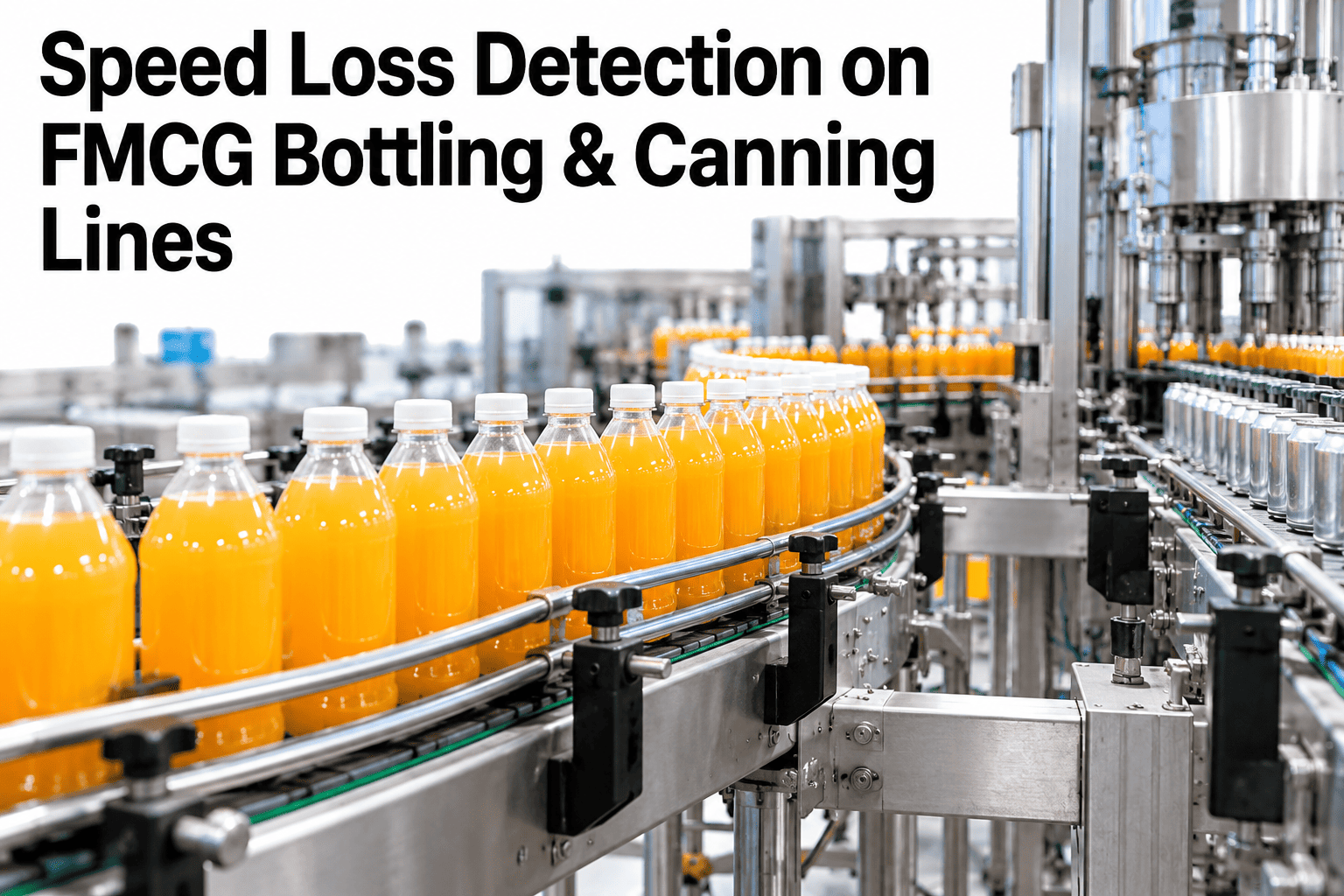
A bottling or canning line running at 800 to 1200 units a minute can show a status of "running" on every dashboard while quietly losing a meaningful share of its rated throughput to nothing more than hundreds of tiny speed dips, each too brief to register as a stop. This is speed loss, and it's one of the hardest OEE components to see without the right data, because nothing on the floor looks wrong. The line is moving, product is coming off the end, and the loss hides entirely inside the gap between actual output and what the line was rated to produce. Line leaders can see how iFactory AI surfaces speed loss hiding under a running status before the next throughput review.
Speed Loss Detection on FMCG Bottling & Canning Lines
Slow-cycle analytics on high-speed equipment, recovering throughput that's been hiding under a running status all along.
Why "Running" Hides the Loss
Most OEE systems define downtime as a line that's fully stopped. A line running below its rated speed, even significantly below it, still reports as available and running.
Flags only when the line fully halts, missing everything that happens at reduced speed.
Brief, frequent slowdowns too short to register as a logged stop event.
Individually small, these dips add up to a significant share of lost throughput over a shift.
A line that never shows a single downtime event on the report can still be running well below what it's capable of, for the entire shift.
Where Speed Loss Typically Concentrates
On bottling and canning equipment specifically, certain points in the line are more prone to speed loss than others.
| Line Section | Common Speed Loss Cause | Typical Pattern |
|---|---|---|
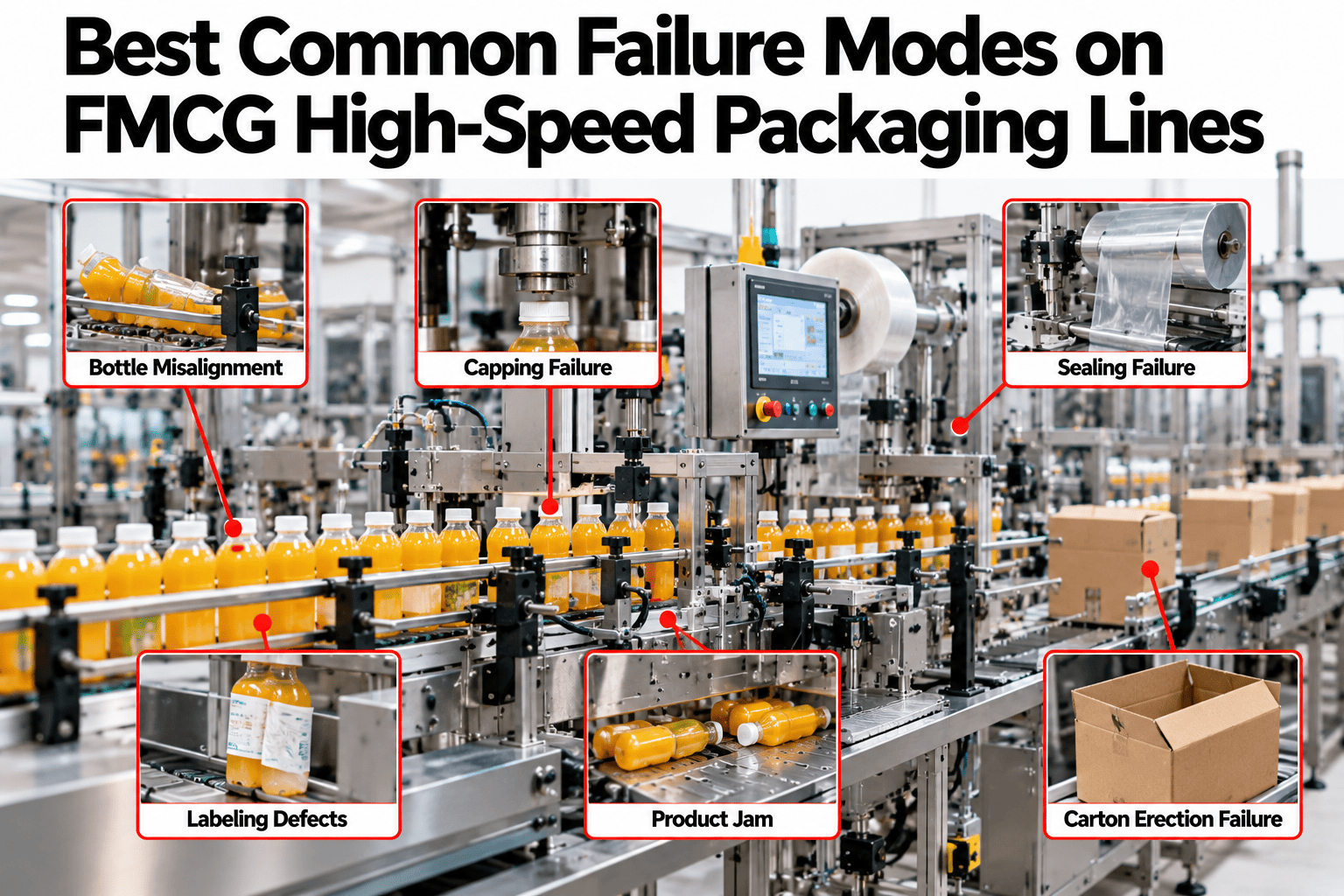
| Filler infeed | Container alignment or starve conditions | Frequent short dips, often container-related |
| Labeler | Label web tension or application timing drift | Gradual speed reduction building over a run |
| Capper or seamer | Torque or seam quality sensitivity at full speed | Speed held back deliberately to protect quality |
| Case packer | Downstream accumulation limits | Speed throttled to match a slower downstream station |
Find Out Where Your Line Is Actually Losing Speed
Book a 30-minute session and iFactory AI will show where on your line speed loss is concentrated, using your own equipment's cycle data.
Detecting Speed Loss Versus Detecting Stops
The two require fundamentally different data. Stop detection watches for a halt. Speed loss detection watches a continuous signal.
From Hidden Loss to a Recovery Plan
Finding speed loss is only the first step. Turning it into throughput recovered takes a structured path.
Capture cycle data
Record actual cycle rate continuously, not just stop and start events.
Map dips to location
Identify which station or sub-system each speed dip correlates with.
Quantify the total loss
Size the cumulative throughput cost across a shift or campaign.
Target the biggest contributor
Fix the highest-impact source first, then measure the recovery.
The lines that recover meaningful throughput from speed loss are the ones that stop treating "running" as synonymous with "performing," since on high-speed equipment the two can diverge significantly without any alarm ever firing. A line can report near-perfect availability while still losing a substantial share of rated capacity to accumulated micro-dips that no stop-based system was ever built to catch. Capture cycle-level data as a standing practice, not just during a periodic throughput study, because speed loss patterns shift with product changeovers, wear, and seasonal conditions in ways a one-time audit will miss.
Where iFactory AI Fits
iFactory AI captures continuous cycle rate data on high-speed equipment, surfacing speed loss that stop-based tracking never sees.
Continuous cycle tracking
Actual cycle rate is captured at the resolution needed to see dips lasting seconds, not just minutes.
Station-level attribution
Speed dips are mapped to the specific station or sub-system most likely responsible.
Cumulative loss quantification
Thousands of small dips are totaled into a real throughput cost figure.
Ask in plain language
Ask where speed loss concentrated on a specific line today and receive a direct answer.
Frequently Asked Questions
How can a line lose throughput while showing as fully running?
Most OEE systems only flag downtime when the line fully halts, so hundreds of brief speed dips, each too short to register as a logged stop, can accumulate into significant lost throughput without ever appearing as a downtime event on the report. You can watch speed loss surfaced on sample high-speed line data in a live session.
What kind of data do we need to detect speed loss?
Continuous cycle rate data at a fine enough time resolution to capture dips lasting just seconds, rather than data sampled or logged only at the level of discrete stop and start events. To assess what your current equipment can provide, request a speed loss feasibility review with the iFactory AI team, or ask support what instrumentation is needed.
Which parts of a bottling or canning line are most prone to speed loss?
Filler infeed, labeler, capper or seamer, and case packer stations each have their own common causes, from container alignment issues to downstream accumulation limits throttling the whole line, though the exact pattern varies by equipment and product. A short product tour of station-level attribution shows how this mapping works.
Is speed loss always worth fixing, or is some of it intentional?
Some speed reduction is deliberate, such as slowing a capper to protect seam quality, and that distinction matters, since the goal is recovering unintentional loss, not forcing a line to run faster than quality allows. See how intentional and unintentional speed loss are distinguished in a guided walkthrough.
How often should speed loss be reviewed once it's being tracked?
Regularly, since speed loss patterns shift with changeovers, equipment wear and seasonal conditions, so a one-time audit captures only a snapshot while ongoing tracking shows how the pattern evolves and whether a fix actually held. Schedule a walkthrough of ongoing speed loss monitoring to see how this is maintained.
Recover the Throughput Hiding Under "Running"
iFactory AI captures continuous cycle data to surface speed loss stop-based tracking can't see. Book a walkthrough to see it built around your own line.