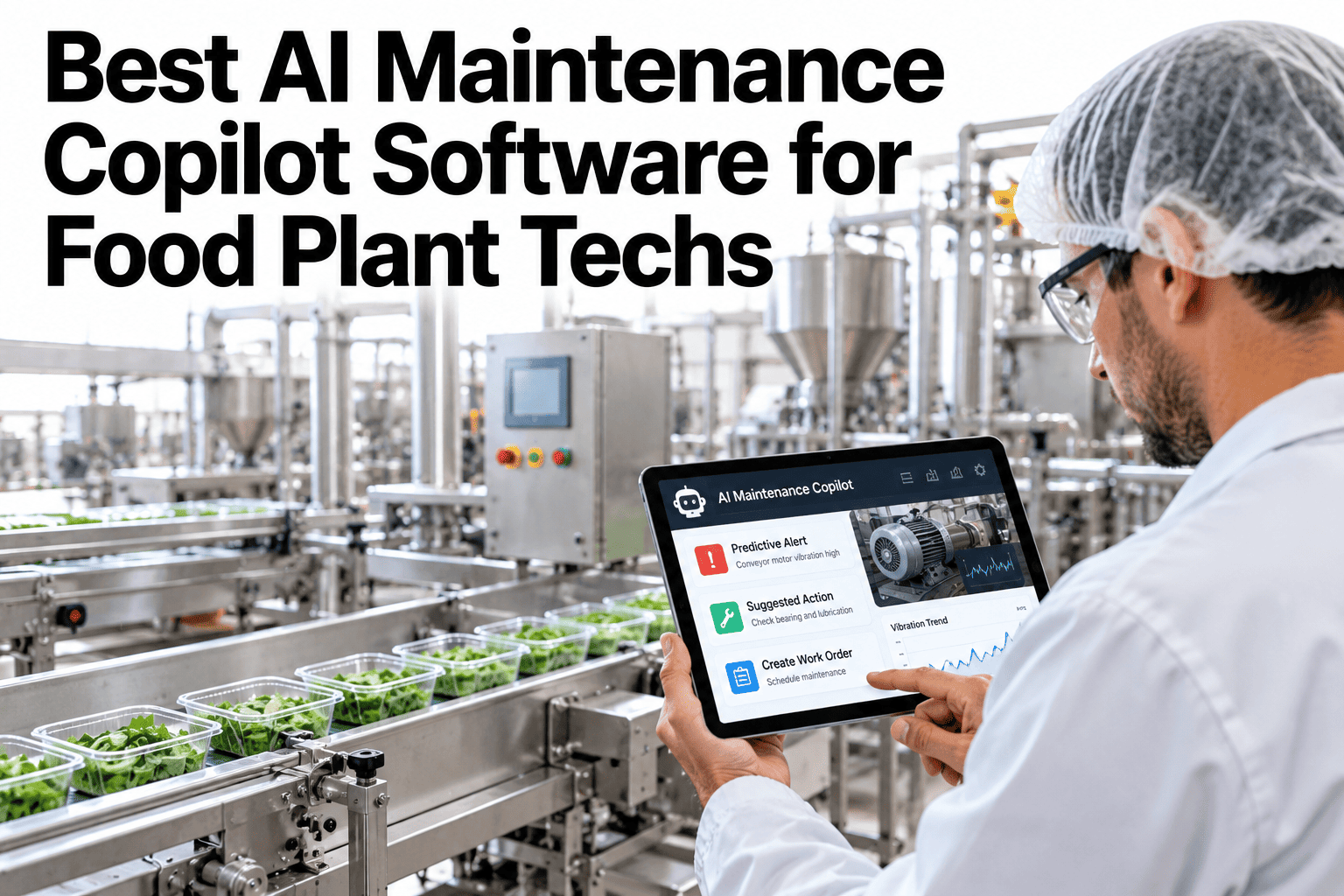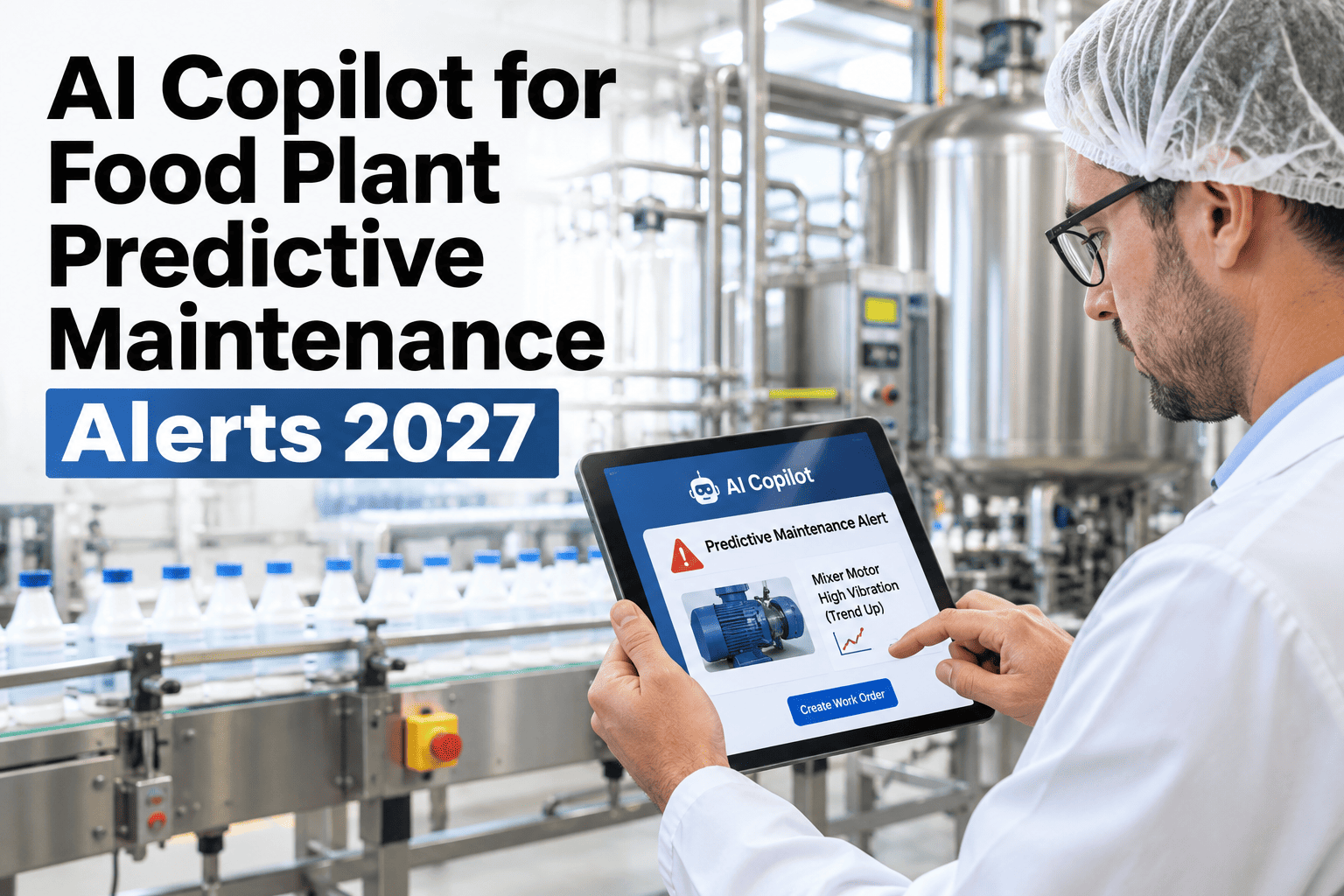
A predictive maintenance alert that arrives without an explanation is worse than no alert at all. It fires, the technician sees it, does not know what to inspect or how urgent it is, and either ignores it or calls a senior who also does not know without digging. The alert has done its job technically and failed operationally. The gap between a sensor firing and a technician acting — with the right tools, on the right component, within the right window — is where most predictive maintenance programs lose their value. iFactory AI, an on-premise AI platform for food manufacturing, closes that gap by translating every predictive alert into plain-language guidance: what fired it, what to inspect, what to expect, and how to close the loop when the work is done. Teams running PdM programs with unanswered alerts can see how iFactory AI explains alerts for food plant equipment.
Every Predictive Alert Explained: Why It Fired, What to Inspect, and How to Close the Loop
iFactory AI, an on-premise AI platform for predictive maintenance, translates sensor anomalies into actionable food plant maintenance guidance — from alert receipt to work order close-out, with full CMMS integration and no cloud dependency.
Why Predictive Alerts Fail Without an AI Explanation Layer
Predictive maintenance systems generate alerts. What they almost never generate is the context a technician needs to act on that alert correctly — fault history for that asset, the likely mechanism of the detected anomaly, the priority relative to other open alerts, and the specific steps to take before the next production shift. Without this context, alert response degrades into one of three failure modes.
What iFactory AI's PdM Explanation Layer Does
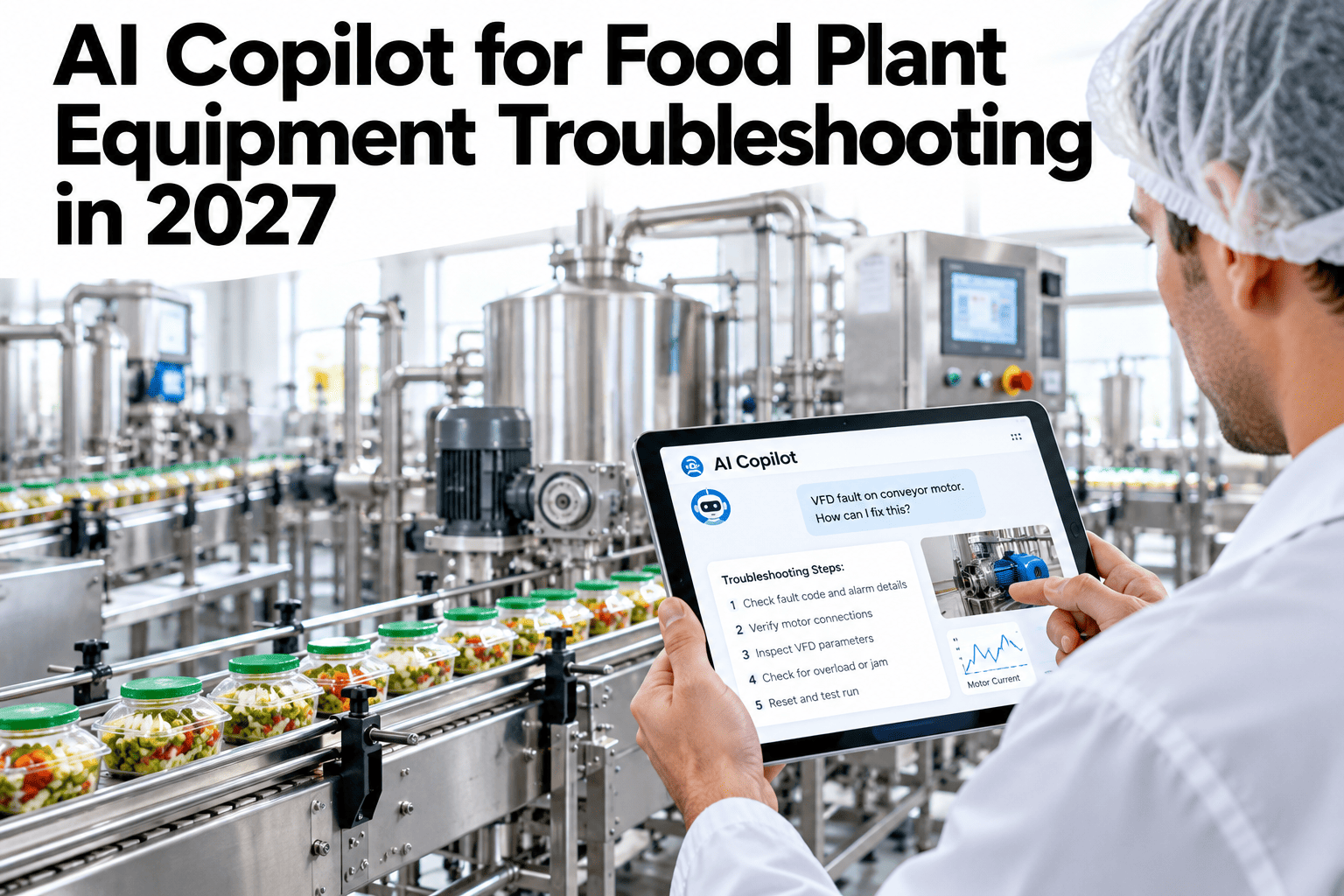
iFactory AI's predictive maintenance copilot sits between the sensor alert and the technician. It receives the alert, retrieves the asset's maintenance history, applies its trained failure-pattern models, and returns a structured explanation within seconds — in plain language the technician can act on without a PdM specialist present.
Turn Every Unanswered Alert Into a Planned Repair
iFactory AI deploys on-premise in your food plant and connects to your existing PdM sensors and CMMS — translating every alert into guidance your technicians can act on within minutes.
Alert Triage: How iFactory AI Prioritises Across Multiple Active Alerts
A food plant running 50+ monitored assets will generate multiple simultaneous alerts during peak production. The AI copilot triages these by combining failure urgency (estimated time to failure), production impact (is this asset on the critical path?), and available intervention window (when can the asset be safely taken offline?)
| Triage factor | How it is assessed | Effect on priority |
|---|---|---|
| Estimated time to failure | RUL model output based on current sensor trajectory and historical failure patterns | Shorter RUL = higher priority — regardless of severity classification |
| Production criticality | Asset's position in production flow — is it on the critical path, or does it have a standby? | Critical-path assets with no standby escalate immediately |
| Intervention window | Scheduled downtime slots, shift changeover gaps, and production schedule gaps from ERP/MES | Alerts with an upcoming planned window defer; those without escalate |
| Food safety risk | Asset classification: does failure risk product contamination, allergen breach, or CCP loss? | Any food safety risk raises priority to immediate regardless of other factors |
Closing the Loop: What Happens After the Inspection
A predictive maintenance program's value is only fully realised when the inspection findings feed back into the model — confirming predictions, correcting misclassifications, and improving future alert accuracy. iFactory AI's close-out workflow makes this automatic.
Teams that want to understand how iFactory AI's close-loop audit trail satisfies food safety certification requirements can ask the support team for a sample predictive maintenance audit record.
Food Plant Assets Commonly Covered by PdM Alerts
iFactory AI's predictive maintenance module covers all major rotating and thermally monitored assets in a food plant, with trained failure-pattern models for the most common food manufacturing equipment types.
Frequently Asked Questions
How does iFactory AI explain a predictive alert to a technician without specialist PdM knowledge?
The AI translates the sensor signature — vibration RMS, bearing frequency harmonic, thermal gradient — into plain language that describes the likely mechanism, the component most likely involved, and the inspection steps in the order they should be performed. The technician does not need to interpret an FFT spectrum or understand bearing frequency mathematics. They receive the equivalent of what a PdM specialist would tell them in a briefing. See a live explanation of a food plant PdM alert in a walkthrough session.
Can iFactory AI work with our existing PdM sensors, or does it require new hardware?
iFactory AI integrates with most industrial IoT sensor platforms through MQTT, OPC-UA, and REST API connections. If you have existing vibration, temperature, or current sensors already installed, iFactory AI can read their data directly without replacing them. Where sensors are not yet installed, iFactory AI's Greenfield Consulting team designs the sensor architecture and can commission the hardware as part of the deployment scope. Ask the support team whether your existing sensor hardware is compatible.
What is the false alert rate and how is it managed?
False alert rate depends on the sensor quality, model training data, and threshold calibration. In the first 90 days of a new deployment, false alert rates are higher as the model learns your plant's specific operating conditions and baseline variation. iFactory AI targets a false alert rate below 15% at steady state, with a continuous feedback loop from technician close-out confirmations adjusting the model. High false alert rates are always visible in the alert performance dashboard and trigger automatic threshold review. Review the alert performance management framework in a planning session.
How does the PdM copilot help with food safety compliance when a monitored asset fails?
When a monitored asset is a Critical Control Point or is associated with a food safety risk (contamination risk, allergen zone, CCP temperature control), the AI copilot flags this in the alert explanation and elevates the work order to immediate priority. The close-out checklist for these assets includes additional food safety confirmation steps — product assessment, sanitation check, and QA notification — before the asset is returned to service. The full sequence is logged in the CMMS audit trail. Ask about CCP-linked asset monitoring configuration.
How long does it take for the PdM model to become reliable for a food plant?
For assets with historical sensor data available (even from a previous PdM system), the model can be trained before go-live and is reliable from day one — with ongoing improvement as new data confirms predictions. For assets where sensors are newly installed, the model requires 60–90 days of baseline data before failure-pattern training begins, and reliable predictions emerge at 3–4 months. iFactory AI's deployment roadmap plans the sequencing of asset coverage to prioritise the highest-criticality, most-data-available assets first. Book a session to plan your food plant's PdM deployment sequence.
Make Every Predictive Alert Worth Acting On
iFactory AI deploys on-premise in your food plant and turns sensor anomalies into plain-language maintenance guidance — from alert to inspection to CMMS close-out, with full food safety audit trail.