AI Copilot for Repeat Fault Detection in Food Manufacturing

By James Smith on November 19, 2026

ai-copilot-for-repeat-fault-detection-in-food-manufacturing

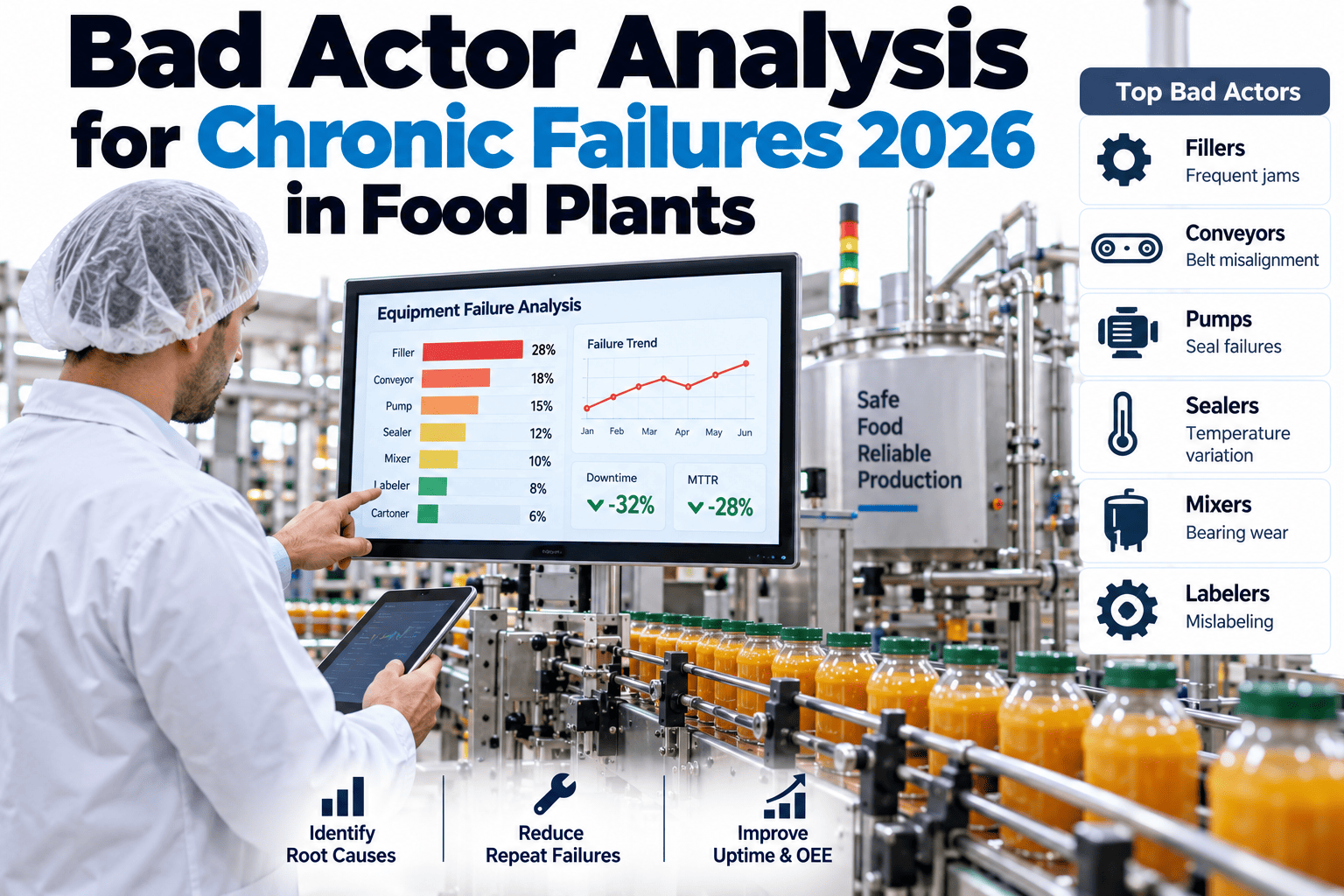
Every plant has at least one piece of equipment that fails just often enough to be annoying but never quite often enough to trigger a formal reliability project — the same conveyor motor, the same seal, the same sensor, showing up in the work order log every few weeks without anyone connecting the dots across shifts and months. A copilot that clusters faults by asset, code, shift and part surfaces that bad actor automatically, instead of waiting for someone to notice the pattern by hand. Food manufacturing reliability teams can see their own repeat faults clustered with iFactory AI.

Food Manufacturing · Repeat Fault Detection AI

The Bad Actor Hiding in Plain Sight Across Months of Work Orders

iFactory AI clusters recurring faults by asset, failure code, shift and part automatically, surfacing the chronic offender a monthly report would never connect.

Why Repeat Faults Stay Invisible in a Normal Work Order Log

A work order log records each failure as its own event, tagged with whatever details the technician had time to enter that day. Spotting that the same asset failed for a similar reason six times over four months means manually comparing records that are spread across different weeks, different technicians and sometimes slightly different wording for the same underlying cause.

Conveyor motor #3 — overheating

Filler seal — leak

Proximity sensor — false trip

Case packer belt — misalignment

Illustrative ranking by recurrence over a rolling period. A ranking like this only emerges once records are clustered across the full history, not reviewed one ticket at a time.

What the Clustering Actually Checks

Same asset
Failures tied to the exact same piece of equipment, not just the same line.
Similar failure code
Matching or closely related failure descriptions, even if worded differently by different technicians.
Shift pattern
Whether the recurrence clusters around a specific shift or operating condition.
Part involved
Whether the same component or part number keeps showing up across separate tickets.

See Which Asset Is Quietly Your Worst Offender

Share a few months of work order history and a short session will show which asset and failure combination is recurring most.

From Flagged Pattern to a Real Reliability Fix

1
Cluster confirmed
The system groups tickets and flags a recurrence above a set threshold.
2
Reliability reviews
The flagged asset and pattern are reviewed against maintenance and design history.
3
Root cause investigated
A focused investigation targets the actual cause instead of another quick fix.
4
Recurrence tracked
The same cluster is monitored afterward to confirm the fix actually held.

A Composite Scenario: The Motor Everyone Thought Was Just Unlucky

A plant's maintenance team had replaced the same conveyor motor's bearing three times over five months, each time treating it as an isolated failure rather than a pattern, since the work orders were spread across different technicians and did not obviously read as related. Clustering by asset and failure code surfaced the recurrence immediately, prompting a closer look that found a misaligned drive pulley putting consistent extra load on that specific bearing — a root cause a bearing replacement alone had never addressed. Fixing the alignment once resolved a problem that three separate bearing swaps had not, a pattern iFactory AI's team can help surface from your own historical work orders.

Frequently Asked Questions

How much work order history is needed before clustering is reliable?
A few months of consistent work order data is usually enough to surface a genuine recurrence pattern, though longer history improves confidence for less frequent bad actors. Check your own data readiness in a short session.
Does this work if technicians describe the same failure differently each time?
Clustering is designed to match similar descriptions and related failure codes, not just exact text matches, so inconsistent wording across technicians does not prevent the pattern from being found. Ask support how this handles inconsistent logging.
What counts as a recurrence worth flagging versus normal wear?
The threshold depends on your asset's expected failure rate, so a component with a naturally short service life needs a different bar than one that should rarely fail at all. Discuss threshold tuning for your specific equipment.
Can this connect to our existing CMMS data without new logging requirements?
Yes, clustering typically runs on work order data your CMMS already captures, without requiring technicians to change how they log a ticket. Ask support what your current CMMS already provides.
How is this different from a standard MTBF or reliability report?
A standard MTBF report shows a single number per asset, while clustering shows the specific pattern — the failure code, shift and part combination — that is actually driving that number down. See both views side by side for your own assets.

Stop Letting a Chronic Failure Hide in Separate Tickets

iFactory AI clusters recurring faults across your full work order history so the real bad actor surfaces automatically. Book a walkthrough with your own data.


Share This Story, Choose Your Platform!