Four operating parameters, temperature, pressure, speed and flow, interact with each other constantly, and a change to one almost always shifts the others. A fixed setpoint table cannot account for that interaction at real plant conditions, which is why lines often run a wide safety margin instead of their true optimum. Model predictive control and reinforcement learning close that gap by steering all four parameters together, continuously, within limits a process engineer has already approved. This guide covers how that optimization works and what a safe rollout looks like. Plants ready to see their own operating data modeled can book a demo with the iFactory AI team.
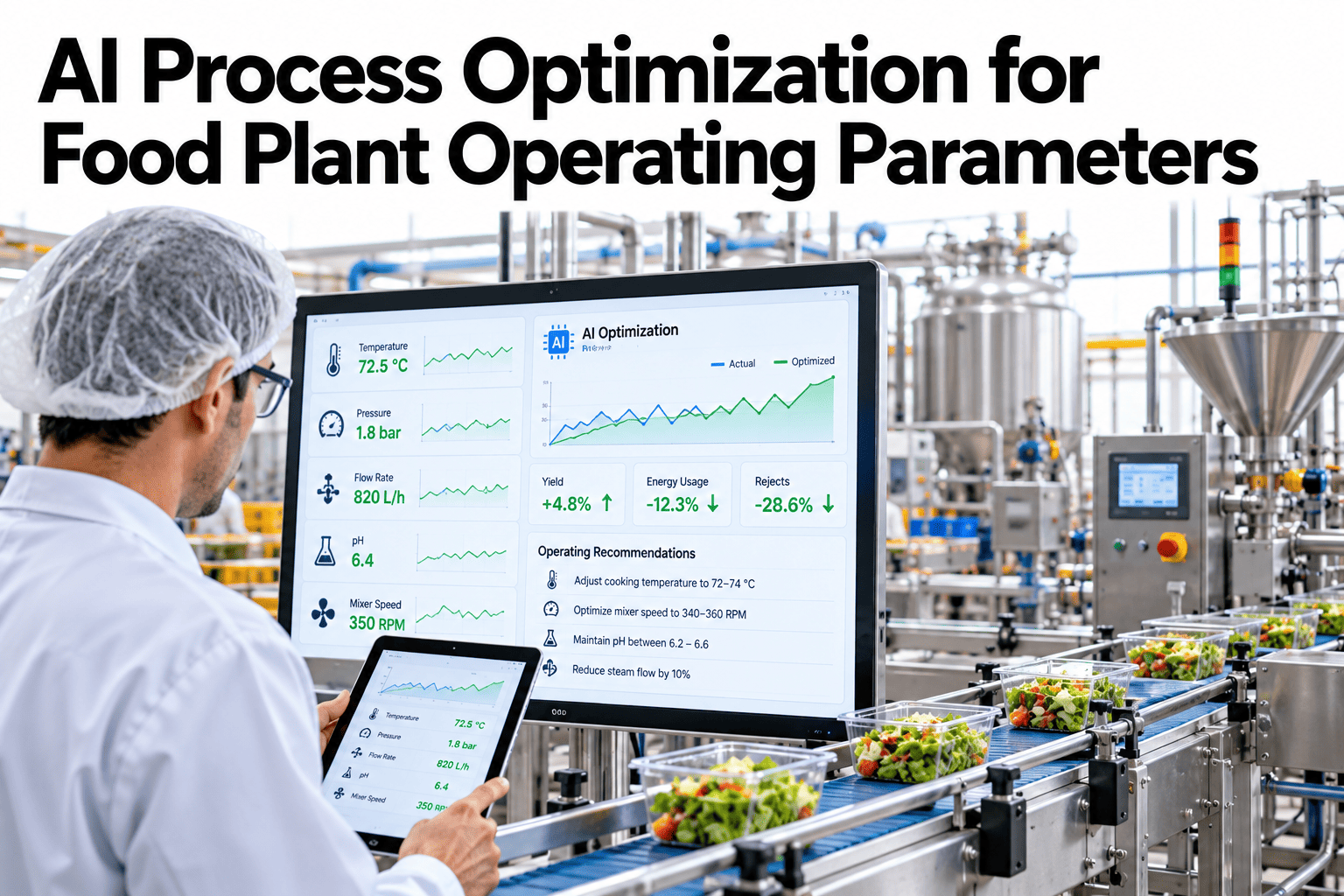
AI Process Optimization for Food Plant Operating Parameters
MPC and reinforcement learning steer temperature, pressure, speed and flow together at real plant conditions.
Why One Parameter at a Time Falls Short
Tuning temperature in isolation ignores how that change ripples into pressure and flow. A fixed setpoint table cannot capture those interactions, so plants build in margin instead of chasing the true optimum.
Model predictive control looks at all four parameters together, predicting how a change to one will affect the others before making any adjustment at all.
Two Approaches, Different Strengths
MPC and reinforcement learning solve the same problem differently, and most plants benefit from understanding which fits their process best.
| Approach | How It Works | Best Fit |
|---|---|---|
| Model predictive control | Uses a known process model to predict and optimize ahead of time | Processes with well-understood physics |
| Reinforcement learning | Learns the optimal response from live outcomes over time | Complex processes hard to model explicitly |
How the Optimization Loop Runs
The loop continuously predicts, checks and adjusts, staying inside limits a process engineer has already approved.
Find the Optimum Across All Four Parameters
Book a 30-minute walkthrough and see how MPC steers temperature, pressure, speed and flow together on your own line.
A Sample Optimization Result, Illustrative
The figures below are invented to show the pattern, not to benchmark your process.
90-Day Path to a Live Optimization
A turnkey MPC pilot fits comfortably inside a single quarter for one line.
Common Optimization Mistakes
The same errors show up across plants piloting multi-parameter optimization for the first time.
Frequently Asked Questions
Does this replace our existing DCS or PLC?
No, it works alongside your existing control system, sending optimized setpoints through the same infrastructure you already operate rather than replacing it. Ask support which control systems connect.
How does the system handle a parameter it has never seen before?
The optimizer falls back to conservative, previously validated setpoints when operating conditions fall outside what the model has seen, rather than extrapolating into untested territory.
Can quality teams see why an adjustment was made?
Yes, every optimization decision is logged with the parameters considered and the constraint that shaped it, giving quality and process teams a clear record to review.
How much throughput gain is realistic?
Gains vary by process and how much margin was previously held, but tightening unnecessary safety margins commonly yields a meaningful single-digit percentage improvement in throughput. Book a demo to estimate your own potential gain.
Stop Leaving Capacity in the Safety Margin
iFactory AI steers temperature, pressure, speed and flow together at real plant conditions. Book a walkthrough built around your plant.