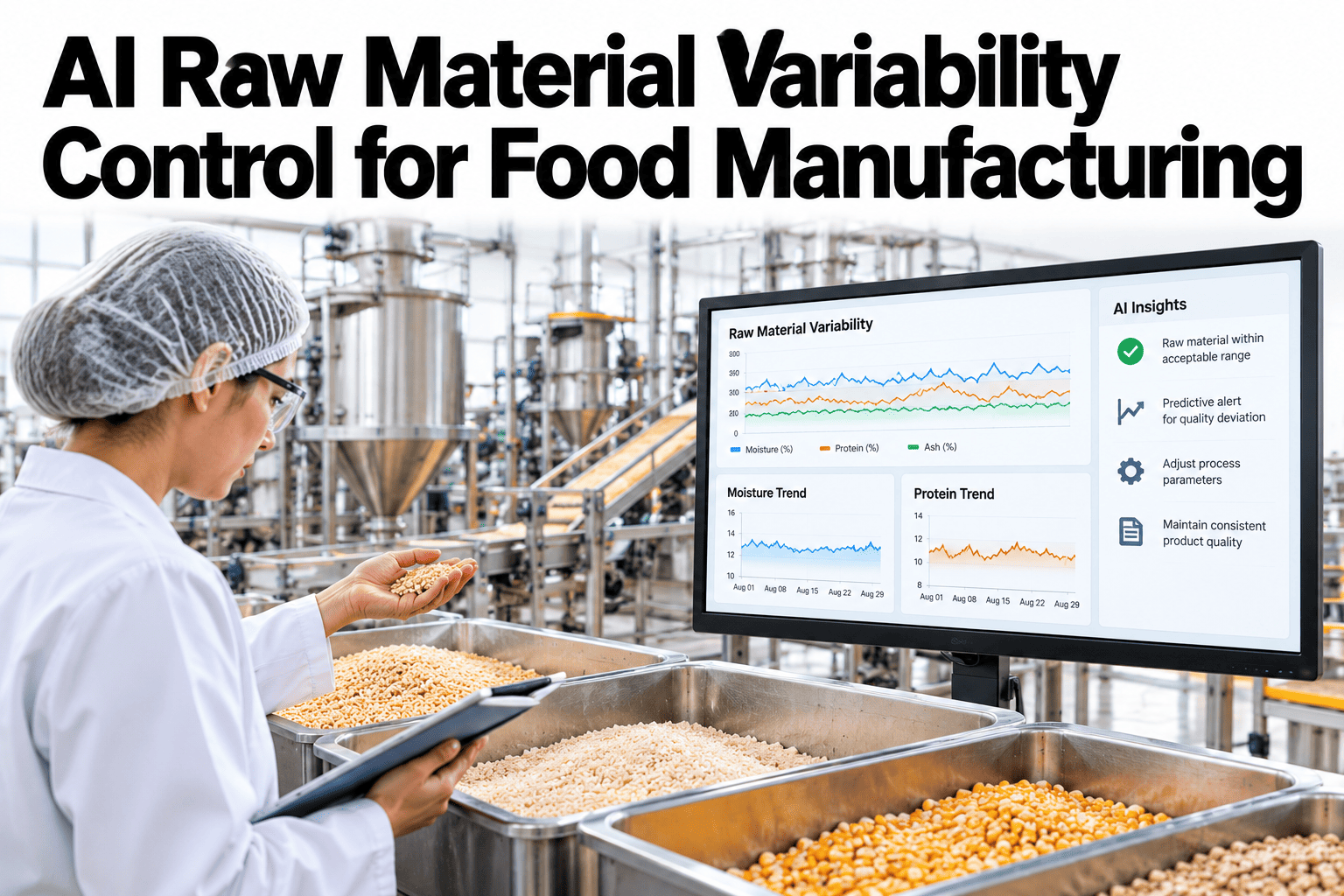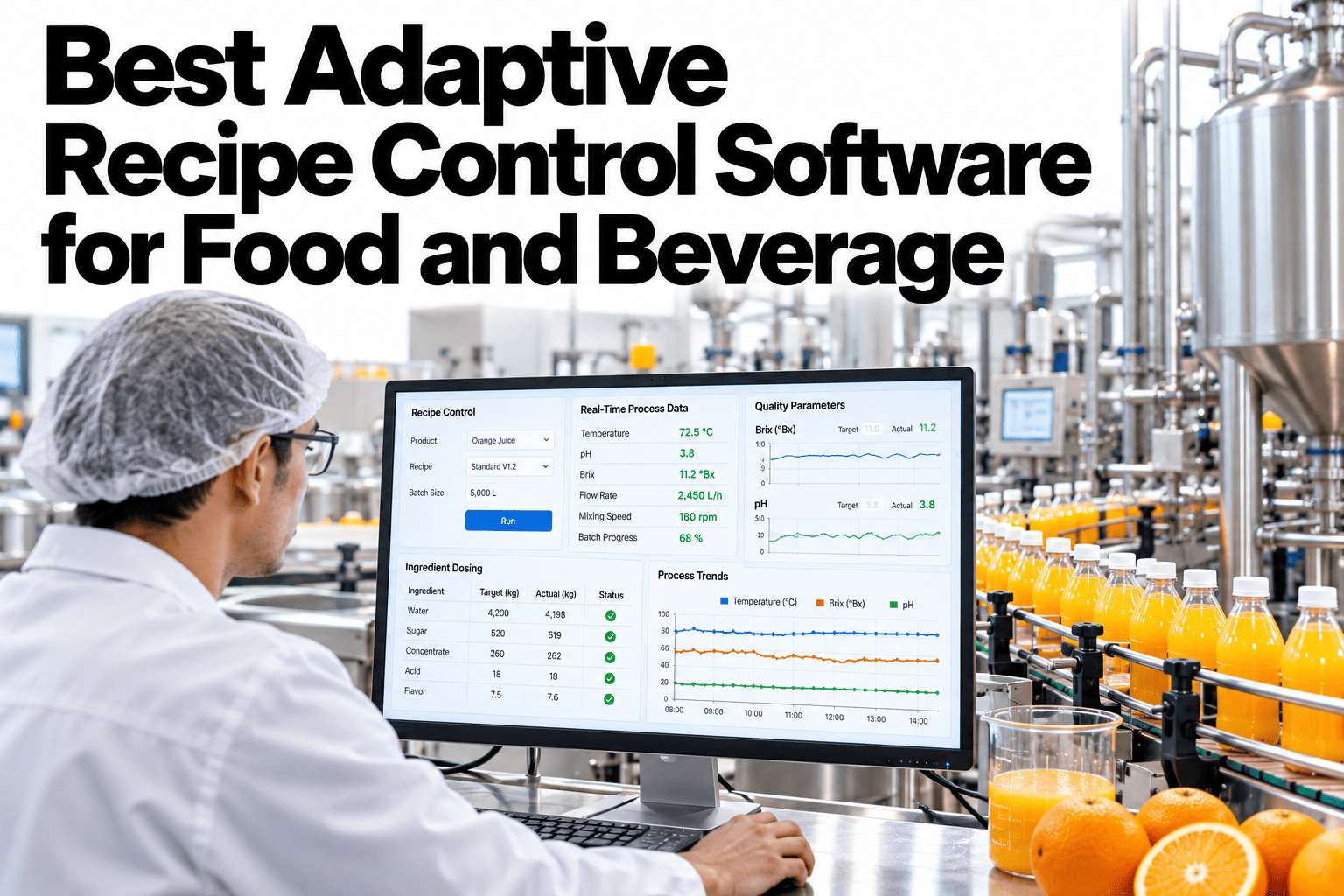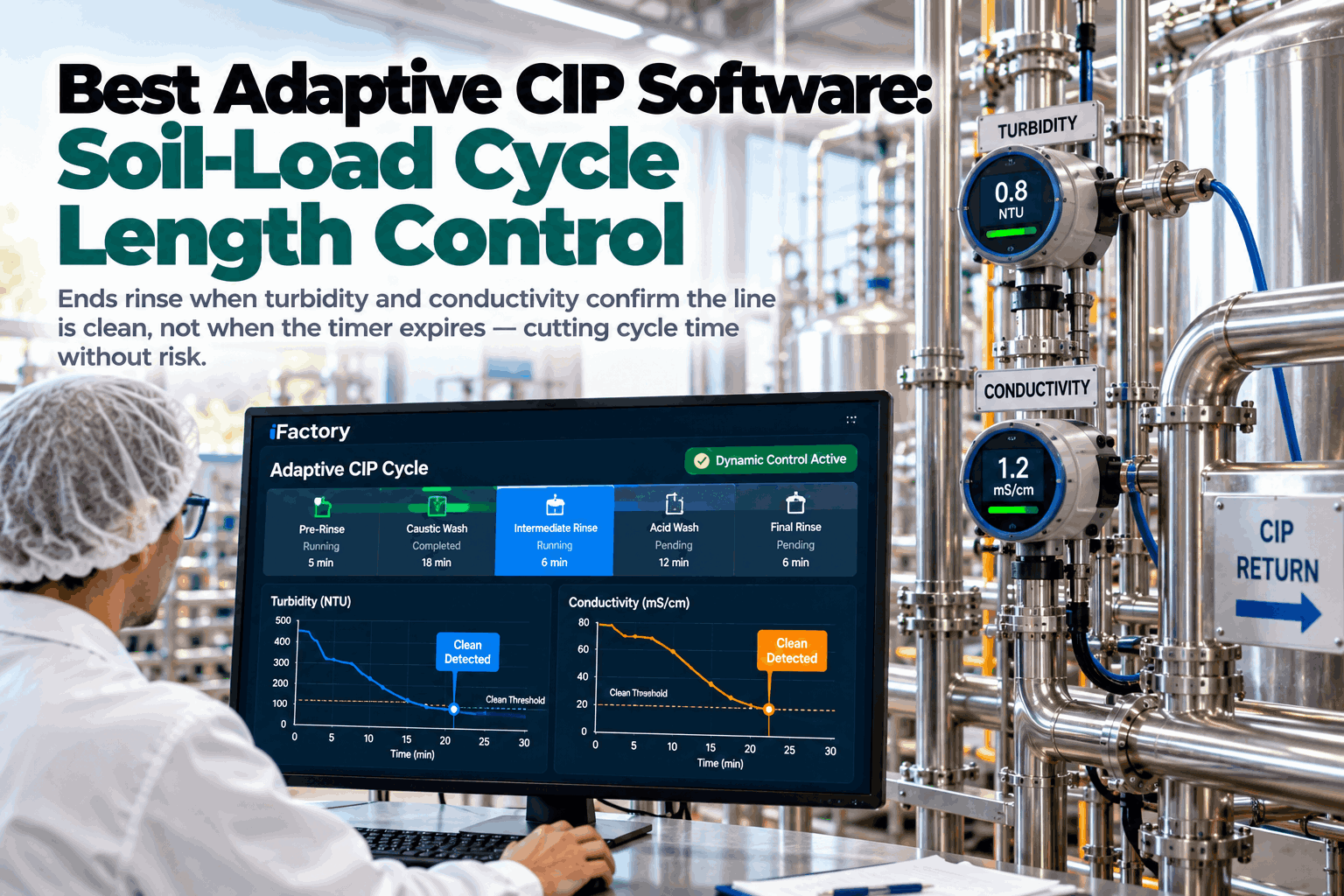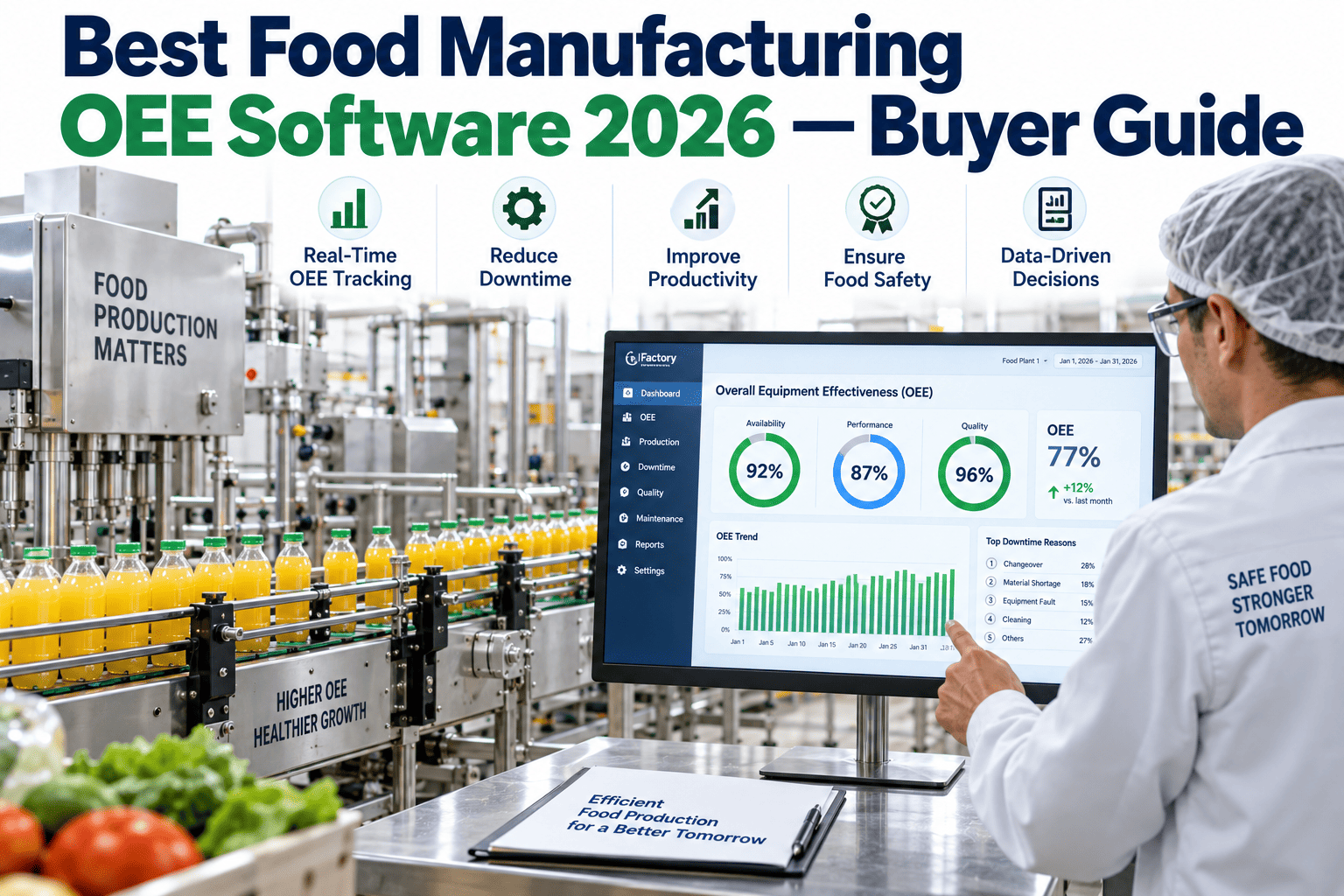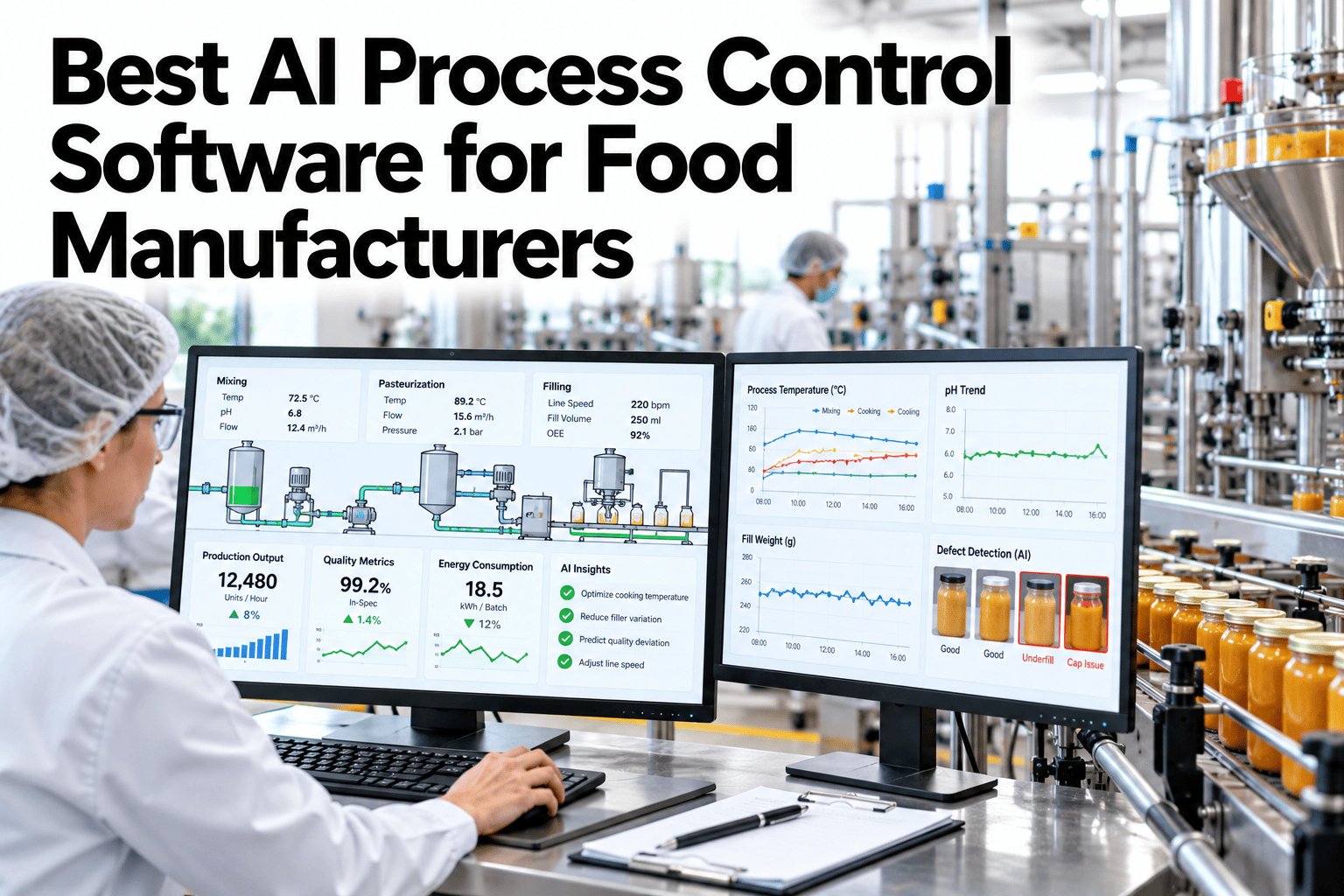
Most food process lines still rely on an operator nudging a setpoint when a batch starts drifting, usually a few minutes after the drift already began. By the time the correction lands, some variability has already made it into the product. AI process control closes that gap by reading live process data continuously and adjusting setpoints within a safe range before the drift turns into a reject. This guide covers how adaptive process control is built, what a safe deployment looks like, and how fast it typically goes live. Plants ready to see their own process data modeled can book a demo with the iFactory AI team.
Best AI Process Control Software for Food Manufacturers
Reads live process data and adapts setpoints safely so batch variability shrinks 20 to 40 percent, with a turnkey deploy in weeks.
Why Manual Adjustment Falls Behind
A skilled operator can read a trend and make a correction, but only after noticing it, and only within the limits of how often they can check every variable on a line.
An AI system watches every monitored variable continuously, so a correction can happen within seconds of a drift starting instead of whenever an operator next looks at the screen.
What the System Actually Adjusts
Adaptive control does not replace the process recipe. It keeps the process inside the recipe's intended range as conditions shift.
| Variable | Typical Adjustment | Stays Within |
|---|---|---|
| Temperature | Small setpoint corrections | Recipe-defined safe band |
| Pressure | Fine flow or valve adjustments | OEM and process safety limits |
| Line speed | Pacing adjustments to match upstream supply | Equipment-rated speed range |
| Flow rate | Dosing or feed-rate corrections | Recipe tolerance window |
How the Loop Works
The control loop runs continuously, comparing live data against the target and making small corrections before a deviation grows large.
See Variability Shrink on Your Own Line
Book a 30-minute walkthrough and see how adaptive process control keeps your setpoints inside range automatically.
Variability Reduction, Illustrative
The figures below are invented to show the pattern, not to benchmark your process.
90-Day Path to a Live Deployment
A turnkey process control pilot fits comfortably inside a single quarter, often less for a single line.
Common Deployment Mistakes
The same errors recur across plants piloting adaptive process control for the first time.
Frequently Asked Questions
Does this replace our DCS?
No, it works alongside your existing DCS or PLC, reading live data and sending bounded setpoint adjustments back through the same control system you already use. Ask support which control systems connect.
How is safety maintained during automatic adjustment?
Every adjustment stays inside limits approved during setup, tied to recipe tolerances and OEM ratings, so the system can never push a setpoint outside a range a person has already signed off on.
What happens if the model loses confidence in a reading?
The system falls back to the last stable setpoint and flags the uncertain reading for review, rather than making an adjustment based on data it cannot trust.
How long until we see variability improve?
Most plants see a measurable reduction within the first few weeks of live adjustment, though a full seasonal cycle gives the clearest picture of sustained improvement. Book a demo to size a realistic timeline.
Keep Every Batch Inside the Range That Matters
iFactory AI reads live process data and adjusts setpoints safely, shrinking variability without replacing your control system. Book a walkthrough built around your plant.