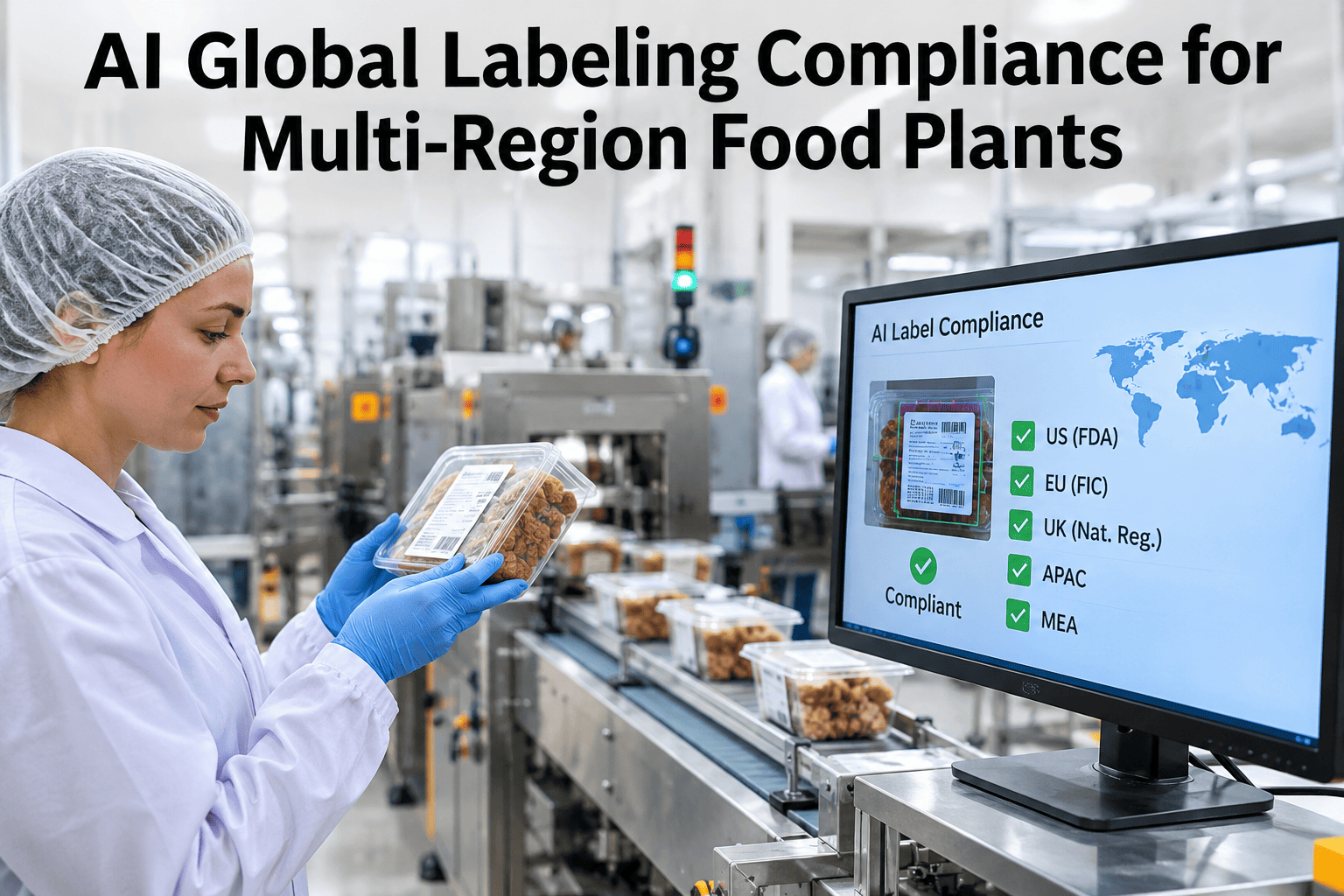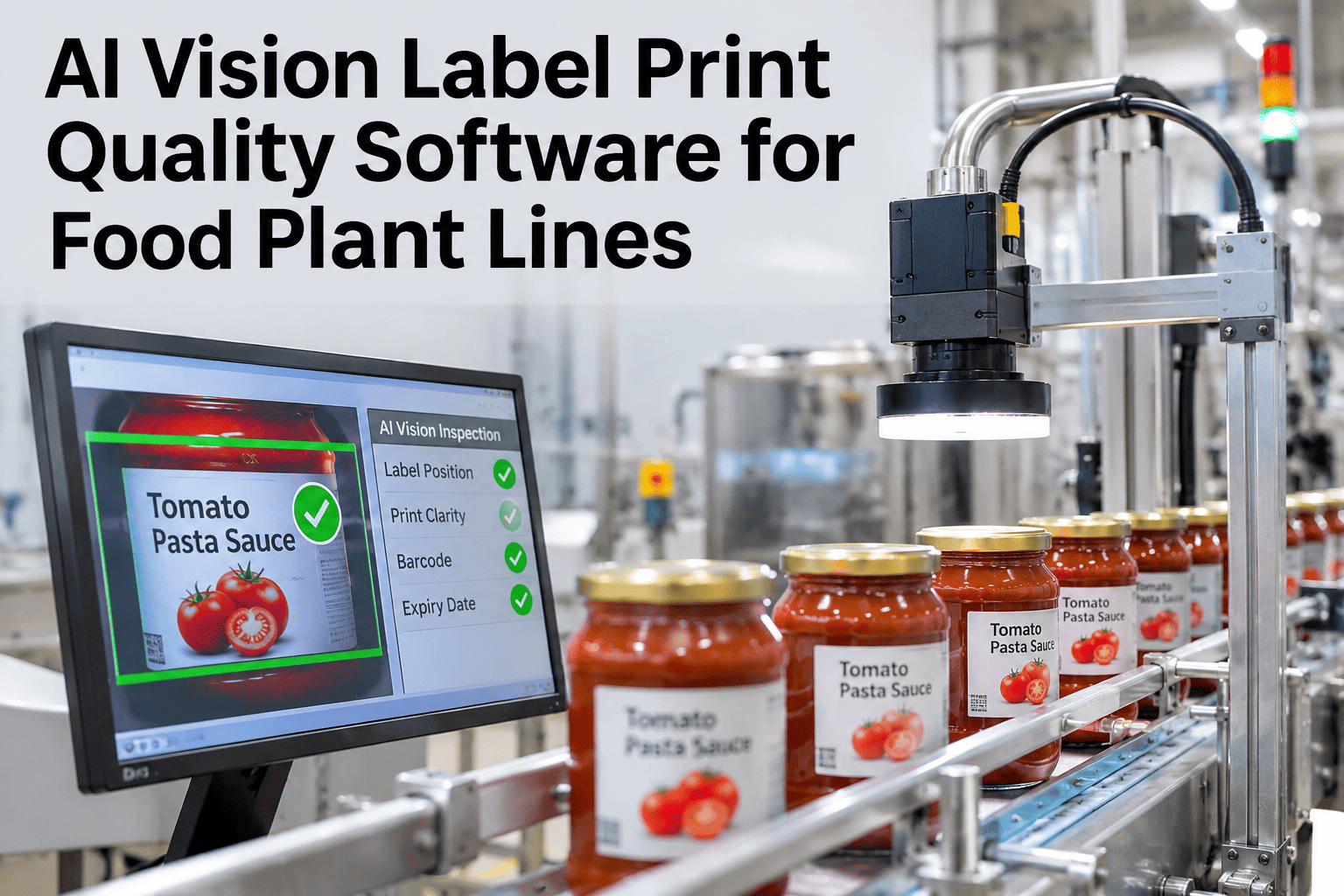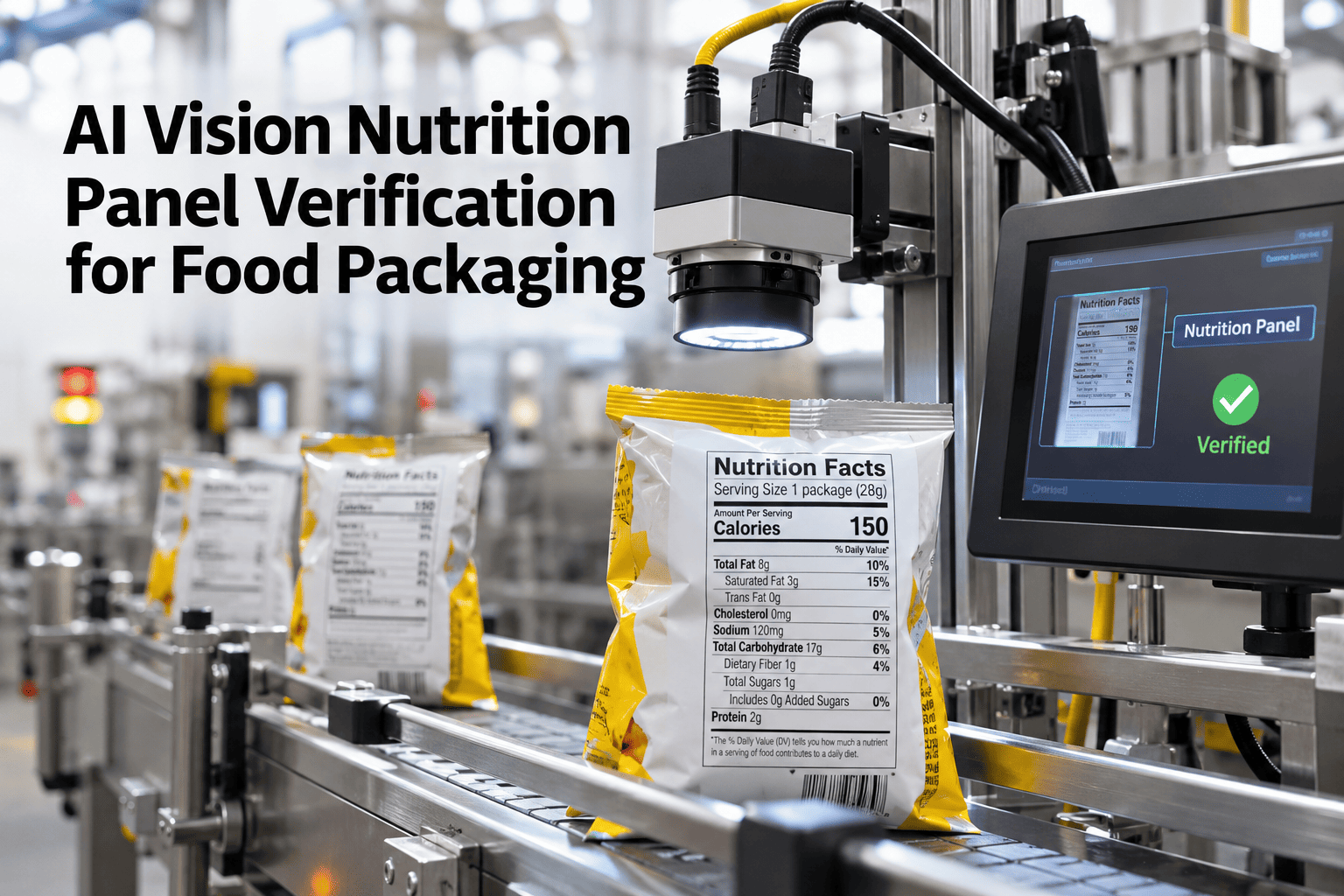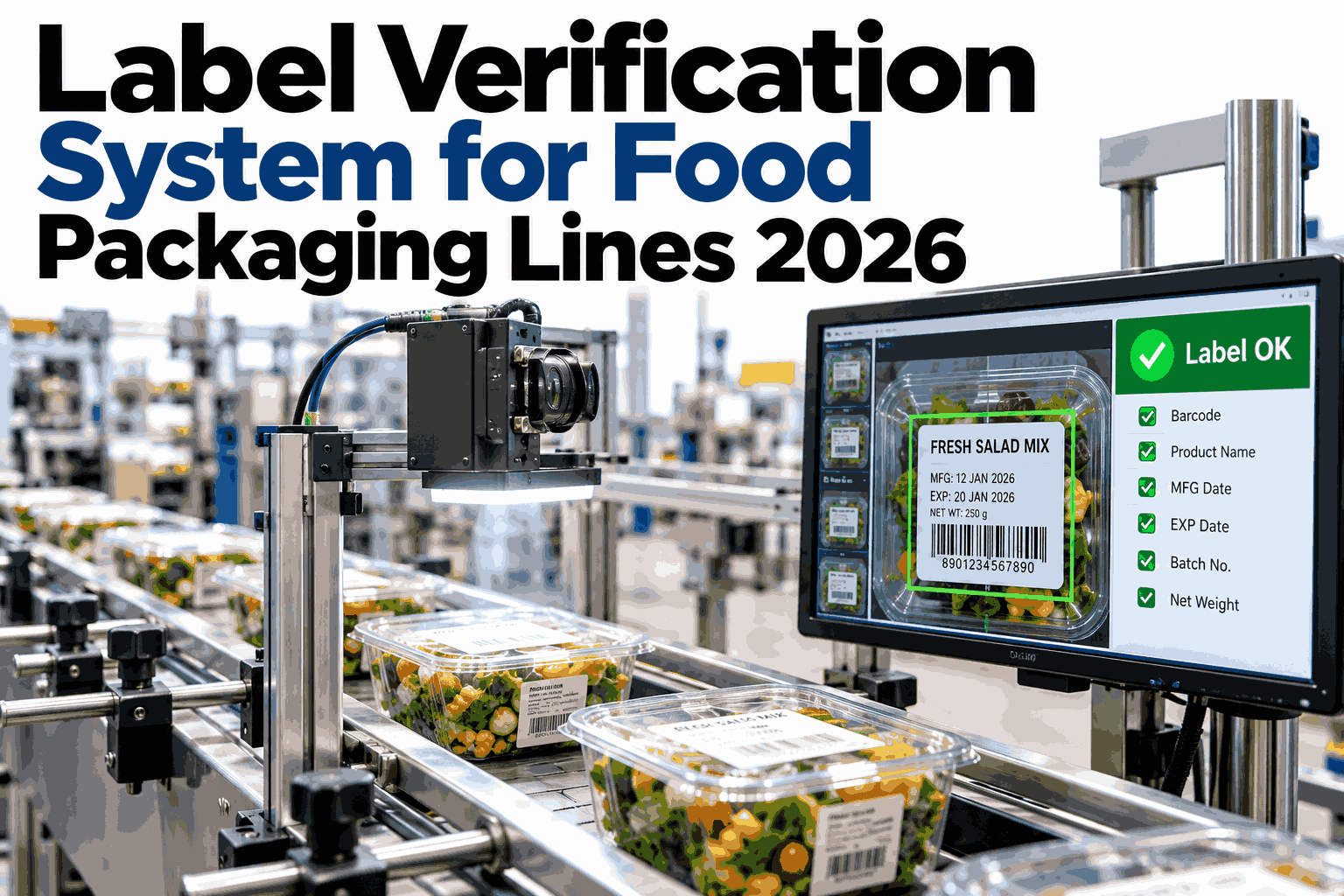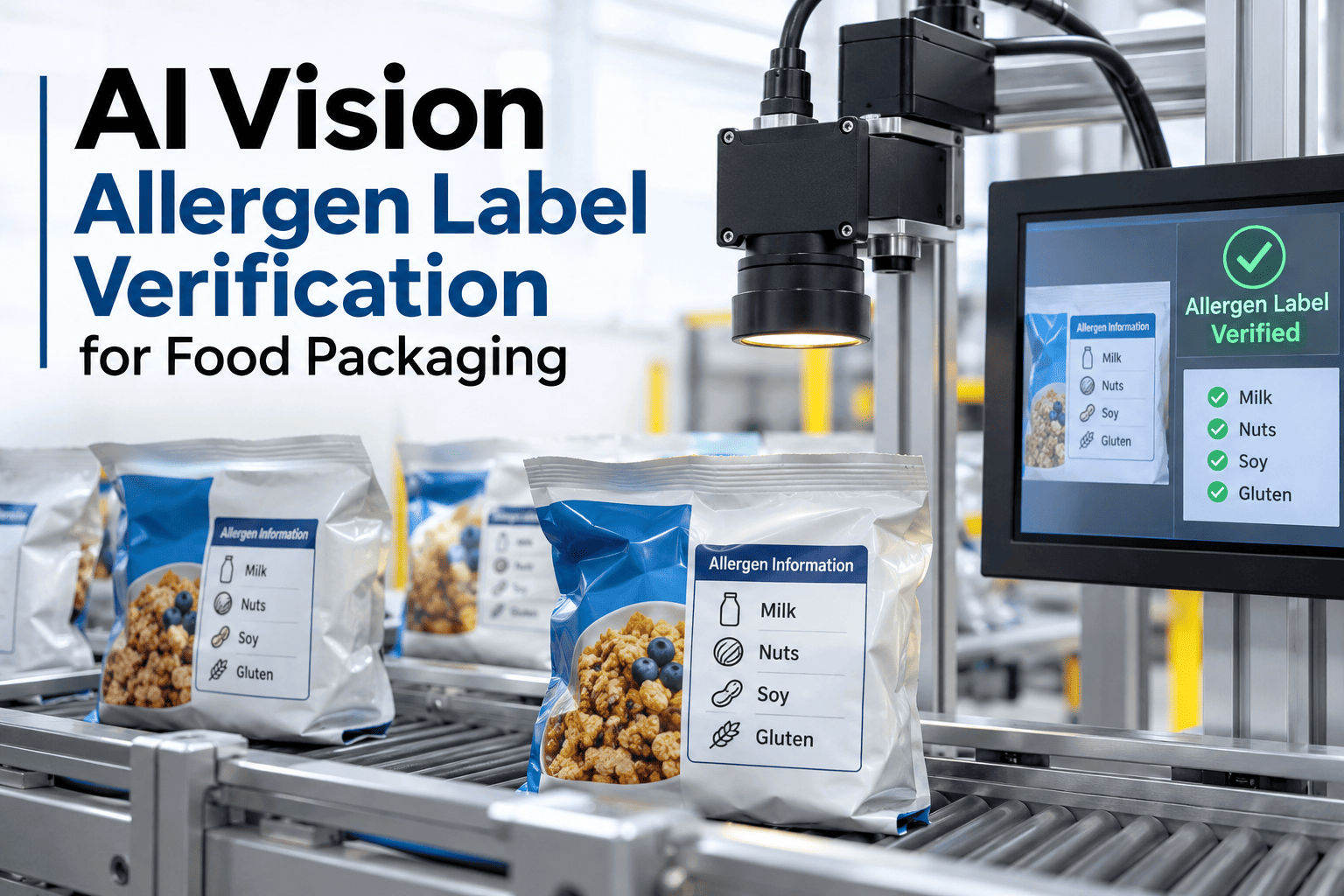
A printer that quietly keeps the previous SKU's label file loaded is one of the most ordinary mistakes on a packaging line, and one of the most dangerous, because a missing or wrong allergen statement is invisible to the naked eye at line speed. AI vision allergen label verification reads the printed allergen line on every single pack and checks it against what the running SKU actually requires, halting the line the instant the two disagree. iFactory AI, an on-premise AI platform for manufacturing, builds this check directly into the existing labeler and vision setup, and packaging teams can see their own label files checked against a running SKU in a short session.
Every Pack's Allergen Line, Checked Against the Running SKU
AI vision allergen label verification for food packaging reads the printed allergen statement on every pack and halts the line the moment it does not match the SKU actually running.
Why the Wrong Allergen Line Still Slips Through
Most packaging lines already have a vision system checking for a print defect or a missing barcode, but a surprising number of those systems never specifically compare the allergen statement text against the SKU that is supposed to be running. A label can print cleanly, scan correctly and still carry the wrong allergen line if a changeover left the previous SKU's file loaded, which is exactly the failure mode a generic print-quality check is not built to catch.
The Ordinary Failure That Leads to a Recall
Almost nobody intends to print the wrong allergen statement. It happens because a changeover runs a little behind schedule, the operator pulls up what looks like the right label template from a shared folder, and the labeler starts printing before anyone notices the file selected was last used for a different SKU with a different allergen profile. The pack looks correct at a glance, scans correctly at the barcode reader, and only the allergen text itself is wrong.
That is precisely why a check built specifically to read and compare the allergen line matters more than it might seem. Every other system on the line can report a clean pass while this one specific detail is wrong, and a clean pass everywhere else is exactly the condition under which a mislabeled run is most likely to ship undetected.
From Camera to Line Halt in One Continuous Check
See a Mismatch Caught Before It Ships
Share a sample of your current label files and SKUs, and iFactory AI will show how the match would catch a loaded wrong-file scenario.
A Print Quality Check Is Not an Allergen Check
| Check type | What it confirms | What it misses |
|---|---|---|
| Print quality scan | Text is sharp, barcode scans, no smearing | Whether the printed text is the correct allergen statement |
| Barcode verification | The SKU code matches the order | Whether the allergen line on the same pack matches that SKU |
| Allergen label verification | The specific allergen text matches the running SKU's requirement | Nothing it is specifically designed to catch |
A plant can pass every print-quality and barcode check on a pack and still ship a wrong allergen statement, because none of those checks were built to read and compare that specific line of text.
Why a Layout Check Alone Is Not Enough
Some vision systems already compare a label's overall layout against an approved template, which catches a wrong label format but not necessarily a correct-looking label carrying the wrong allergen text inside an otherwise correct layout. The statement box can be positioned exactly where it should be, in the right font and size, and still contain text left over from a different SKU if the underlying file was never swapped.
Reading the actual characters in the allergen statement and comparing them against the specific text required for the running SKU closes that gap, because it checks content, not just appearance.
What a Single Mislabeled Run Actually Costs
What a Plant Needs Before the First Camera Goes Live
Getting allergen label verification running starts with a clean, current library of the exact approved allergen statement text for every SKU, since the vision check is only as accurate as the reference text it compares against. Most of the early setup effort goes into confirming that library is correct and current with label compliance, which is valuable even independent of the vision check itself.
Once that reference library is solid, connecting it to the camera already watching the labeler is usually a matter of software configuration rather than new hardware, since most lines running any vision inspection already have a camera positioned to read the label area.
What a History of Label Checks Reveals Over Time
Beyond catching individual mismatches in the moment, a running record of label verification results across weeks starts to show which changeovers most often produce a near-miss, even when the halt caught it before any product shipped. A particular SKU pair that triggers a mismatch alert unusually often is worth investigating at the changeover procedure level, since the vision check catching it repeatedly is a signal the underlying process, not just the label file, deserves a closer look.
That pattern view turns the vision check from a pure safety net into a source of process improvement, pointing a packaging supervisor toward the specific changeover that needs tightening rather than treating every mismatch as an isolated, unrelated event.
Mistakes That Undercut Label Verification
Label Verification Alongside Changeover and Sequencing Controls
Label verification is the last line of defense, checking the finished pack rather than the process that led to it, which is exactly why it matters even on a plant that already runs strong allergen changeover verification and sequencing. Those upstream controls reduce how often a risky changeover happens and prove the cleaning was done correctly; label verification catches the one failure mode neither of them is built to see, which is a print file error that has nothing to do with whether the equipment itself was clean.
A plant running all three controls together closes the loop from schedule, to cleaning, to the pack that actually reaches a consumer, which is a stronger position than relying on any single control to carry the full weight of allergen safety on its own.
What a Food Safety Manager Would Check First
What Packaging Teams Ask About Label Verification
Stop a Wrong Allergen Line Before It Ships
Book a session with iFactory AI to see allergen label verification running against your own SKU and label library.