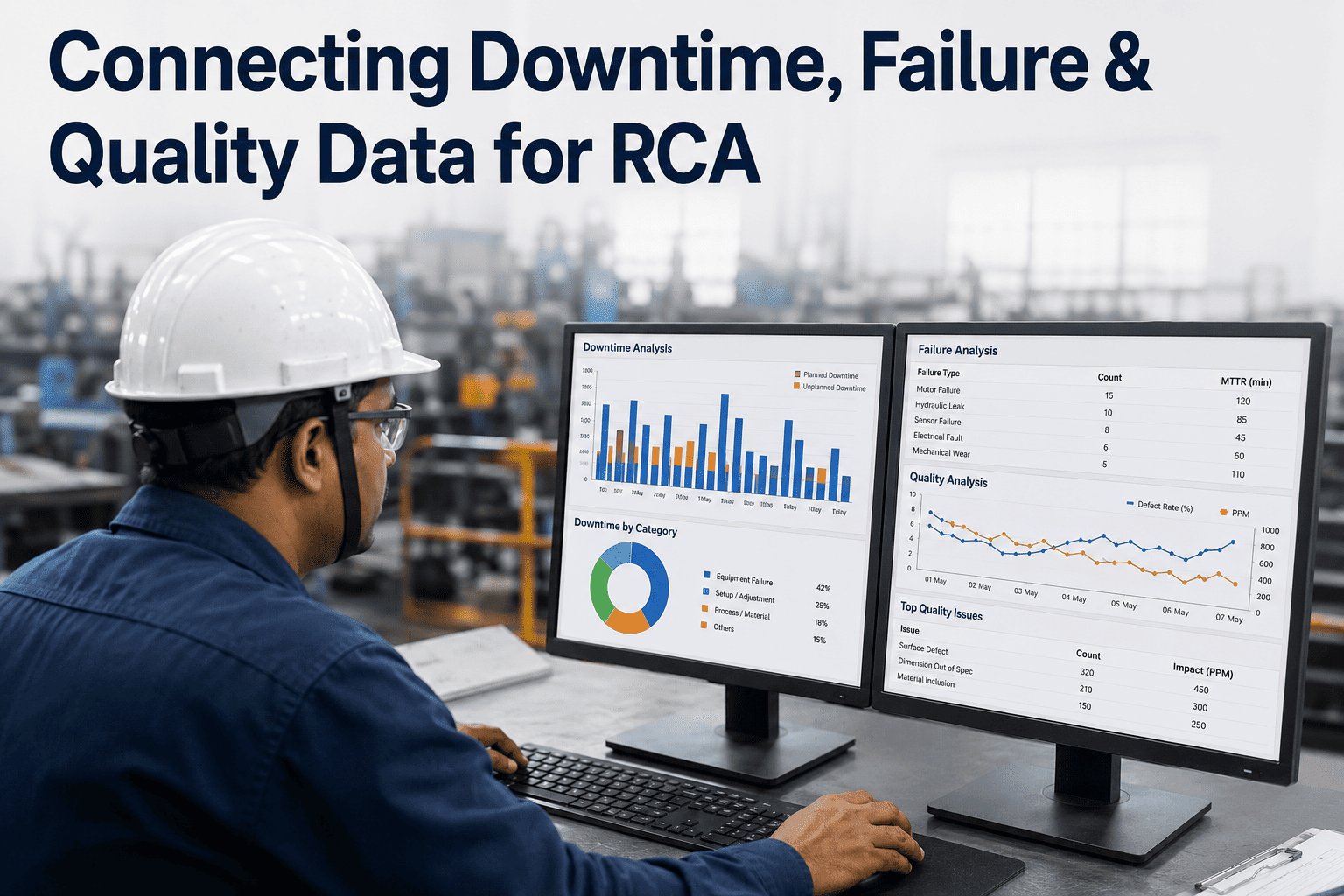
Ask three people in the same plant what caused last Tuesday's quality hold and you'll often get three different timelines, because each person is reconstructing the event from whichever system they happen to trust most. The downtime log says the line stopped at 2:14. The quality system says the defect was caught at 2:31. The maintenance log doesn't mention anything until a work order was opened at 3:05. None of these are wrong, they're just fragments of one event sitting in three places that were never designed to talk to each other. Root cause analysis only works when someone reassembles that timeline correctly, and iFactory's platform is built to do that reassembly automatically.
Reconstruct One Timeline From Downtime, Failure, and Quality Records That Were Never Connected
Automatically link the downtime log, the maintenance record, and the quality result from the same event, so the investigation starts from one accurate timeline instead of three competing accounts.
Why the Same Event Ends Up as Three Different Records
Downtime, maintenance, and quality data get captured by different systems, at different moments, for different reasons. A downtime tracker logs a stop the second a sensor detects it. A CMMS only gets an entry once a technician manually opens a work order, which might be minutes after the stop began. A quality system logs the defect at the point of inspection, which could be well after the actual cause occurred upstream. Each system is accurate about its own moment, but none of them was built to connect to the others, so the plant is left holding three separate, partially overlapping stories about the same ninety seconds.
What Gets Missed Without This Connection
The cost of leaving these systems disconnected isn't abstract — it shows up as specific, repeated gaps in every investigation that relies on manually cross-referencing records.
Bring One Past Investigation and We'll Rebuild the Timeline
Give us the downtime log, work order, and quality record from a single past event. We'll show you what the reconstructed timeline looks like once the three are linked automatically.
How Records Get Matched Automatically
The matching logic isn't guesswork — it relies on shared reference points that already exist across the systems, even if nobody has connected them before. Asset ID, batch number, timestamp proximity, and SKU are usually enough to link three records with high confidence, and the platform flags any match it isn't confident about for a human to confirm rather than silently guessing.
| Reference Point | Found In | Used to Match |
|---|---|---|
| Asset ID / line ID | Downtime log, CMMS, historian | Confirms same equipment across records |
| Batch or lot number | MES, quality system, ERP | Confirms same production run |
| Timestamp window | All connected systems | Confirms temporal proximity of events |
| SKU / product code | ERP, MES | Confirms same product was affected |
Building the Connection Without a System Replacement
None of this requires replacing the downtime tracker, the CMMS, or the quality system already in use. An integration layer reads from each system through its existing API or export mechanism, applies the matching logic, and writes the linked record back as a unified event, leaving the source systems exactly as they are for the teams who already know how to use them.
Not sure your downtime tracker and CMMS share enough common fields to match reliably? Send us a sample export and we'll check before you commit to a pilot.
What Changes Once Records Are Linked Automatically
Plants that connect these three data types consistently report the same shift: investigations stop starting from scratch and start from an already-assembled timeline, which changes the nature of the work from data collection to actual analysis.
Mistakes That Break the Matching Logic
The most common mistake is setting the matching confidence threshold too loosely in an effort to link more records automatically, which produces false matches that quietly corrupt the investigation history. It's better to flag a genuinely ambiguous case for human review than to force a confident-looking but incorrect link. A second mistake is only connecting two of the three data types — downtime and maintenance, say — and treating that as sufficient, which leaves quality context out of every investigation and misses the failures that only show up as a defect rather than a stop.
Frequently Asked Questions
Stop Reconstructing Timelines by Hand for Every Investigation
Bring your downtime, maintenance, and quality records for one past event. We'll show you what an automatically linked timeline looks like.