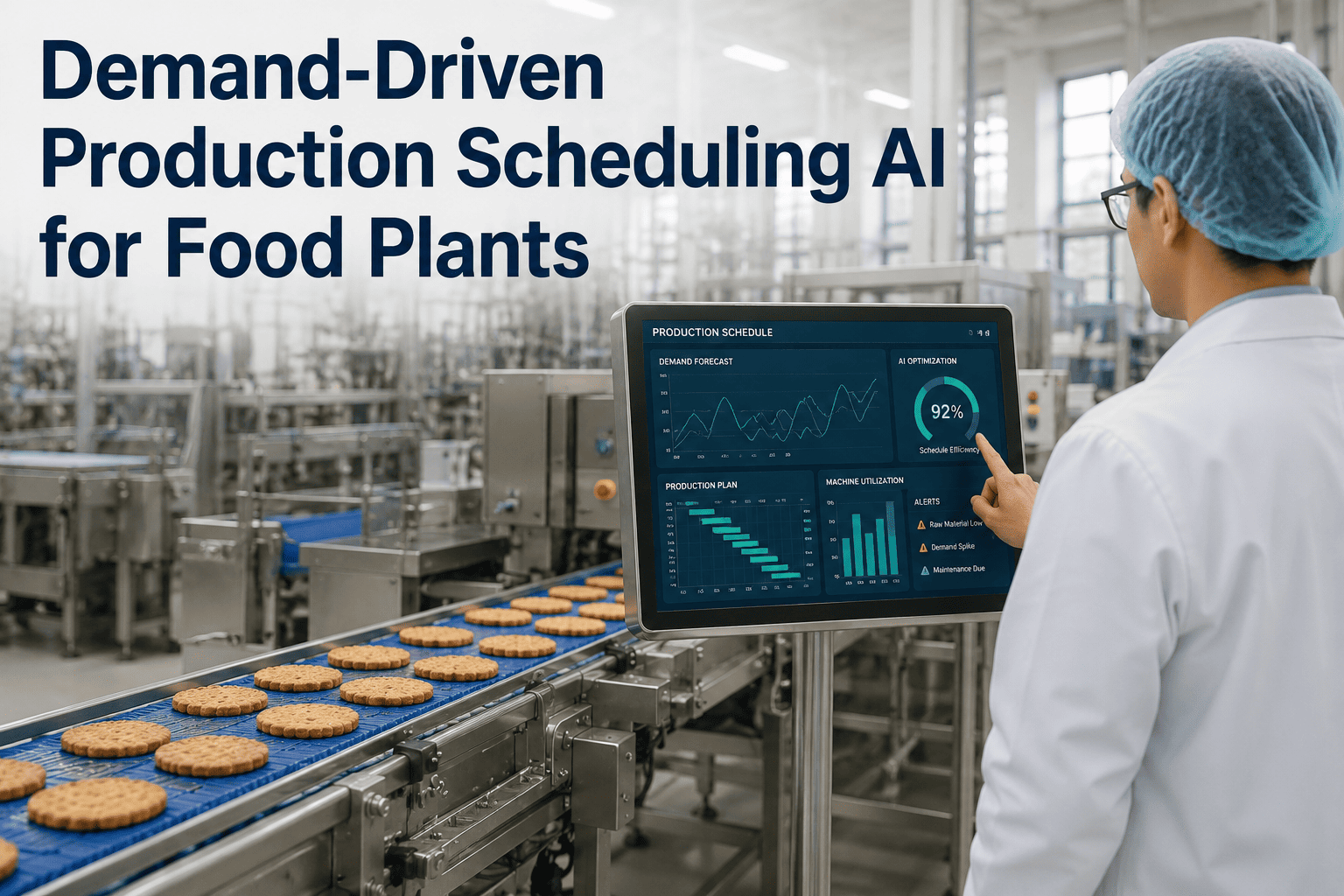
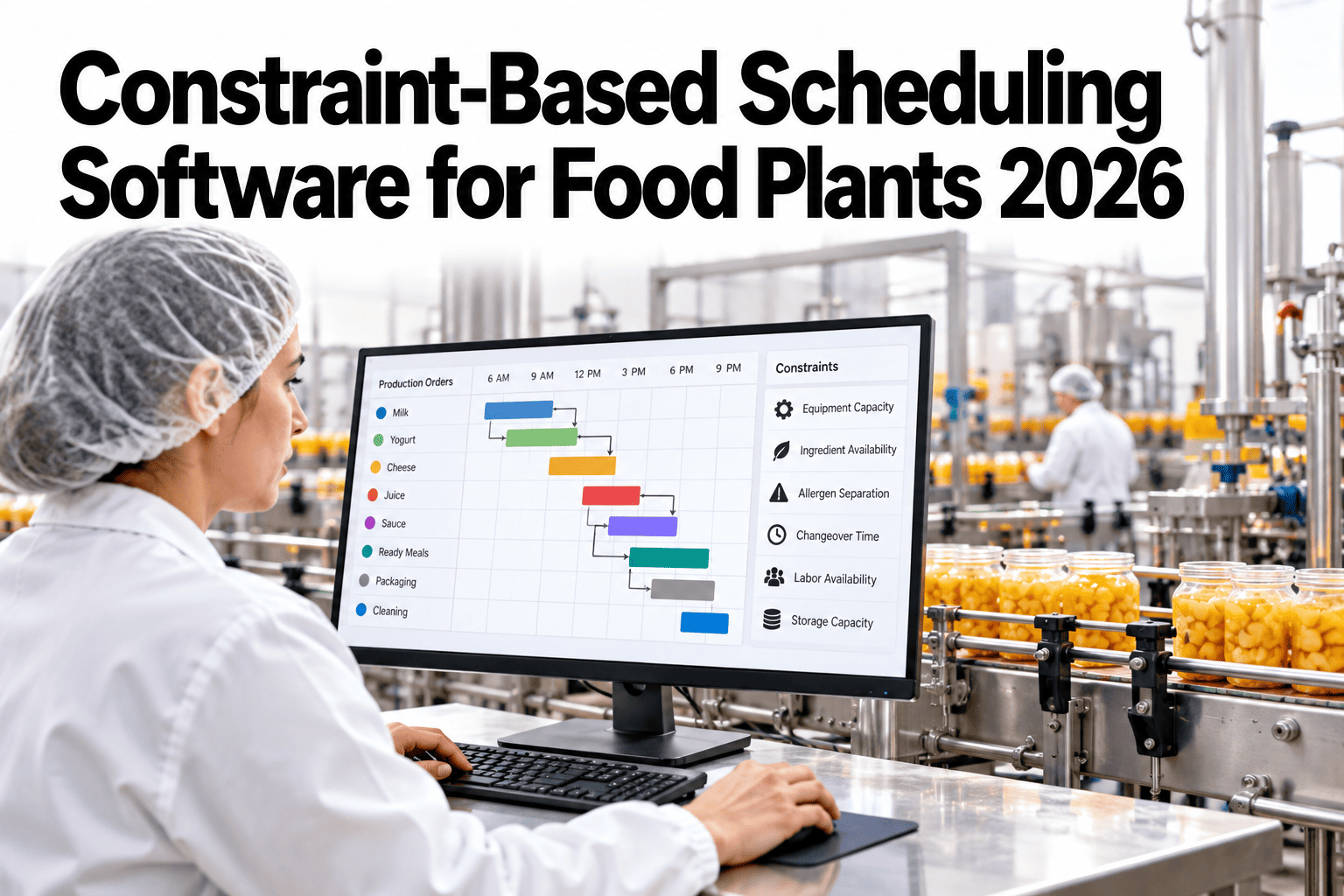
A production schedule built on Friday for the following week is already partly wrong by Monday morning, because a rush order came in, a line went down for two hours, or a raw material shipment arrived a day late. Most food plants still run on a schedule that only gets rebuilt weekly or when something breaks badly enough to force it, which means the plan on the wall rarely reflects what is actually happening on the floor. Demand-driven scheduling replaces that static plan with one that replans continuously against real orders and real line status. You can book a demo to see this running against your own order and line data.
DEMAND-DRIVEN SCHEDULING
A Schedule That Updates as Fast as Your Floor Actually Changes
Hourly replanning against live orders, line status, and inventory position closes the gap between what the schedule says and what is actually happening on the line.
THE PROBLEM WITH A WEEKLY PLAN
Static Schedules Are Wrong the Moment Reality Shifts
A weekly production schedule assumes that orders, line availability, and inventory will hold steady for the length of that week, an assumption that rarely survives contact with an actual plant floor. The result is a planning team that spends much of its time manually patching a schedule that is already out of date, while missed ship windows and rush changeovers eat into the very capacity the schedule was supposed to protect.
18-25%
of scheduled production time is typically consumed by unplanned rescheduling and rush changeovers
Hourly
is the realistic replanning cadence needed to keep pace with order and line status changes on most food plant floors
Fewer Misses
Plants running continuous replanning report noticeably fewer missed ship windows than those on fixed weekly cycles
HOW CONTINUOUS REPLANNING WORKS
A Loop, Not a One-Time Plan
Demand-driven scheduling is not a smarter version of the weekly plan, it is a fundamentally different structure that runs as a continuous loop rather than a one-time exercise.
1
Live Orders
Real order data, including changes and rush requests, feeds the plan directly.
2
Line Status
Current line availability, speed, and downtime state update the plan's constraints.
3
Inventory Position
Raw material and packaging availability are checked before any run is confirmed.
4
Replan and Dispatch
An updated schedule is pushed to the floor, then the loop repeats on the next cycle.
See What Your Schedule Would Look Like Replanned Hourly
Bring a recent week of order and line downtime data. We will show what a continuous replanning cycle would have changed.
STATIC VS DEMAND-DRIVEN
Two Very Different Ways to Run the Same Floor
Placed side by side, the practical differences between a static weekly schedule and a demand-driven one become clear fairly quickly, especially in how each handles the unexpected.
Static Weekly Schedule
Rebuilt once per week, regardless of what changes during that week
Rush orders handled through manual, ad hoc rescheduling
Line downtime absorbed by delaying downstream orders
Inventory shortages discovered when a run is already staged
Demand-Driven Schedule
Replanned continuously as orders, lines, and inventory change
Rush orders slotted automatically against real capacity
Downtime triggers an immediate replan across affected orders
Inventory shortages flagged before a run is scheduled, not after
WHAT THIS NEEDS TO CONNECT TO
Scheduling Is Only as Good as What Feeds It
A demand-driven schedule depends on live data from systems that already exist in most plants, connected together rather than replaced.
Order Management or ERP
Supplies live order volume, due dates, and priority changes as they happen.
MES or Line Controls
Reports real-time line speed, downtime events, and current run status.
Warehouse or Inventory System
Confirms raw material and packaging availability before a run is confirmed.
Labor and Shift Systems
Accounts for actual staffing levels so a replanned schedule stays realistic.
FREQUENTLY ASKED QUESTIONS
What Planning Teams Ask First
Does this replace our planners, or does it change what they actually do day to day?
It changes the work rather than removing the role, since planners shift from manually rebuilding a schedule after every disruption to reviewing and approving automated replans, handling exceptions the system flags as needing judgment. Most planning teams end up spending far less time on manual rescheduling and more time on the exceptions that genuinely need a human decision.
Book a demo to see how the planner role shifts in practice.
How often does the schedule actually need to replan for this to be useful?
Hourly replanning is a common and practical cadence for most food plants, frequent enough to catch order changes and line disruptions quickly without overwhelming the floor with constant schedule churn. Some fast-moving lines benefit from a shorter cycle, while others with more stable order patterns can run effectively on a slightly longer one.
Contact our support team to determine the right cadence for your plant.
What happens when the system's replan conflicts with what a supervisor knows about the floor?
Supervisors retain the ability to override or adjust a system-generated replan, since floor knowledge about equipment quirks or staffing realities is not always fully captured in the data feeding the schedule. The system is designed to reduce the volume of manual scheduling work, not to remove human judgment from decisions that genuinely need it.
Book a demo to see the override workflow in action.
Can this work if our ERP and MES systems are from different vendors and do not talk to each other well today?
Yes, this is one of the most common starting conditions, and the scheduling layer is typically built to pull data from multiple disconnected systems through standard connectors rather than requiring the underlying ERP and MES to be unified first. Fixing that underlying integration gap is valuable long term, but it is not usually a prerequisite for getting started.
Contact our support team to map your current system connections.
How long does it take to move from a pilot to running this across the full plant?
Most plants start with a pilot on one or two lines to validate the replanning logic against real conditions, then expand once the integration pattern is proven, a process that typically takes a few months from initial pilot to broader rollout depending on how many systems need to be connected. Trying to roll out across every line at once before validating on a smaller scope tends to slow things down rather than speed them up.
Book a demo to scope a realistic rollout timeline for your plant.
Stop Rebuilding the Schedule by Hand Every Time Something Changes
iFactory replans continuously against your live orders, line status, and inventory, so the schedule reflects reality, not last Friday's assumptions. Book a demo to see it running.