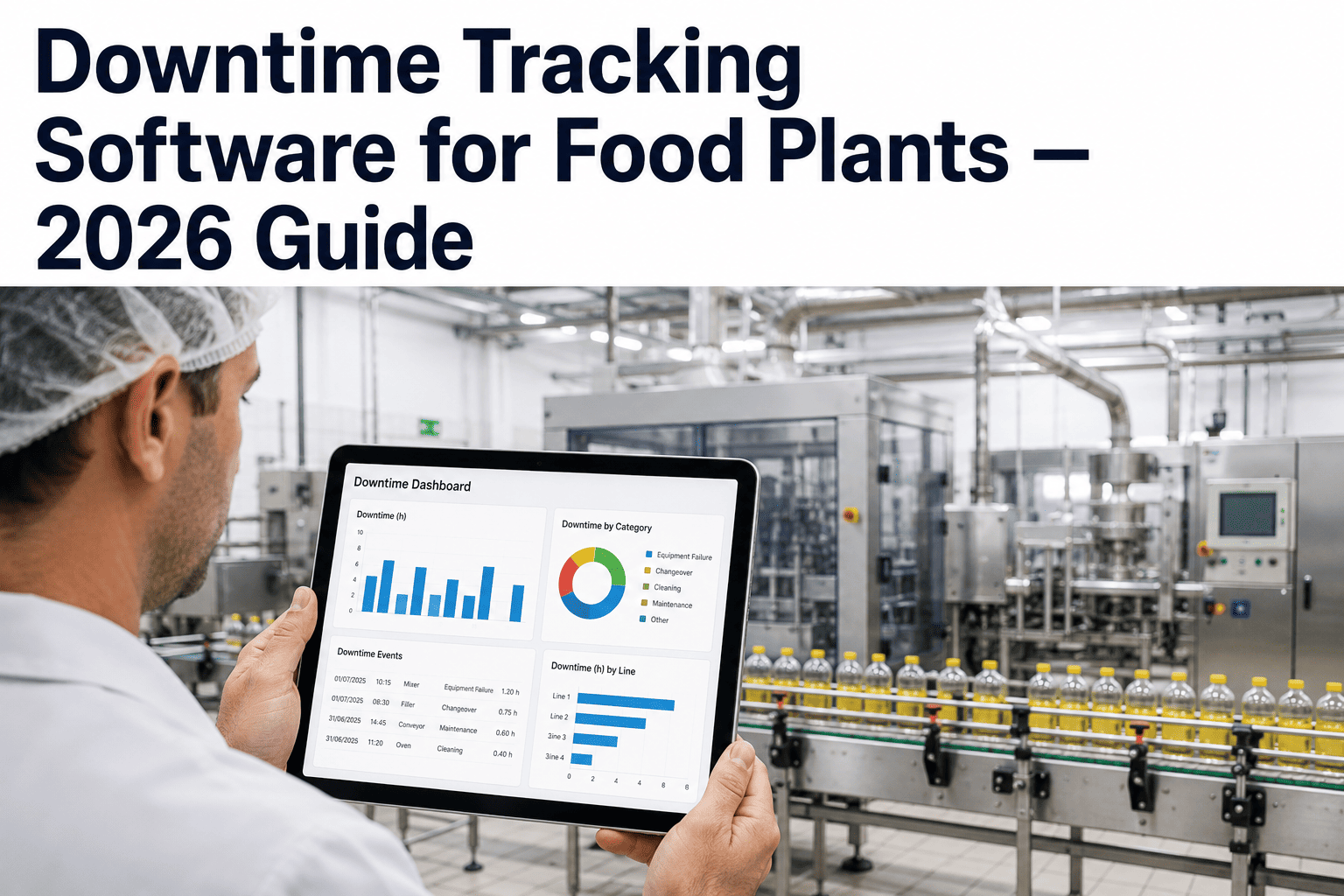
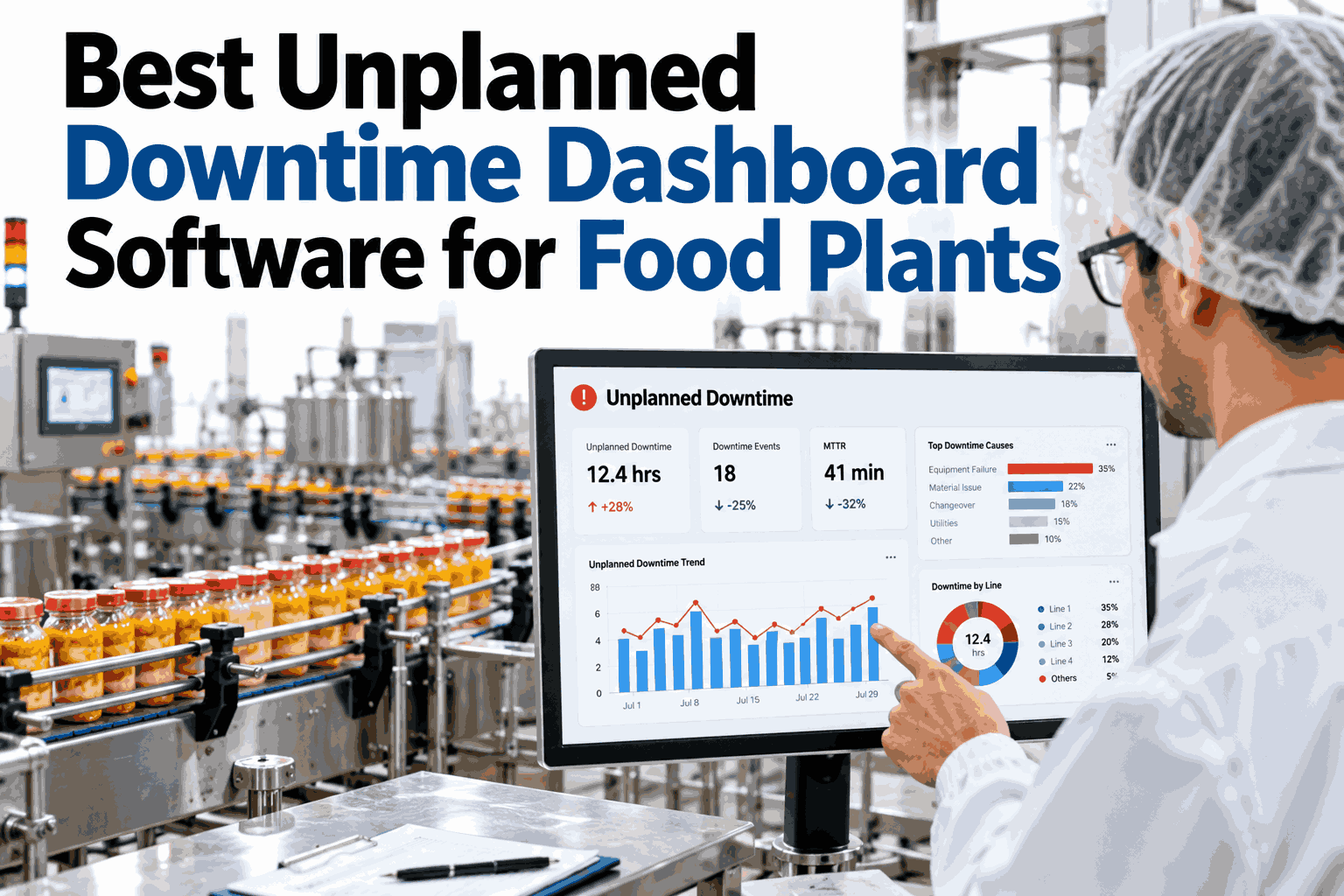
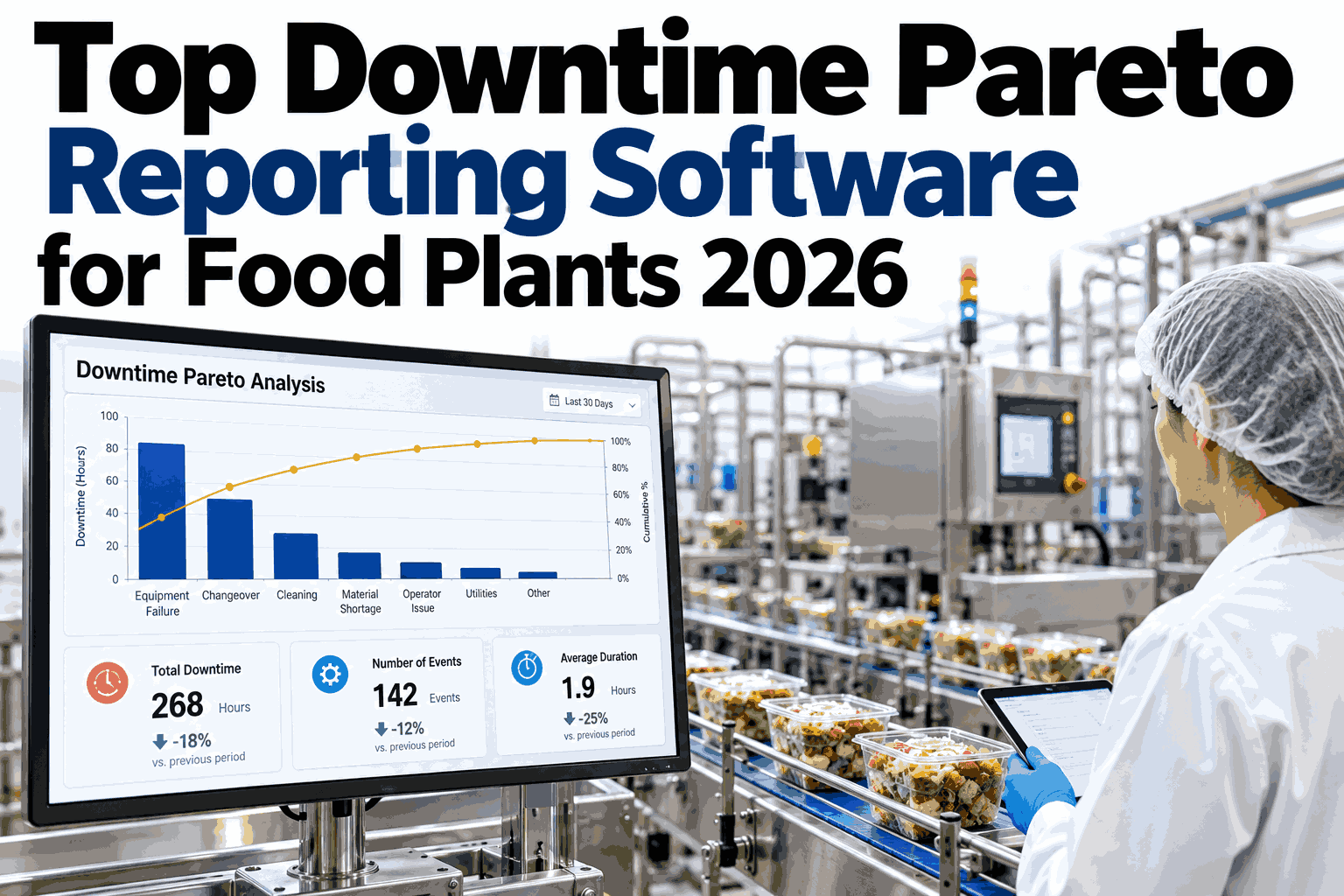
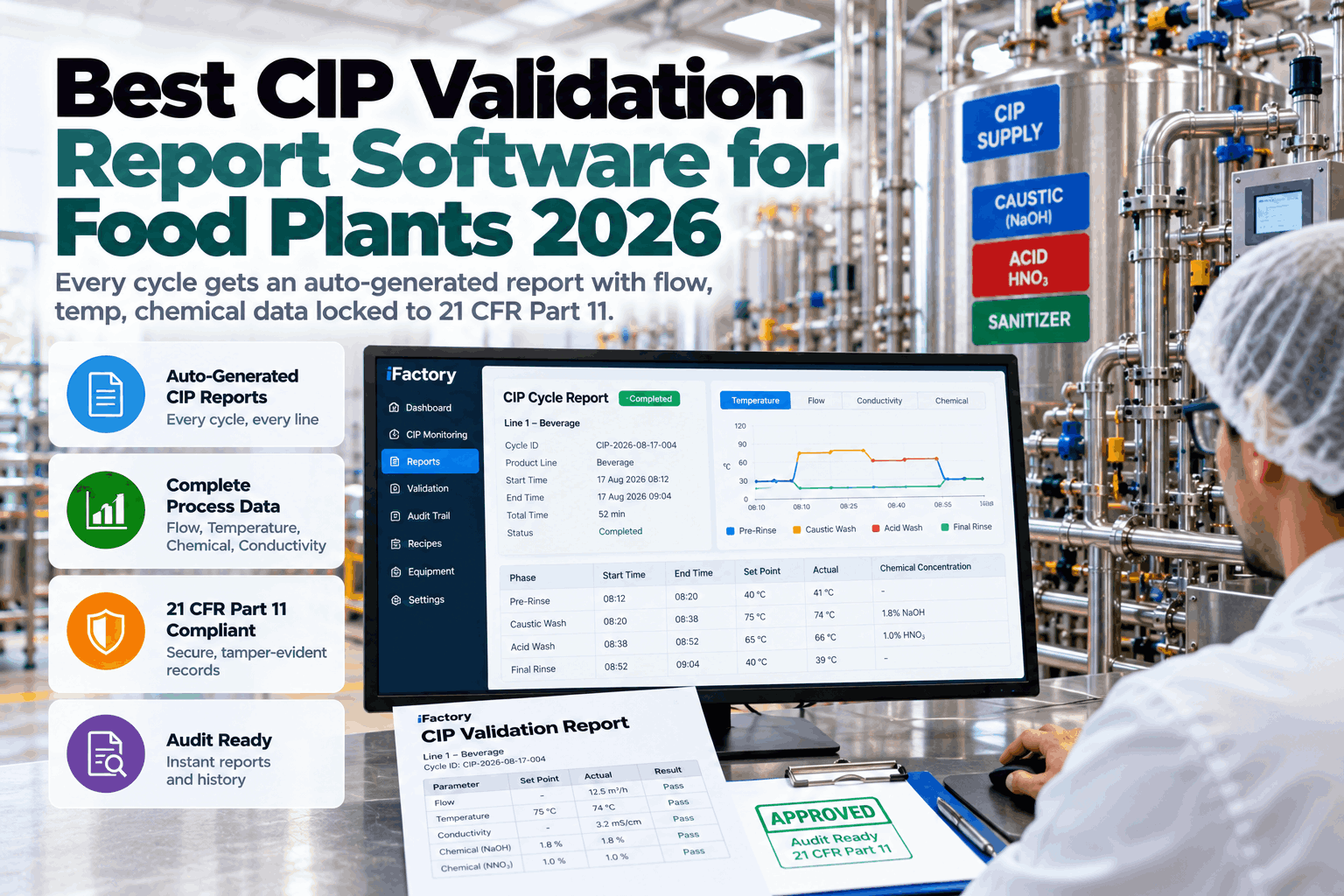
Ask five different supervisors on the same food plant floor what caused yesterday's downtime and you will usually get five different answers, none of them wrong exactly, but none of them complete either. Whiteboards get erased at shift change, paper logs go missing under a stack of production orders, and by the time anyone reviews the numbers the specific sequence of events is a memory rather than a record. Downtime tracking software exists to replace that reconstruction with an actual timeline, captured automatically as it happens rather than recalled after the fact. For food plants specifically, that means handling CIP cycles, allergen changeovers, and the flood of micro-stops that never make it onto a whiteboard at all. This guide walks through what a proper downtime tracking system for a food plant needs to do in 2026, and where a generic manufacturing tool tends to fall short. You can book a demo to see automatic downtime capture running on a line similar to yours.
2026 BUYER GUIDE · DOWNTIME TRACKING · FOOD & BEVERAGE
Replace The Whiteboard With A Real Downtime Record
iFactory captures downtime automatically at the signal level, applies structured reason codes, and surfaces the cost-per-minute impact of every stoppage across your food production lines.
MANUAL LOG VS AUTOMATIC CAPTURE, TYPICAL SHIFT
Stops Recorded
12-18 manual60-90 automatic
Reason Accuracy
Often guessed laterLogged in real time
Micro-Stops
Rarely capturedCaptured under 60s
THE HIDDEN COST OF MANUAL LOGGING
What A Whiteboard Cannot Show You
Manual downtime logging is not just slower than automatic capture, it is systematically biased toward the events people remember to write down, which tend to be the large, dramatic stoppages rather than the frequent small ones. That bias hides exactly the pattern most worth fixing.
30-50%
Share of total downtime commonly missed entirely by manual logging on packaging lines
15 min
Typical time per shift spent by supervisors reconstructing and entering downtime records
2-4 wks
Common time to first actionable insight after switching to automatic capture
WHAT TO LOOK FOR IN 2026
The Buyer's Checklist For Downtime Tracking Software
Downtime tracking has matured well past a simple stopwatch and reason code dropdown, and a system built for food production in particular needs to handle a specific set of requirements.
01
Automatic Signal-Level Capture
Downtime starts and stops based on PLC or sensor signals, not a person noticing and typing it in.
02
Structured Reason Coding
A consistent, food-specific reason code library so downtime causes are comparable across lines and shifts.
03
Micro-Stop Detection
Reliable capture of stoppages under a minute, which is where a large share of food plant downtime actually hides.
04
Cost-Per-Minute Attribution
Every downtime event tied to an estimated cost impact, so prioritization is based on dollars, not just minutes.
05
Shift Handoff Visibility
A clear record the incoming shift can review in minutes rather than relying on a verbal handover.
See Automatic Downtime Capture On Your Own Line
iFactory connects to your existing PLCs and sensors to build a complete, automatic downtime record within weeks. Book a demo and bring a recent shift for comparison.
FEATURE COMPARISON
Manual Logging Versus Automated Downtime Tracking
Laid out side by side, the practical differences between manual and automated tracking explain why so many food plants eventually make the switch.
| Factor |
Manual Whiteboard Or Paper Log |
iFactory Automated Tracking |
| Capture Method |
Operator memory and manual entry |
PLC and sensor signal, automatic |
| Micro-Stops |
Almost never recorded individually |
Captured and coded individually |
| Reason Consistency |
Varies by who logs it |
Standardized reason code library |
| Cost Visibility |
Rarely calculated in real time |
Cost-per-minute shown per event |
| Shift Handoff |
Verbal, easily lost in translation |
Written record reviewable in minutes |
GETTING REASON CODES RIGHT
Why Generic Codes Do Not Work For Food Production
A reason code library borrowed from discrete manufacturing tends to treat every stop the same way, which misses the categories that actually matter for a food line running CIP and allergen changeovers.
CIP And Sanitation Codes
Separated from unplanned downtime so cleaning time is tracked but not mistaken for a failure.
Allergen Changeover Codes
Distinct from a standard SKU changeover given the additional verification steps required.
Micro-Stop Sub-Categories
Jam, misfeed, and sensor fault broken out individually rather than lumped into one generic minor stop.
Upstream Dependency Codes
Distinguishes a line stop caused by its own equipment from one caused by an upstream supply interruption.
WHO THIS SERVES
Built For Every Line In A Food Or Beverage Plant
Downtime tracking earns its value across nearly every part of a food production operation, though the specific patterns worth watching differ by line type.
Filling And Packaging Lines
High-speed lines where micro-stops accumulate fastest and are hardest to log manually.
Mixing And Processing Areas
CIP-heavy operations that need clear separation between cleaning time and true downtime.
Multi-SKU Facilities
Frequent changeovers benefit from consistent, comparable reason coding across every switch.
Multi-Plant Food Groups
Standardized tracking across sites supports fair benchmarking and capital planning.
FREQUENTLY ASKED QUESTIONS
Questions Food Plant Teams Ask About Downtime Tracking
Do we need new hardware to start automatic downtime capture?
Most plants already have enough PLC and sensor infrastructure in place to start automatic capture without new hardware, since the platform connects to existing signals rather than requiring a full retrofit. Where a genuine gap exists on an older line, targeted sensor additions can be scoped separately without delaying the rest of the rollout.
Book a demo to review what your current setup already supports.
How is CIP time kept separate from unplanned downtime?
CIP cycles are identified through their own signal pattern or scheduled program and assigned a dedicated reason category, so they are reported and reviewed separately from true unplanned stoppages. This keeps the availability metric from being unfairly penalized by cleaning that is a required part of the production cycle.
Contact our support team to discuss how CIP is configured for your line.
Can operators still add context to an automatically captured stop?
Yes, automatic capture handles the start and stop timing and initial reason suggestion, but operators can add notes or reclassify a reason code where more context is useful, with every change logged for later review. This combines the consistency of automation with the situational knowledge only a person on the floor has.
Book a demo to see the operator-facing entry workflow.
How quickly will we see a complete downtime picture after go-live?
Most lines produce a meaningfully more complete downtime record within the first week simply because automatic capture stops missing the micro-stops a manual log never caught. A fuller picture across shift patterns and SKU variation typically firms up over a few production weeks.
Contact our support team to discuss a realistic timeline for your lines.
Does this integrate with our existing CMMS for maintenance follow-up?
Downtime events tied to equipment failure can be connected to a maintenance workflow so a recurring stoppage pattern turns into a work order rather than staying a report nobody acts on. The specific integration approach depends on which CMMS your plant already runs.
Book a demo to discuss connecting your CMMS to downtime data.
Stop Reconstructing Downtime From Memory
iFactory captures every stop automatically, codes it consistently, and shows you the real cost behind each one. Book a demo and see your own lines mapped out in full.