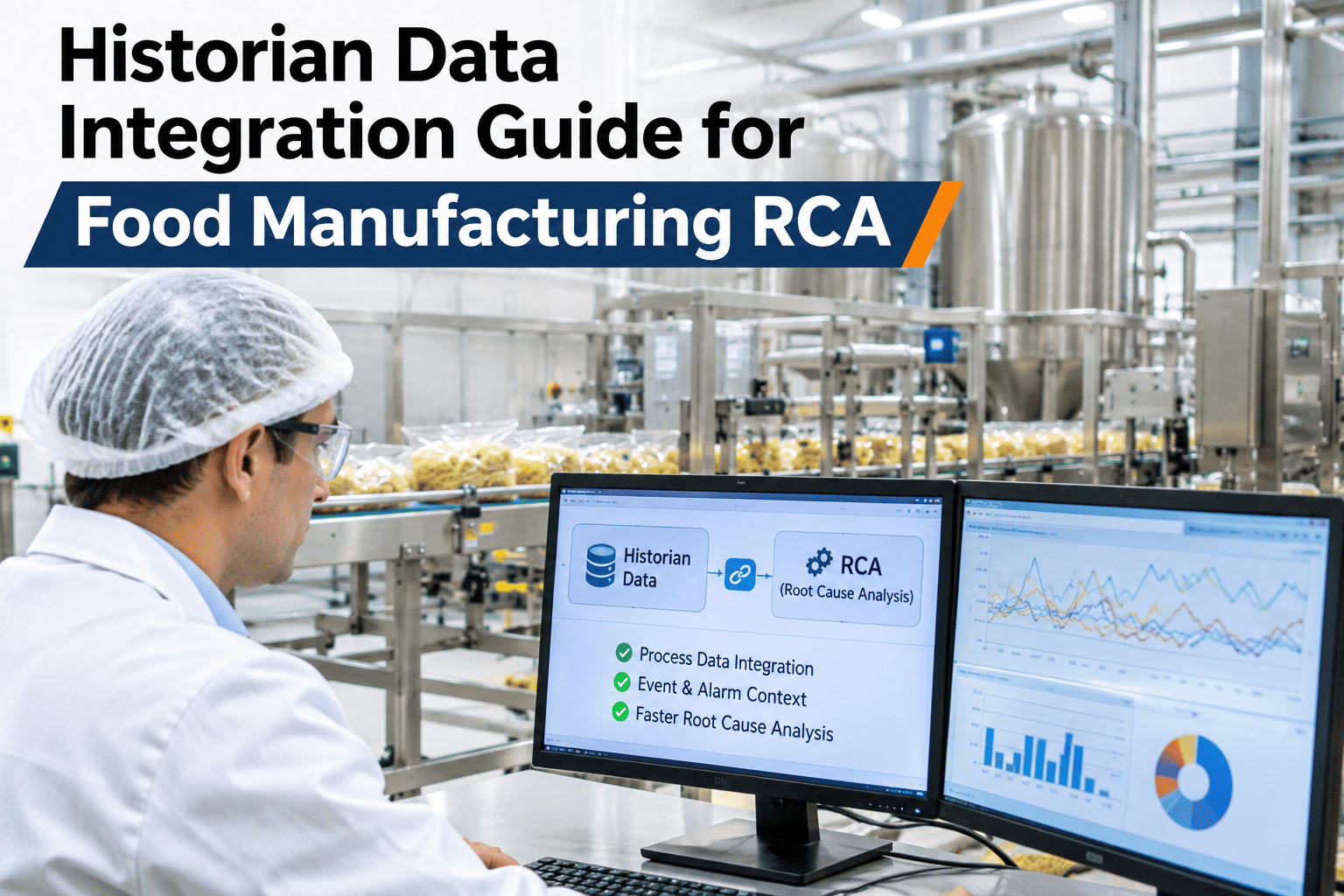
Most food plants already pay for a historian such as PI, Aspen or IP.21, yet the root-cause team still exports a spreadsheet and waits a day for an answer. The tags are sitting there; the problem is that nobody built a clean path from the historian into the RCA model without risking the plant's SCADA system. This guide walks through connecting historian tags to a root-cause layer the right way, so the data a plant already owns finally earns its keep. iFactory AI, an on-premise AI platform for manufacturing, builds that connection without touching control logic, and plants can review their own historian tag map with our integration team before changing anything.
Turn Historian Tags Into Root-Cause Answers, Not Spreadsheets
A historian data integration guide for food manufacturing RCA — connect PI, Aspen or IP.21 tags into the analysis layer without exposing the SCADA system to new risk.
What Is a Process Historian, and Why Does RCA Need It?
A process historian is a time-series database that stores every tag value a plant's instruments report, often at one-second resolution, for months or years. Root-cause analysis needs that resolution because a quality deviation or a stop event is rarely explained by a single snapshot; it needs the trend of temperature, pressure or speed in the minutes before the event, which only a historian holds.
PI, Aspen, and IP.21: What Each One Actually Gives You
| Historian | Common in | Integration path |
|---|---|---|
| AVEVA PI System | Large multi-site food and beverage plants | PI Web API or AF SDK, read-only service account |
| AspenTech IP.21 | Process-heavy dairy and ingredient plants | SQLplus or OLE DB, scheduled tag extracts |
| Honeywell/other IP.21 variants | Legacy process control installs | ODBC bridge with a dedicated reporting account |
Whichever historian is in place, the integration always reads tag history outward; it never writes a value back into the control system, which is the single rule that keeps SCADA risk off the table.
The Layered Path From Historian Tag to RCA Answer
See Your Historian Feed an RCA Answer
Share which historian your plant runs and iFactory AI will show how its tags would map into a root-cause model within a short working session.
Which Tags Actually Matter for a First RCA Model?
A historian can hold tens of thousands of tags, and pulling all of them into an RCA model on day one is a common way to slow the project down without adding insight. The tags that matter most for root cause are the ones already tied to the plant's known top losses: temperature and pressure around a specific process step, speed and torque on a known bottleneck machine, and any sensor already linked to a CCP.
Starting narrow does not mean staying narrow. Once the first mapped tags prove their value in a real RCA case, the same mapping process extends to the next set of tags on the next line, with each addition building on a pattern the team already understands rather than guessing at relevance from a long, unfiltered tag browser.
Five Rules for Connecting Without Risking SCADA
What Changes Once Tags Reach the RCA Layer
A Connection That Is Built Is Not a Connection That Stays Useful
Historian integrations tend to be treated as a one-time project, set up once and left alone, but plants add sensors, retire tags and rename equipment on an ongoing basis. Without a periodic review, the tag map quietly drifts out of sync with the real plant, and an RCA model eventually starts referencing a sensor that no longer exists or missing one that was added last quarter.
A quarterly check against the historian's current tag list, compared with what the RCA layer is actually mapped to, catches this drift before it causes a confusing gap in an investigation. It is a small recurring task, usually an hour or two for whoever owns the mapping, and it is far cheaper than discovering the gap in the middle of an actual root-cause case.
Where Historian Integrations Usually Stall
A Realistic Timeline for a First Historian Connection
Most delays in historian integration projects come from unclear ownership, not technical difficulty. Reading tag history is a solved problem for every major historian vendor; the slow part is getting automation, IT and quality to agree on scope, accounts and the first tag list before any connection is built.
What Changes for Each Team Once the Tags Are Mapped
The value compounds the longer the connection runs, because every RCA case built on mapped historian tags adds to a shared library the next investigation can reuse, rather than starting the trend-pulling exercise from zero each time.
What an Automation Engineer Checks Before Sign-Off
What Plants Ask Before Connecting a Historian to RCA
Put Your Historian to Work on Root Cause
Book a working session with iFactory AI to map your historian tags into a root-cause model the right way, without touching control logic.