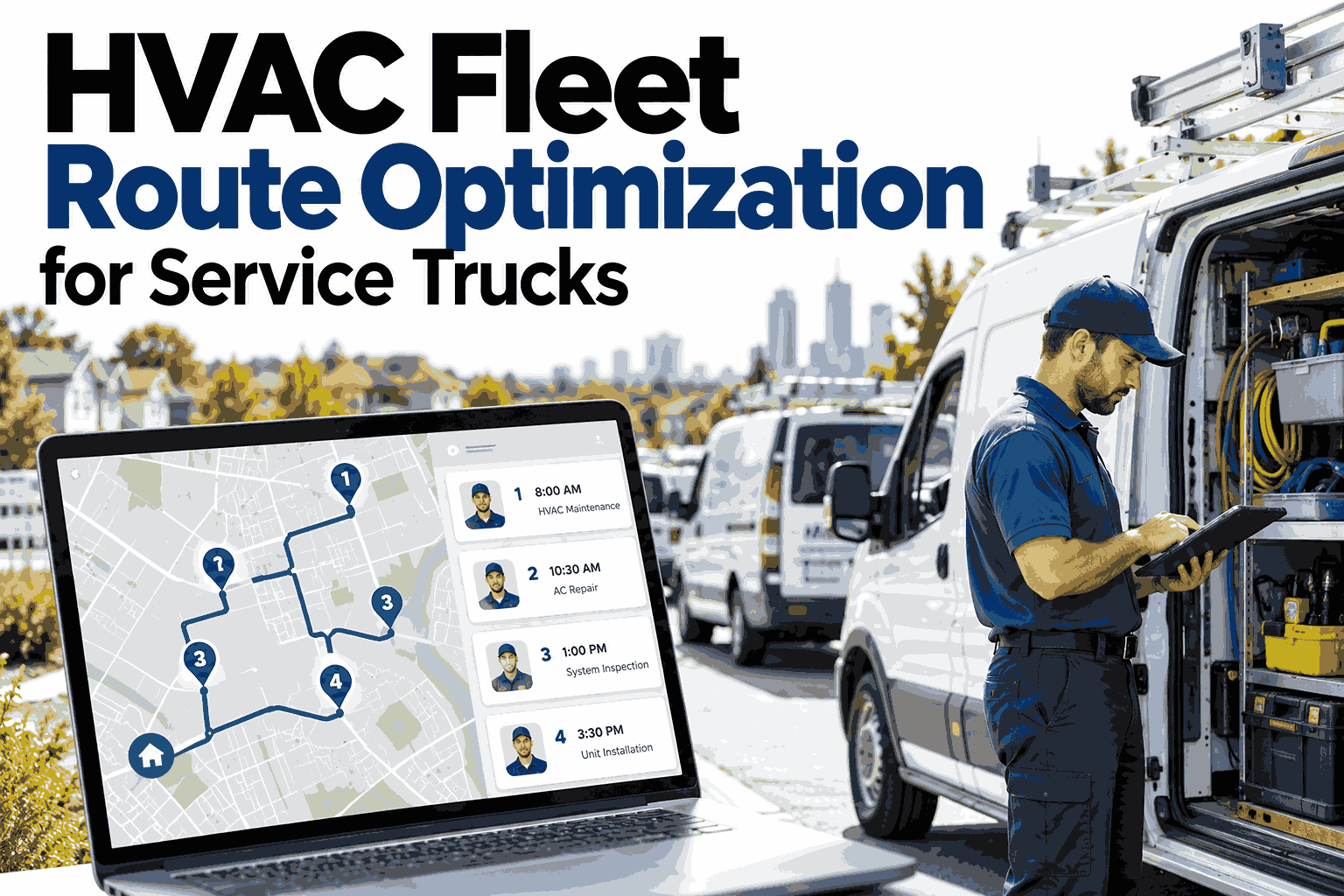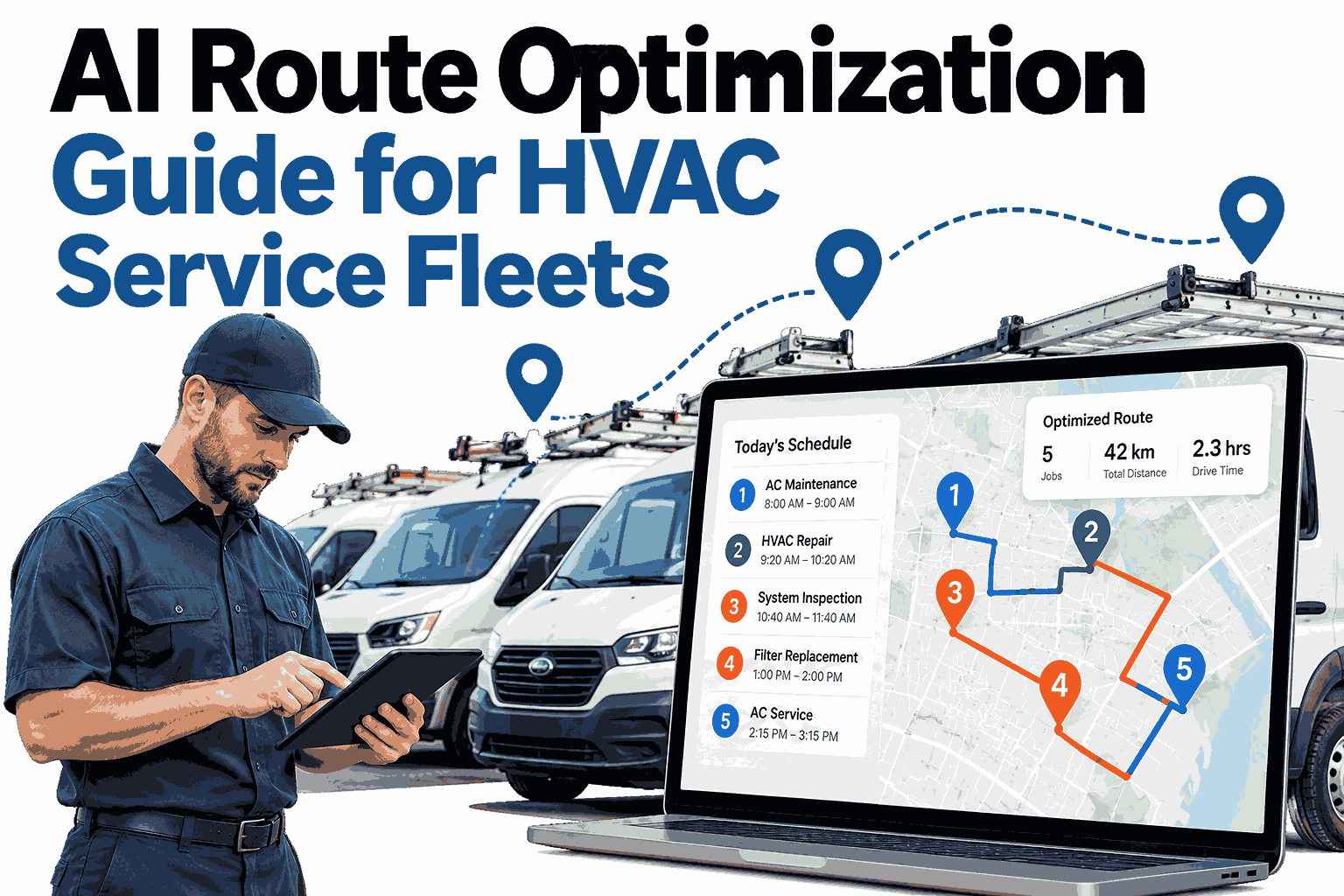
A heating and cooling dispatcher builds the perfect day-plan at 7 a.m., and by 9:30 it is already wrong. A compressor job runs long, an emergency no-cool call lands across town, and a technician hits a crash on the main road. Static plans cannot absorb that kind of change, which is why fleets lose hours to backtracking and late arrivals. AI route optimization replaces the frozen plan with a schedule that keeps adjusting through the day. Service managers who want to see this on their own jobs can book a live routing walkthrough with the iFactory AI team.
AI HVAC Dispatch and Automated Routing
Turn a Static Day-Plan Into a Living Schedule
iFactory AI reoptimizes routes in real time using live traffic and job priority, so every technician gets the next best stop instead of the next planned one.
3
signals drive every reroute: live position, traffic, job priority
Live
the schedule updates as the day changes, not once at dawn
1 view
dispatch, routing and scheduling in one place
Why Fixed Routes Break by Mid-Morning
A route built before the day starts assumes every job takes its estimated time and every road stays clear. HVAC work rarely behaves that way, because diagnosis often changes the scope of the visit.
Cause 1
Jobs Run Long
A simple tune-up turns into a failed capacitor and a parts run. Every stop after it shifts.
Cause 2
Emergencies Arrive
A no-heat call in winter cannot wait for the next planning cycle, so someone gets pulled off a route.
Cause 3
Roads Change
Congestion, closures and weather turn a twenty minute drive into fifty without warning.
The cost is not just fuel. It is late arrivals, repeat calls, overtime and customers who book someone else next time. See how a live demo handles a day like this.
The Three Levers Behind AI Routing
Good route optimization is not one clever algorithm. It combines three live inputs, and each one fixes a different failure of the static plan.
01
Real-Time Reoptimization
When a job overruns or a new call arrives, the system recalculates the remaining stops for the whole fleet and reassigns them to the technician best placed to take them.
02
Live Traffic Feeds
Travel times come from current road conditions rather than averages, so arrival windows given to customers reflect what is actually happening outside.
03
Job Priority Weighting
A failed chiller at a food plant outranks a routine filter change. Priority weights make sure urgent work wins without wrecking the rest of the day.
How One Reroute Plays Out
Here is the loop the system runs every time something changes. It takes seconds, where a dispatcher juggling phones may need twenty minutes.
1
Event Detected
A new emergency call or an overrunning job is logged.
2
Fleet Re-Scored
Position, skills, parts on the van and traffic are checked.
3
Routes Rebuilt
Remaining stops are reordered across every technician.
4
Customers Updated
New arrival windows go out before anyone has to call in.
See Your Own Routes Reoptimize Live
Book a 30 minute session and watch iFactory AI rebuild a real day of HVAC jobs as emergencies and delays hit the plan.
How Priority Weighting Decides the Next Stop
Priority is a score, not a gut call. The bars below show an illustrative weighting for a mixed commercial and residential fleet. Your own weights are set to match your contracts.
Weights combine with distance and technician skill, so a lower priority job sitting next door can still be folded in on the way. Request a demo on your own SLA rules to see the scores for your jobs.
Static Plan Versus Living Schedule
Static Day-Plan
Built once, before the day starts
Average drive times assumed
Emergencies handled by phone calls
Customers learn about delays late
Dispatcher reacts all day
Living Schedule
Rebuilt whenever something changes
Live traffic sets every leg
Emergencies slotted to the nearest fit
Customers notified automatically
Dispatcher manages exceptions
What the Dispatcher Gets Back
| Daily Pain | What AI Routing Changes | Who Feels It |
|---|---|---|
| Backtracking across town | Stops are clustered by live position and traffic | Technicians and fuel budget |
| Missed arrival windows | Windows update as the day moves | Customers |
| Slow emergency response | Nearest qualified technician is found instantly | Critical accounts |
| Dispatcher overload | System handles reshuffling, humans handle judgment | Dispatch desk |
| Overtime creep | Workload is balanced across the fleet | Service margins |
Curious how much backtracking your own routes hide? Schedule a 30 minute route review and bring a typical week of jobs.
A Composite Scenario: The Heat Wave Tuesday
This is a composite example, not a measured result. Picture a regional HVAC contractor with twelve vans and a heat wave that triples cooling calls by noon.
7:00
Plan looks full but workable, with every van carrying maintenance and repair jobs.
10:30
Six no-cool calls arrive, two from a clinic. The system pulls the nearest qualified vans and pushes maintenance visits later.
13:00
A highway closure is detected. Three vans are rerouted before drivers reach the jam.
16:00
Pushed visits are rebooked into open gaps and customers hear about it from the system, not from silence.
Want to see these changes on your fleet? Pick a time for a hands-on session with our team.
A Quick Readiness Checklist
Before rolling out AI routing, confirm these basics. Most fleets already have more of them than they think.
Ready
Technician skills and certifications are recorded per person.
Ready
Job types have realistic duration estimates, even rough ones.
Ready
Contract SLAs and priority rules are written down.
Ready
Vans report location through a phone or telematics unit.
Not sure your data is ready? Book a short readiness check and we will tell you exactly what is missing.
Where iFactory AI Fits
iFactory AI Dispatch with Auto Scheduling and Routing gives service teams one engine for assignment, sequencing and customer updates. Manufacturers running their own field service teams can also pair it with plant maintenance planning.
Automatic Reassignment
New and delayed jobs are matched to the best technician without a phone tree.
Traffic-Aware Windows
Arrival times come from live conditions and refresh as roads change.
Configurable Priorities
Weights follow your SLAs, customer tiers and seasonal rules.
One Schedule, Many Views
Dispatchers, technicians and managers see the same living plan.
A phased rollout, not a big bang
Phase 1
Connect jobs, technicians and vehicle locations.
Phase 2
Tune priority weights and run alongside manual dispatch.
Phase 3
Switch to live routing and train the dispatch desk.
Frequently Asked Questions
Seeing routing work on real jobs answers most questions faster than reading about it. Reserve a demo slot before going further.
Does AI routing replace our dispatchers?
No. It takes over the constant reshuffling so dispatchers can focus on exceptions, customer conversations and judgment calls. Teams usually find the desk becomes calmer rather than smaller. Support can answer role questions, and a live demo with the dispatch desk shows it best. Ask our team how dispatch roles change too.
How does the system handle emergency calls?
An emergency is scored against every technician using position, skills, parts and current job status. The best fit is assigned, and the rest of the fleet is rebalanced around that change. Lower priority work is pushed later rather than dropped. Watch an emergency reroute in a demo to see it happen.
Do we need special hardware in the vans?
Not necessarily. Location from a technician phone is often enough to begin, and telematics units can be added later for richer data. The aim is a working live schedule first, then refinement as your data grows. Book a demo to plan your first phase with our team.
How are job priorities decided?
Priorities follow rules you define, such as contract tier, equipment criticality and weather conditions. The system combines them with distance and skills to choose each next stop. Our team can walk through your own priority rules in a live session.
How soon can a fleet see results?
Most teams notice smoother days within the first weeks of running routing alongside manual dispatch. Gains grow as duration estimates and priority weights are tuned against real jobs. Results depend on fleet size, job mix and data quality. Book a session to map your timeline.
Give Your Fleet a Schedule That Keeps Up With the Day
Book a demo and see iFactory AI reroute a live HVAC day around delays, emergencies and traffic, using the priorities your business actually runs on.