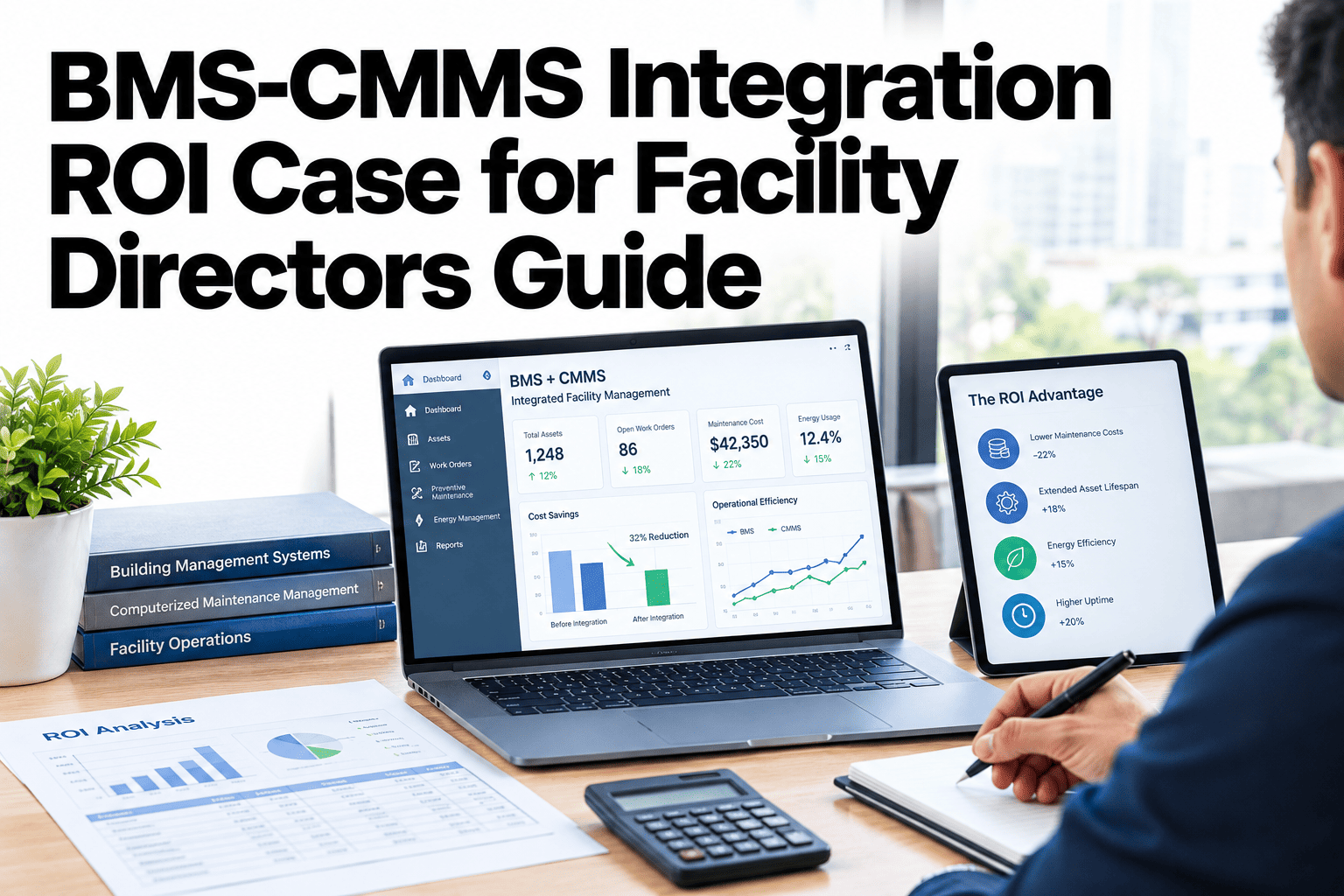
A facility director weighing a BMS-CMMS integration project usually gets pitched on vague efficiency language before anyone puts real numbers next to it. Labor hours saved chasing manual data entry, faster mean time to repair when an alarm automatically becomes a work order, and preventive maintenance avoided because run-hours are tracked accurately are all quantifiable, building by building, rather than left as a general promise. Putting your own building's numbers against this framework is something facility teams can work through in a short session.
Three Numbers That Build the ROI Case, Per Building
iFactory quantifies labor saved, MTTR reduction and PM avoidance for your own portfolio, not a generic industry average.
Where the Savings Actually Come From
The ROI case is not a single number. It is three distinct savings mechanisms that add up differently depending on your building's current processes.
| Value Driver | Mechanism | Typical Range |
|---|---|---|
| Labor saved | Eliminates manual data entry between BMS and CMMS | Several hours per technician per week |
| MTTR reduction | Alarms automatically generate work orders with context | Often a meaningful percentage reduction |
| PM avoidance | Maintenance scheduled on actual run-hours, not fixed calendar intervals | Fewer unnecessary preventive visits per asset |
See These Numbers Calculated for Your Own Buildings
Book a 30-minute session and iFactory will build a building-by-building ROI estimate using your own data.
How the Numbers Add Up
Labor Hours Reclaimed
Technicians stop manually copying alarm data into the CMMS, freeing hours each week for actual maintenance work.
Faster Repair Response
A work order created the moment an alarm fires, with equipment context attached, cuts the delay before a technician starts diagnosing.
Fewer Unnecessary PM Visits
Scheduling preventive maintenance against actual equipment run-hours avoids servicing equipment that hasn't accumulated enough use to need it.
Signals Your Building Has Strong ROI Potential
Where iFactory Fits
iFactory builds the ROI case from your own building data rather than an industry average, so the number presented to leadership holds up under scrutiny.
Building-Specific ROI Modeling
Savings estimates are built from your own technician headcount, call volume and maintenance schedule, not a generic benchmark.
Automatic Alarm-to-Work-Order
Alarms generate work orders with equipment context attached, cutting the manual step that delays dispatch.
Run-Hour Based PM Scheduling
Preventive maintenance timing follows actual equipment usage instead of a fixed calendar.
Post-Deployment Tracking
Actual savings are tracked against the original ROI estimate after go-live, not assumed to match the projection.
Reviewed by iFactory's Customer Success team for alignment with typical deployment outcomes. The payback range and value drivers shown are illustrative; actual ROI depends on building size, current process maturity and technician staffing, and should be modeled against your own data before being presented as a committed figure.
Frequently Asked Questions
How is the payback period actually calculated?
It compares the integration's cost against the quantified labor savings, MTTR-driven cost avoidance and reduced PM visits for your specific building, rather than applying a flat industry assumption. Support can walk through the calculation method in detail.
What data do we need to provide to build this case?
Current technician headcount and hours spent on manual data tasks, recent MTTR figures, and your current PM schedule are the core inputs, most of which are already available in existing CMMS reports.
Does the ROI case differ significantly by building type?
Yes, a building with highly manual current processes typically shows faster payback than one that already has some automation in place, since there's simply more inefficiency available to remove. See this modeled against your specific building type in a short session.
How is ROI tracked after go-live?
Actual labor hours, MTTR and PM frequency are tracked post-deployment and compared against the original baseline and projection, so the ROI claim is verified rather than assumed.
Can this ROI case be presented to finance or leadership directly?
Yes, the model is built to produce a defensible, building-specific number suitable for a capital approval process, rather than marketing language that wouldn't hold up to finance scrutiny. Ask support for a sample ROI presentation format.
Build a Defensible ROI Case for Your Own Portfolio
iFactory quantifies labor saved, MTTR reduction and PM avoidance from your own building data. Book a walkthrough to see your numbers.