Every HVAC technician has wasted time standing in front of a rooftop unit with no service history, no model number, and no idea when it was last maintained — hunting through a spreadsheet, calling the office, or guessing. QR code asset tagging eliminates that friction entirely. Scan the tag on any HVAC unit and instantly access the full service record, maintenance schedule, wiring diagrams, filter specs, refrigerant charge history, and open work orders — in under three seconds, from any mobile device. The global HVAC asset management market is growing at 12.4% CAGR as facilities teams recognize that the gap between knowing what you have and being able to act on it is costing money in every unplanned breakdown, misdiagnosed fault, and repeated service call. iFactory's HVAC asset tagging system connects every piece of equipment to its complete digital record with a single QR code scan, giving technicians instant access and facility managers real-time visibility across the entire HVAC portfolio. Book a free demo and see how fast your team can be up and running.
HVAC Asset Tagging
and QR Code System:
Instant Equipment Access
for Technicians
Stop wasting time hunting for service history. Scan any HVAC unit, get everything — specs, history, work orders, manuals — in under 3 seconds.
Book Free HVAC DemoWhy HVAC Technicians Waste 47 Minutes Per Job on Information Retrieval
Before QR asset tagging, technicians operating in facilities without a connected CMMS face the same friction loop on every service call — and it costs real money.
47 minutes
Average time HVAC technicians spend per job on information retrieval — locating service history, equipment specs, and documentation — in facilities without a connected asset management system.
$180 per repeat visit
Average cost of a repeat service call caused by incomplete diagnosis on the first visit — the single most preventable cost in HVAC service operations. First-time fix rate improves 28% with complete equipment history at point of service.
23% of warranty claims denied
HVAC warranty claims rejected annually due to missing or incomplete service documentation. QR-tagged assets with digital service logs provide the timestamped, technician-attributed records that warranty departments require.
40% of assets under-maintained
HVAC equipment across large facilities portfolios operating beyond their scheduled maintenance interval at any given time — due to manual tracking failures, missed PM triggers, and no visibility into actual equipment condition vs. the schedule.
From Physical Equipment to Digital Record in One Scan
The iFactory QR asset tagging system works with equipment you already have, phones your technicians already carry, and is live in 48 hours.
Tag Your Equipment
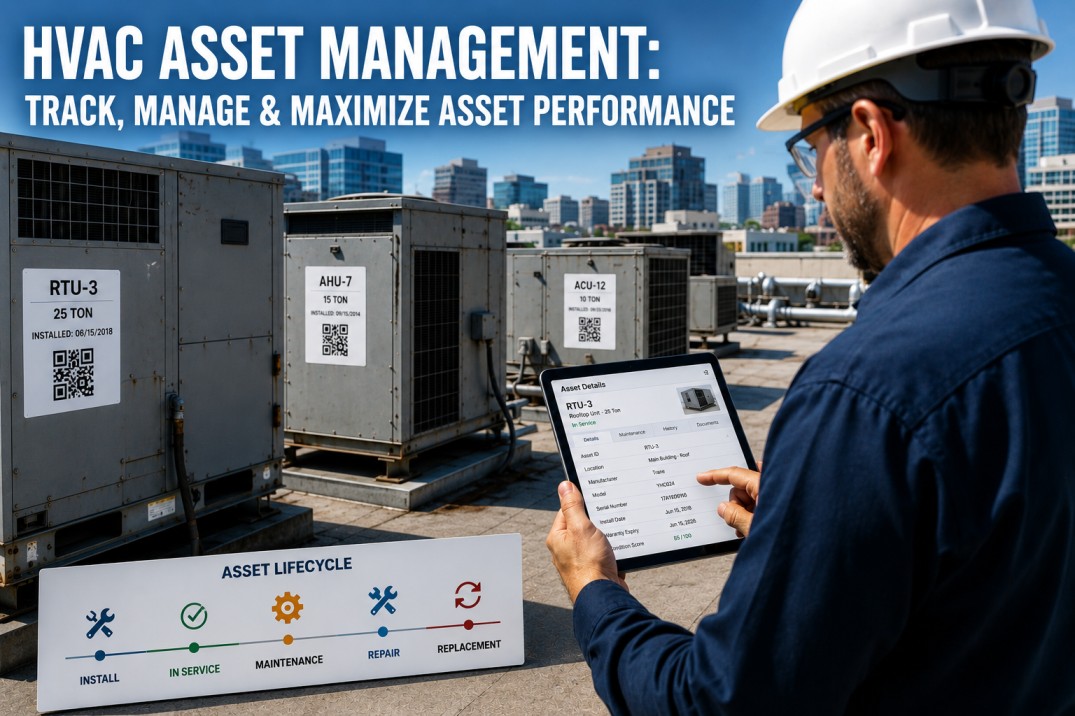
Generate unique QR codes for every HVAC asset — AHUs, RTUs, chillers, FCUs, boilers, pumps, cooling towers. Print on weatherproof labels or durable metal tags rated for outdoor and mechanical room environments. Attach in 30 seconds per unit.
Technician Scans On-Site
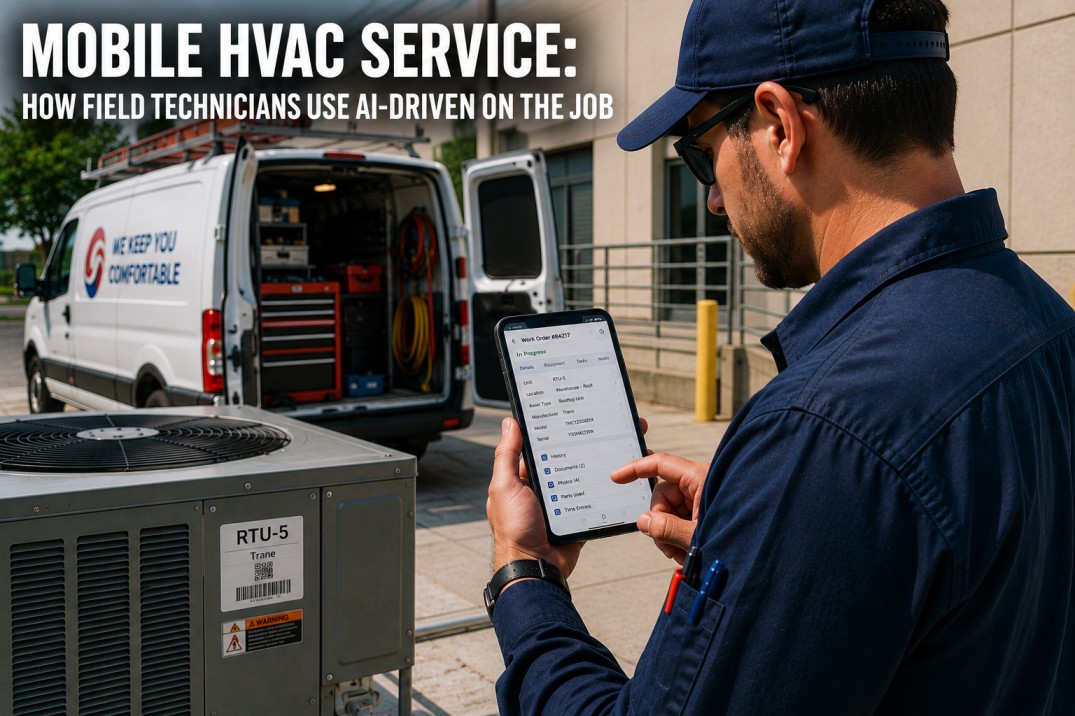
Any iOS or Android camera app reads the QR code. No dedicated scanner hardware. No app download required for basic access. iFactory's mobile-optimised asset page loads in under 3 seconds — even on weak signal, with offline mode available for basements and plant rooms.
Full Equipment Context Appears
Service history, open work orders, maintenance schedule, equipment specs, refrigerant type and charge, wiring diagrams, manuals, warranty status — all accessible without logging into a desktop system. The right information, at the right unit, the moment it's needed.
Log Service from the Tag
Technicians log completed work, parts replaced, readings taken, and photos captured directly from the QR scan page. Service records are timestamped and GPS-tagged automatically. No paper forms. No back-office data entry. The asset record updates in real time.
Everything on the Asset Card — Built for the Field
When a technician scans an HVAC unit, the asset card surfaces every piece of information needed to diagnose, service, and document — without touching a desktop.
Attached Documents
Wiring diagrams, installation manuals, commissioning reports, and warranty certificates stored against the asset — accessible with one tap from the scan page.
Photo Log
Technicians capture before/after photos directly from the scan page. Photos are timestamped, GPS-tagged, and permanently linked to the specific service record — not lost in a phone camera roll.
Readings & Measurements
Supply air temp, return temp, static pressure, refrigerant subcooling and superheat, amperage readings — all logged against the asset with timestamp. Trend data builds automatically over multiple service visits.
Work Order Creation
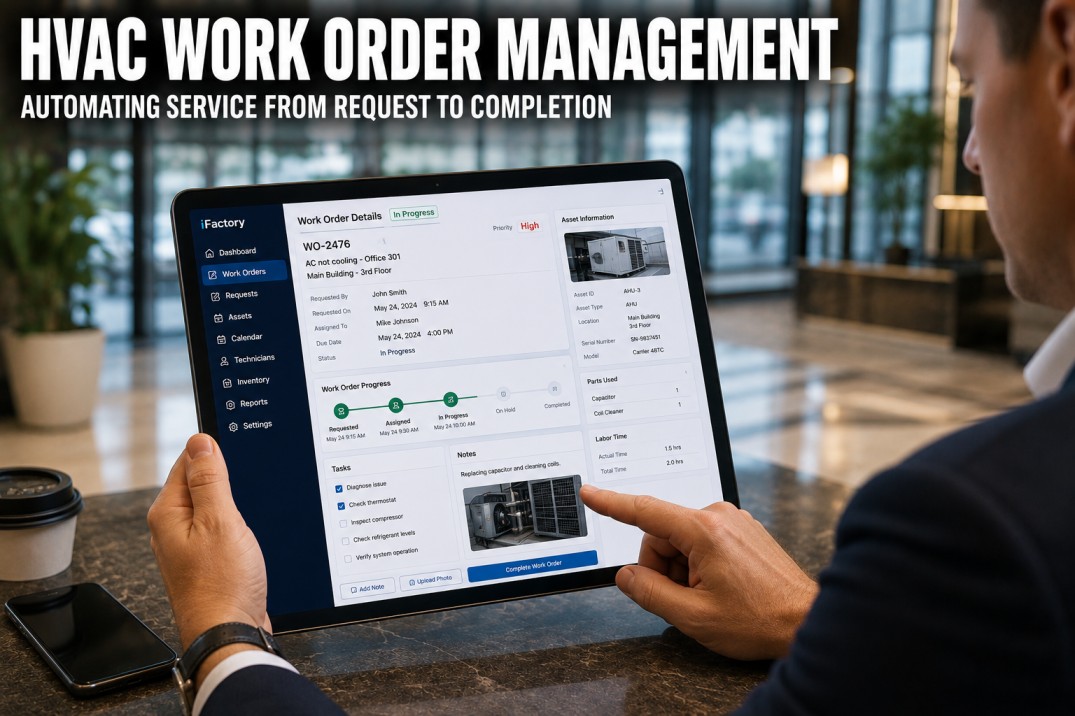
Raise a new work order from the scan page in under 60 seconds. Fault description, priority, parts required, and photos pre-populate from the current asset context. The work order routes to the scheduler automatically.
Offline Mode
Asset data cached for offline access in plant rooms, basements, and rooftop areas with no signal. Service logs queue locally and sync to iFactory the moment connectivity returns — no lost records.
Multi-Language Support
Asset cards display in the technician's preferred language. Particularly valuable for facilities with multilingual maintenance teams — one QR tag serves every technician regardless of their working language.
Every HVAC Asset Type — One Unified System
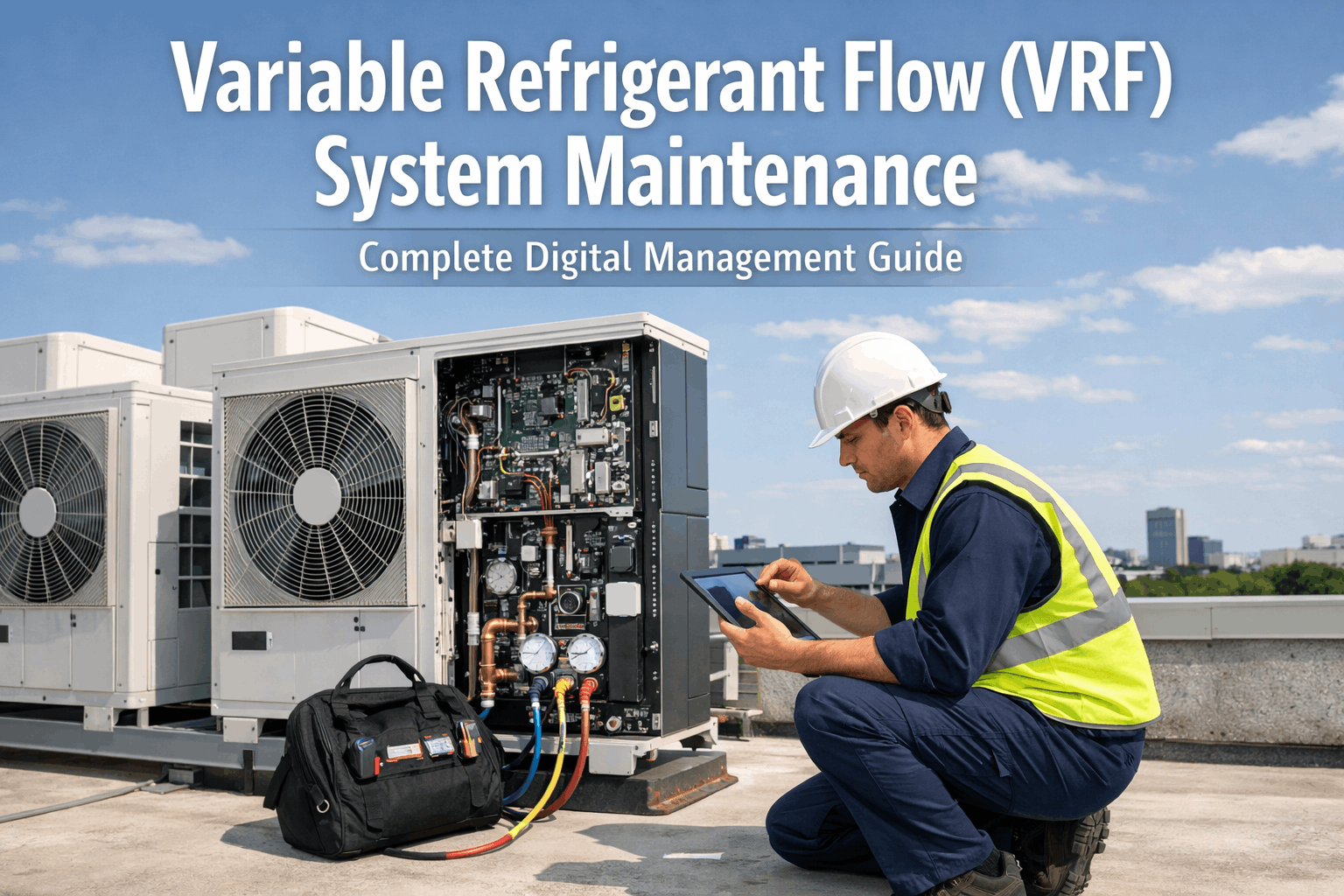
iFactory's HVAC asset tagging covers the complete mechanical services portfolio. If it has a maintenance requirement, it gets a QR tag.
What Facilities Teams Report After 90 Days
Measurable outcomes from facilities teams using iFactory HVAC asset tagging across commercial, healthcare, education, and industrial portfolios.
Live in 48 Hours — Three Steps to Full HVAC Asset Tagging
No long implementation projects. No IT dependencies. No hardware procurement lead times.
Import Your Asset List
Upload an existing spreadsheet or use iFactory's guided asset creation wizard to build your HVAC register from scratch. Required fields: asset name, location, and type. Everything else — specs, manuals, history — enriches the record over time. If you have nothing, start with just the physical tag on the unit and build the record from the first scan.
Print & Apply QR Tags
Generate QR codes from iFactory and print on your choice of label material — standard paper for indoor equipment, polyester or aluminium for outdoor and high-temperature applications. iFactory provides tag templates sized for standard label printers. Apply to the unit's control panel or service access point. See tag specifications
Technicians Start Scanning
Brief your team — 10 minutes is enough. Point cameras at QR tags to open asset records. Log first services directly from the tag. Asset records build automatically with every scan and service log. Within 30 days, most assets have enough service history to deliver meaningful context on every subsequent visit. View onboarding guide
Frequently Asked Questions
Your Technicians Deserve Better Than Guesswork.
Every HVAC unit in your facility should have its complete history, specs, and documentation available in 3 seconds. iFactory makes that possible with QR asset tagging that works on day one, costs nothing to start, and gets more valuable with every service visit logged.
Book Your Free HVAC Demo