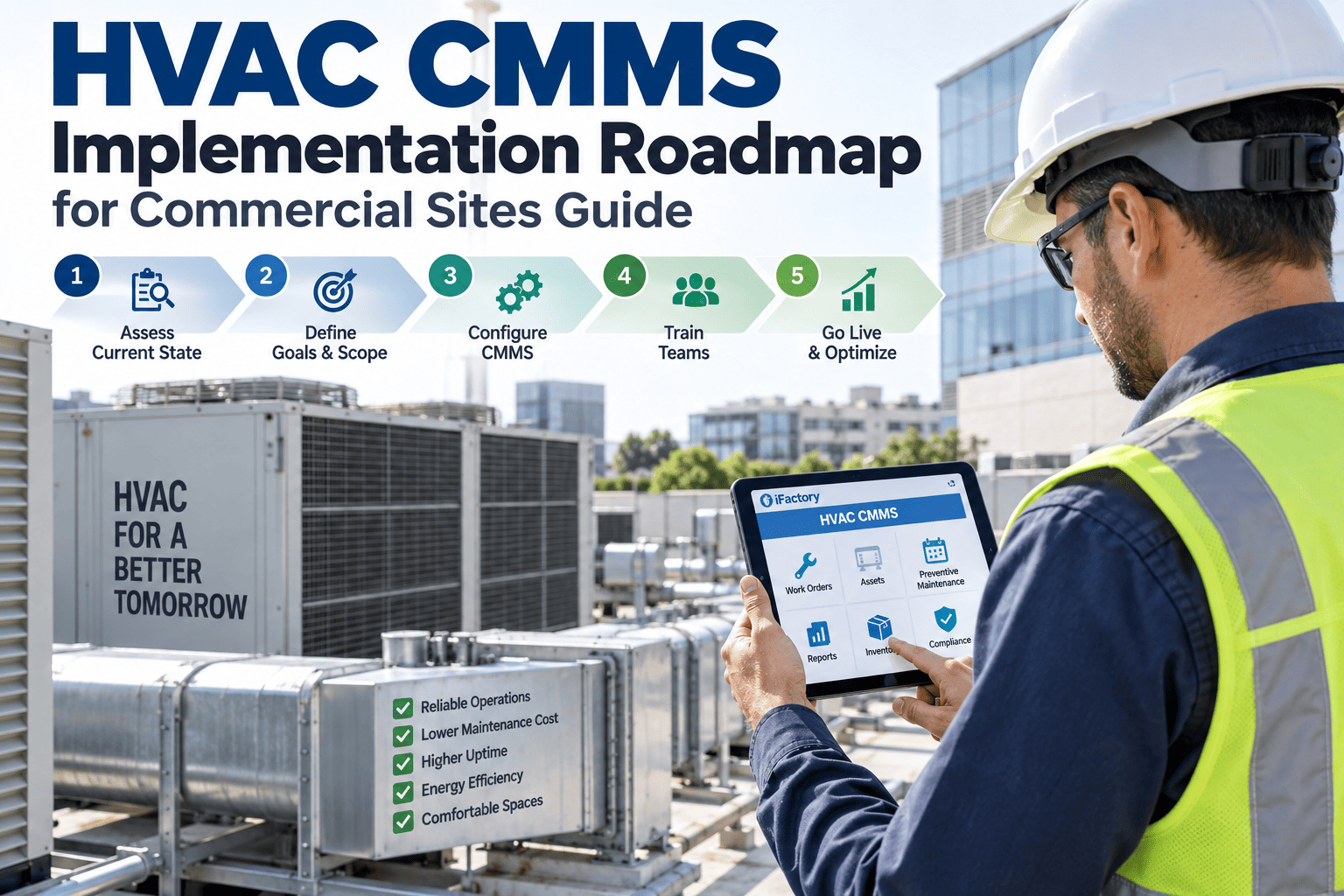
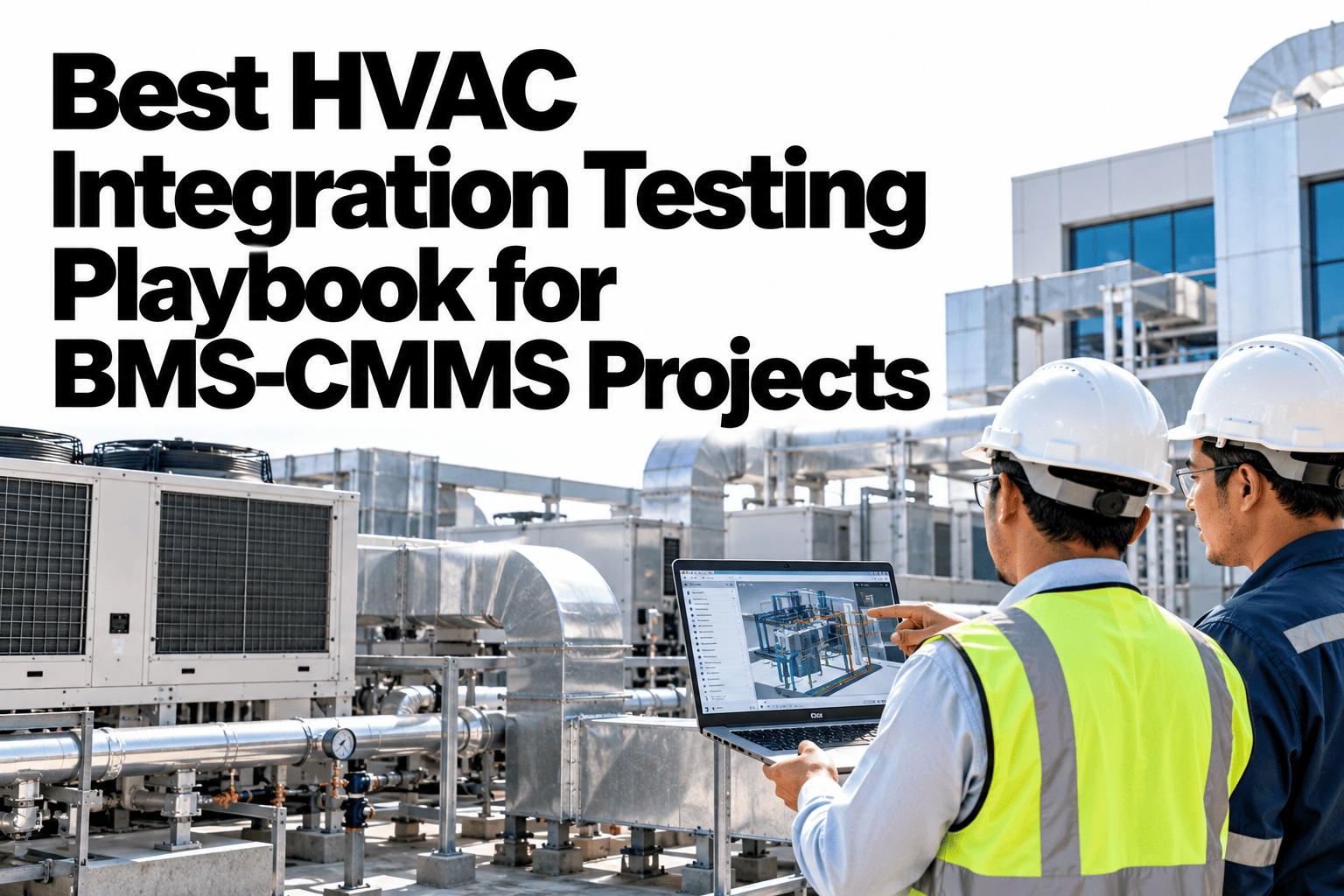
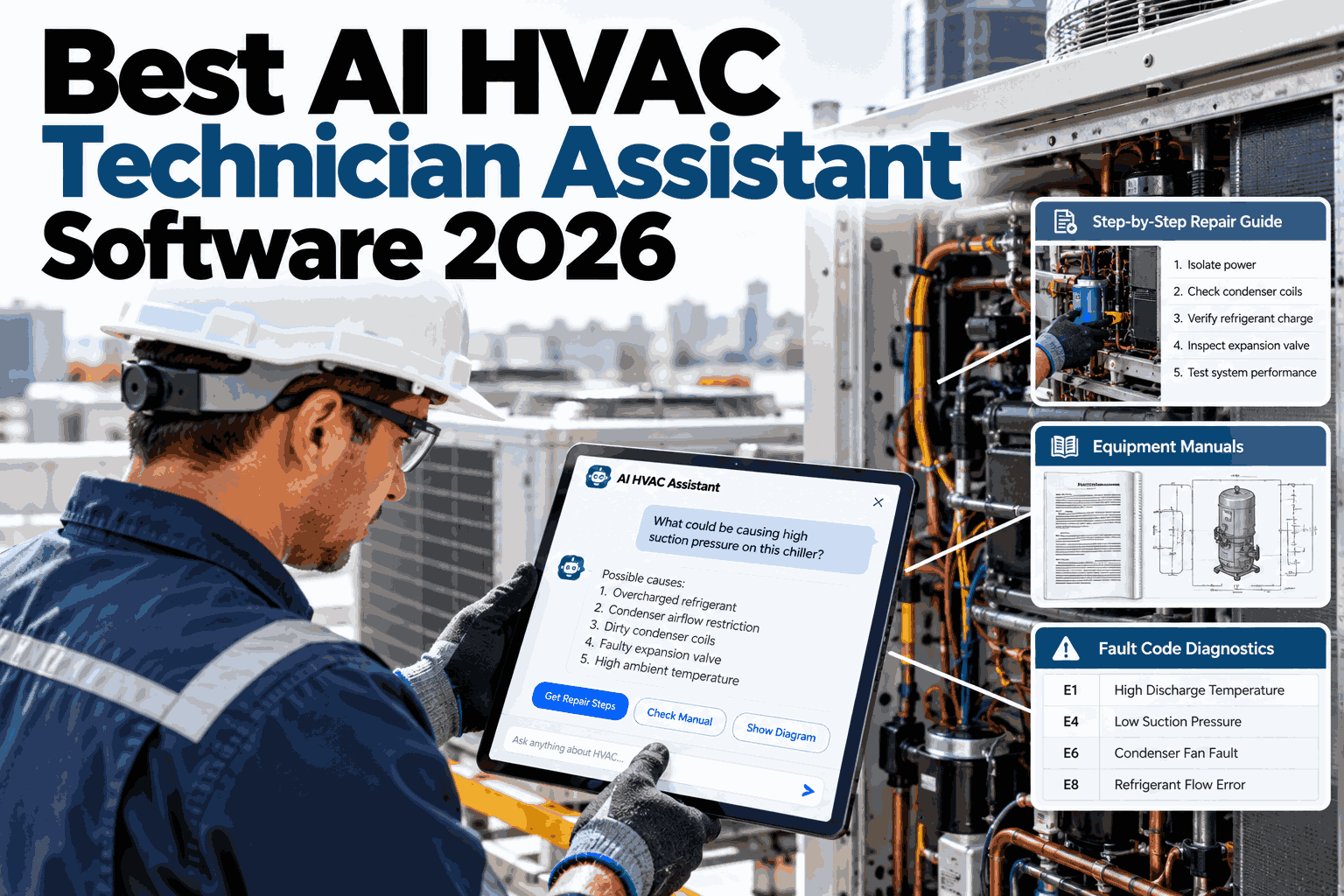
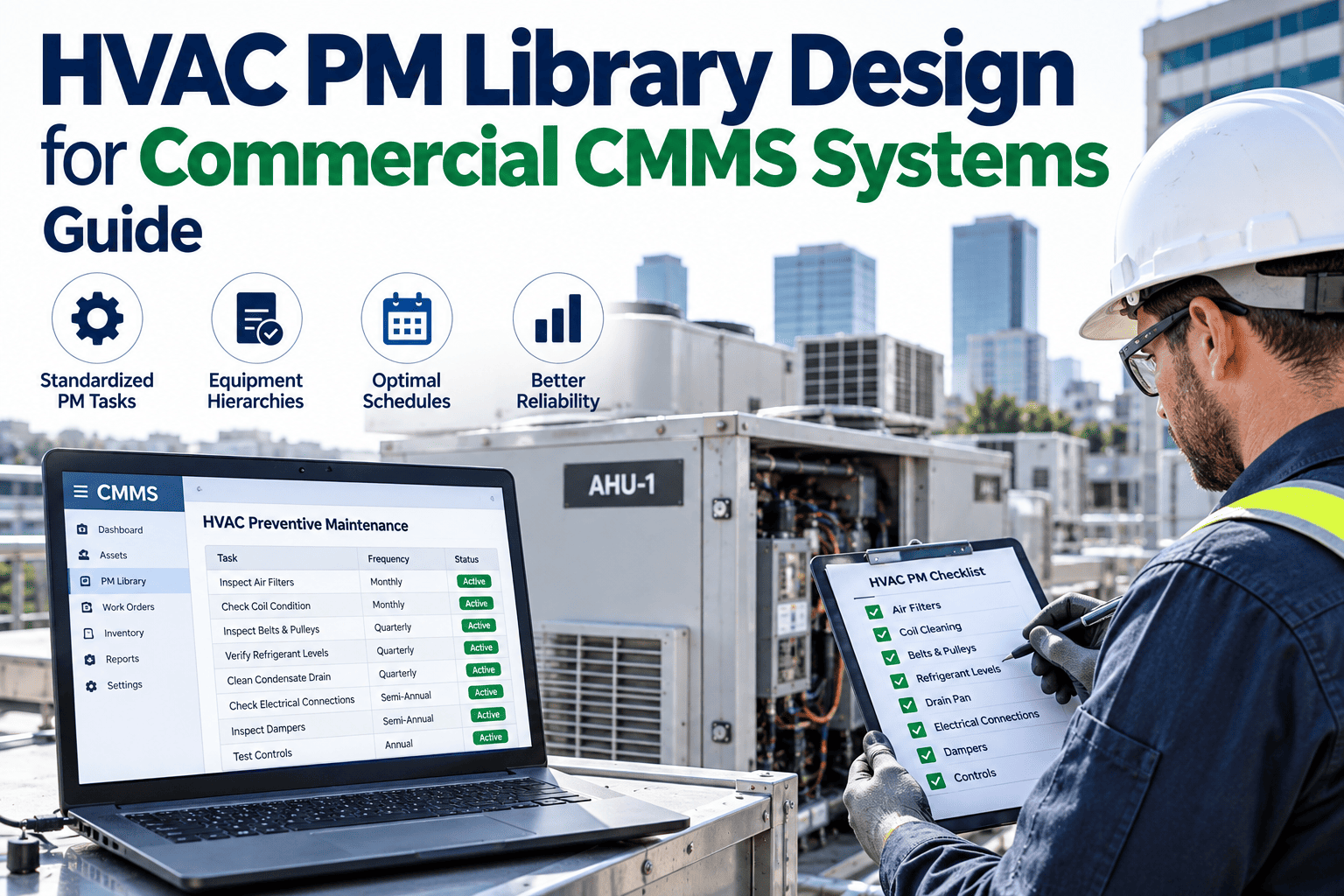
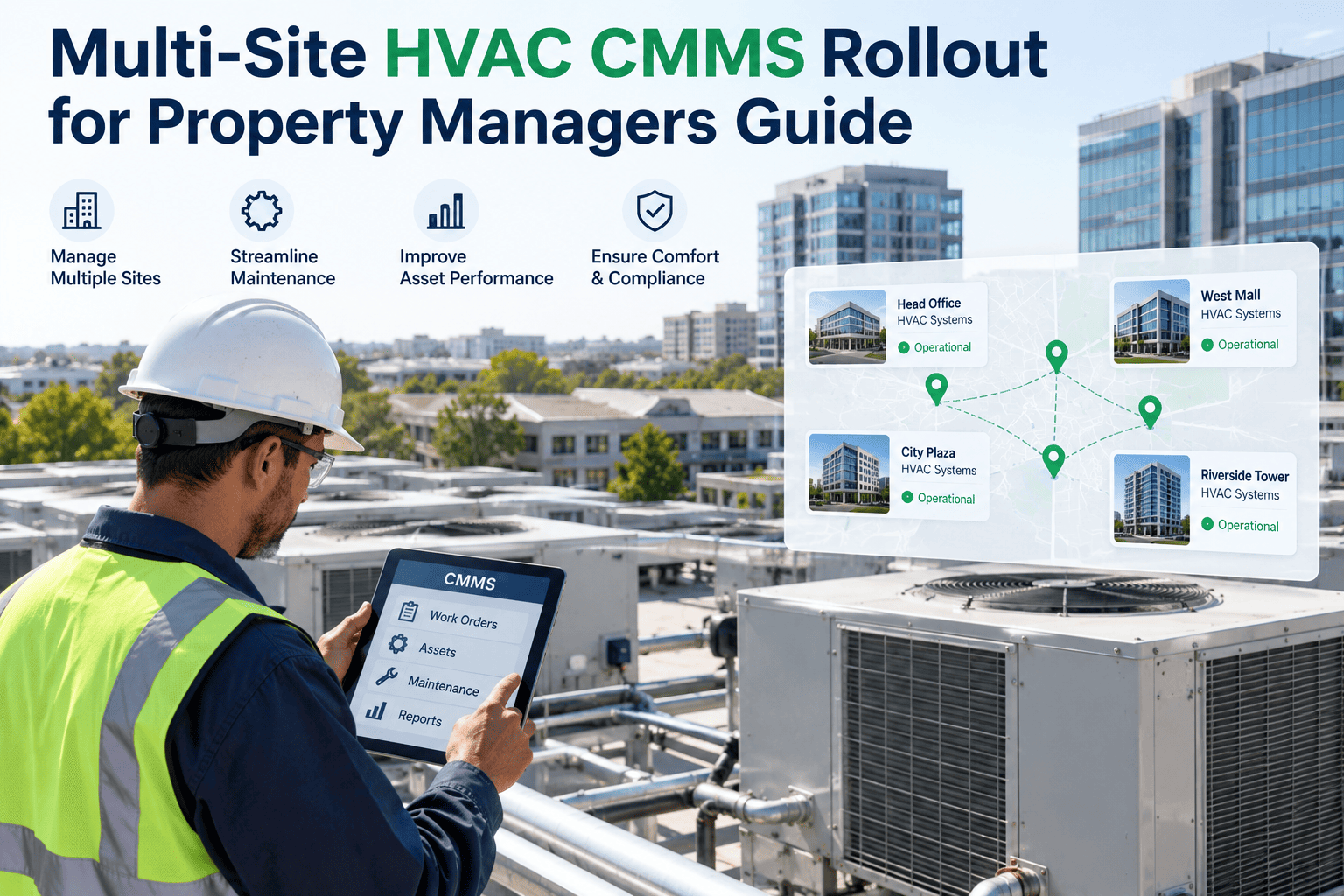
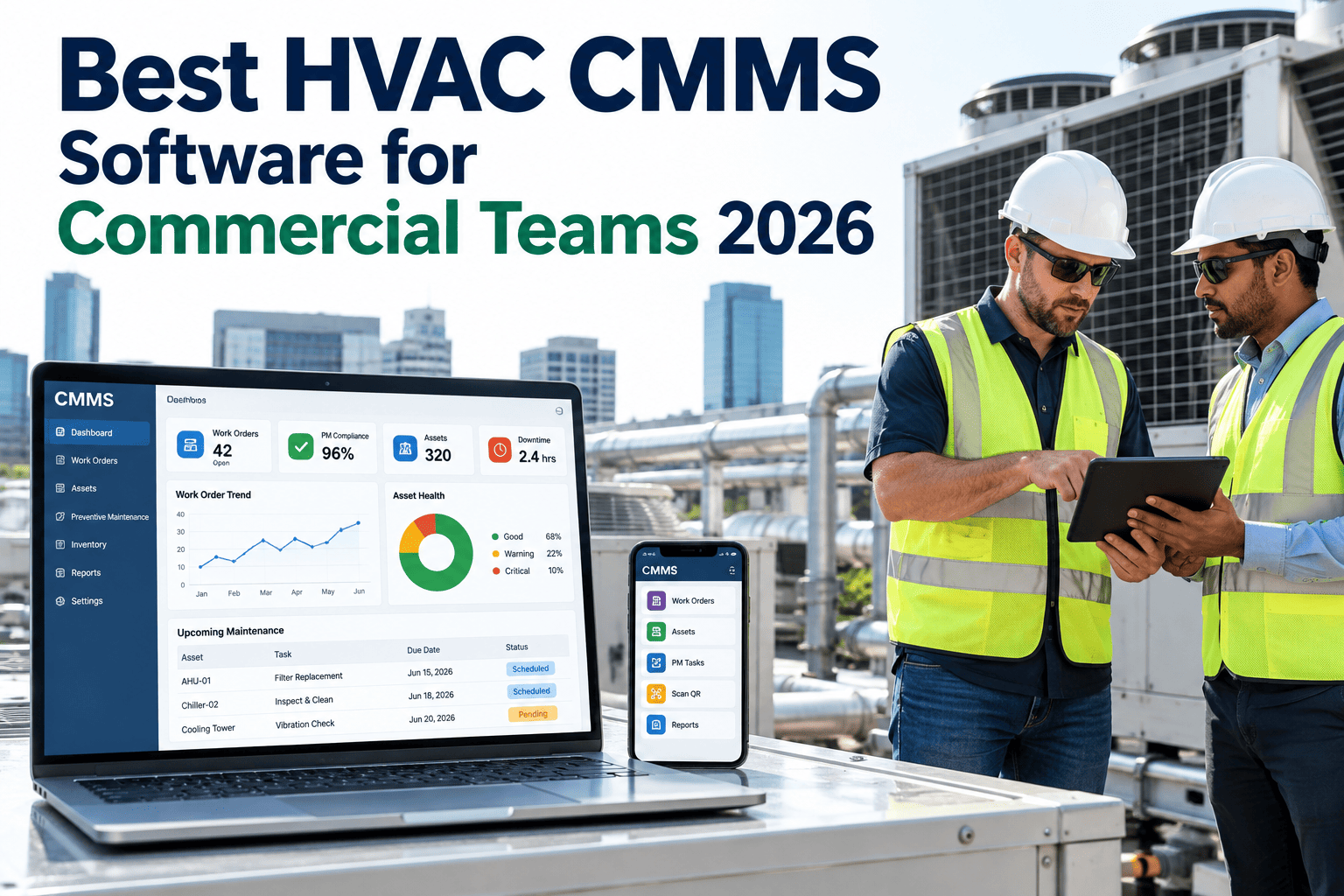
Buying HVAC CMMS software is the easy part of the project — the actual work is building an accurate asset registry, configuring PM libraries that match your specific equipment, onboarding technicians who may be skeptical of yet another new system, and connecting whatever integrations matter to your operation, all without letting maintenance work slip through the cracks during the transition. A clear implementation roadmap is what keeps that transition period from becoming its own six-month crisis, and it's the structure iFactory follows for every commercial HVAC CMMS rollout.
IMPLEMENTATION ROADMAP
HVAC CMMS Implementation Roadmap for Commercial Sites
Asset registry, PM libraries, technician onboarding, and integration milestones sequenced to keep the rollout on track without disrupting ongoing maintenance work.
Asset Registry
PM Library
Technician Onboarding
Integration
Wk 1Wk 4Wk 8Wk 12
Why HVAC CMMS Rollouts Stall More Often Than They Should
Software implementation delays rarely trace back to the software itself — they trace back to a rollout plan that treated four genuinely different workstreams as one undifferentiated project. Asset registry work is a data project. PM library configuration is a maintenance engineering project. Technician onboarding is a change management project. Integration is a technical IT project. Running all four with the same generic project timeline is exactly what causes a rollout that should take three months to stretch into eight.
The Four Workstreams and How They Overlap
Rather than a strictly sequential process, a well-sequenced rollout runs these four workstreams with deliberate overlap, since waiting for each to fully complete before starting the next adds unnecessary time to the overall timeline.
WORKSTREAM 1
Asset Registry Build
Every chiller, AHU, RTU, and cooling tower across the site is cataloged with model, location, and service history, forming the foundation everything else builds on.
WORKSTREAM 2
PM Library Configuration
Equipment-specific PM templates are configured against the actual asset registry, adjusting frequency and task detail to match manufacturer and site requirements.
WORKSTREAM 3
Technician Onboarding
Technicians are trained on the mobile workflow, ideally against real equipment they already know, building comfort before the system fully replaces prior processes.
WORKSTREAM 4
Integration & Reporting
BMS and portfolio reporting connections are established last, once the core asset and PM data feeding them is already accurate and stable.
A Realistic Milestone Timeline for a Single Commercial Site
Timelines vary based on portfolio size and existing data quality, but the milestone structure below reflects a typical single-site rollout for a mid-size commercial building with a mixed HVAC equipment inventory.
| Milestone | Typical Timing | Key Deliverable |
|---|
| Asset registry data collection complete | Weeks 1-3 | Full equipment inventory with location and service history |
| PM library configured and validated | Weeks 3-6 | Equipment-specific templates matched to registry assets |
| Technician pilot group onboarded | Weeks 5-8 | Mobile workflow adoption confirmed with a small technician group |
| Full technician rollout | Weeks 8-10 | All technicians actively using the platform for daily work |
| BMS integration and reporting live | Weeks 10-12 | Condition-based triggers and portfolio dashboards operational |
Build an Implementation Roadmap for Your Own Sites
iFactory's implementation team builds a sequenced rollout plan around your specific equipment inventory, technician team, and integration requirements before go-live begins.
Keeping Maintenance Running While the Rollout Happens
The single biggest risk during any CMMS implementation is a gap where neither the old process nor the new one is fully functioning, leaving PM schedules unmanaged during the transition. Avoiding that gap requires a specific parallel-running approach rather than a hard cutover date.
✓
Critical asset PM schedules are migrated and validated first, before less urgent equipment, so the highest-risk work is never left unmanaged.
✓
The legacy tracking method stays active in parallel for a defined overlap period until the new system is confirmed reliable for a given equipment category.
✓
A pilot technician group validates the mobile workflow on real work before the full team transitions, catching issues in a contained setting.
✓
A named implementation owner tracks which assets and PM schedules have fully migrated versus which are still in transition at any given point.
A Facilities Operations Manager on Sequencing the Rollout
"
Our first attempt at a CMMS rollout years ago tried to do everything at once — migrate every asset, configure every PM template, train every technician, and connect every integration in what was supposed to be a single six-week sprint. It fell apart almost immediately because none of those four things were actually ready to happen simultaneously, and we ended up with half-migrated data, confused technicians, and a system nobody trusted. When we brought in a more structured, sequenced approach the second time, treating asset registry, PM library, technician onboarding, and integration as genuinely separate workstreams with some deliberate overlap between them, the difference was significant. We started with our critical chillers specifically, got that fully validated and running smoothly, and used that early, contained success to build momentum and trust before expanding to the rest of the equipment inventory. The whole rollout took about eleven weeks total, longer in calendar time than our first failed six-week attempt, but we were fully operational and trusted by the team at the end of it instead of dealing with a system half our staff had already quietly given up on.
— Facilities Operations Manager, Commercial Building Complex · Led HVAC CMMS Rollout Across 3 Towers
Frequently Asked Questions
How accurate does our existing asset data need to be before starting a rollout?
Perfect existing data is not a prerequisite for starting, since the asset registry build workstream is specifically designed to verify and correct data as part of the implementation process rather than assuming it's already accurate. That said, facilities with significantly outdated or incomplete records — equipment lists that haven't been updated in years, for example — should expect the asset registry phase to take longer, since field verification of physical equipment against records becomes a larger part of that workstream.
Can PM library configuration start before the asset registry is fully complete?
Yes, and this is actually the recommended approach rather than waiting for full sequential completion — PM template configuration for equipment categories that are already registered can begin while asset registry work continues for remaining categories, which is exactly the kind of deliberate overlap that keeps the overall timeline efficient. The key requirement is that PM templates are validated against the specific assets they'll apply to before technicians start relying on them for actual work.
How do we handle technician resistance to adopting a new mobile workflow?
Starting with a pilot group of technicians who are more open to new tools, rather than mandating full-team adoption on day one, tends to build organic peer credibility faster than a top-down mandate alone. Technicians who see colleagues successfully using the new mobile workflow on real jobs, and specifically hear from peers that the equipment-specific checklists actually make their job easier rather than harder, tend to adopt more readily than those told to switch tools by management without that peer validation first.
What happens to PM schedules for equipment not yet migrated into the new system?
This is precisely why running the legacy tracking method in parallel during a defined overlap period matters — equipment not yet migrated should continue being tracked through whatever process was in place before the rollout began, rather than falling into a gap where neither system is actively managing it. A named implementation owner tracking migration status by asset category is the practical mechanism that prevents this kind of gap from happening unnoticed.
Can iFactory build and manage the implementation roadmap for our specific sites?
Yes — iFactory's implementation team works directly with your facilities staff to sequence asset registry, PM library configuration, technician onboarding, and integration work around your specific equipment inventory, technician team size, and existing systems, rather than applying a generic template timeline regardless of your situation. To scope an implementation roadmap for your sites,
book a demo with our team.
Roll Out Your HVAC CMMS Without the Six-Month Scramble
Asset registry, PM libraries, technician onboarding, and integration are four different projects that need deliberate sequencing, not a single generic timeline. iFactory builds the roadmap that keeps your rollout on track.