An AR headset that freezes for two seconds while a technician is mid-step on a torque sequence is not a minor glitch, it is a safety incident waiting to happen. Most factories that pilot augmented reality get the visor right and the network wrong, treating connectivity as an afterthought bolted onto infrastructure that was designed for email and barcode scanners, not for real-time video overlays moving with a person's head across a hundred-thousand-square-foot floor. AR only earns its keep on the floor once the network underneath it is engineered on purpose, and that engineering starts long before a single headset ships to a technician.
Your AR Pilot Didn't Fail Because of the Headset. It Failed Because of the Network.
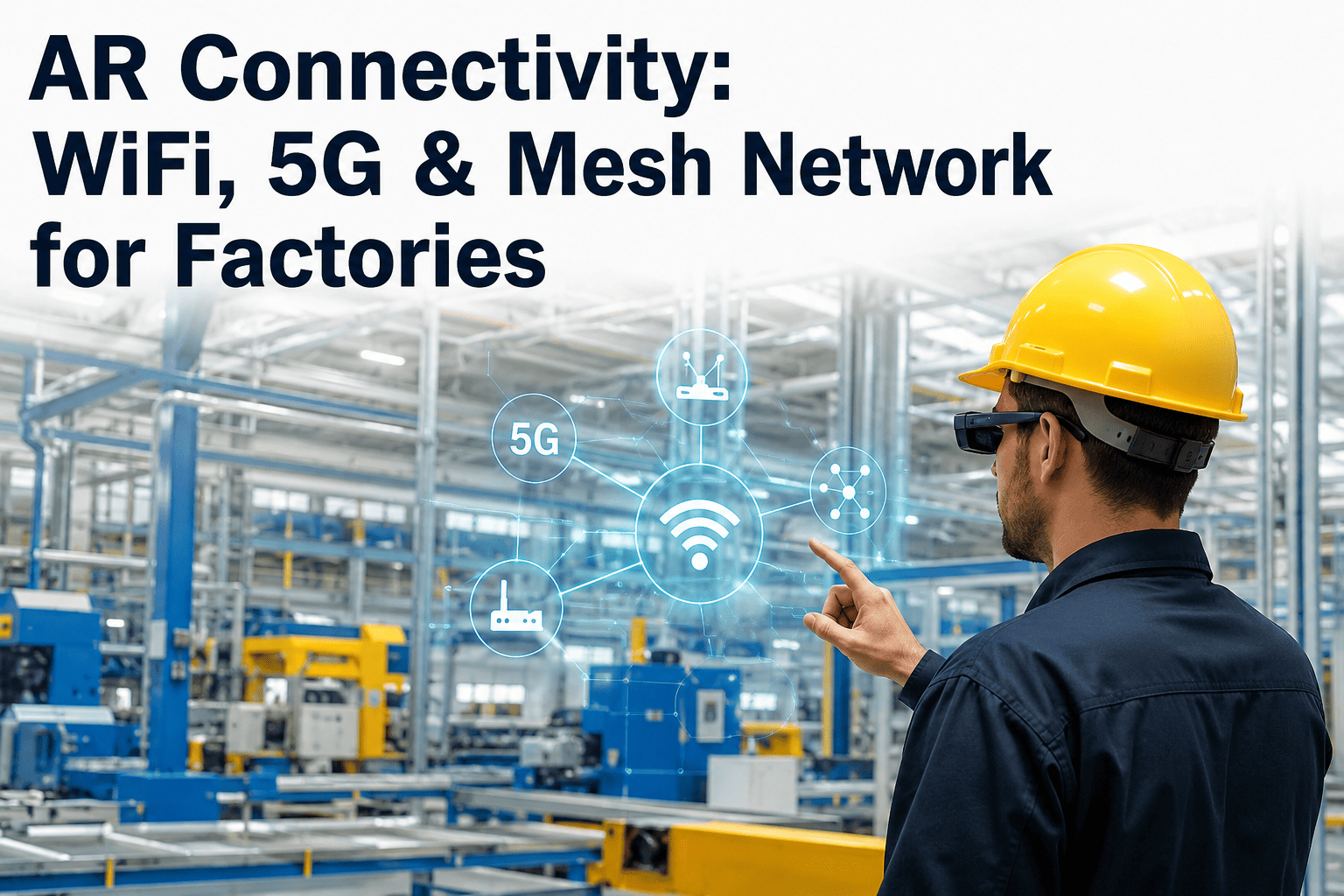
WiFi 6E, private 5G, and mesh topology each solve a different piece of the industrial connectivity problem. Get the combination wrong and every AR use case built on top of it inherits the same weak link.
Why Office WiFi Cannot Carry an AR Workload
A standard enterprise WiFi deployment is built around a simple assumption: devices are mostly stationary, bandwidth needs are modest, and a dropped packet gets silently retried without anyone noticing. AR breaks every one of those assumptions at once. A headset streaming a live overlay needs consistent low latency, not just high average throughput, because a video frame that arrives three hundred milliseconds late is functionally the same as a frame that never arrived. Add movement across a floor filled with metal racking, overhead cranes, and rotating machinery, and the radio environment becomes one of the most difficult a wireless engineer will ever plan for.
The failure mode is rarely a total outage. It is intermittent stutter that shows up only when three technicians walk past a specific column at the same time, or only during the second shift when the CNC line pulls extra load on the same electrical panel as the access point. These are exactly the failures that make a pilot look unreliable and get an AR program shelved, even though the underlying use case was sound. Fixing this requires treating network design as its own project with its own success criteria, not an item on the AR vendor's installation checklist.
Three Technologies, Three Different Jobs
WiFi 6E, private 5G, and mesh networking are not competing options where a factory picks one and ignores the others. Each is suited to a different layer of the connectivity problem, and most reliable industrial AR deployments end up using more than one at the same time, matched to the physical realities of different zones on the floor.
How Traffic Actually Moves From Headset to Overlay
Understanding where latency gets introduced is what separates a network design that holds up under load from one that only survives a demo. The path a single AR frame takes involves several handoffs, and a bottleneck at any one of them degrades the whole chain regardless of how strong the others are.
Planning Coverage Zone by Zone, Not Building by Building
A single blanket coverage plan for an entire facility almost always underperforms in the areas that matter most for AR, because open office space and dense production lines have completely different radio characteristics. Treating a plant as a set of distinct zones, each with its own access point density, frequency planning, and interference profile, produces a far more reliable outcome than a uniform approach.
Get a Zone-by-Zone Connectivity Assessment for Your Facility
Bring your floor plan and any known dead zones to the call. We will walk through which zones need WiFi 6E, private 5G, or mesh coverage before your next AR rollout.
Comparing the Three Options Side by Side
Cost, coverage radius, and mobility support all trade off differently across the three technologies, which is why most mature deployments end up as a hybrid rather than a single choice. The table below lays out how they compare on the factors that matter most for AR-specific traffic.
| Factor | WiFi 6E | Private 5G | Mesh |
|---|---|---|---|
| Coverage radius per node | Short, dense placement needed | Wide, campus-scale | Variable, relay-dependent |
| Mobility & handoff | Good within a defined zone | Excellent across large areas | Moderate, depends on hop count |
| Interference resistance | Strong in 6GHz band | Strong with licensed spectrum | Sensitive to hop congestion |
| Deployment speed | Fast for contained zones | Slower, needs core setup | Fast, flexible repositioning |
| Best fit for AR | Assembly cells, training rooms | Plant-wide roaming, yards | Gap-filling, legacy buildings |
A Phased Rollout Beats a Big-Bang Deployment
Facilities that treat AR connectivity as a single all-at-once project tend to underestimate how much tuning a real production environment demands compared to a lab or vendor showroom. A phased approach starts with the single zone where AR delivers the clearest value, validates the network design against real shift conditions there, and only then extends the same architecture outward once the pattern has proven itself under load.
This sequencing also protects the broader technology budget. A design flaw discovered in a single pilot cell costs a few access points and a week of tuning to fix. The same flaw discovered after a plant-wide rollout means reworking cabling, reconfiguring dozens of nodes, and explaining to leadership why the AR program stalled after the capital was already spent. Phasing turns a large, risky bet into a series of smaller, provable ones, and it gives operations leaders a natural checkpoint to confirm technician adoption and measured time savings before committing the rest of the budget.
Where Edge Compute Fits Into the Equation
Even a perfectly designed radio network cannot compensate for rendering that happens too far away. Many industrial AR failures trace back to overlay processing that travels all the way to a distant cloud region and back, adding round-trip latency that no amount of local radio tuning can undo. Placing compute at the network edge, physically close to the access points and cell infrastructure on site, keeps that round trip short enough that the overlay tracks a technician's head movement without a visible lag.
This is also where private 5G earns part of its premium over WiFi alone, since a private core network can be paired with on-site edge servers in a way that keeps every hop under the factory's own control rather than depending on public internet routing. For AR use cases involving safety-critical overlays, such as lockout-tagout verification or high-voltage work guidance, that end-to-end control is often the deciding factor in the technology choice, not raw bandwidth.
Cost planning should also account for the fact that edge compute is not a one-time hardware purchase but an ongoing piece of the network's operating footprint, needing the same monitoring, patching, and capacity planning as any other production system. Facilities that budget for edge infrastructure as a permanent line item, rather than a one-off pilot expense, avoid the common trap of a fast, impressive demo that quietly degrades once real daily usage puts sustained load on servers that were only ever sized for a short proof of concept.
Building the Business Case Before You Buy Hardware
Network upgrades compete for the same capital budget as every other plant improvement, which means an AR connectivity project needs a business case that stands on its own before a single access point gets mounted. The strongest version of that case ties network investment directly to the AR use cases it enables, rather than presenting connectivity as generic IT infrastructure spend that is hard for a plant manager to evaluate against other priorities.
Remote expert assistance, guided assembly, and hands-free quality checks each carry a measurable time or error reduction once the underlying network can actually support them reliably. Framing the network spend as the unlock for those specific, already-approved AR use cases turns an abstract infrastructure request into a concrete enabler of value the organization has already agreed matters, which tends to move through capital approval far faster than a standalone wireless upgrade proposal ever would.
Common Mistakes That Undermine an Otherwise Good Design
Even well-funded AR network projects run into avoidable problems when a few recurring mistakes go unaddressed during planning. Recognizing them early saves significant rework later, since correcting a connectivity gap after headsets are already in daily use is far more disruptive than catching it during the design phase.
Frequently Asked Questions
Design Connectivity That Your AR Program Can Actually Rely On
Bring your facility layout and current pilot results to the call. We will walk through which combination of WiFi 6E, private 5G, and mesh fits your zones, and what a phased rollout would look like.