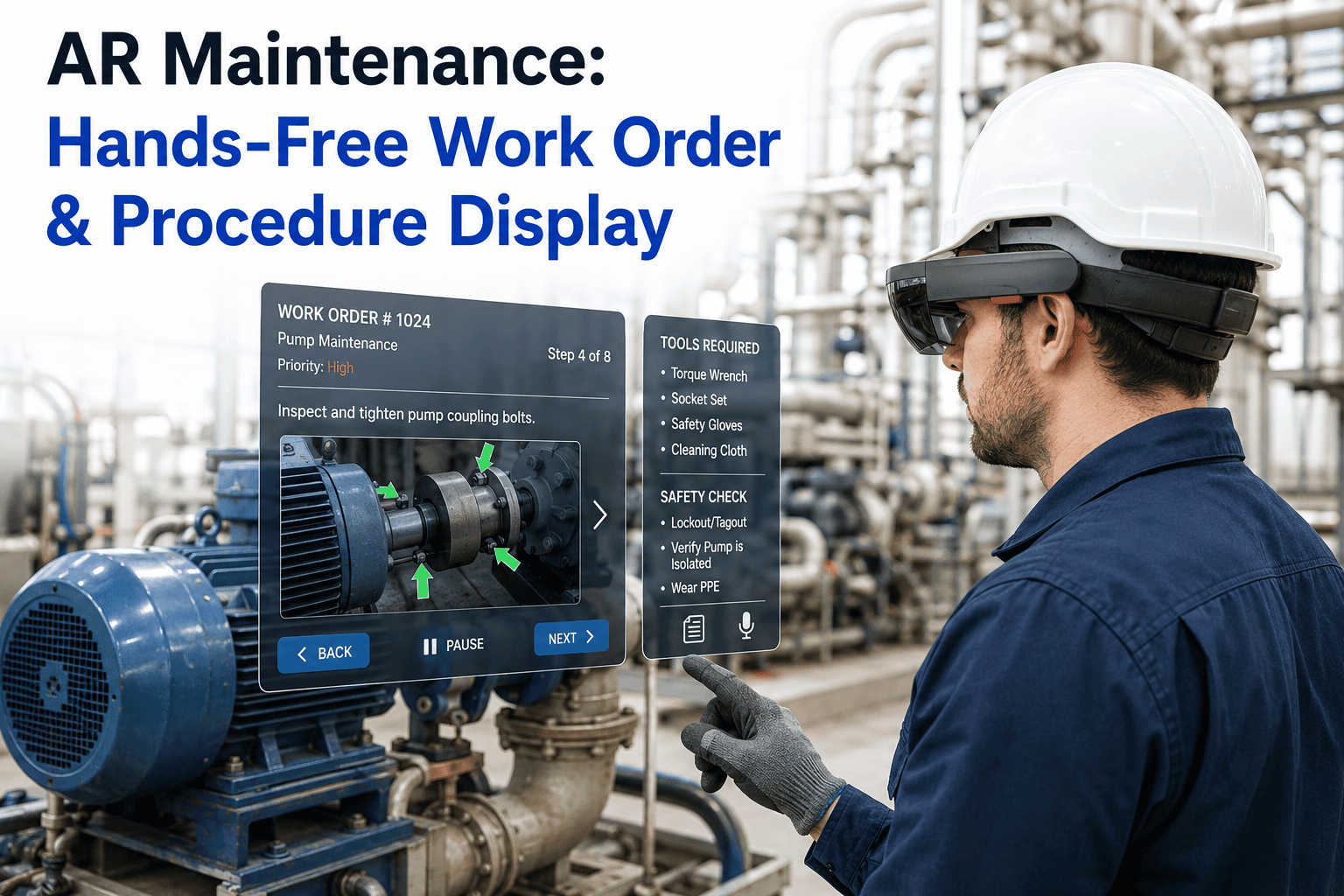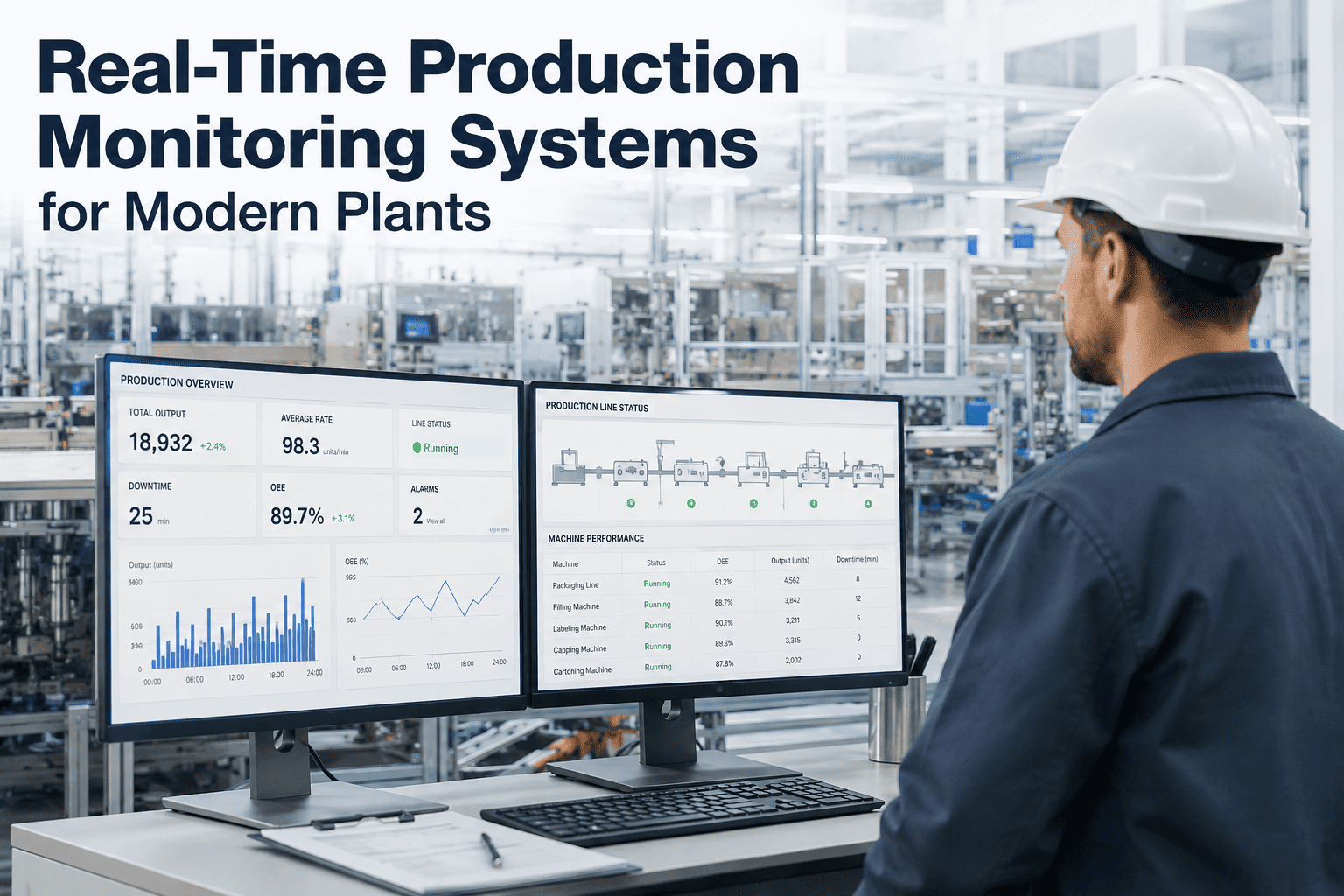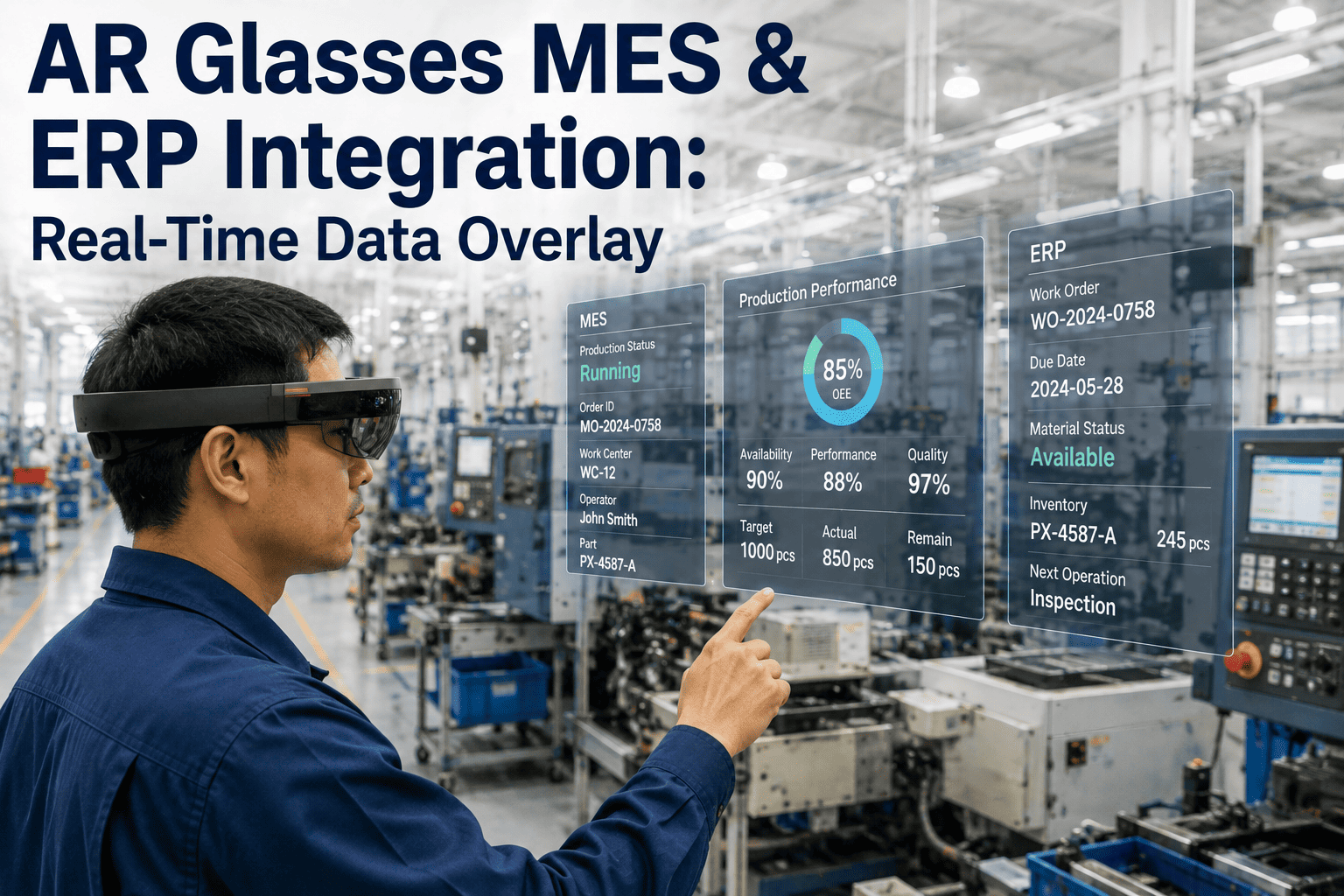
A technician standing at a stalled packaging line has two choices: walk back to a fixed terminal to pull up the work order, check parts inventory, and confirm the quality spec, or keep working with a tablet balanced on one arm while the line waits. Neither option is fast, and both break the flow of hands-on troubleshooting at the exact moment speed matters most. AR smart glasses solve this by pulling live data out of the MES and ERP and placing it directly in the technician's field of view, updated in real time as the underlying systems change. iFactory's Book a Demo session walks through exactly how that connection is built.
Why Manufacturing Data Stays Locked Out of the Technician's Hands
Most plants run a layered technology stack — PLCs and SCADA at the equipment level, an MES coordinating production and quality in the middle, and an ERP managing inventory, procurement, and scheduling above that. Each layer holds information a floor technician needs multiple times per shift, but each layer is typically accessed through a separate fixed workstation or a shared tablet passed between operators. The result is a data-access gap that costs time on every single task: locating the current work order, confirming the applicable quality tolerance, checking whether a replacement part is in stock before starting a repair. AR smart glasses close that gap by treating the headset as a lightweight client into the same MES and ERP systems already running the plant — no new source of truth, no parallel data entry, just a different, hands-free window into data that already exists.
Three Data Layers the AR Display Pulls From
PLC and SCADA Signals
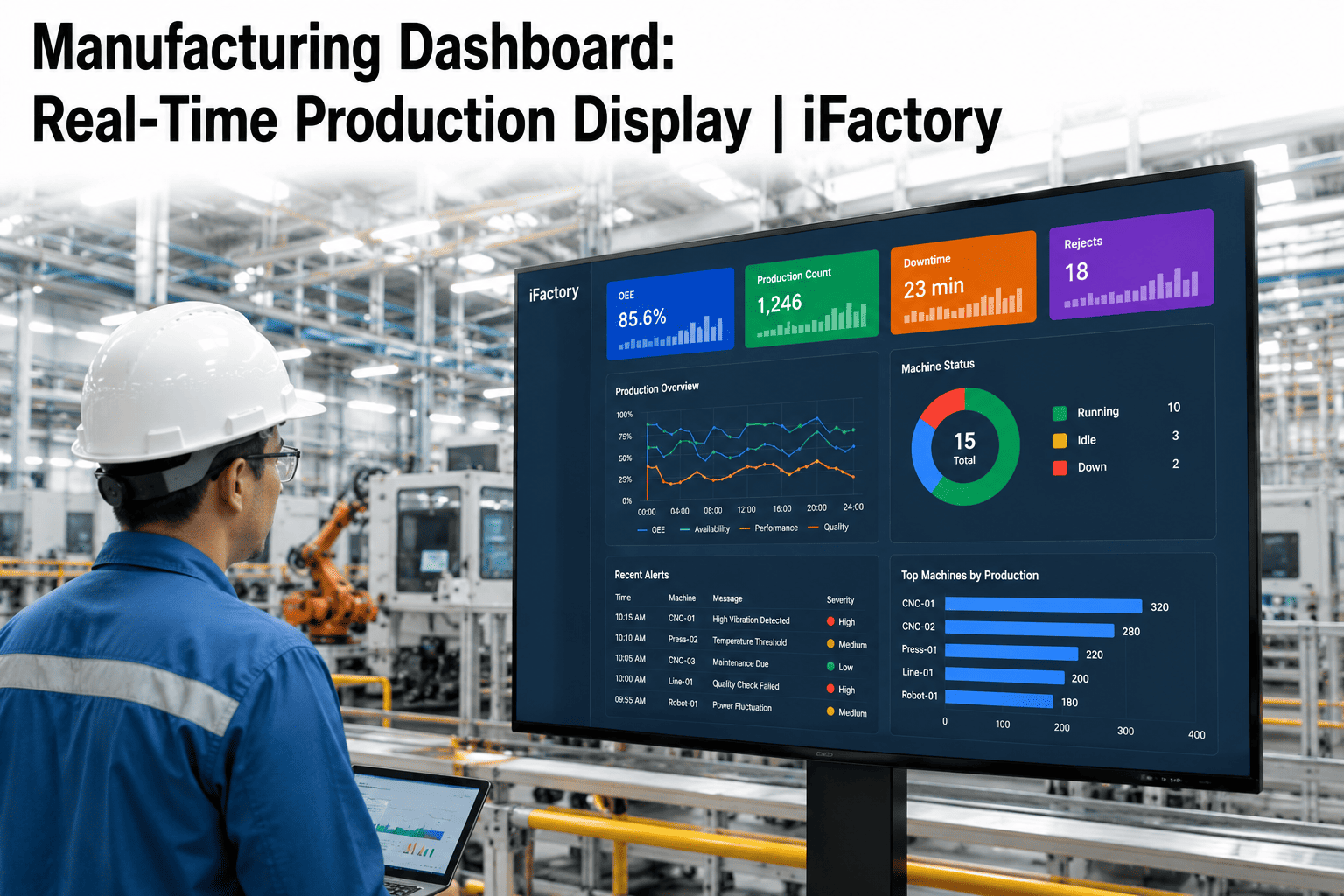
Fault codes, cycle counts, temperature and pressure setpoints, and machine state pulled directly from the control layer. This is the fastest-updating layer and drives the real-time equipment-status badges shown when a technician looks at a specific asset.
Production and Quality Context
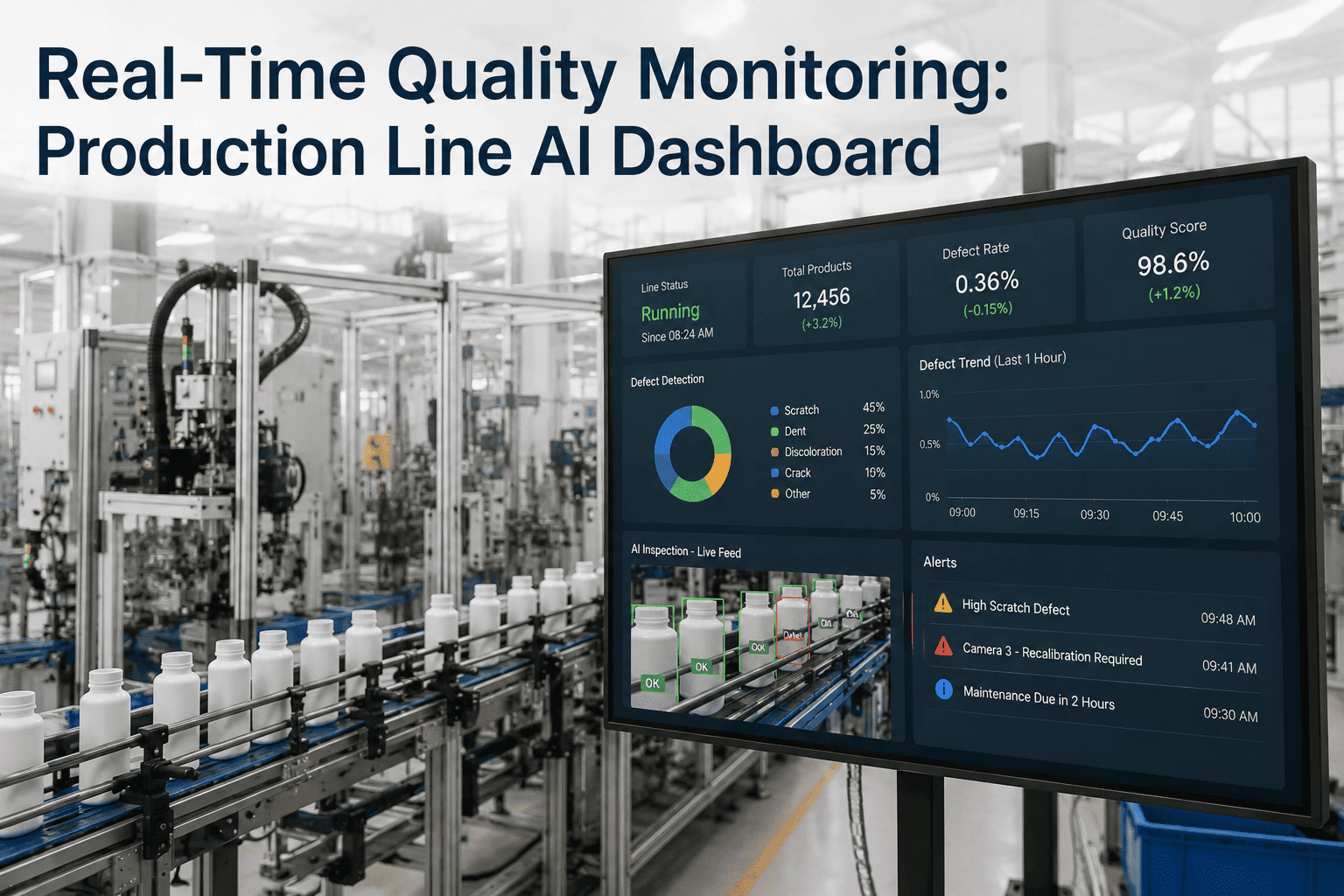
Active work orders, routing steps, quality specifications and tolerance bands, and the current production schedule for the line the technician is standing in front of. The MES layer is what tells a technician which job is running and what "correct" looks like for it.
Inventory and Planning Data
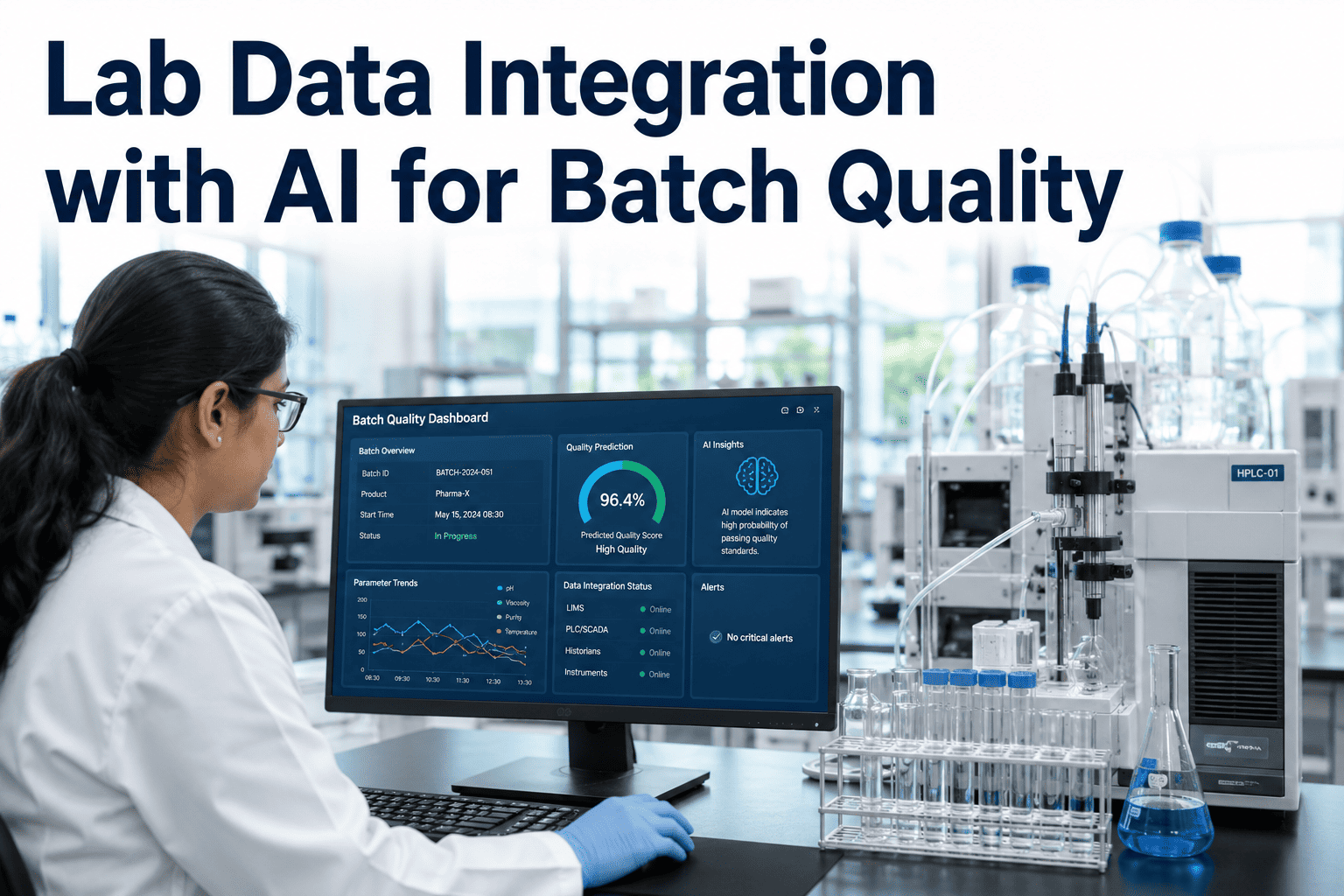
Spare parts stock levels, bill-of-materials lookups, purchase order status, and cost center information. This layer answers the question that stops a repair cold: is the part on the shelf, or does it need to be ordered before work can continue.
What Changes When the Data Moves to the Headset
The value of AR data overlay is not the novelty of the display — it is the elimination of the trip. A technician who currently interrupts a task four or five times per shift to check a screen recovers that time directly, and the recovery compounds across a shift, a line, and a plant. The comparison below sets the two workflows side by side.
| Task | Fixed Terminal / Tablet Workflow | AR Data Overlay Workflow |
|---|---|---|
| Confirm active work order | Walk to terminal, log in, search job number | Work order appears on approach to the line |
| Check quality tolerance | Open MES module, navigate to spec sheet | Tolerance band displayed next to the part in view |
| Verify spare part in stock | Switch to ERP screen, search part number | Inventory count overlaid on the equipment tag |
| Log task completion | Return to terminal, manually enter status | Voice command updates MES status in place |
| Escalate to a supervisor | Radio call, wait, describe the issue verbally | Live view shared instantly with annotated context |
How the Integration Is Actually Built
Connecting a headset to enterprise systems sounds like a heavy IT project, but the pattern is consistent across MES and ERP platforms because both systems already expose the same kind of interfaces used by every other plant-floor application. The steps below describe the integration path from a blank headset to a live, bidirectional data feed.
API and Middleware Connection
The AR platform connects to the MES and ERP through their existing REST or OPC-UA interfaces — the same connection points used by dashboards and mobile apps, so no custom database access is required.
Context Mapping to Equipment
Each asset tag or QR marker on the floor is mapped to its corresponding equipment ID in the MES, so the headset knows which work order, spec, and history to pull the moment a technician looks at that machine.
Role-Based Data Filtering
A quality inspector and a maintenance technician looking at the same machine see different overlays — inspection checkpoints for one, fault history and parts data for the other — filtered by role at the integration layer.
Bidirectional Write-Back
Voice commands and gesture confirmations captured on the headset write status updates, checklist completions, and part consumption directly back into the MES and ERP, keeping both systems current without a second data-entry step.
What Technicians See at Each Stage of a Task
Walking up to a station, the headset recognizes the equipment tag and surfaces the currently assigned work order along with any open alarms pulled from SCADA.
Fault history and the last three maintenance records for that specific asset appear alongside the live sensor readout, so the technician isn't reconstructing context from memory.
Required spare part numbers cross-reference ERP stock in real time — confirming availability before the technician commits to a repair path that a missing part would stall.
A voice-confirmed checklist writes the completion status, parts consumed, and time-on-task directly back into the MES, closing the work order without a return trip to a terminal.
Where This Fits Into a Broader Digital Shop Floor
AR data overlay is rarely the first digital initiative a plant runs — it typically follows an MES rollout that has already digitized work orders and quality specs, and an ERP that already tracks inventory accurately. The headset does not replace either system; it changes how the data those systems already hold gets delivered to the person standing at the equipment. Plants that try to deploy AR overlay before their MES data is clean run into a familiar problem: the glasses faithfully display whatever is in the source system, so incomplete work orders or outdated spec sheets simply become incomplete and outdated overlays. Getting the sequencing right — clean MES and ERP data first, AR display layer second — is usually the difference between a pilot that sticks and one that gets shelved after a few weeks. iFactory's assessment process checks data readiness in both systems before recommending a full deployment, which keeps the project from stalling on a foundation problem months into rollout.
Access Control: Who Sees What, and Where the Data Lives
Piping live MES and ERP data onto a wearable headset raises a fair question for any IT or plant security team: where does that data actually go, and who can see it. The integration is designed to answer both parts cleanly. Every headset session authenticates against the plant's existing identity provider, so a technician sees only the equipment and work orders their MES role already permits — the AR layer inherits the permission model rather than creating a parallel one that has to be maintained separately. Data in transit between the headset, the local network, and the MES/ERP stays on the plant network by default, and nothing is written to permanent storage on the device itself beyond the short-lived cache needed for offline resilience. For plants with strict data residency or air-gapped requirements, the same architecture that keeps AI vision inference on-premise applies here: the integration layer runs on local plant infrastructure rather than routing through an external cloud service.
Integration Pitfalls Worth Planning Around
Incomplete work orders or outdated specs display exactly as incomplete and outdated overlays — cleaning up the source data before rollout avoids technicians losing trust in the display on day one.
Assets without a QR marker or RFID tag mapped to their MES ID can't be recognized automatically, so an equipment-tagging pass is usually a prerequisite step, not an afterthought.
Copying an existing terminal login's permissions wholesale onto the AR layer can expose more data than a headset display should show at a glance — role scoping deserves its own review pass.
Areas of the plant with weak Wi-Fi coverage need to be mapped before rollout so offline caching behavior is tested where it will actually be needed, not just in the strongest-signal test area.
What a Pilot Program Typically Covers
Rather than connecting every headset to the full MES and ERP data model on day one, most successful rollouts start with a scoped pilot covering one line, one shift, and a narrow set of data fields — usually active work orders and one or two critical quality specs. This lets the integration team validate the API connection, the equipment-tagging accuracy, and the role-based filtering logic against real floor conditions before expanding the data model further. A pilot that runs cleanly for a few weeks on a limited scope gives both the plant and the integration team a much stronger basis for expanding into inventory lookups, write-back status updates, and additional lines than trying to stand up the full data set across the whole plant at once.
Standardizing the Integration Across Multiple Plants
Multi-site operators running different MES versions or even different MES vendors at different plants face a real question: does each site need its own custom integration, or can the pattern be standardized. Because the connection relies on each system's standard API or OPC-UA interface rather than a database-specific hook, the integration architecture itself is largely reusable across sites — what changes from plant to plant is the field mapping and the equipment-tagging pass, not the underlying connection method. Corporate teams rolling this out across several facilities typically define a standard data model once — which fields get pulled, which roles see what — and then repeat the lighter-weight, site-specific mapping work at each location, which is considerably faster than treating each plant as a from-scratch project.
Frequently Asked Questions
Does connecting AR glasses to our MES and ERP require custom software development?
In most cases, no custom development against the core database is required. Modern MES and ERP platforms expose REST APIs or OPC-UA interfaces specifically so that dashboards, mobile apps, and now AR headsets can read and write data through a standard, supported connection point. The integration work is primarily configuration — mapping equipment tags to asset IDs, defining which fields each role can see, and setting up the write-back rules for status updates. Plants running older or heavily customized MES instances may need a lightweight middleware layer, which the iFactory Support team scopes during the initial assessment.
Which MES and ERP platforms can AR smart glasses connect to?
Because the connection runs through standard API and OPC-UA interfaces rather than a proprietary integration, AR data overlay works with the major MES platforms in industrial use today as well as the ERP systems most plants already run for inventory and procurement. The specific fields available for overlay depend on how the source system's data model is configured — a plant with well-structured quality specs in its MES gets more overlay detail than one where specs live in spreadsheets outside the system of record. A discovery call scoped through Book a Demo confirms compatibility for a specific plant's stack.
What happens to the data overlay if the plant network connection drops?
The headset caches the most recently retrieved work order, spec, and inventory data locally, so a brief network interruption does not blank the display mid-task. Any status updates or checklist completions made while offline queue locally and sync back to the MES and ERP automatically once connectivity returns. This local caching matters most on large plant floors where Wi-Fi coverage can have dead zones near heavy equipment or in shielded areas, and it prevents a network hiccup from turning into a lost work record.
Can different roles see different data on the same piece of equipment?
Yes, and this role-based filtering is one of the more valuable parts of the integration rather than an afterthought. A maintenance technician looking at a pump sees fault codes, maintenance history, and spare part availability, while a quality inspector looking at the same pump sees the relevant inspection checkpoints and the current tolerance band for the part it is producing. The filtering happens at the integration layer based on the logged-in user's role in the MES, so no separate content needs to be built and maintained for each headset user.
How much latency is there between an MES update and what appears on the headset?
Work order and status changes typically reflect on the headset within a few seconds of the underlying MES record updating, since the connection polls or subscribes to the same event stream that drives other plant dashboards. Fast-changing SCADA values like temperature or pressure readouts update closer to real time, matching whatever refresh rate the control system itself publishes at. The exact figure depends on plant network conditions and how the MES is configured to publish updates, which is something the iFactory Support team validates during commissioning.