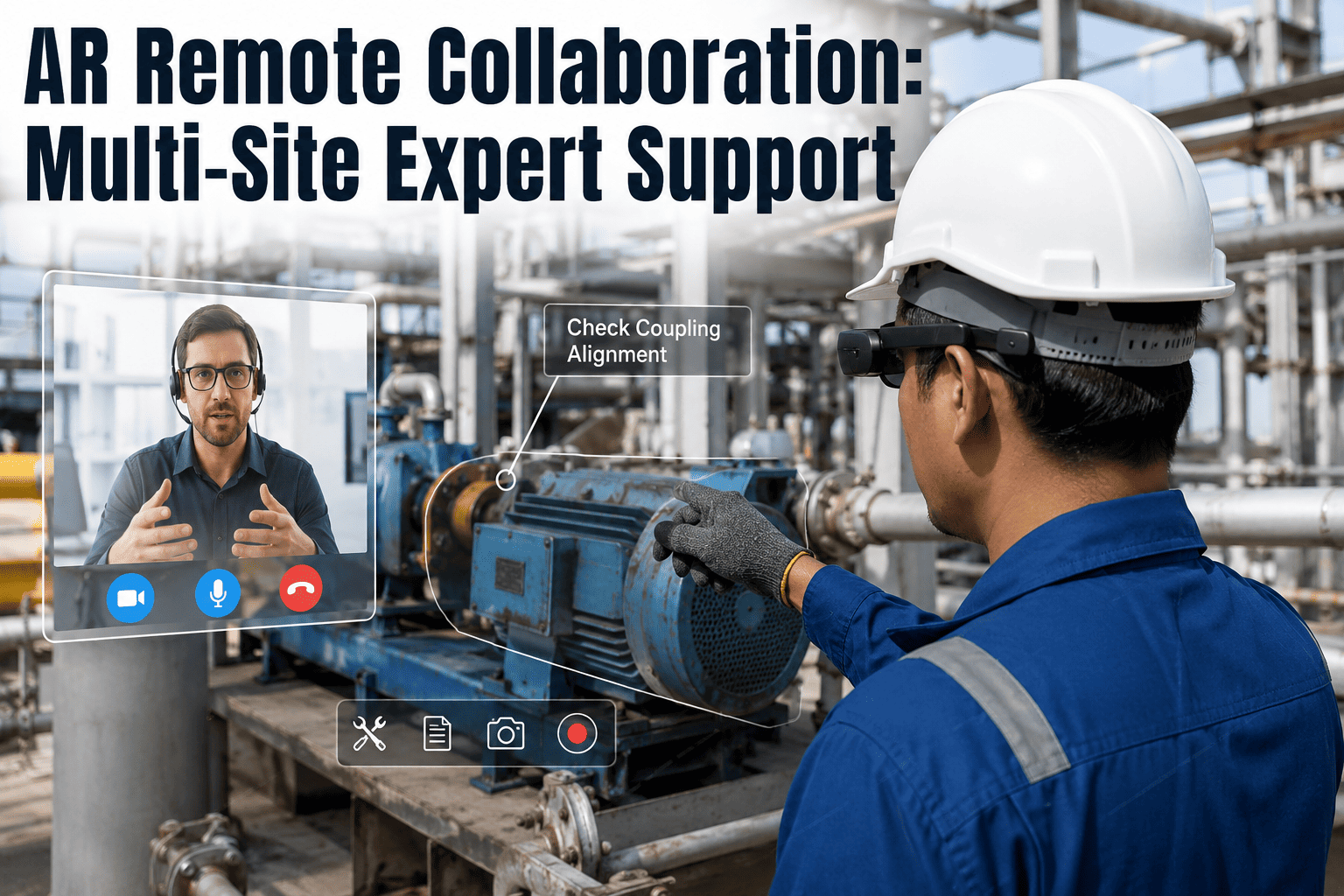
A stamping press throws an unfamiliar fault code at a plant in Ohio at 2 a.m., and the one engineer who has actually rebuilt that specific press is asleep at a sister facility in Germany. A phone call gets a guess. A string of blurry photos gets a better guess. Neither gets the line running before the shift ends, and neither captures what was actually diagnosed so the next occurrence goes faster. iFactory connects the technician standing at the machine with the right expert at any connected site through AR smart glasses, so the expert sees the exact fault, the exact wiring, and the exact panel the technician is looking at in real time. You can book a demo to see multi-site expert collaboration running against your own plant network.
AR SMART GLASSES · MULTI-SITE COLLABORATION · EXPERT NETWORK
The Right Expert, Any Site, Looking Through the Same Eyes as Your Technician
iFactory routes a live AR feed from a technician's smart glasses to any qualified expert across your plant network, letting that expert see, annotate, and guide the exact equipment in front of the technician without a single flight booked or a single shift lost waiting.
Plant Site A
Technician on the floor
Plant Site B
Technician on the floor
Expert Routing Hub
Matches issue to available expert
Plant Site C
Technician on the floor
Regional Expert
Sees live AR feed, annotates
WHAT ONE EXPERT LOCKED TO ONE PLANT ACTUALLY COSTS
Your Best Troubleshooter Can Only Be in One Place at a Time, Until Now
Most manufacturers already know exactly who their best troubleshooters are, and exactly how few of them there are. The problem is not a lack of expertise inside the organization, it is that expertise sits physically parked at one site while every other facility either waits for a flight, settles for a guess, or reruns the same diagnostic mistakes a more experienced colleague solved months ago somewhere else. Multi-site AR collaboration removes the geography constraint entirely, turning a handful of senior specialists into a shared resource the whole network can call on the moment a technician puts on a headset.
30-50%
Typical reduction in resolution time on complex or unfamiliar equipment faults when a remote expert joins through a live AR feed instead of a phone call
25%+
Share of the industrial workforce approaching retirement age in the coming years, taking decades of unrecorded hands-on knowledge with them
One Pool
Every certified expert across your plant network becomes reachable from any site instead of being tied to the building they happen to work in
HOW ORGANIZATIONS SOLVE THIS TODAY
Four Ways to Get an Expert's Eyes on a Problem, Only One of Them Scales
Every plant already has some version of a remote troubleshooting process, it usually just involves more waiting and more guesswork than anyone would choose if a better option were sitting in front of them. Understanding where each existing method breaks down is what makes the case for AR-based collaboration obvious rather than theoretical.
Phone Call and Description
The technician describes what they see verbally while the expert tries to picture a machine they cannot see, often leading to a diagnosis based on guesswork rather than actual observation.
Photos Sent Over Chat
Static images capture a single angle at a single moment, missing the context of sound, movement, and surrounding components an expert would normally rely on during an in-person inspection.
Video Call on a Tablet
Better than a photo, but it ties up the technician's hands holding the device, makes fine positioning difficult, and gives the expert no way to point directly at a specific bolt or panel.
AR Smart Glasses Session
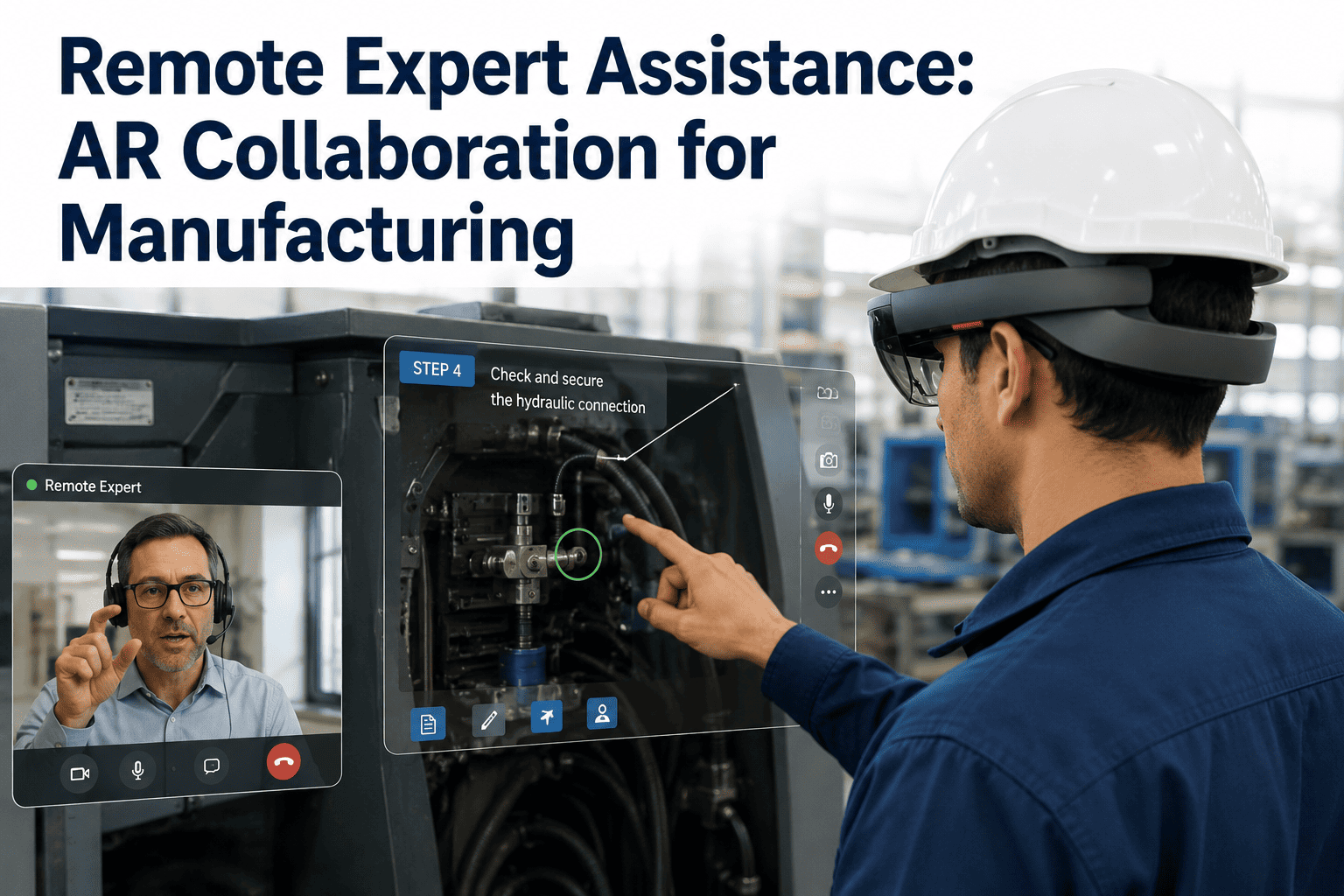
The technician works hands-free while the expert sees the identical first-person view and draws arrows, circles, and notes directly onto the live feed exactly where the fix needs to happen.
WHERE MULTI-SITE AR COLLABORATION PAYS FOR ITSELF
Any Organization Running More Than One Facility Feels This Gap
The value of a shared, cross-site expert pool grows with every additional plant, region, or shift added to the network, since each new site either draws on the same small group of specialists or duplicates that expertise at a cost most organizations cannot justify.
Multi-Plant Discrete Manufacturers
Share a small number of senior automation and controls specialists across every plant in the network instead of hiring redundant expertise at each location.
Food and Beverage Operators
Get a sanitation or packaging-line specialist onto a fault at a distant facility within minutes, protecting production schedules built around perishable inventory.
Global Engineering and EPC Firms
Bring a subject matter expert from headquarters into a commissioning or startup issue at a remote project site without booking international travel.
Regional Service and Field Teams
Give newer field technicians a direct line to a senior colleague's eyes and hands-on guidance during their first solo calls on unfamiliar equipment.
HOW THE COLLABORATION SESSION ACTUALLY RUNS
What Changes When the Expert Sees What the Technician Sees
A comparison against the tools most plants already have shows exactly where an AR session earns back the time and cost that other methods lose to ambiguity, repeated questions, and travel scheduling.
| Factor |
Expert Travel to Site |
Standard Video Call |
AR Multi-Site Glasses |
| Time to Expert Engagement |
Hours to days depending on flight availability |
Minutes, if the right expert is reachable |
Minutes, routed automatically to an available match |
| Hands-Free Operation |
Not applicable, expert works directly |
No, technician holds a device throughout |
Yes, technician keeps both hands on the equipment |
| Guidance Precision |
Highest, expert is physically present |
Limited by camera angle and verbal direction |
High, expert annotates directly onto the live view |
| Session Documentation |
Manual notes written after the fact |
Rarely recorded or searchable afterward |
Session and annotations logged against the work order |
| Cost per Incident |
Flights, lodging, and lost production hours |
Low direct cost, high risk of misdiagnosis |
Low direct cost with expert-grade guidance |
Stop Waiting on a Flight to Fix a Fault Someone Already Knows How to Fix
iFactory connects your technicians and your experts through AR smart glasses across every site in your network, no matter which plant either one happens to be standing in. Book a demo and see the routing and annotation workflow live.
SECURITY AND NETWORK CONSIDERATIONS
Connecting Sites Does Not Mean Opening the Floor to Anyone
Extending expert access across sites raises a fair question about who can see a live feed of your production floor, and a well-built collaboration platform answers it with the same access discipline you already apply to any other plant system.
Session Initiation and Authentication
Every session starts from the technician's device, is authenticated against your existing identity system, and connects only to pre-approved expert contacts rather than an open call queue.
Encrypted Point-to-Point Streaming
The live view leaves the device only for the connected expert session, it is not broadcast externally or stored on a public server during the call.
Role-Based Access Control
Who can be routed as an expert, and which sites they can be routed to, is configured against your organization's existing role and site permission structure.
Work Order and Audit Linkage
Session summaries, annotations, and outcomes attach directly to the originating work order, giving reliability teams a searchable record instead of a memory of a call.
FREQUENTLY ASKED QUESTIONS
Questions Plant and Reliability Leaders Ask Before Rolling This Out
Do our technicians need special AR headsets, or can this work with devices we already have?
iFactory is built to work with common industrial smart glasses as well as tablets and phones already in use on your floor, so a full hardware refresh is not a prerequisite for getting started. Most plants begin with a small number of headsets on the roles that handle the most complex or unfamiliar fault types, then expand once the workflow proves itself. The routing and annotation logic stays consistent whether the technician is wearing a headset or holding a tablet. You can
book a demo to review which devices fit your current fleet and rollout plan.
How does the system decide which expert gets connected when a technician starts a session?
Sessions are matched against expert availability, equipment specialty, and site permissions rather than a single fixed contact who may be unreachable or off shift. If the first matched expert cannot take the call, the request routes to the next qualified match across the network without the technician needing to know who else might be available. This keeps response times short even when your most experienced specialists are stretched across multiple facilities. Our
support team can walk through how routing rules are configured for your organization.
What happens to the session afterward, does the guidance get lost once the call ends?
Every session summary, along with the annotations the expert made during the call, is attached to the originating work order rather than disappearing once the connection closes. This means the next technician who encounters a similar fault, at any site, can review exactly how it was diagnosed and resolved the first time. Over time this turns individual troubleshooting calls into a searchable knowledge base tied to real equipment history. Book a demo to see how session records surface inside existing work order views.
Can experts from outside our organization, like an equipment vendor, join a session?
Yes, external experts such as an OEM specialist or a vendor's field engineer can be added to a session under the same access controls used for internal experts, so a vendor never gets broader visibility than the specific session they were invited to. This is particularly useful for equipment still under warranty or support contract, where the vendor's own engineer may be the fastest path to resolution. Access is scoped to that single session and does not carry over automatically. Contact
our support team to discuss configuring vendor or third-party access.
How much bandwidth or network upgrade does a multi-site AR program actually require?
Requirements depend on how many concurrent sessions a site expects to run and the video quality needed for the equipment involved, but most plants with standard industrial wifi coverage can support a pilot without a network overhaul. A pilot typically starts with a small number of devices on one or two lines before scaling to the rest of the facility, which limits upfront network investment while the workflow is being validated. Larger deployments across many simultaneous sessions may warrant a network assessment beforehand. Book a demo and we can review your current network setup against a realistic session load.
Your Best Troubleshooters Should Not Be Limited to the Building They Work In
iFactory connects every technician, at every site, to the right expert through a live AR feed the moment a fault happens. Book a demo and see multi-site expert collaboration running on your own equipment.