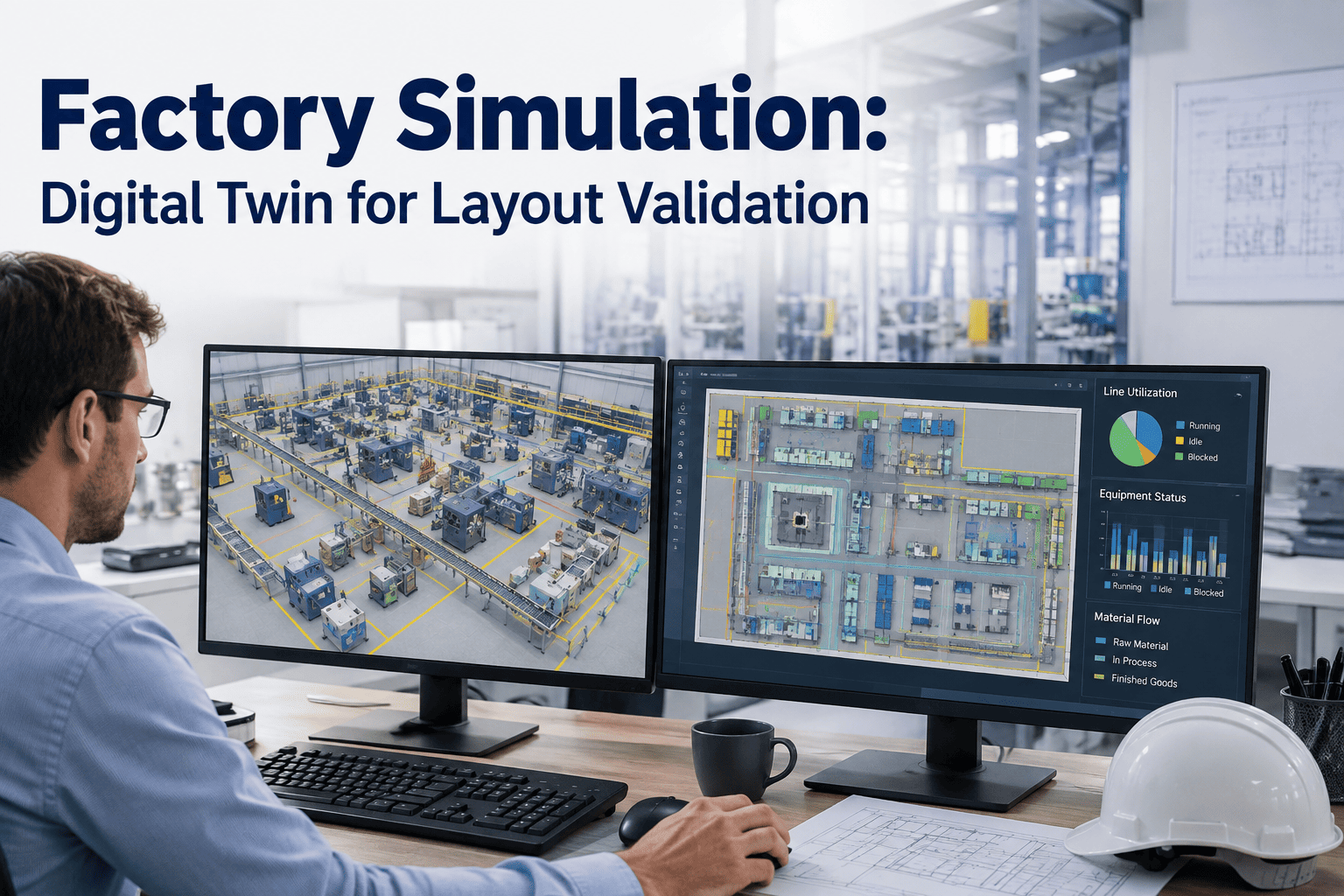
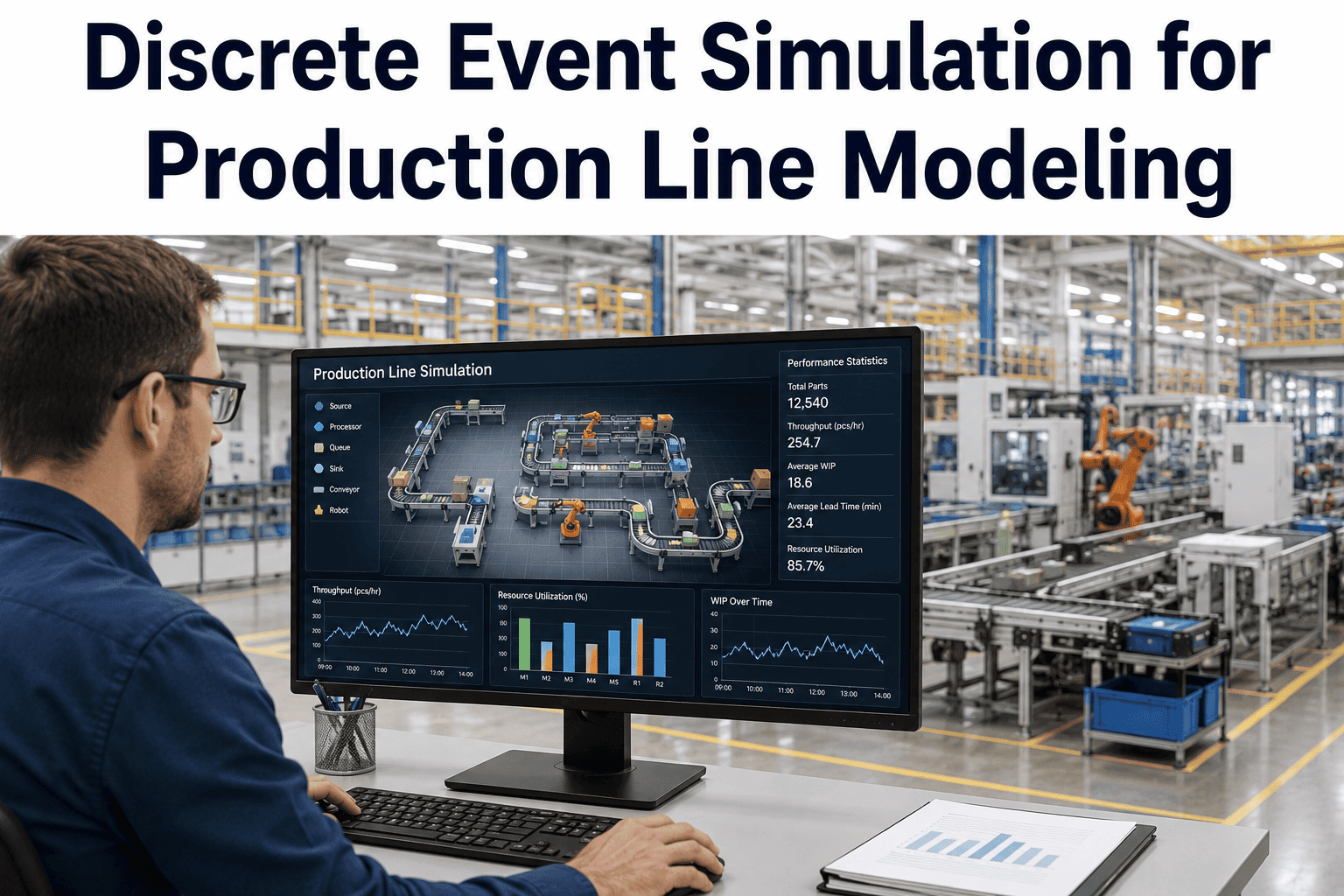
Every layout change on paper looks perfect until the first shift runs it. A new line arrangement that seemed to shorten travel distance on a drawing can create a queue at a machine center nobody flagged, because static drawings cannot account for variability in cycle times, changeovers, staffing patterns, or order mix. Discrete event simulation solves this by building a working digital model of the proposed layout and running thousands of production hours through it in minutes, exposing bottlenecks, congestion points, and throughput ceilings before a single machine is physically moved. For manufacturers evaluating a layout change, an expansion, or a new line, simulation turns a guess into a tested decision, and our team can walk you through how a simulation model is built for your specific facility.
Plant Layout & Bottlenecks
Factory Simulation: Validate Your Layout Before You Move a Single Machine
Discrete event simulation builds a working digital replica of your proposed layout, runs realistic production volume through it, and shows you exactly where throughput breaks before construction crews or riggers ever show up on the floor.
68%of layout redesigns underperform projected throughput without pre-move simulation
3-6 wkstypical time to build and validate a full-facility simulation model
10-20%average throughput gain identified by testing alternative layouts virtually
Why Static Layout Drawings Miss the Real Bottleneck
A CAD drawing shows where equipment sits. It cannot show what happens when three orders converge on the same inspection station during a high-mix week, or how a five-minute changeover ripples into a two-hour queue by the end of a shift. Layout decisions made from static drawings alone are essentially assumptions dressed up as plans. Discrete event simulation replaces the assumption with a model that behaves like the real plant, incorporating cycle time variation, machine reliability data, labor availability, shift patterns, and actual order mix pulled from historical production data. The result is a layout decision backed by evidence rather than intuition.
The gap between planned and actual performance is where most capital projects lose money. A line that was engineered to hit a specific units-per-hour target on paper frequently falls short once real variability enters the picture, and by the time that gap becomes visible, the concrete has already been poured and the conveyors already installed. Simulation closes that gap during the design phase, when changes cost a model rebuild instead of a rebuild of the actual floor.
How a Factory Simulation Project Actually Runs
1
Data Collection & Baseline Model
Cycle times, changeover durations, machine uptime, labor rules, and order history are pulled from existing systems to build a baseline model of the current state, validated against actual production numbers until the model's output matches reality within an agreed tolerance.
2
Layout Alternative Construction
Each proposed layout option is built as a separate model variant, with equipment positions, material flow paths, buffer sizes, and staffing levels adjusted to reflect the specific change being evaluated.
3
Scenario Runs Under Real Demand Patterns
Each layout variant is run through a full year of demand variation, including peak season volume, worst-case order mix, and planned maintenance windows, producing throughput, utilization, and queue statistics for every station.
4
Bottleneck Identification & Sensitivity Testing
The model highlights which station or path constrains overall throughput in each layout, and sensitivity runs test how much buffer capacity, staffing, or equipment count would be needed to relieve that constraint.
5
Recommendation & Implementation Handoff
The best-performing layout is documented with expected throughput, capital cost, and implementation sequence, giving project teams a validated plan instead of a best guess before the physical move begins.
Static Planning vs. Simulated Planning
The table below compares how layout decisions are typically made using static planning methods against what a simulation-based approach adds at each stage of the decision.
Where Simulation Delivers the Fastest Payback
New Line Design
Test equipment count, buffer placement, and staffing levels for a brand new production line before capital is committed, avoiding the common trap of over-building capacity at one station while under-building at another.
Capacity Expansion
Determine whether adding a shift, adding equipment, or rebalancing the existing line delivers the needed throughput increase at the lowest capital cost, using the same model to compare all three options side by side.
Layout Consolidation
Model the combined flow of two merged lines or facilities before the physical move, catching the material handling conflicts and shared-resource contention that only appear once both operations run under one roof.
New Product Introduction
Simulate how a new SKU with different cycle times and routing will interact with existing product flow, revealing whether the current layout can absorb the new product or whether dedicated capacity is required.
A simulation model built on your actual production data turns your next layout decision from a guess into a tested, defensible plan. See how a working digital replica of your facility is built and validated.
What Goes Into an Accurate Simulation Model
A simulation model is only as reliable as the data behind it. Getting the following inputs right is what separates a model that predicts real performance from one that simply looks convincing on screen.
01Cycle time distributions, not averages — real cycle times vary run to run, and the model needs the full distribution to produce realistic queue behavior.
02Actual downtime and failure history — mean time between failures and mean time to repair pulled from maintenance records, not equipment vendor specifications.
03Changeover sequences and durations — including operator-dependent variation, since changeover time is one of the most common sources of underestimated bottlenecks.
04Historical order mix and seasonality — twelve months of actual demand data run through the model rather than a single average day.
05Labor rules and shift patterns — including break schedules, cross-training constraints, and realistic absenteeism rates.
06Material handling and transport logic — travel distances, AGV or forklift cycle times, and any shared handling resources between lines.
Calculating the Real ROI of a Simulation Project
Simulation is frequently treated as a nice-to-have engineering exercise rather than a capital protection tool, which undersells its financial case. The return comes from three distinct sources that are worth quantifying separately when building a business case for a simulation project.
Avoided Overbuild
Simulation frequently reveals that a proposed capacity expansion is larger than necessary once realistic variability is modeled, avoiding capital spent on equipment the actual bottleneck never required.
Captured Throughput
Testing alternative layouts virtually surfaces configurations that outperform the original plan, capturing throughput gains that would otherwise have gone undiscovered until well after installation.
Avoided Rework
Design flaws caught in a model cost a re-run. The same flaw caught after installation costs a physical rebuild, lost production during the fix, and a delayed project timeline.
Common Pitfalls That Undermine a Simulation Project
Not every simulation project delivers a reliable answer. The most frequent reasons a model fails to predict real performance accurately are avoidable with the right discipline during the build phase.
Averaged inputsUsing average cycle times instead of full distributions understates queueing and produces an overly optimistic throughput number.
Skipped validationBuilding a model without validating it against known current-state performance means errors in the baseline carry through every future scenario tested.
Single-day demandTesting only a typical day instead of a full year of demand variation misses how the layout performs during peak season or worst-case order mix.
Ignoring labor constraintsModeling equipment capacity without realistic staffing, absenteeism, and cross-training limits produces a throughput ceiling the plant can never actually reach.
Frequently Asked Questions
How long does it take to build a factory simulation model?
A single line model typically takes two to three weeks including data collection, model construction, and baseline validation against current production. A full facility model with multiple interconnected lines can take four to six weeks depending on complexity and how readily cycle time, downtime, and order history data can be pulled from existing systems.
Book a demo to scope a timeline for your facility.
Do we need perfect data before starting a simulation project?
No. Most facilities start with a mix of system data and reasonable estimates for gaps, then refine the model as better data becomes available. The baseline validation step is designed to catch inputs that are significantly off, since the model's throughput output is compared against known actual performance before any layout alternatives are tested. Waiting for perfect data usually delays a decision more than it improves it.
Can simulation compare more than two layout options at once?
Yes. Because each layout alternative is built as a separate model variant sharing the same underlying demand and reliability data, you can run three, four, or more options through identical scenarios and compare throughput, utilization, and cost side by side. This is one of the biggest advantages over physical piloting, where testing multiple layouts in sequence would take months.
Contact support to discuss a multi-option comparison for your project.
What is the typical return on investment for a simulation project?
Returns come from two sources: avoiding capital spent on capacity that a corrected layout would not have needed, and capturing throughput gains identified by the optimal layout that would otherwise have gone undiscovered. Facilities running simulation before major layout changes commonly report throughput improvements in the ten to twenty percent range compared to the originally planned layout, along with avoided rework costs from catching design flaws before construction.
Does the simulation model stay useful after the layout is implemented?
Yes. Once validated against the new layout's actual performance, the same model becomes a tool for testing future changes such as adding a shift, introducing a new product, or evaluating further expansion, without needing to rebuild from scratch. Many facilities maintain their model as a standing decision-support tool rather than a one-time deliverable.
Book a demo to see how an ongoing model is maintained.
Test Your Next Layout Before You Build It
Get a working simulation model of your facility, validated against real production data, so your next layout decision is backed by evidence instead of a drawing.