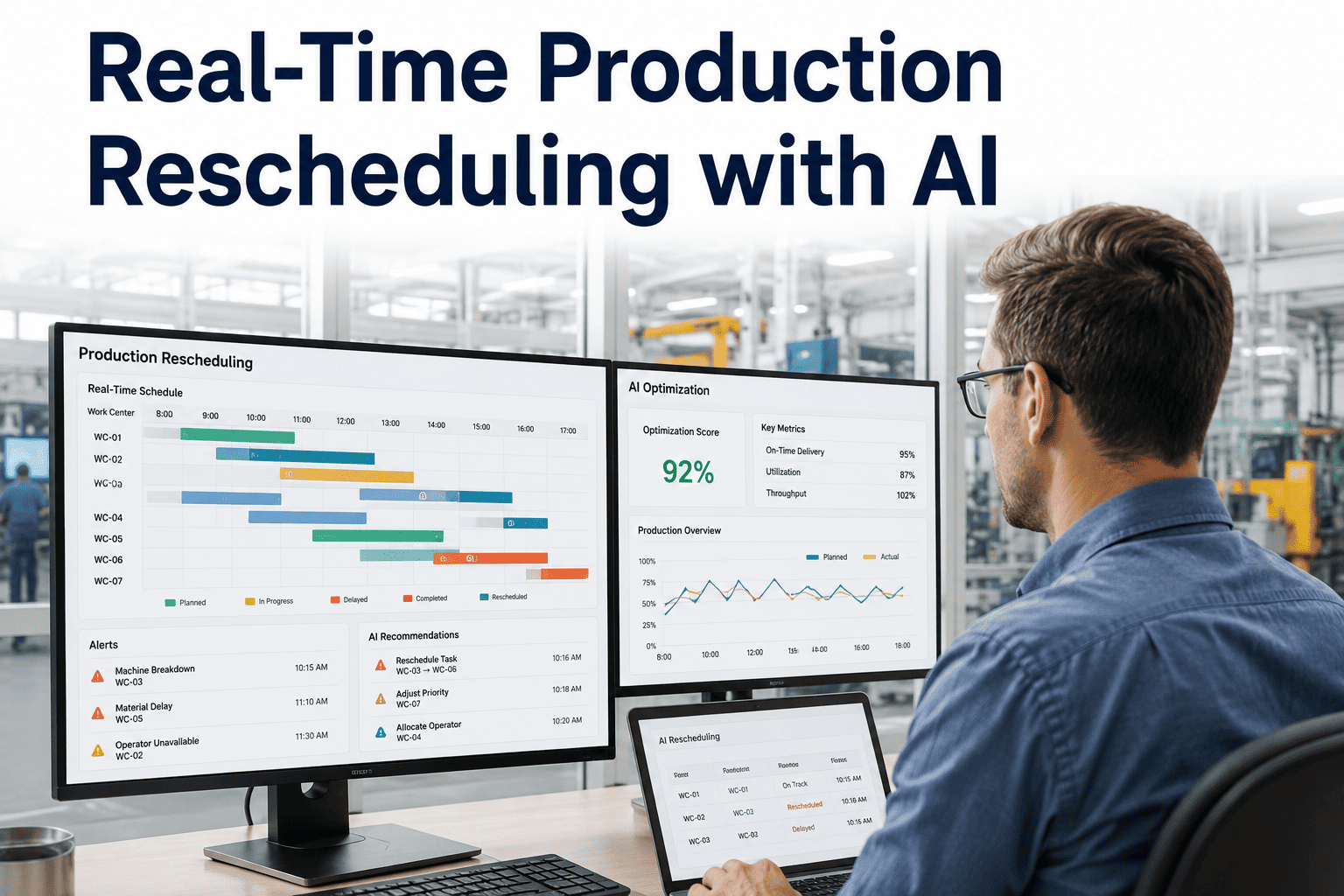
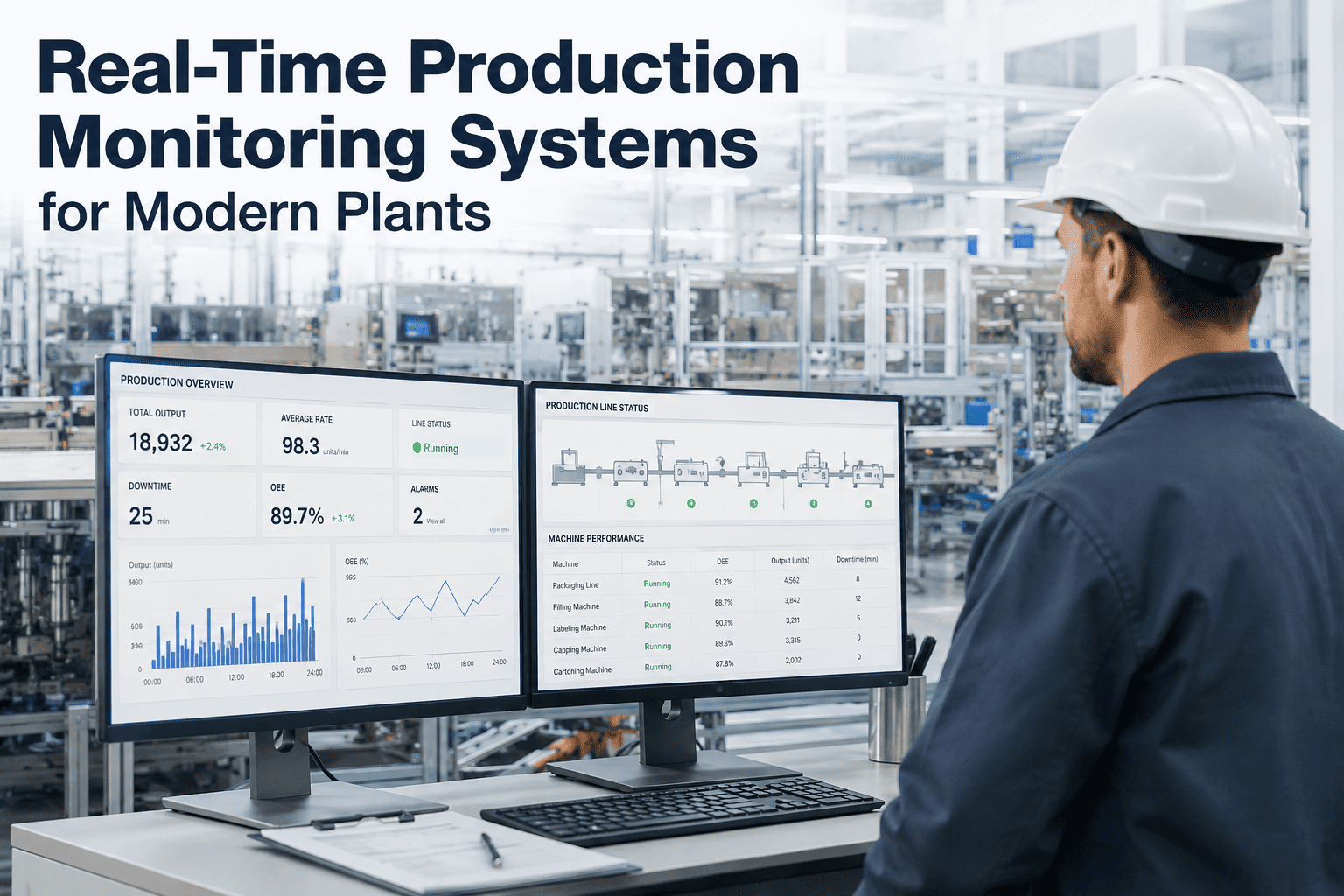
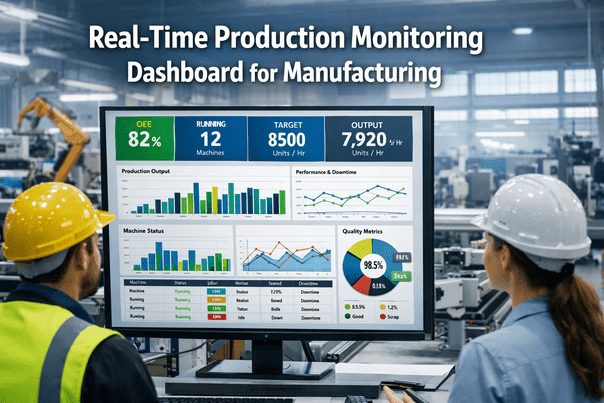
A machine goes down at 6am, two rush orders land before lunch, and a supplier calls to say a shipment is three days late. By the time the schedule catches up to reality, the plant has already lost hours of productive capacity, and the operations manager is the one explaining to customers why a promised date slipped. This is not a planning failure, it is a speed failure — the schedule simply cannot move as fast as the floor does. iFactory's real-time rescheduling engine watches every disruption as it happens and regenerates a feasible plan in minutes, so the promised date stays intact more often than not. Book a demo to see it absorb a live disruption scenario from your own plant.
Real-Time Rescheduling + Operations Management
When the Floor Changes, the Schedule Should Move With It — Not After It.
iFactory keeps a living schedule that reacts to breakdowns, rush orders, and material delays the moment they happen, so operations managers stop firefighting and start reviewing.
The Fire Drill Cycle Operations Managers Know Too Well
A schedule gets built Monday morning against the week's known orders, capacity, and material. By Monday afternoon, at least one of those three assumptions has already changed. Traditional scheduling tools treat the plan as fixed until the next batch run, so every disruption in between becomes a manual scramble — a planner or supervisor pulling data from three systems to figure out what actually has to move.
Five Events That Break a Static Schedule
Machine Breakdown
Every order routed through that machine needs a new home — a backup asset, a different sequence, or an accepted delay.
Rush Order
A high-priority order has to slot in with minimum disruption to everything already promised to other customers.
Material Delay
Orders dependent on the delayed shipment need to move back while orders with available material get pulled forward.
Quality Hold
Affected operations pause and every downstream step in that routing needs to be resequenced around the hold.
Labor Absence
A shift short on a specific skill set needs its assigned jobs reallocated to operators who can actually run them.
Static Response vs. Real-Time Response
Traditional Scheduling
Disruption sits unaddressed until the next batch run
Planner manually cross-checks MES, ERP, and CMMS
Rebuild takes hours, sometimes into the next shift
Downstream impact discovered after the fact
Promised dates slip without early warning
iFactory Real-Time Rescheduling
Disruption detected the moment it is logged
Live constraint model updates automatically
Revised, feasible plan generated in minutes
Downstream impact shown before approval
At-risk dates flagged while there is still time to act
Bring Us a Real Disruption. We'll Reschedule It Live.
Machine down, rush order, late shipment — pick a scenario from your own plant and watch the rebuild happen in the demo.
How the Rebuild Happens, Minute by Minute
Minute 0
Event Logged
A breakdown, hold, or delay is captured directly from MES or machine telemetry — no manual entry required.
Minute 1
Impact Mapped
Every order, machine, and downstream step touched by the disruption is identified automatically.
Minutes 2–5
Options Evaluated
Alternative routings, backup capacity, and resequencing options are scored against due dates and cost of delay.
Minute 6+
Plan Delivered
The operations manager reviews a revised, feasible schedule with the minimum-disruption path already highlighted.
What Changes on the Floor Once It's Live
One live view, not three systems
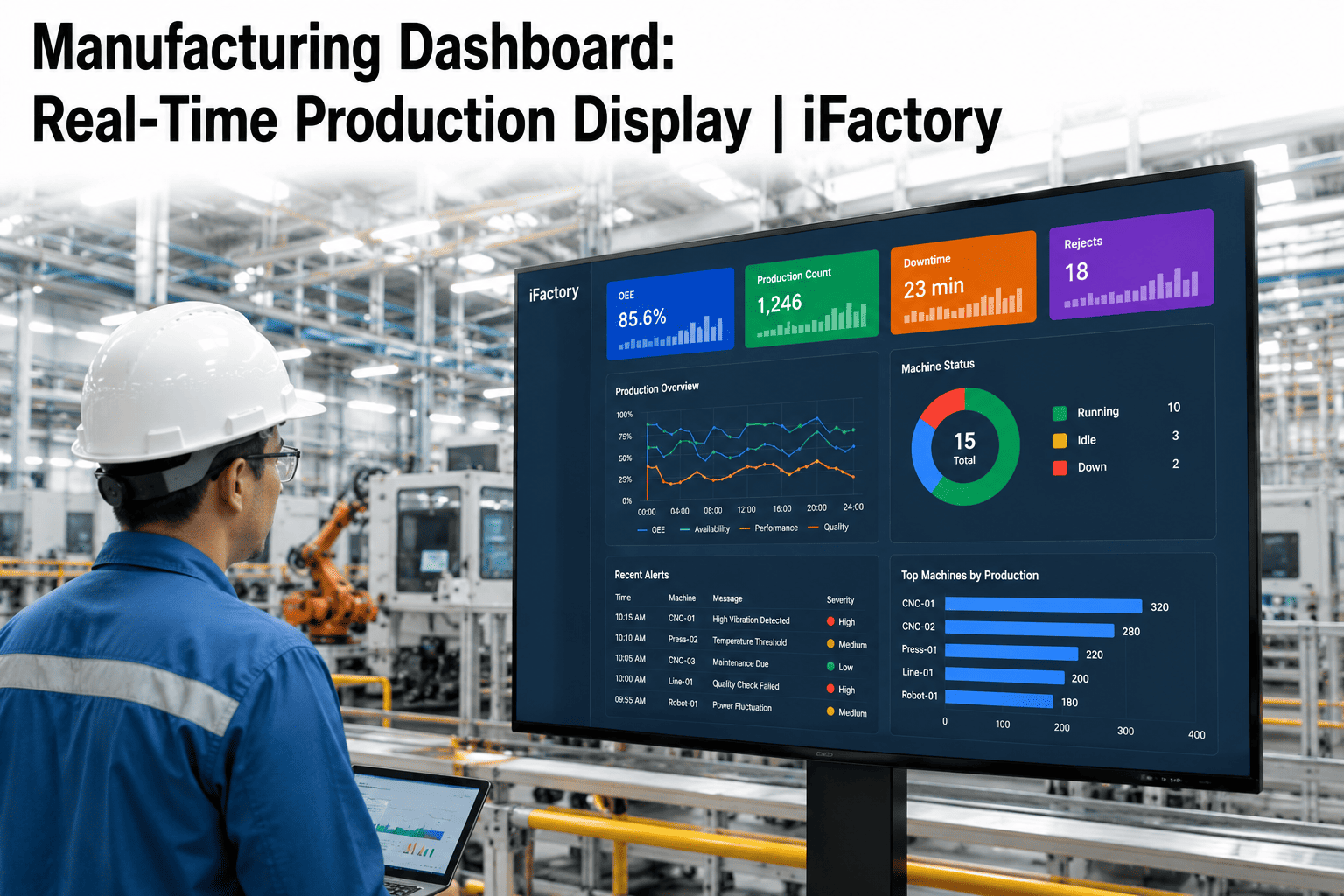
Machine state, order status, and material availability are visible together instead of requiring a manual cross-check across MES, ERP, and spreadsheets.
Conflict highlighting before commitment
Any proposed change that violates a constraint — labor skill, tooling availability, quality hold — is flagged before it becomes a shop-floor problem.
Expedite-vs-delay cost comparison
Before accepting a rush order, the operations manager sees the real cost of expediting against the cost of delaying other commitments.
Review, not rebuild
Supervisors approve or adjust an already-generated plan instead of starting the rebuild from a blank sheet every time.
What Operations Teams Report After Going Live
20%
Higher OEE from faster recovery
30%
Less unplanned downtime impact
15%
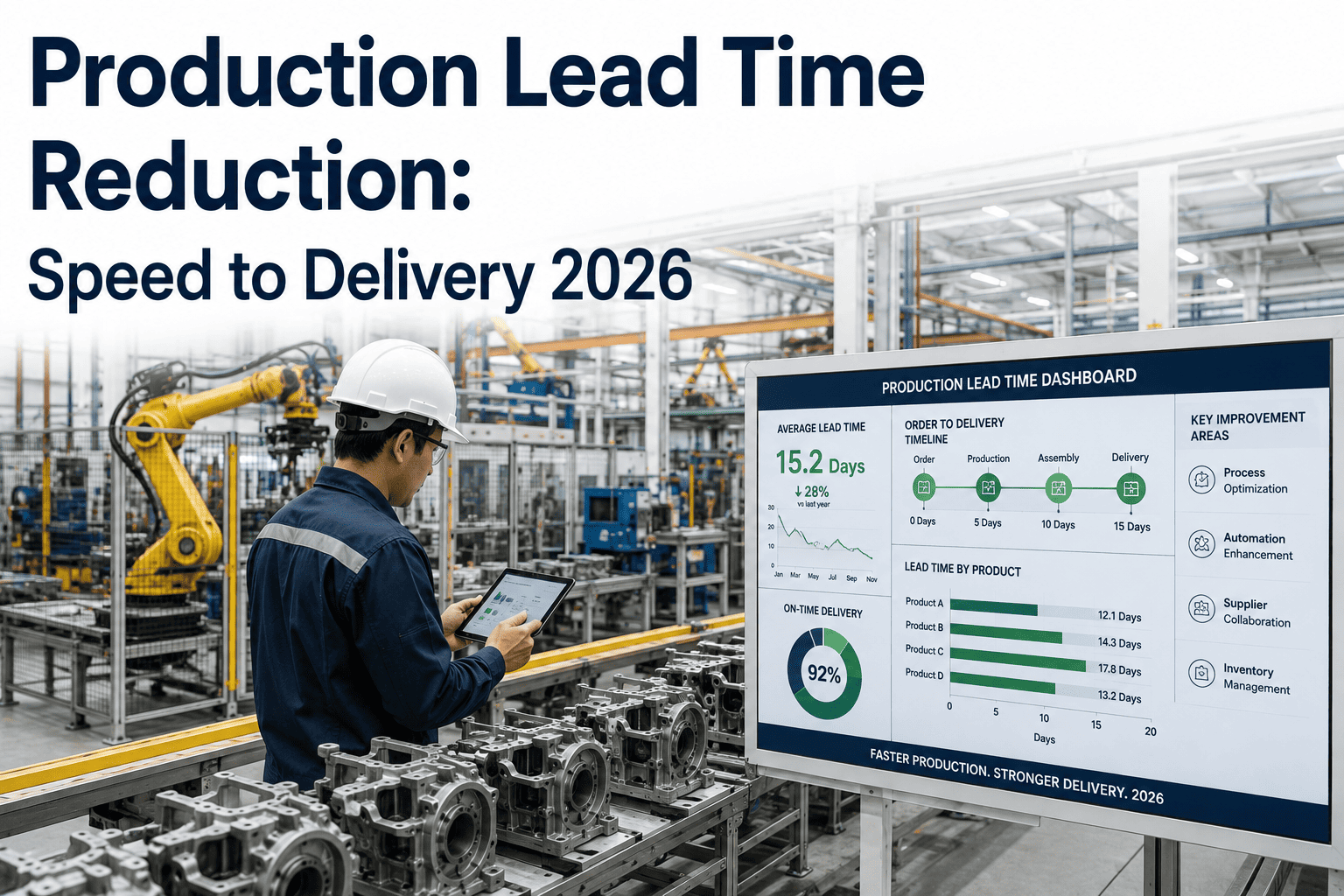
Shorter lead times on average
Minutes
Not hours, to a revised plan
Integrating With What You Already Run
Real-time rescheduling is not a replacement for MES, ERP, or CMMS — it is the layer that reads all three continuously and keeps the schedule honest. Machine status and event logs come from MES or direct telemetry. Order priority, due dates, and material availability come from ERP. Maintenance windows and equipment history come from CMMS. Instead of a planner manually checking each system before making a call, the constraint model pulls from all of them automatically and surfaces the one recommendation that respects everything at once. Most plants connect their core systems within the first couple of weeks, using existing data rather than requiring a new source of truth.
MES and machine telemetry
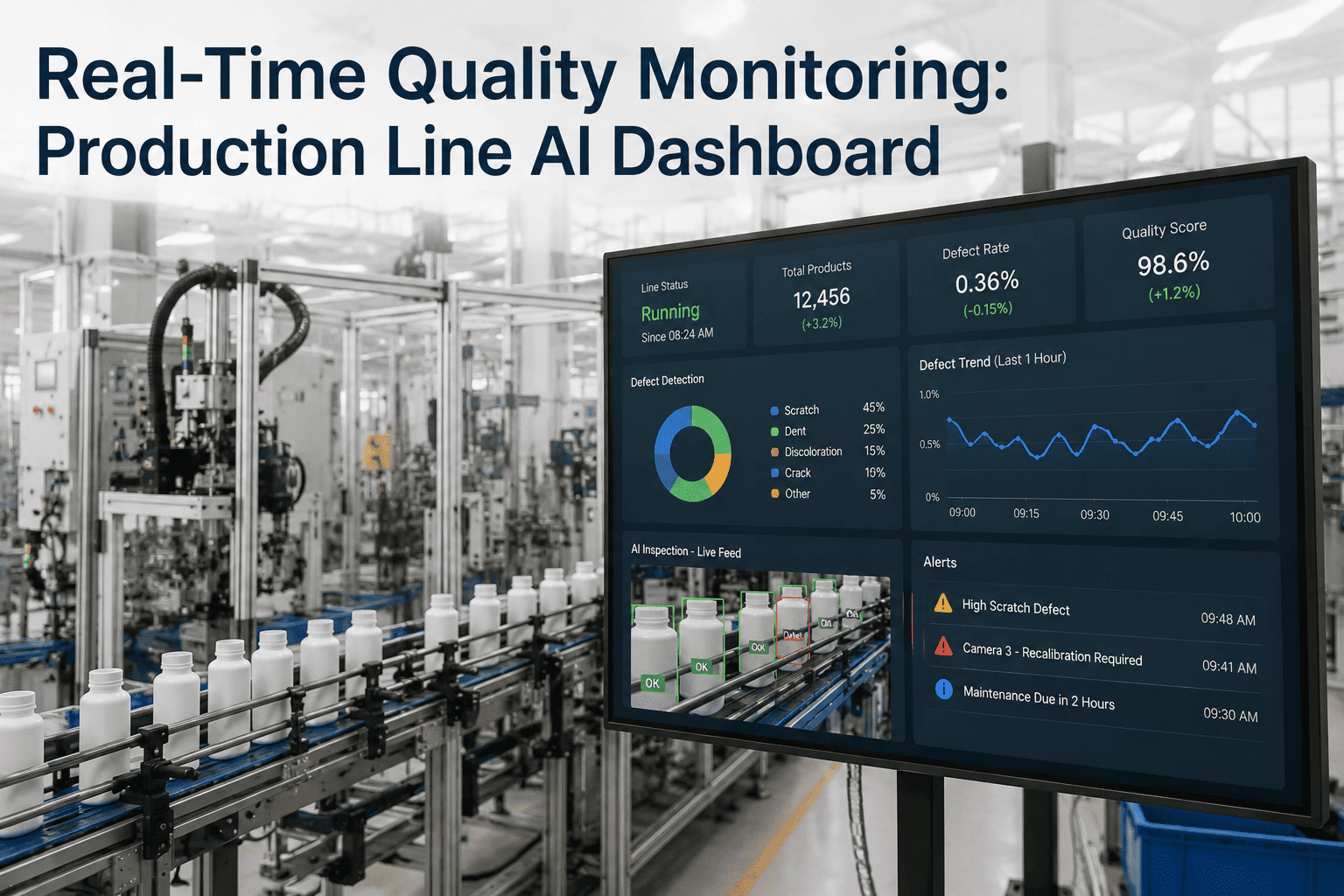
Breakdown events, cycle completions, and quality holds are picked up the moment they are logged on the floor.
ERP order and material data
Due dates, priority levels, and incoming material status inform which orders can absorb a delay and which cannot.
CMMS maintenance history
Scheduled maintenance windows and recent repair history factor into which backup asset is actually the safer choice.
Labor and skill calendars
Reallocating a job to a different operator only happens when that operator is actually certified and scheduled to be on the floor.
Metrics Worth Tracking Once It's Live
Operations managers rolling this out typically watch four numbers to confirm the system is earning its place: mean time to reschedule after a disruption is logged, the percentage of promised dates held despite disruptions, planner and supervisor hours spent on manual rebuilds each week, and OEE recovery time after an unplanned stoppage. Tracking these before and after go-live gives a clean before-and-after picture instead of a vague sense that things feel better on the floor.
FAQ: Real-Time Production Rescheduling With AI
Does real-time rescheduling replace our supervisors' judgment on the floor?
No. The system generates a proposed, feasible schedule and shows exactly which orders moved and why, but a supervisor or planner reviews and approves it before it goes live. The goal is to remove the hours of manual cross-checking that currently precede every rescheduling decision, not to remove the person making the final call. Most teams find they spend that reclaimed time on genuine exceptions instead of routine rebuilds.
How does the system know about a breakdown or delay the moment it happens?
Machine breakdowns and quality holds are typically picked up directly from MES event logs or machine telemetry, while material delays can be flagged manually or through an ERP integration once a supplier update is logged. The system does not wait for a scheduled data pull — it reacts to the event as soon as it is recorded anywhere in the connected systems. This is the core difference from batch-cycle scheduling tools that only reflect changes at the next planned run.
Can it handle multiple simultaneous disruptions, like a breakdown and a rush order on the same day?
Yes. The constraint model evaluates all active disruptions together rather than one at a time, because resolving them independently often produces conflicting recommendations. The system weighs the combined impact and proposes a single coherent plan that accounts for reduced capacity from the breakdown alongside the priority of the new rush order. Reach out through
support if you want to see how this plays out for a specific multi-event scenario in your plant.
What data do we need to have in place before this can work?
At minimum, the system needs visibility into current orders, routings, machine status, and basic labor availability, which most plants already have in an MES or ERP even if it is not currently connected to scheduling. Cleaner historical cycle time and changeover data improves accuracy over time but is not a blocker to getting started. Implementation typically begins by mapping whichever systems you already run rather than requiring a new data platform.
How is this different from the alerting features already built into our MES?
MES alerting tells you that something went wrong; it does not tell you what to do about the rest of the schedule as a result. Real-time rescheduling takes the alert as an input and automatically evaluates alternative routings, backup capacity, and resequencing options to produce a revised, executable plan.
Book a demo to see the difference between an alert and an actual recovery plan side by side.
Real-Time Rescheduling + iFactory
Stop Explaining Missed Dates. Start Preventing Them.
iFactory turns every breakdown, rush order, and delay into a revised, feasible plan within minutes — so operations managers spend their day reviewing decisions, not rebuilding spreadsheets.