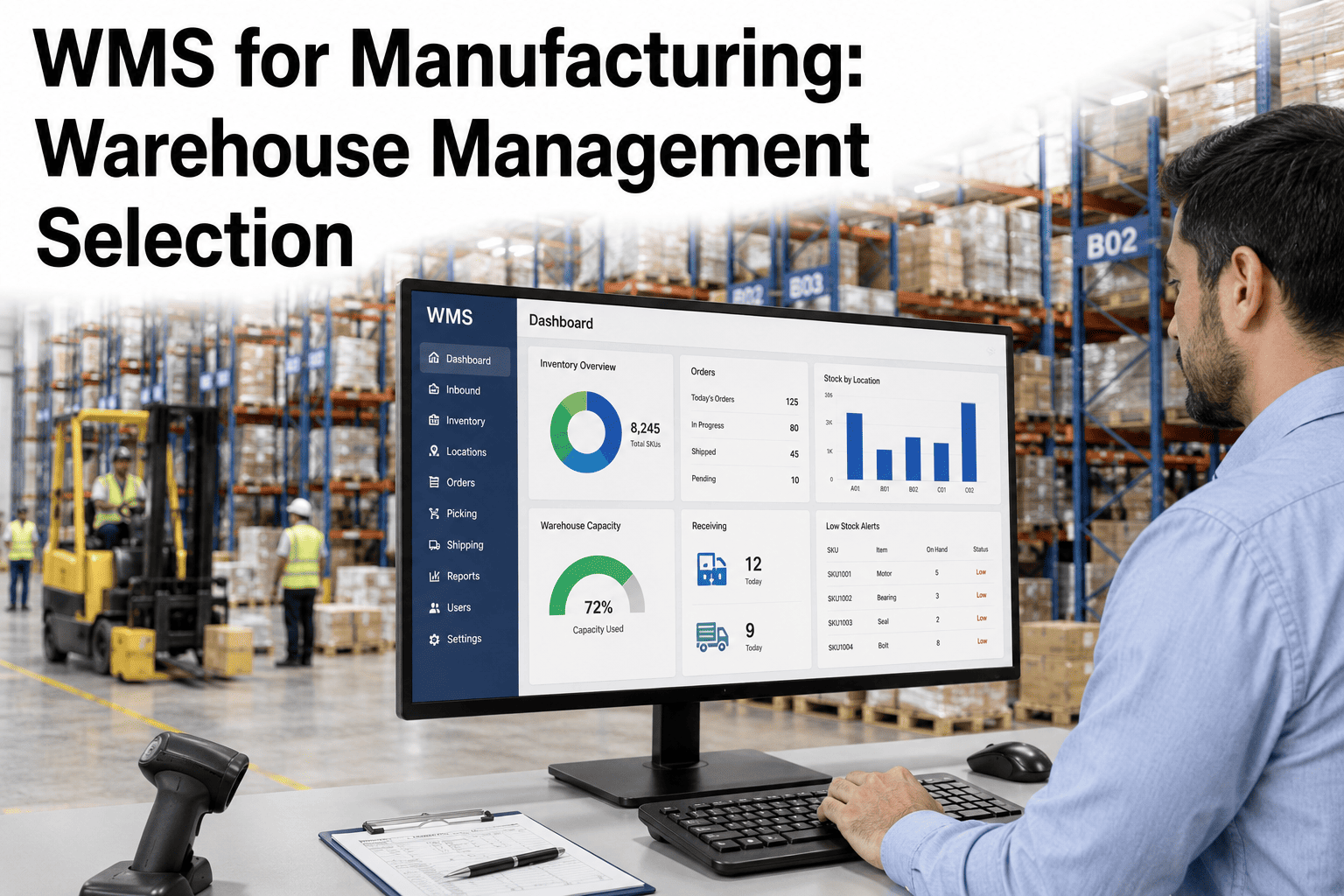
Most manufacturers do not lose money on the shop floor first — they lose it in the warehouse, in the gap between what the ERP says is on the shelf and what a picker actually finds when they get there. A spreadsheet or a legacy inventory module can track balances well enough when volume is low, but the moment a plant adds a second shift, a third product line, or a customer with strict delivery windows, that gap turns into missed shipments, expedited freight, and idle production waiting on raw material that was technically "in stock." A warehouse management system exists specifically to close that gap, and choosing the right one is one of the highest-leverage decisions a manufacturing operation makes all year — the iFactory support team can walk through your current receiving and picking workflow to see exactly where that gap is costing you.
Warehouse Management System for Manufacturing: What to Actually Look For
Receiving, putaway, picking, and shipping — evaluated against real MES and ERP integration requirements, not a generic feature checklist built for retail fulfillment.
Four Stages, Evaluated Separately
Vendors love to talk about their platform as a whole, but the honest way to evaluate a WMS for a manufacturing environment is to score it stage by stage. A system can be excellent at outbound picking and still fail your plant if putaway logic cannot handle lot-controlled raw material. Break the evaluation into these four stages before looking at any feature list, and weight each one according to where your current process actually breaks down most often rather than assuming every stage carries equal risk.
Notice that all four stages depend on the same underlying discipline: a scan or system confirmation at every handoff, rather than trusting that a paper form filled out at the end of a shift accurately reflects what happened hours earlier. That single habit, enforced consistently across all four stages, is usually worth more to inventory accuracy than any individual feature a vendor demos.
WMS, ERP, and MES Are Not Interchangeable
The most common selection mistake manufacturers make is assuming their ERP's inventory module can do a WMS's job, or that a WMS can replace the production logic that belongs to an MES. Each system has a distinct scope, and the real question during selection is how cleanly the WMS you choose hands data back and forth with the other two. Confusing scope is where most failed implementations start — teams either buy a WMS expecting it to schedule production, or lean on ERP inventory counts expecting warehouse-grade accuracy neither system was designed to deliver.
A warehouse can technically limp along on ERP inventory data alone at low volume, but that approach usually breaks down the moment a plant adds a second shift, multiple product lines, or any real automation. The three systems working from one connected, real-time data model — rather than three separate spreadsheets pretending to be integrated — is what actually prevents the shortage-that-wasn't-a-shortage problem from recurring every quarter.
Integration depth matters here as much as integration existence. A vendor claiming ERP connectivity through a nightly batch file is technically telling the truth, but a plant running multiple shifts needs updates measured in seconds, not hours, for the picking queue to reflect reality. During evaluation, ask specifically how fast a change on one system reaches the other two — the honest answer separates genuinely connected platforms from ones that merely check an integration box on a spec sheet.
Why Lot Traceability Belongs on the Must-Have List
Manufacturing warehouses carry a burden that a typical retail fulfillment center never has to deal with: when something goes wrong with a component, you need to know exactly which finished goods it touched, not just how many units are left in the bin. A recall, a quality hold, or a customer complaint about a specific batch all depend on the warehouse being able to trace a lot forward through production and outward to every shipment it fed.
This is where generic, retail-oriented WMS platforms tend to fall short for manufacturers. They handle SKU-level inventory well but treat lot and serial data as an afterthought, bolted on rather than built into the core data model. A system designed with manufacturing in mind captures lot genealogy automatically at every transaction — receiving, putaway, consumption, and shipment — so a traceability report that used to take a full day of digging through paperwork becomes a search that returns in seconds.
The value of this capability rarely shows up until the day it is needed, which is exactly why it is easy to underweight during a selection process focused on day-to-day picking speed. Ask any quality manager who has lived through an audit or a recall, and traceability moves immediately to the top of the requirements list — it is worth evaluating with the same seriousness before a problem forces the question, not after.
One Connected Data Model, Not Three Disconnected Ones
iFactory connects warehouse execution directly to your ERP and MES, so a putaway event, a pick confirmation, or a shipment update reflects everywhere at once — no batch sync, no manual reconciliation at month end.
Must-Haves Versus Nice-to-Haves
Every WMS demo looks impressive when a vendor is driving it. The features that actually separate a good fit from a bad one usually only surface once you sort requirements into two honest buckets before you ever sit through a sales call, ideally built by the people who will actually use the system every day rather than by a committee that never touches a scan gun.
Nice-to-have items are not unimportant — they simply should not be allowed to disqualify an otherwise strong fit, and they should never be the reason a shortlist is narrowed before must-haves are fully verified. The order matters: score every candidate against the must-have list first, eliminate anything that fails there, and only then use nice-to-have capabilities to break ties among finalists.
It helps to put this scoring in writing before the first demo, not after. Vendors are skilled at steering a live demo toward whatever their platform does best, and a written scorecard filled out in advance keeps the evaluation anchored to your actual requirements instead of whatever impressed the room that day. Bring the same scorecard to every demo so comparisons stay apples to apples across the shortlist.
Deployment Without a Six-Month Blackout
The old model for WMS rollout — months of discovery, heavy customization, a single hard cutover weekend — does not fit a plant that cannot pause operations for half a year. A phased path gets a working system live faster and gives the team room to adjust before the whole warehouse depends on it.
Resist the temptation to compress this timeline just because a vendor promises a faster cutover. The teams that skip the pilot phase and go straight to a full-facility rollout are also the ones most likely to discover a putaway rule conflict or a scanning workflow gap only after it has already disrupted a live shift, rather than catching it in a contained pilot zone where the cost of a mistake is small.
What a Bad WMS Fit Actually Costs a Plant
The sticker price of a WMS license rarely tells the full story of what a wrong selection costs. The bigger expense shows up months into deployment, when a platform that looked strong in a retail-focused demo turns out to lack lot control depth, or when integration with the ERP requires custom development the sales team never mentioned. By then, switching costs have already climbed, and the plant is stuck running workarounds around a system meant to eliminate workarounds in the first place.
There is also a quieter, ongoing cost that rarely appears on any invoice: the accumulated overtime, expedited freight, and production downtime caused by inventory records that never quite match reality. A plant running on a mismatched system often absorbs these costs as simply the way things are, without ever connecting them back to the root cause sitting in the warehouse. Getting the selection right the first time is almost always cheaper than fixing it later, even when the initial platform looked like the lower-cost option on paper.
The Numbers Worth Tracking Before and After
A WMS rollout is worth the investment only if it measurably improves accuracy and speed, not just where the data happens to be stored. These are the indicators most manufacturing operations track to justify the decision to leadership, and the ones worth revisiting quarterly after go-live to confirm the gains are holding rather than quietly eroding as new products and processes get added.
| Indicator | Manual or ERP-Only | With Dedicated WMS |
|---|---|---|
| Inventory record accuracy | Periodic cycle counts, often stale between counts | Continuously verified through scan-enforced transactions |
| Time from receiving to available stock | Hours, dependent on manual data entry | Minutes, captured at the point of scan |
| Picking accuracy | Paper pick lists, prone to transcription error | Directed, scan-verified picks with built-in error flags |
| Visibility into material shortages | Discovered when a line runs out unexpectedly | Flagged in advance against live production schedules |
Frequently Asked Questions
Give Your Warehouse the Same Real-Time Visibility as Your Production Line
iFactory connects receiving, putaway, picking, and shipping directly to your ERP and MES, so inventory accuracy stops being a quarterly surprise and becomes a real-time fact.