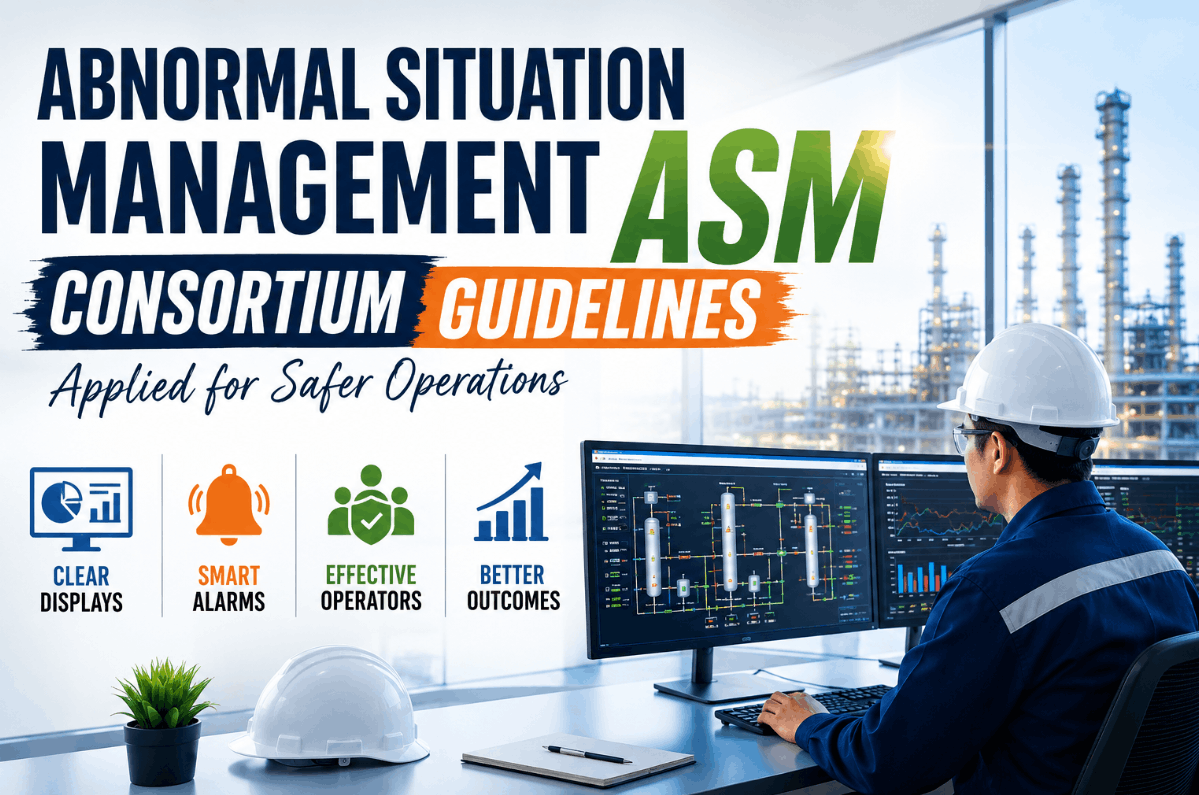
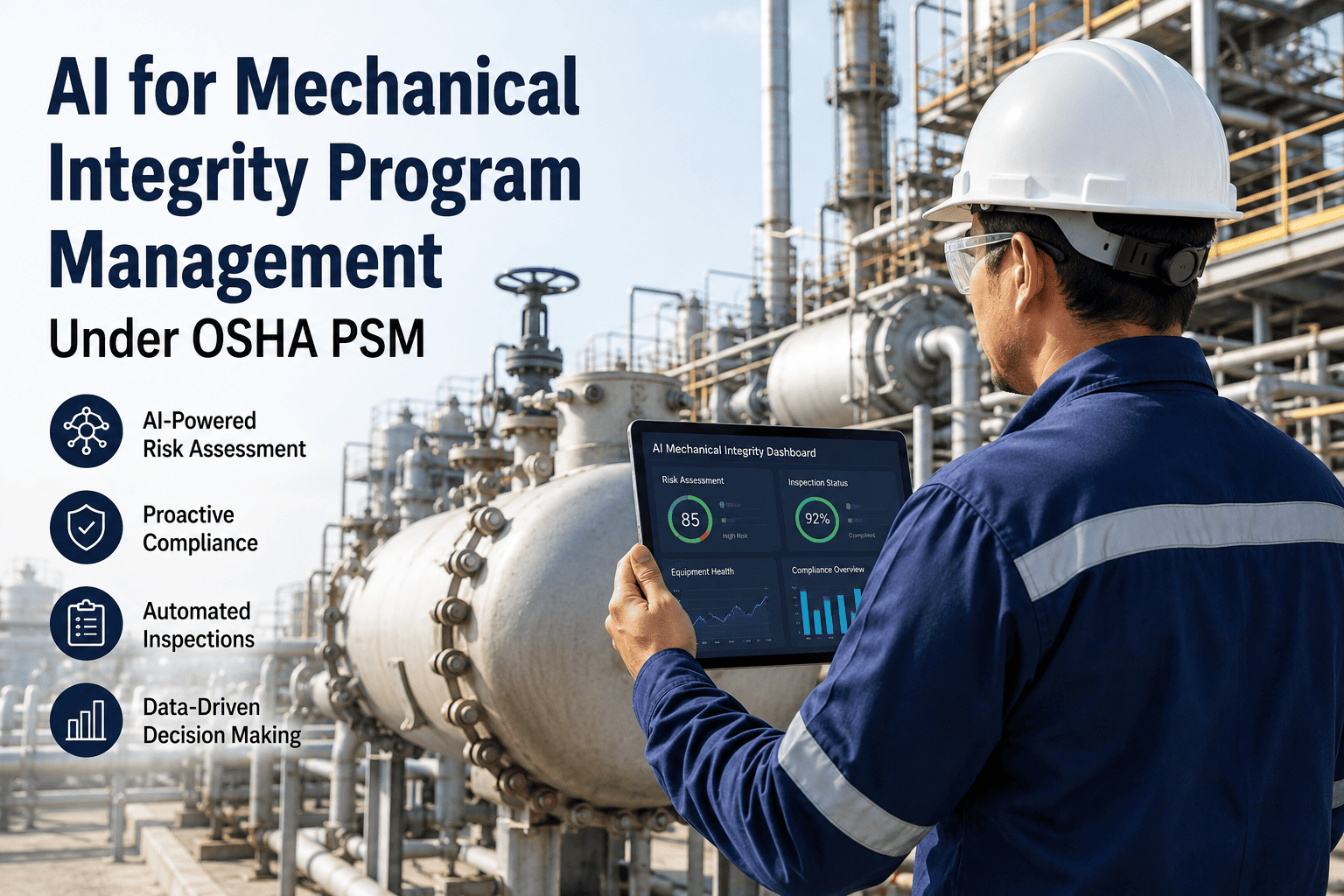
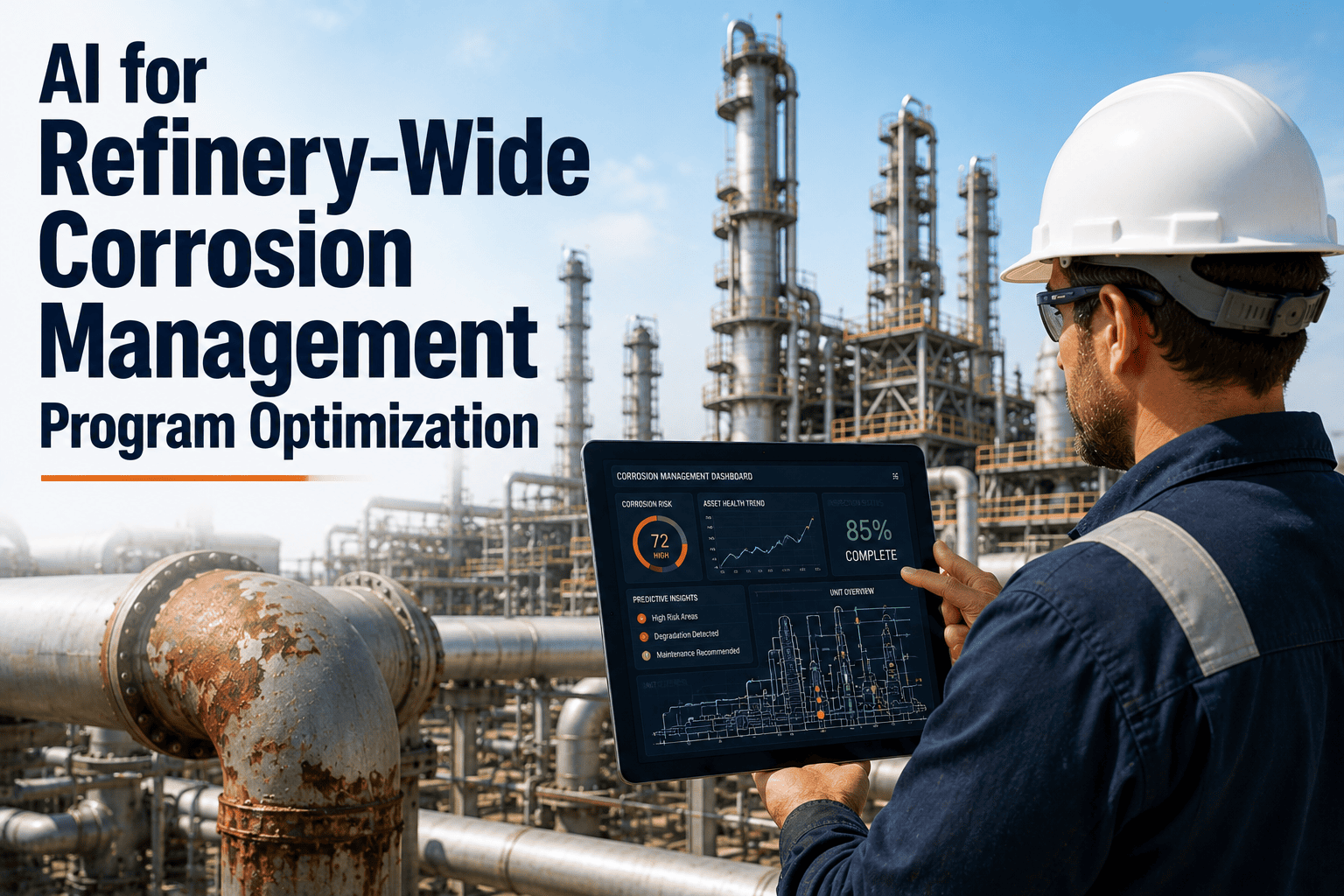
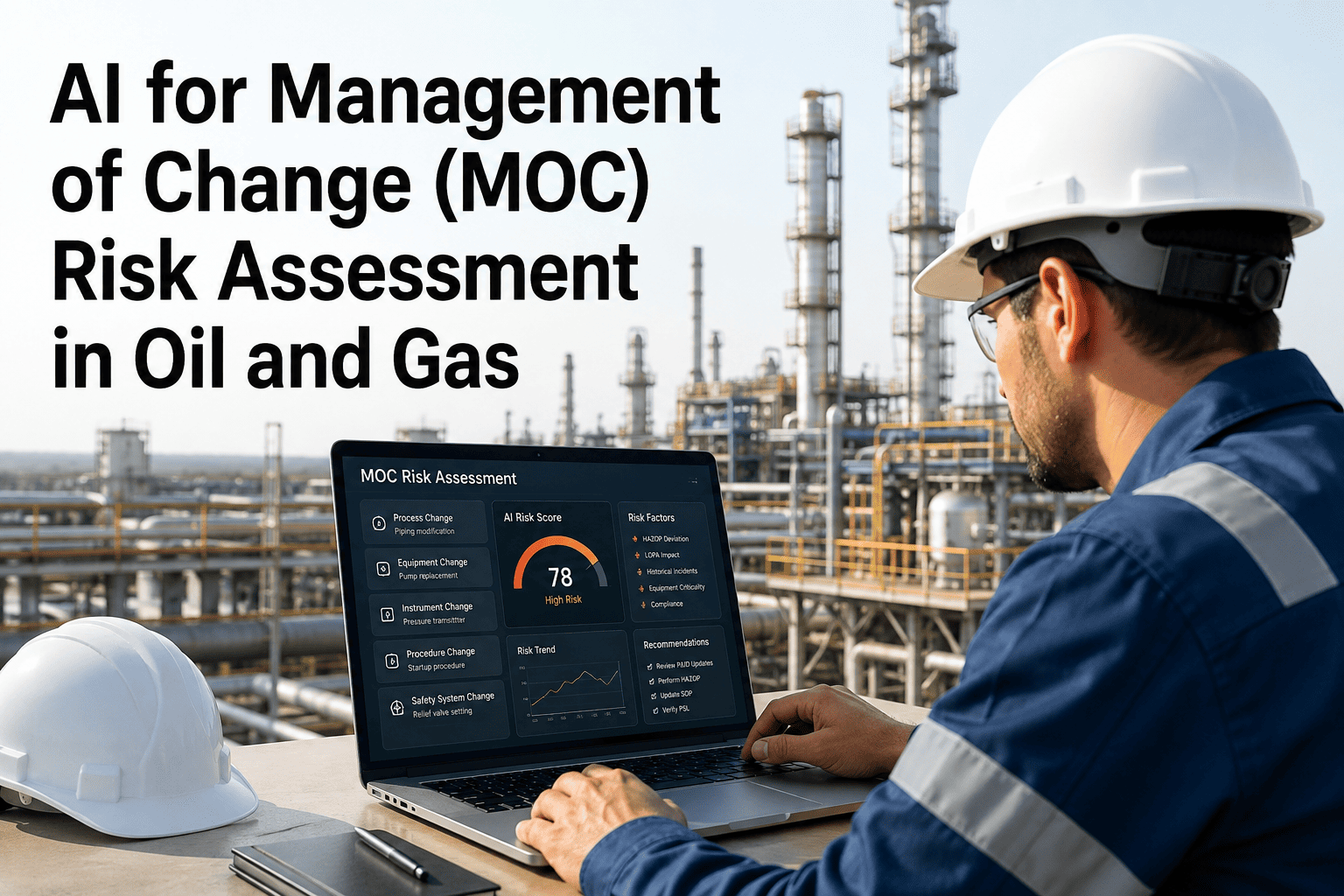
Abnormal Situation Management (ASM) Consortium guidelines represent the most rigorously field-tested framework available for reducing operator-driven incidents in refinery and chemical process operations. Founded in the early 1990s as an outgrowth of alarm management problems in DCS environments, the ASM Consortium documented in 1995 that better handling of abnormal situations in the U.S. petrochemical industry alone could save up to $10 billion per year. Today, member sites that have applied ASM display style principles, structured alarm guidance, and operator effectiveness practices to their DCS graphics report incident reductions of up to 50% — not through headcount changes or capital projects, but by fundamentally redesigning how information is presented to the console operator. Manufacturing and process safety teams that Book a Demo with iFactory discover how AI-augmented HMI analytics can close the gap between ASM research and real-world DCS implementation.
ASM CONSORTIUM GUIDELINES · DCS HMI COMPLIANCE
Is Your DCS HMI Designed to Prevent Abnormal Situations — or Cause Them?
iFactory applies ASM Consortium display style principles, alarm rationalization, and operator effectiveness analytics to transform legacy DCS graphics into high-performance HMI environments built for proactive process management.
42%
of abnormal situations trace to people and work-context factors — the primary target of ASM guidelines
50%
Incident reduction documented at ASM Consortium member sites applying full guideline sets
25%
Improvement in operator problem detection and resolution time from well-implemented ASM HMI
64
Consolidated display design guidelines in the ASM Consortium's current HMI best practices edition
What the ASM Consortium Research Actually Found — and Why It Still Matters
The Human Factor Behind Process Incidents
The ASM Consortium's cross-site incident studies identified three root sources of abnormal situations: equipment factors, process factors, and people or work-context factors. Of these, people and work-context factors account for an average of 42% of all incidents — with a range of 35% to 58% across member sites. This is not a training problem in the traditional sense. It is an information design problem. When a DCS display presents a console operator with cluttered P&ID-style graphics, color-saturated screens where every valve is green, and an alarm list that floods during upsets, the cognitive burden placed on even experienced operators is severe enough to degrade decision-making under time pressure. Poor HMI design contributes to 42% of abnormal situations, and the ASM Consortium's guidelines exist specifically to eliminate that contribution. Process safety leaders building structured HMI improvement programs frequently Book a Demo to evaluate how iFactory can benchmark their current DCS graphics against the 64-guideline ASM framework.
The 4-Level ASM Display Hierarchy: The Architecture Behind Operator Effectiveness
From Plant Overview to Detailed Troubleshooting — Every Level Has a Role
The most widely misunderstood aspect of ASM compliance is that it requires far more than switching to gray backgrounds. The ASM Consortium's display hierarchy framework establishes four levels of display, each serving a distinct operator cognitive task. A failure to implement all four — or to allow simultaneous access across levels — is one of the most common reasons ASM HMI projects underdeliver. The table below maps each display level to its functional purpose and the ASM design principles that apply.
| Display Level |
Primary Purpose |
Key ASM Design Principles |
Operator Cognitive Task |
| Level 1 — Plant Overview |
Span-of-control situational awareness |
At-a-glance KPI gauges; qualitative trend indication; no P&ID clutter |
Proactive monitoring across multiple units simultaneously |
| Level 2 — Process Unit |
Day-to-day monitoring and control |
Gray base with color reserved for abnormal state; structured navigation; no pop-up overlaps |
Normal operation, setpoint management, early deviation detection |
| Level 3 — Equipment Detail |
Troubleshooting and abnormal response |
Contextual alarm integration; faceplate access without losing Level 2 context |
Root cause investigation; stabilizing an upset condition |
| Level 4 — Diagnostic / Historical |
Post-event analysis and procedure support |
Trend overlays; timestamped event logs; scratchpad trending alongside live data |
Learning, procedure validation, shift handover documentation |
5 Ways Legacy DCS Graphics Violate ASM Consortium Principles
Diagnosing the HMI Gap Before the Next Alarm Flood
01
Color-Coded Normality — Everything Is Green
When every running pump and open valve is colored green, operators become desensitized to color as a signal. ASM guidelines specify that gray represents the normal operating state, and color — particularly red and amber — should appear only when a condition genuinely requires attention. Legacy P&ID-style DCS graphics that use green as a "running" indicator systematically erode the color channel as an abnormal-situation cue.
02
Single-Screen / Single-Window Design
An HMI designed as a single screen, single display system forces operators to navigate away from their Level 2 operating display to check alarms, trends, or faceplate details — a practice the ASM Consortium explicitly identifies as a failure mode. Multi-screen, simultaneous access to Level 1 overview, Level 2 control, alarms, and trending is a core requirement of ASM-compliant design.
03
Pop-Up Displays That Obscure Operating Content
Pop-up windows that cover active process displays are a direct ASM guideline violation. They force operators to mentally track what is hidden beneath the pop-up during a time-critical abnormal situation. ASM practice requires that faceplate access and alarm detail windows be assigned to defined screen regions — never overlapping the primary operating display.
04
Alarm Systems That Report Rather Than Guide
An alarm that fires without contextual information — what changed, what the likely cause is, what the operator should do first — is a notification, not a management tool. ASM alarm guidance requires that alarms be rationalized to a meaningful set, integrated into the display rather than listed separately, and supported by on-screen guidance that accelerates correct operator response during alarm floods.
05
No Defined Display Hierarchy or Navigation Structure
Operators in facilities without a structured display hierarchy often report needing ten or more screens to operate the plant — a finding the ASM Consortium explicitly flags as evidence of poor HMI design. On-screen navigation that reflects the overall display hierarchy and clearly indicates where the operator is in the hierarchy is a foundational ASM requirement that most legacy DCS implementations do not meet. Teams addressing this systematically often start by scheduling a session to
Book a Demo and walk through an iFactory HMI gap assessment.
Applying ASM Display Style Principles to Your DCS Graphics
The Practical Implementation Framework
Moving from a legacy DCS HMI to an ASM-compliant, high-performance display environment is a structured process — not a cosmetic refresh. iFactory supports this transition through a phased HMI improvement methodology that maps directly to the ASM Consortium's 64 guidelines, prioritized by the Consortium's own tiered urgency ratings. The workflow below reflects how a typical refinery or chemical plant progresses from gap analysis to operator-qualified ASM-compliant displays.
Step 01
HMI Gap Assessment Against ASM Guidelines
iFactory benchmarks your current DCS graphics against the 64 ASM display design guidelines, scoring each display level for color usage, navigation structure, alarm integration, and information hierarchy. The output is a prioritized remediation roadmap with estimated operator effectiveness gains at each phase.
Step 02
Define Display Hierarchy and Navigation Architecture
Working with your subject matter experts, iFactory maps the Level 1 through Level 4 display content requirements for each process unit — establishing what information belongs at each level and how operators navigate between them without losing situational context.
Step 03
Redesign Level 2 Displays with ASM Color and Layout Standards
Level 2 process unit displays are rebuilt to ASM standards: gray base for normal state, color reserved for abnormal conditions, qualitative trend indicators embedded in the display, alarm state integrated visually rather than separated into a standalone list window.
Step 04
Alarm Rationalization and ASM-Aligned Alarm Configuration
iFactory applies ASM alarm management principles to reduce nuisance alarm rates, eliminate redundant alarm configurations, and integrate contextual response guidance into alarm displays — converting the alarm system from a notification tool into an active operator decision support system.
Step 05
Operator Effectiveness Validation and Continuous Monitoring
Post-implementation, iFactory monitors operator response time to abnormal conditions, alarm acknowledgment patterns, and display navigation behavior to validate effectiveness gains and identify any remaining HMI design gaps that emerge under real operating conditions.
Book a Demo to see the effectiveness dashboard in action.
ASM Alarm Management Principles Applied to DCS Environments
Beyond Rationalization — Building an Alarm System That Supports Operator Decisions
The ASM Consortium's alarm management guidelines address the full lifecycle of an alarm system — from initial design through ongoing measurement and management of change. For U.S. process facilities operating under OSHA PSM and ISA-18.2, alarm management is no longer a preference; it is an auditable component of process safety management. iFactory integrates ASM alarm principles directly into DCS environments, covering four domains that the ASM guideline set identifies as the highest-priority alarm management requirements.
Alarm System Design
Every alarm must have a defined abnormal condition, a consequence of inaction, and a required operator response. iFactory implements this rationalization framework across your full alarm database, eliminating the informational and chattering alarms that contribute to alarm floods during upsets.
Visual Annunciation Standards
ASM guidelines specify how alarms are visually integrated into operating displays — using color, position, and symbol convention to make abnormal state immediately distinguishable from normal state without requiring the operator to switch displays or scan a separate alarm list.
Alarm Lifecycle Management
iFactory tracks alarm performance metrics — alarm rate per operator, most frequent alarms, standing alarms, and response time — against ASM and ISA-18.2 benchmarks, providing the continuous measurement needed to sustain rationalization gains over time and through management of change events.
Operator Training Integration
ASM guidelines require that operators understand not just what an alarm means, but how the process behaves when that alarm fires. iFactory's OTS integration allows operators to practice ASM-compliant alarm response in a simulated environment before encountering a situation on the live unit.
"We had 1,200 configured alarms on our reformer unit. During any significant upset, operators were drowning in a flood of 50 to 80 simultaneous alarms — most of which were consequences of the same root cause, not independent faults. After applying iFactory's ASM-aligned rationalization and redesigning our Level 2 displays to the high-performance standard, our peak alarm rate dropped by 68% and our average response time to priority-one alarms improved by 22 seconds. That kind of response time improvement in a fired-heater upset scenario is the difference between a controlled shutdown and a safety event."
Process Safety Manager
Integrated Refining & Petrochemical Facility, U.S. Gulf Coast
Frequently Asked Questions
What is the ASM Consortium and who are its members?
The ASM Consortium is a research partnership founded in 1994, led by Honeywell, with major U.S. and international process companies as member organizations. It produces research-backed guidelines on HMI display design, alarm management, and operator effectiveness for DCS-based process operations.
What does ASM display style actually require beyond gray backgrounds?
ASM display style requires a four-level display hierarchy, multi-screen simultaneous access, color reserved exclusively for abnormal conditions, structured on-screen navigation, alarm integration within operating displays, and elimination of pop-up windows that obscure process content.
How does iFactory benchmark a DCS HMI against ASM guidelines?
iFactory conducts a structured gap assessment scoring current displays against the 64 ASM Consortium guidelines, organized by the Consortium's own priority tiers — producing a ranked remediation roadmap that identifies which changes deliver the greatest operator effectiveness gain first.
Does ASM-compliant HMI redesign require replacing the DCS?
No. ASM compliance is achieved through display redesign and alarm rationalization within the existing DCS platform — whether Honeywell Experion, Emerson DeltaV, Yokogawa CENTUM, or ABB 800xA — without requiring a control system replacement.
How does ASM alarm management align with ISA-18.2 compliance requirements?
ISA-18.2 formalizes many of the alarm lifecycle management principles the ASM Consortium developed, including rationalization, alarm performance metrics, and management of change. iFactory's alarm management module addresses both frameworks simultaneously within a single implementation.
APPLY ASM CONSORTIUM GUIDELINES TO YOUR DCS
Close the Gap Between ASM Research and Your Control Room Reality
iFactory's HMI and alarm management platform delivers a structured path from legacy P&ID-style DCS graphics to ASM-compliant, high-performance operator displays — with measurable reductions in alarm flood rates, incident frequency, and operator response time.