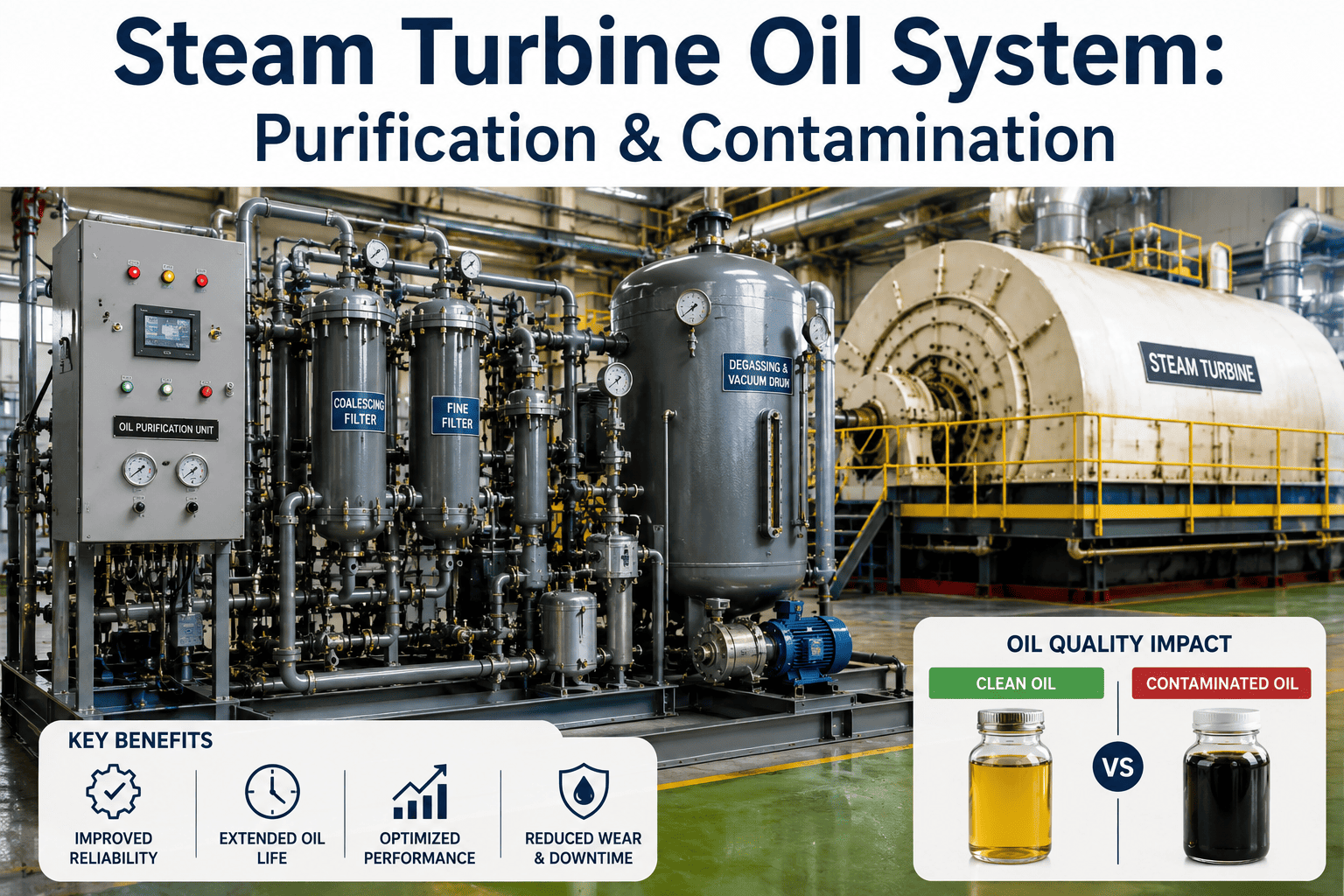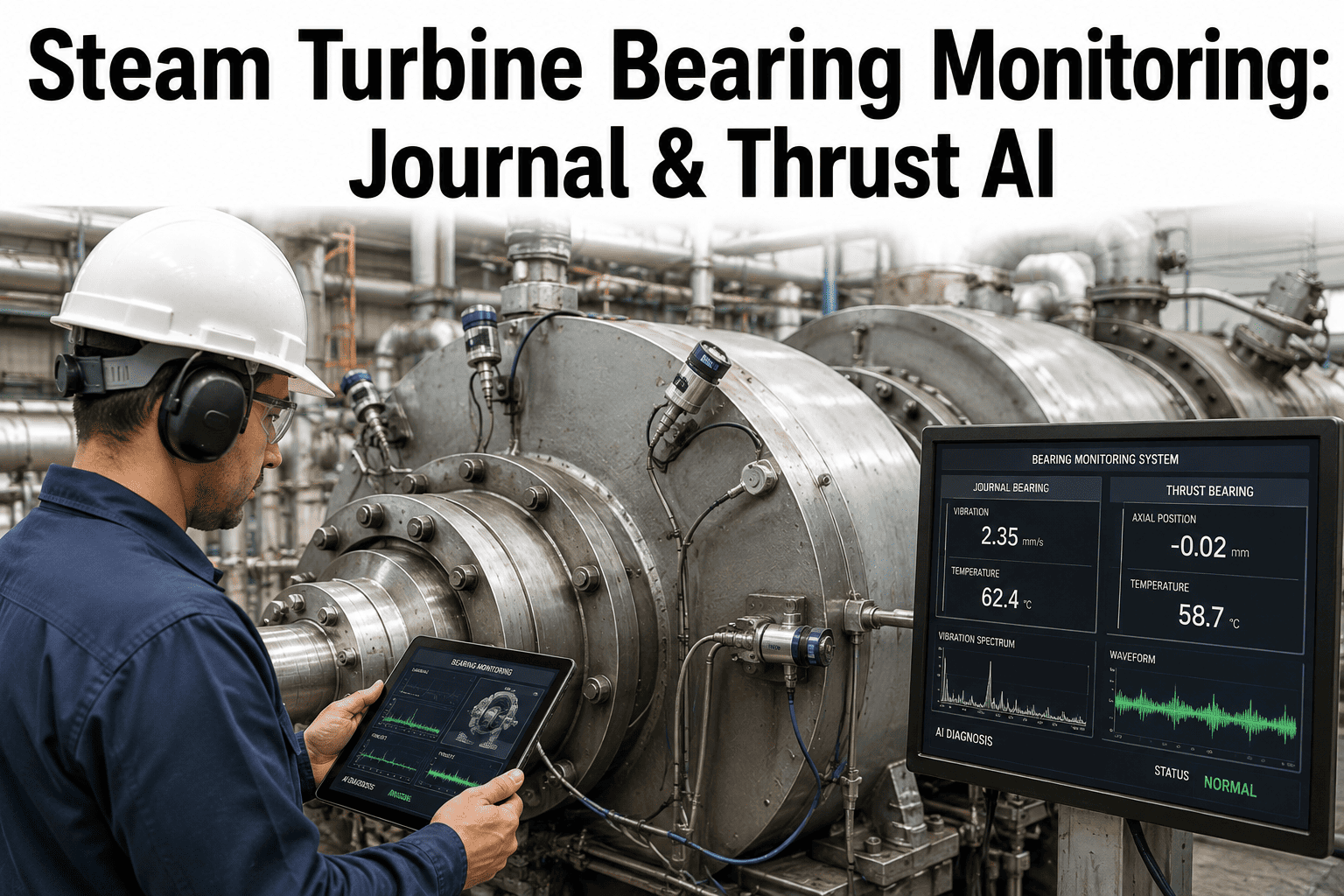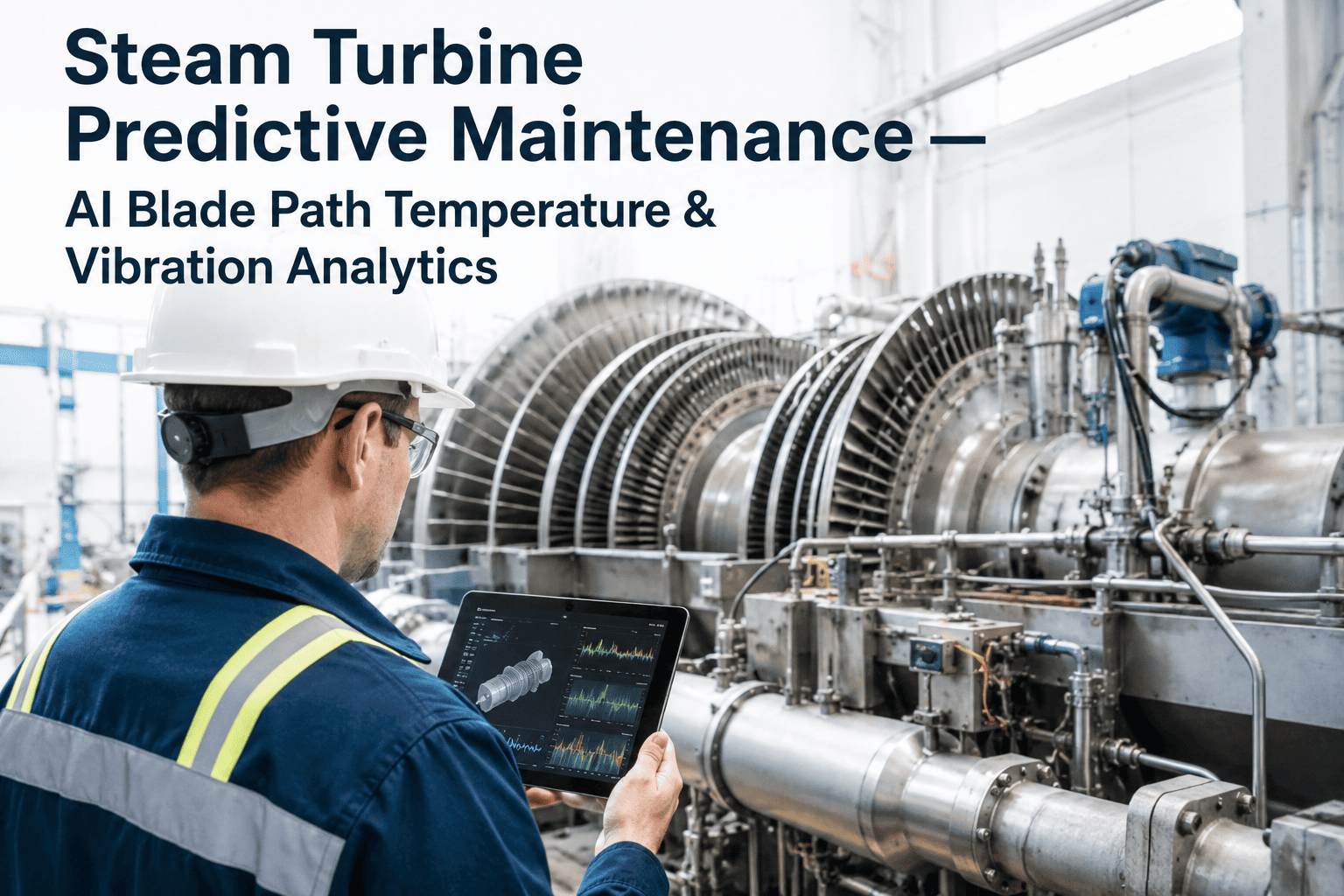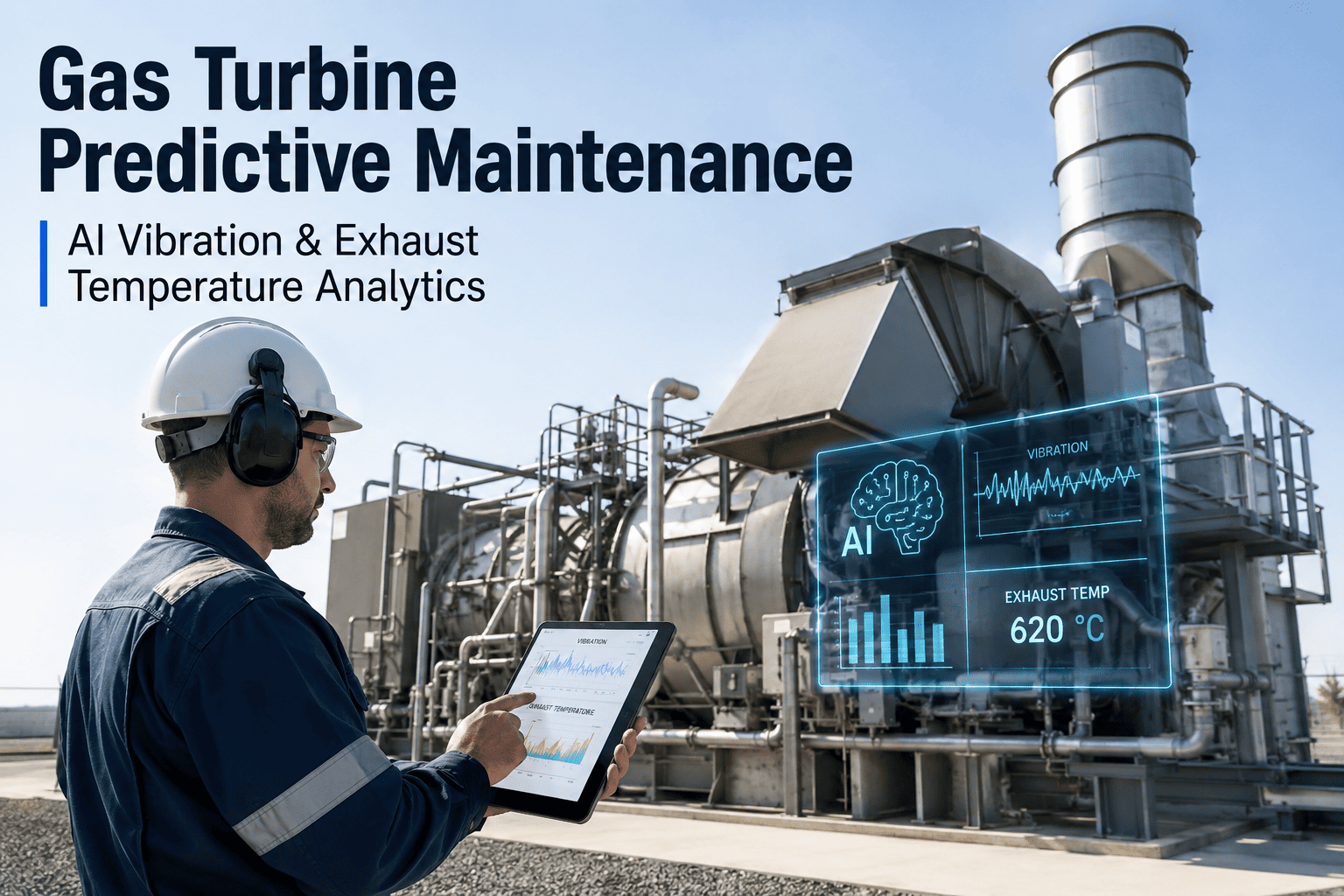
A gas turbine bearing failure caused by degraded lube oil is not a $50,000 repair. It is a $4 to $8 million event that includes emergency rotor removal, bearing journal repair, and 6 to 12 weeks of lost generation. Maintenance managers at combined-cycle plants know this, yet most still rely on quarterly oil sampling and differential pressure alarms on filters to protect the most critical mechanical interface in the turbine. The data to detect oil degradation early—particle counts, moisture ingress rates, acid number trends, and viscosity shifts—exists in real time. But without AI analytics connecting these signals, you find out the oil is compromised when the bearing temperature alarm trips. Book a 30-minute walkthrough to see how iFactory catches bearing threats before they become outages.
Stop protecting million-dollar bearings with quarterly lab reports
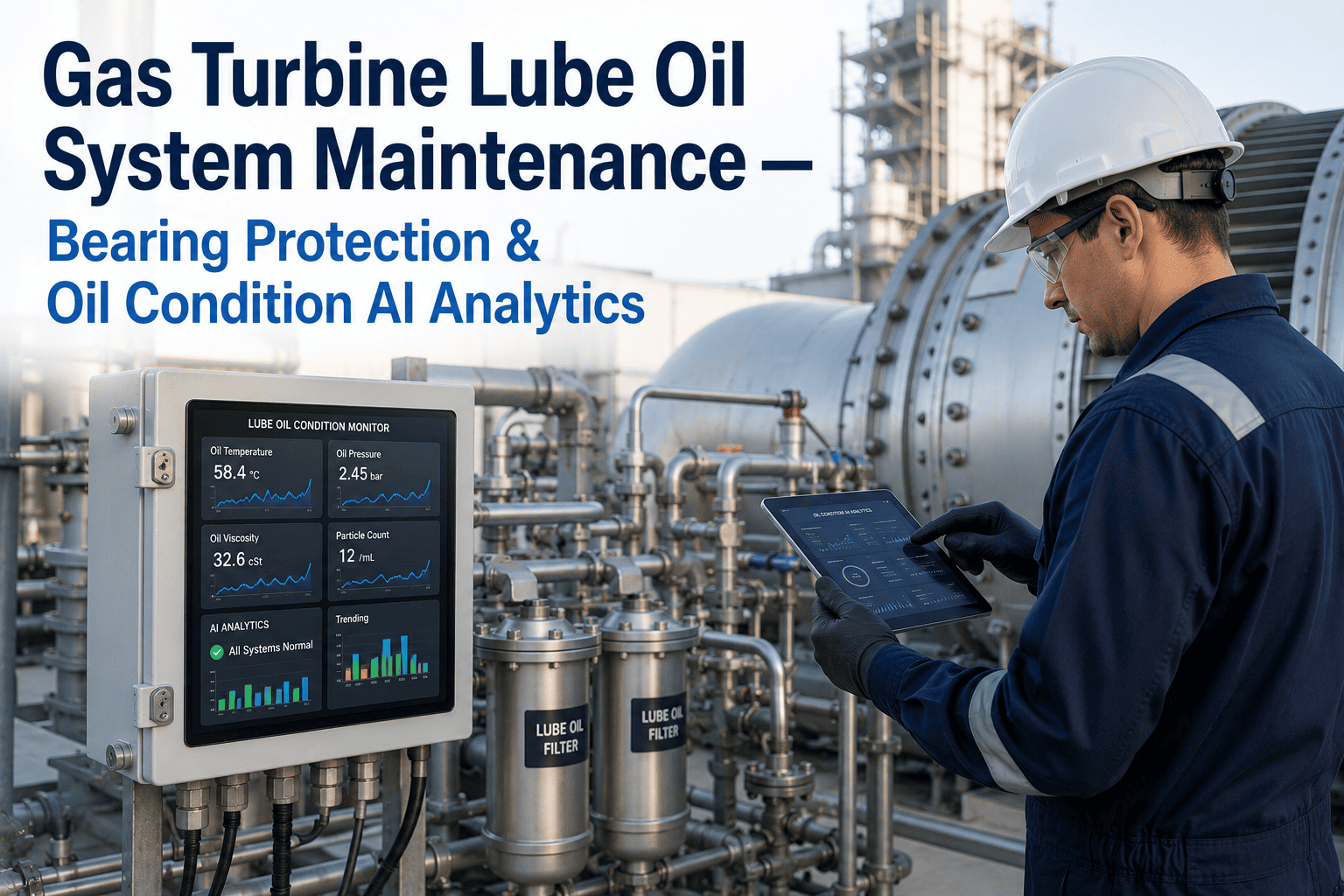
iFactory's AI-powered oil condition monitoring analyzes your lube oil data in real time—detecting contamination, moisture ingress, and oxidation before they destroy a bearing journal.
Every maintenance manager knows these threats. Most detect them too late.
Your gas turbine lube oil system circulates thousands of gallons through bearings spinning at 3,000 to 3,600 RPM. Three degradation modes account for the vast majority of bearing failures in combined-cycle fleets. The challenge is not understanding what goes wrong—it is catching it while there is still time to act.
Particulate contamination scoring bearing surfaces
Metal wear particles from gear couplings, seal degradation debris, and dirt ingress through breathers and reservoir vents create a progressive abrasive cycle. Particles above 10 microns embed in babbitt bearing surfaces and score the journal. Above 40 microns, they create localized indentations that disrupt the hydrodynamic oil film, causing direct metal-to-metal contact and thermal runaway. Filter DP alarms only trigger after the filter is already loaded—which means particles have been circulating for hours or days.
Moisture ingress destroying oil film strength
Water enters lube oil systems through cooler tube leaks, shaft seal weeping, and condensation during shutdown cycles. As little as 200 ppm dissolved water reduces bearing fatigue life by 48 percent. Free water above 1,000 ppm causes oil film collapse, rust on journal surfaces, and accelerated oxidation. Most plants detect moisture only during quarterly lab analysis—by which point the bearing may have been running with compromised oil film for months. Moisture content can spike to dangerous levels within hours of a cooler tube failure.
Oxidation and varnish deposits restricting oil flow
Sustained high operating temperatures—especially in bearing drain lines and return passages—accelerate oil oxidation. Acid number increases, viscosity rises, and oxidation byproducts form soluble varnish precursors that deposit on bearing surfaces, servo valve spools, and oil filter elements. Once varnish begins depositing, it creates a self-reinforcing cycle: restricted flow raises temperatures, which accelerates more oxidation. Acid number above 1.0 mg KOH/g indicates advanced degradation requiring immediate oil replacement, but most plants only measure this quarterly.
A lube oil problem does not stay a lube oil problem
When oil degradation goes undetected, costs escalate through four predictable stages. Each stage costs more than the previous one—and each is preventable if you catch the degradation in the stage before it.
Your lube oil data is telling you a bearing is at risk. Are you listening?
iFactory's AI oil condition monitoring catches contamination, moisture, and oxidation in hours—not quarters. Book a 30-minute demo and see the analysis on your turbine data.
Three layers that turn raw oil data into bearing protection
iFactory does not replace your oil lab or your filtration system. It adds an AI analytics layer on top of your existing data sources that detects degradation patterns in real time and gives maintenance managers actionable intelligence before damage occurs.
What iFactory delivers for your lube oil system
These capabilities are deployed on an NVIDIA appliance inside your plant network with zero cloud dependency. No new sensors required—iFactory connects to data sources you already have.
Real-time oil health scoring
Every hour, iFactory calculates a composite oil health score from 0 to 100 based on particle counts, moisture, temperature, filter condition, and projected oxidation state. Scores below 70 trigger advisory alerts. Below 50 triggers critical alerts with recommended actions.
Particle contamination trending and source isolation
iFactory tracks particle count trends by size range—greater than 4 microns, greater than 6 microns, greater than 14 microns—and correlates spikes to specific system events like filter bypass activation, seal failures, or cooler leaks. Source isolation narrows the investigation from the entire system to a specific component.
Moisture ingress rate monitoring
Instead of a single moisture reading, iFactory calculates the rate of water ingress in parts per million per hour. A sudden rate spike indicates an active leak—cooler tube, shaft seal, or reservoir breather—rather than gradual condensation. This distinction changes the maintenance response from monitor to investigate immediately.
Filter performance and change-out optimization
iFactory models filter loading rate from differential pressure trends and predicts when each filter element will reach its bypass setpoint. Maintenance teams shift from calendar-based filter changes to condition-based replacement, typically reducing filter change frequency by 20 to 30 percent while maintaining the same or better protection level.
Acid number and oxidation prediction
Using operating temperature history, moisture exposure, and aeration data, iFactory projects the oil acid number trajectory between lab samples. If the projection shows the acid number crossing 1.0 mg KOH/g before the next scheduled sample, iFactory flags an early sample request and prepositions replacement oil.
Bearing risk correlation engine
iFactory correlates oil condition data with bearing vibration signatures and temperature readings to assess the combined risk to each bearing position. A bearing running hot with degraded oil receives a higher risk score than one running cool with the same oil condition—enabling prioritized maintenance decisions.
What maintenance teams achieve after deployment
These outcomes are based on iFactory deployments across F-class and H-class gas turbine fleets. Your results will vary based on fleet size, oil type, and current monitoring maturity.
| Metric | Before iFactory | After iFactory | Improvement |
|---|---|---|---|
| Time to detect contamination event | 60–90 days (lab cycle) | 4–8 hours (real-time) | 97% faster |
| Unplanned bearing replacements per year | 2–3 events | 0–1 events | 60–80% reduction |
| Oil change interval | Fixed 12-month schedule | Condition-based 14–22 months | 18% cost reduction |
| Filter change-outs per year | Calendar-based, 8–12 changes | Condition-based, 6–8 changes | 25–33% fewer changes |
| Bearing mean time between failures | 18–24 months | 36–48 months | 100% improvement |
| Lube oil system related forced outages | 1–2 per year | 0 per year (after stabilization) | Eliminated |
From data connection to live bearing protection
iFactory connects to your existing data infrastructure and delivers a working oil condition monitoring system without custom development, cloud migration, or new sensor installation.
Data Integration
Connect to your historian or OPC UA data source for particle counters, filter DP sensors, oil temperature, moisture sensors, and vibration data. Import historical lab analysis results for baseline calibration. All data stays on your plant network.
Baseline Learning
AI models learn the normal operating signatures for each turbine's lube oil system including particle count baselines, filter loading rates, moisture trends, and temperature profiles. Anomaly detection thresholds are calibrated to your specific equipment and operating conditions.
Go-Live and Validation
Live monitoring begins with iFactory operations team support. Detection alerts are validated against ongoing lab samples and maintenance findings. Models are refined based on confirmed events. Full handover to your maintenance team with training and documentation.
Lube oil monitoring with AI, explained
Your next bearing failure is already developing in your lube oil
Maintenance managers at combined-cycle plants use iFactory to detect oil degradation 97% faster than quarterly lab cycles. Book a 30-minute walkthrough and see the bearing protection analysis on your turbine data.