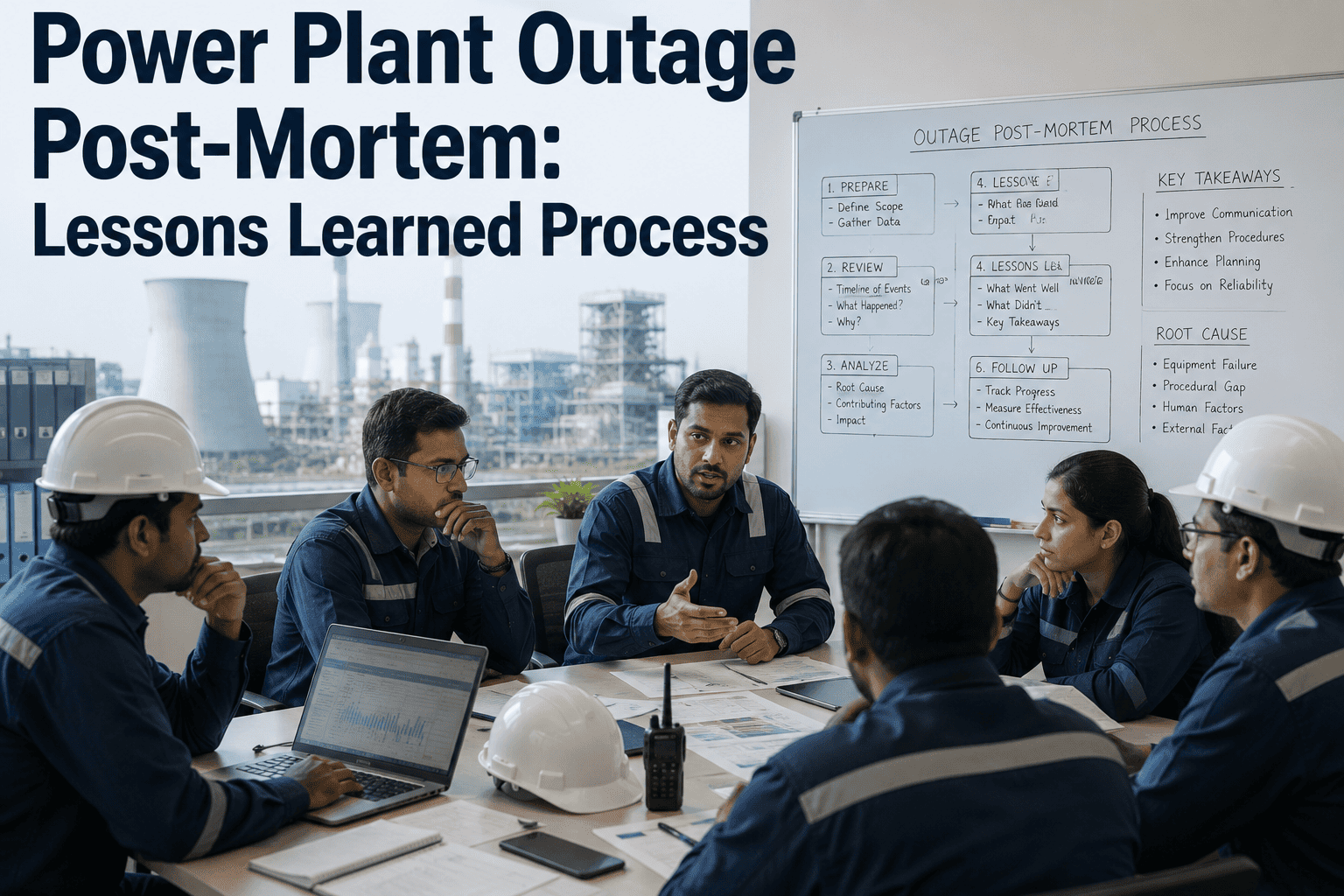
A turbine comes out of a six-week overhaul on schedule, mechanical completion is signed off, and the startup team begins the roll-up sequence under pressure from an outage manager who wants the unit synchronized before the shift changes. Two hours into the run, a protection relay trips on a setting that was never restored to its pre-outage value, and the unit trips offline for a fault that had nothing to do with the actual overhaul work. Commissioning failures like this rarely come from the maintenance work itself, they come from the return-to-service sequence being compressed under schedule pressure, with steps like protection verification getting a checkbox instead of a real functional test. A structured post-outage commissioning process keeps mechanical completion, functional testing, protection verification, and startup sequencing as distinct, verified steps instead of one rushed sign-off. You can book a demo to see return-to-service tracked step by step against your own commissioning plan.
OUTAGE PLANNING · COMMISSIONING · RETURN-TO-SERVICE
Every Return-to-Service Step Verified, Not Just Signed
iFactory tracks mechanical completion, functional testing, protection verification, and startup sequencing as distinct steps, so a compressed schedule never turns into a skipped verification.
3
Protection Verification
5
Performance Verification
WHY COMMISSIONING GETS COMPRESSED
The Schedule Pressure That Turns Verification Into a Checkbox
Every day an outage runs past its scheduled end date has a direct cost, and that pressure lands hardest on the commissioning steps that happen last, protection verification, functional testing, and final performance checks. When those steps get compressed, the failure that shows up afterward usually has nothing to do with the actual overhaul work and everything to do with a setting, interlock, or test that never got its full verification window.
Last In
Commissioning steps are typically scheduled last, making them the first to absorb schedule overruns
Days
Common cost of an early trip caused by a skipped verification step versus the time saved by skipping it
1 Sequence
Single verified return-to-service sequence replacing informal sign-offs under time pressure
Mechanical Completion Signed Early
A punch list item gets deferred with a verbal promise to close it out later, and later never comes before startup.
Protection Settings Restored From Memory
Relay settings changed for outage testing get restored based on a technician's recollection instead of a documented baseline.
Functional Tests Abbreviated
A full-range interlock or trip test gets reduced to a partial check to save time before the startup window.
Startup Sequence Skips Hold Points
A planned hold point for data review gets waved through verbally instead of confirmed against actual readings.
THE FIVE COMMISSIONING STAGES
Each Stage Verifies Something the Next Stage Depends On
Return-to-service is not one event, it is five distinct stages, and each one exists because the stage after it depends on that verification being genuinely complete rather than assumed complete.
| Stage |
What Is Verified |
Owned By |
Typical Failure If Skipped |
| Mechanical Completion |
Punch list items closed, work orders confirmed complete |
Maintenance planner |
Loose fitting, missed torque check |
| Functional Testing |
Instruments, interlocks, and control loops respond correctly |
I&C technician |
False trip or missed real trip signal |
| Protection Verification |
Relay settings match approved baseline, not outage test values |
Protection engineer |
Unwanted trip or failure to trip on a real fault |
| Startup Sequencing |
Each hold point confirmed against actual readings before proceeding |
Operations shift lead |
Equipment damage from rushed ramp rate |
| Performance Verification |
Unit output and efficiency match expected post-overhaul baseline |
Performance engineer |
Underperformance goes undetected for weeks |
Stop Letting Schedule Pressure Skip a Verification Step
iFactory tracks every commissioning stage as a distinct, verified checkpoint, so a compressed schedule shows up as a flagged gap instead of a silent skip.
HOW RETURN-TO-SERVICE SHOULD FLOW
From Mechanical Sign-Off to Confirmed Performance in Five Steps
1
Confirm
Punch list closed against actual work order records
›
2
Test
Full-range functional test run and logged
›
3
Verify
Protection settings checked against approved baseline
›
4
Sequence
Startup hold points confirmed with real readings
›
5
Confirm
Performance data compared against expected baseline
TRACKING METHOD COMPARISON
A Paper Checklist Confirms Steps Happened, Not That They Were Correct
The difference between a paper checklist, a shared spreadsheet, and a connected commissioning platform is not just convenience, it is whether a verification step can actually be traced back to the specific reading or test result that justified marking it complete.
| Factor |
Paper Checklist |
Shared Spreadsheet |
iFactory Connected Platform |
| Verification Evidence |
Checkbox only, no linked data |
Manual entry, easy to skip |
Test result linked directly to the step |
| Protection Setting Baseline |
Referenced from a separate binder |
Copied manually, version risk |
Baseline compared automatically at sign-off |
| Hold Point Visibility |
Verbal confirmation between shifts |
Updated after the fact |
Live status visible to the full startup team |
| Post-Startup Traceability |
Reconstructed manually if a trip occurs |
Partial history, gaps likely |
Full sequence searchable by unit and date |
WHERE COMMISSIONING GOES WRONG
Common Mistakes That Undo a Successful Overhaul
Verbal Punch List Closure
A remaining item gets closed on a verbal assurance instead of a documented final inspection.
Baseline Settings Not Cross-Checked
Protection settings restored from memory instead of compared against the approved pre-outage baseline document.
Hold Points Treated as Optional
A planned pause for data review gets skipped when the startup team is confident nothing looks wrong.
Performance Baseline Never Compared
Post-overhaul output data gets collected but never actually compared against the expected performance curve.
CASE SCENARIO
The Relay Setting That Was Restored From Memory
Before
During a boiler feed pump turbine overhaul, protection relay settings were temporarily changed to support testing during the outage. When the overhaul finished two days ahead of schedule, the protection engineer restored settings from memory rather than cross-checking the documented pre-outage baseline, and one overcurrent setting was left at its test value.
After
With protection verification tracked as a distinct step requiring a documented baseline comparison, the mismatched setting was flagged before the unit was cleared for startup. The setting was corrected in minutes, and the unit reached full load without the nuisance trip that the incorrect setting would have caused within the first hour of operation.
GETTING STARTED
Four Steps to a Verified Return-to-Service Process
1
Require documented evidence, not a verbal confirmation, to close any punch list item before mechanical completion sign-off.
2
Maintain a single approved protection setting baseline that every post-outage restoration is checked against.
3
Define hold points in the startup sequence in advance, and require a data comparison before each one clears.
4
Compare post-overhaul performance data against the expected baseline within days, not weeks, of return to service.
FREQUENTLY ASKED QUESTIONS
Questions Commissioning and Operations Teams Ask First
Does this replace our existing commissioning checklists and procedures?
No, iFactory is built to track the same commissioning stages and procedures your site already follows rather than replace them. The platform captures each verification step, mechanical completion, functional testing, protection verification, and startup sequencing, and links it to the actual evidence behind it, so your procedures stay the same while the traceability behind each sign-off becomes far stronger.
Book a demo to see it configured around your current commissioning plan.
How does the platform catch a protection setting that was restored incorrectly?
The platform compares the setting entered at protection verification against the approved pre-outage baseline on record, and flags any mismatch before the step can be marked complete. This turns a check that used to depend entirely on a technician's memory into a documented comparison against the actual approved values.
Contact our support team to review how baseline comparisons are configured.
What happens if schedule pressure pushes the team to skip a hold point?
A defined hold point requires a data comparison to be logged before the startup sequence can proceed, so skipping it shows up as a flagged gap rather than a quiet omission. This gives the startup team a clear record of exactly which readings justified moving past each hold point, even when the overall schedule is under pressure.
Book a demo to see the hold point workflow in action.
Can we compare post-overhaul performance against the expected baseline automatically?
Yes, once a unit's expected performance baseline is on record, post-overhaul output and efficiency data can be compared against it directly, surfacing any gap within days of return to service instead of weeks. This is typically the step most likely to be delayed or skipped entirely once a unit is back online and attention shifts elsewhere.
Contact our support team to discuss performance baseline setup.
Can we retrieve the full commissioning record for a unit months after startup?
Yes, every commissioning stage, test result, and sign-off tied to a specific outage remains searchable by unit and date well after the unit has returned to service. This is usually the exact record that is hardest to reconstruct from paper checklists when a post-startup trip prompts a root cause investigation.
Book a demo to see long-term commissioning record retrieval.
Give Every Commissioning Step a Verified Record
iFactory tracks mechanical completion, functional testing, protection verification, startup sequencing, and performance confirmation as distinct steps. Book a demo and see it running on your own return-to-service plan.