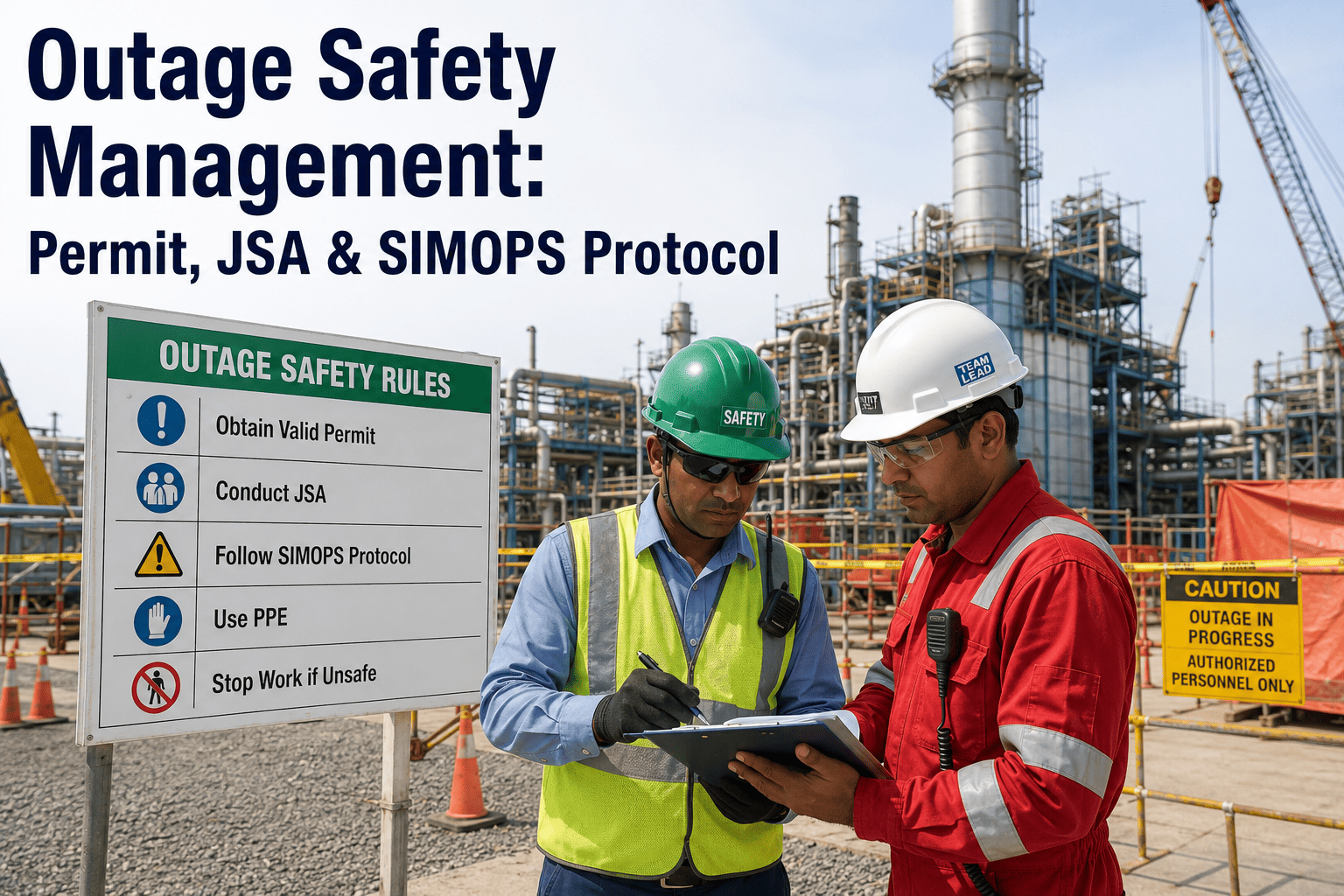
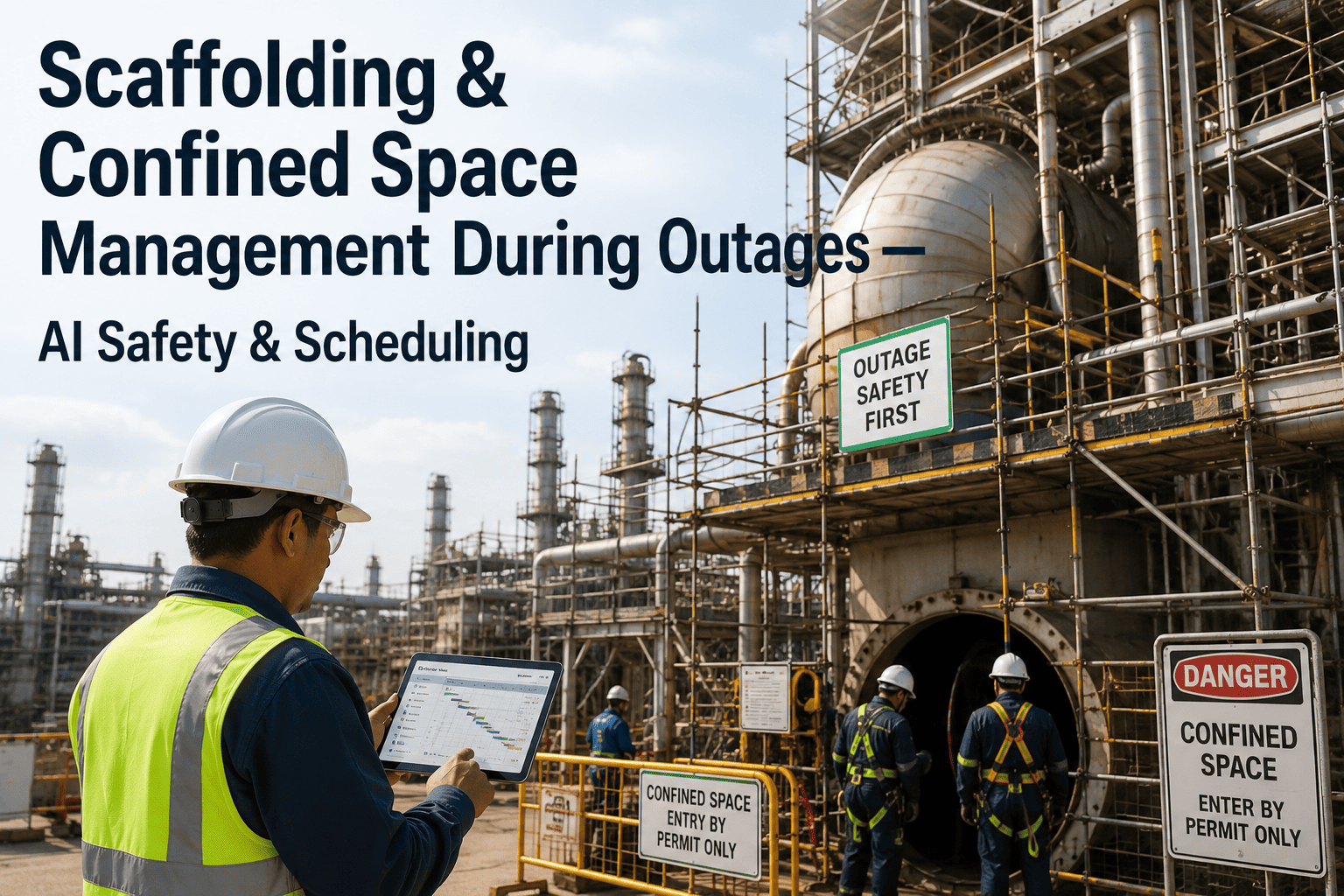
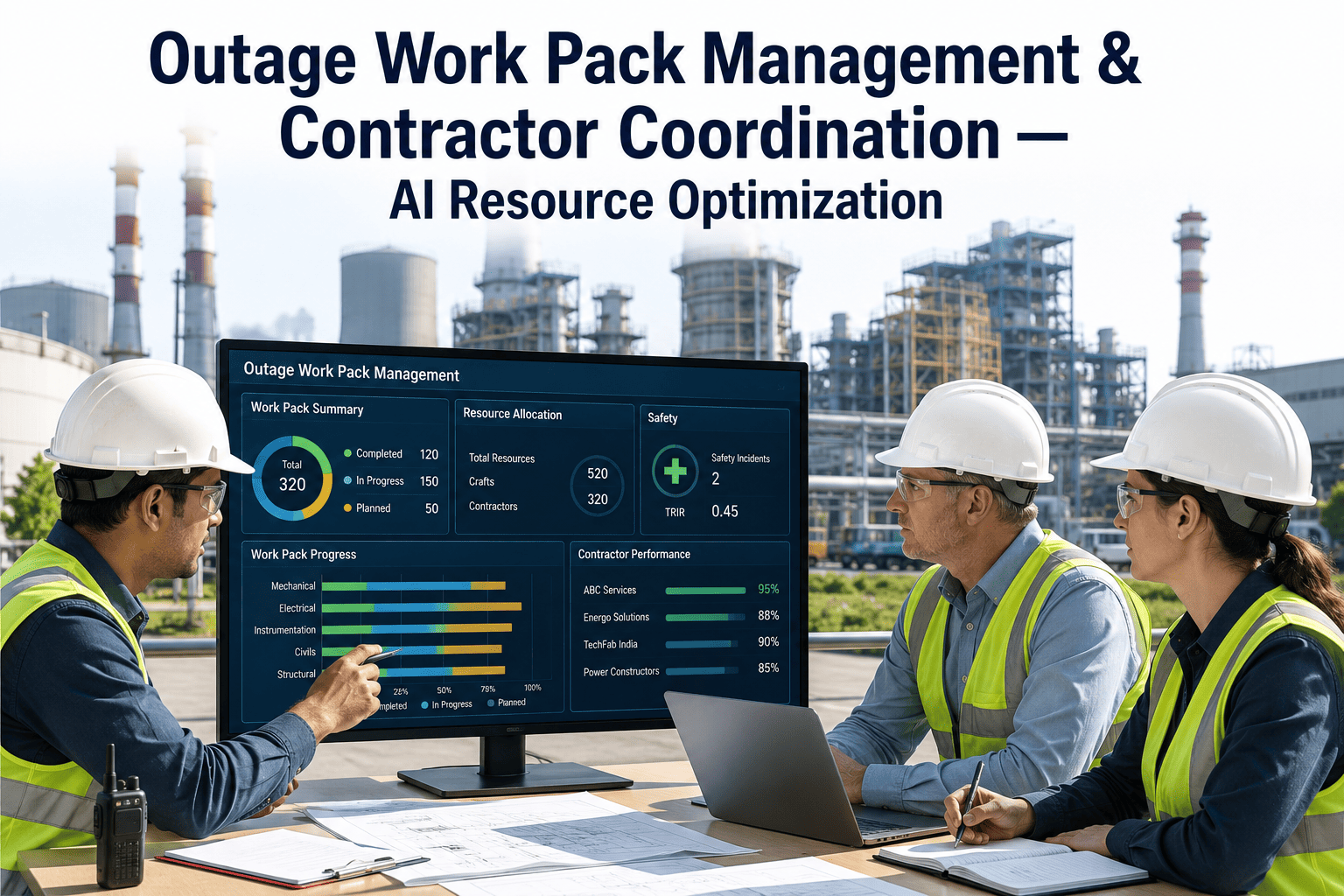
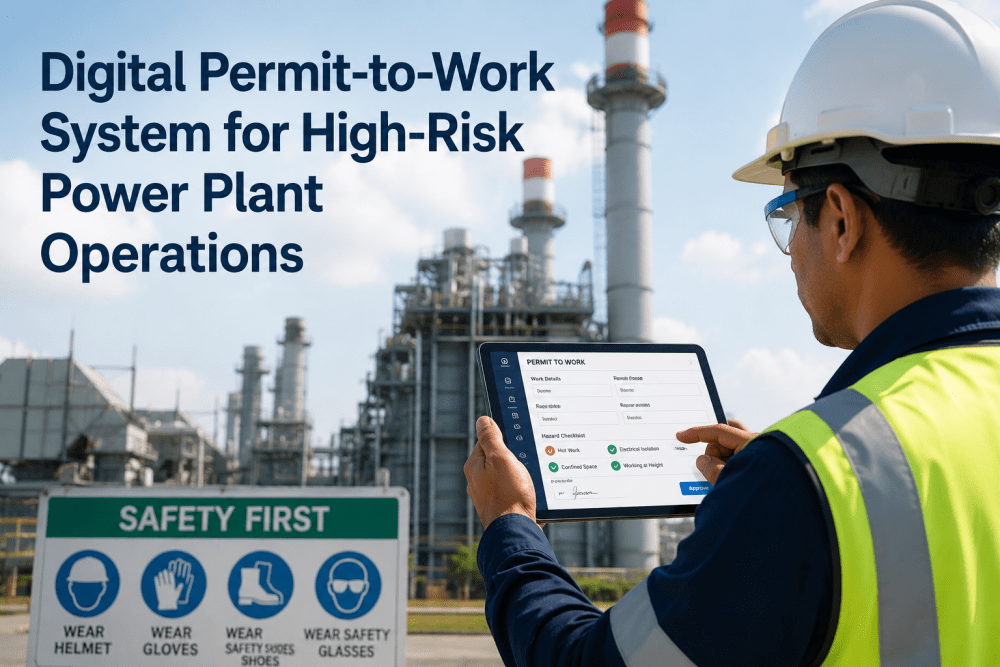
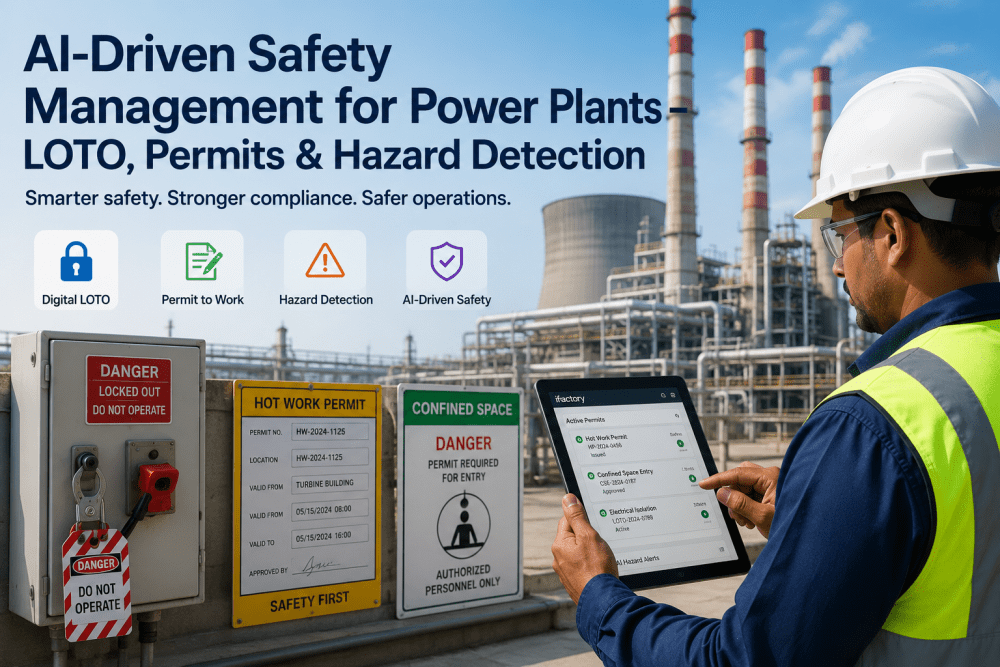
A boiler outage has eleven contractor crews on site by day three, one crew opening a manway while another is running a crane load directly overhead, and the permit desk is three trailers away from both of them. Nobody did anything wrong on paper, the hot work permit was signed, the confined space entry was logged, and the crane lift plan was approved, but none of the three systems knew about each other until a spotter noticed the overlap and called a stop. That near-miss is the outcome outage safety programs exist to prevent, and it rarely comes from a missing permit, it comes from permits, job safety analyses, and simultaneous operations that were each managed correctly in isolation. A structured outage safety program ties permit-to-work, JSA, and SIMOPS coordination into one visible system instead of three separate ones. You can book a demo to see outage safety coordination running against your own crew schedule.
OUTAGE PLANNING · SAFETY MANAGEMENT · PERMIT & SIMOPS COORDINATION
Three Safety Systems, One Site, Zero Visibility Between Them
iFactory ties permit-to-work, job safety analysis, and SIMOPS coordination into a single view of the outage, so a crane lift and a confined space entry never overlap without someone knowing.
Hot Work
Grinding, welding, cutting permits with fire watch requirements
Confined Space
Entry permits with atmospheric testing and attendant sign-off
Lockout-Tagout
Isolation points verified before any work permit is issued
WHY OUTAGE SAFETY BREAKS DOWN
Every Individual Permit Was Correct, the Overlap Between Them Wasn't
Outage safety incidents rarely trace back to a permit that was filled out wrong, they trace back to two or three correctly issued permits operating in the same physical space at the same time without anyone connecting them. With a dozen or more contractor crews on site and a permit desk that can only track what gets physically walked in, the coordination gap grows with every additional crew added to the schedule.
10-15+
Typical number of contractor crews working simultaneously during a major outage
3 Systems
Permits, JSAs, and SIMOPS coordination commonly tracked separately with no shared view
Same Day
How often a new hazard interaction can appear once a second crew is added to a work area
Permits Issued Without Cross-Check
A permit desk can confirm a single permit is filled out correctly without knowing what else is happening in that same work area.
JSAs Written Once, Never Revisited
A job safety analysis covers the task as planned, but the work area often changes hour to hour once other crews arrive.
SIMOPS Tracked on a Whiteboard
Simultaneous operations conflicts are often caught by a spotter noticing a problem, not by a system flagging it in advance.
Contractor Orientation Inconsistent
Multiple contractor companies each bring their own safety culture and documentation habits to the same site.
WHAT EACH SYSTEM ACTUALLY COVERS
Permit, JSA, and SIMOPS Answer Different Questions
Permits, job safety analyses, and SIMOPS coordination are not redundant paperwork, each one answers a distinct question about the same work, and an outage safety program only holds together when all three questions can be answered together for any given work area at any given time.
| System |
Question Answered |
Owned By |
Review Frequency |
| Permit-to-Work |
Is this specific task authorized right now? |
Permit issuer, area supervisor |
Per shift, per task |
| Job Safety Analysis |
What are the hazards of this task and how are they controlled? |
Crew supervisor, safety coordinator |
Before task start, on scope change |
| SIMOPS Coordination |
Does this task conflict with another task happening nearby? |
Outage safety coordinator |
Continuous during overlapping work |
Stop Relying on a Spotter to Catch the Overlap
iFactory cross-checks every active permit, JSA, and work-area location in real time, so a SIMOPS conflict gets flagged before two crews end up in the same space.
HIGH-RISK SIMOPS COMBINATIONS
Some Task Pairings Carry Far More Risk Than Others
Not every simultaneous operation is equally dangerous, certain combinations of task type and proximity carry disproportionate risk and deserve a dedicated coordination check every time they occur on the same schedule.
Crane Lift + Scaffolding
An overhead lift path crossing a scaffold under construction or occupied by workers below.
Hot Work + Confined Space
Welding or grinding near a vessel opening where fumes or sparks can enter an active entry.
Electrical Isolation + Testing
A LOTO isolation point being tested or re-energized while a separate crew still has active work orders against it.
Rigging + Ground-Level Foot Traffic
A rigging or load path crossing a walkway that other contractor crews continue to use during the lift.
HOW COORDINATION SHOULD FLOW
From Permit Request to Verified Close-Out in Five Steps
1
Request
Permit and JSA submitted for the specific work area
›
2
Cross-Check
Active permits nearby flagged automatically
›
3
Resolve
Coordinator adjusts timing, sequencing, or barriers
›
4
Issue
Permit released once conflicts are cleared
›
5
Close
Verified sign-off recorded against the work area
WHERE PROGRAMS FALL SHORT
Common Mistakes That Undermine Outage Safety Coordination
Static SIMOPS Matrix
A pre-outage conflict matrix built once and never updated as the actual daily schedule shifts.
Orientation as a Formality
Multi-contractor safety orientation delivered once at kickoff with no reinforcement as new crews rotate in.
Permit Desk Physically Distant
Permits issued from a central trailer with no real-time visibility into what is happening at the actual work face.
No Shared Incident Trail
Near-misses and stop-work events logged by whichever contractor caught them, never rolled into a plant-wide pattern.
CASE SCENARIO
The Crane Lift That Almost Crossed an Active Entry
Before
During a turbine outage, a confined space entry permit was issued for a condenser waterbox while a separate crew scheduled a crane lift for a replacement heat exchanger bundle nearby. Both permits were correctly filled out and approved independently, with no system flagging that the lift path passed directly over the confined space access point.
After
With permit locations cross-checked against each other automatically, the overlap was flagged the moment the lift permit was requested. The outage safety coordinator rescheduled the lift to a two-hour window after the confined space entry closed, and both tasks were completed without ever occupying the same space at the same time.
SAFETY ROLES DURING AN OUTAGE
Coordination Only Works When Ownership Is Clear
Outage Safety Coordinator
Owns the plant-wide SIMOPS view and resolves conflicts across all active permits.
Contractor Supervisor
Ensures crew-level JSAs stay current as work area conditions change.
Permit Issuer
Verifies isolation points and cross-checks nearby active permits before release.
Outage Manager
Reviews daily incident and near-miss trends across the full contractor population.
GETTING STARTED
Four Steps to a Coordinated Outage Safety Program
1
Map every planned work area against the outage schedule before the first crew mobilizes.
2
Require permit requests to include physical location, not just task description.
3
Set automatic proximity flags for high-risk combinations like crane lifts and confined space entries.
4
Reinforce contractor orientation at every crew rotation, not only at outage kickoff.
FREQUENTLY ASKED QUESTIONS
Questions Outage and Safety Teams Ask First
Does this replace our existing permit-to-work forms and process?
No, iFactory is built to work with the permit forms and approval chain your site already uses rather than replace them. The platform captures the same permit data your team fills out today and cross-checks it against nearby active permits automatically, so the paperwork stays familiar while the coordination behind it becomes far stronger.
Book a demo to see it configured around your current permit process.
How does the system know two permits are actually close enough to conflict?
Each permit request captures a physical work area location, and the platform checks that location against every other active permit in the same zone or elevation for known high-risk combinations. This turns a check that used to depend on a spotter physically noticing an overlap into an automatic flag raised the moment a conflicting permit is requested.
Contact our support team to review how proximity zones are configured for your site.
Can multiple contractor companies use the same system during a shared outage?
Yes, the platform is designed for exactly this situation, with each contractor company submitting permits and JSAs through the same shared view so the outage safety coordinator has one consolidated picture instead of a dozen separate paper trails. This is typically where the largest coordination gains show up, since most SIMOPS conflicts happen between different contractor companies rather than within one.
Book a demo to see multi-contractor coordination in action.
What happens when a JSA needs to change because the work area conditions shifted?
A JSA can be flagged for review whenever a new permit is issued nearby or the physical work area changes, prompting the crew supervisor to confirm the original hazard analysis still applies before work continues. This keeps the JSA tied to current conditions rather than the conditions that existed when the task was originally planned days earlier.
Contact our support team to discuss JSA review triggers.
Can we track near-miss and stop-work events across the whole outage in one place?
Yes, near-misses and stop-work events logged by any crew or contractor roll into a single plant-wide trend view, so patterns that would otherwise stay isolated within one contractor's records become visible to the outage safety coordinator in real time. This is often the fastest way to catch a recurring hazard combination before it results in a more serious incident.
Book a demo to see incident trend tracking across a full outage.
Give Every Crew a Shared View of the Outage
iFactory ties permit-to-work, JSA, and SIMOPS coordination into one system, so a conflict gets caught before it becomes a stop-work event. Book a demo and see it against your own outage schedule.