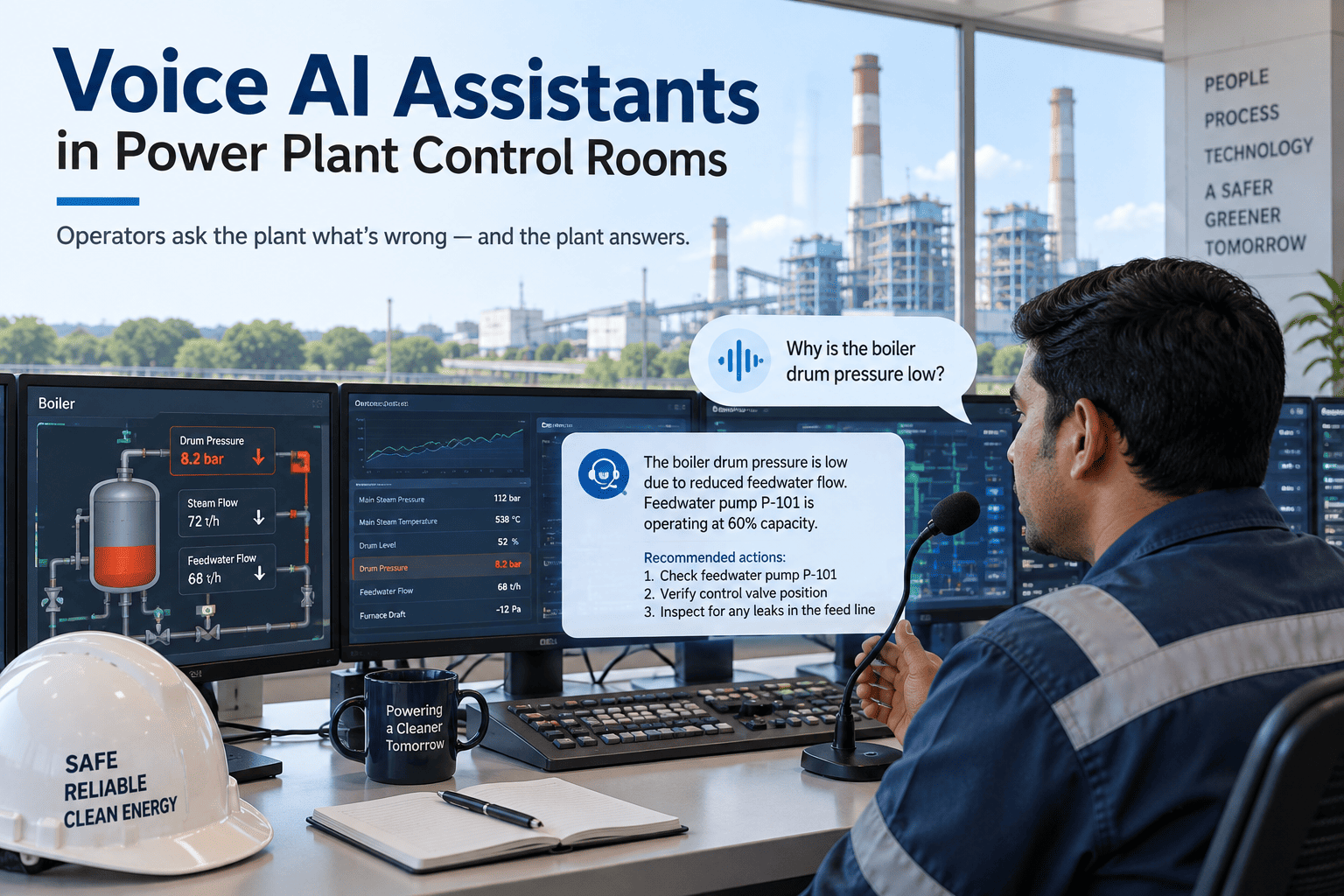
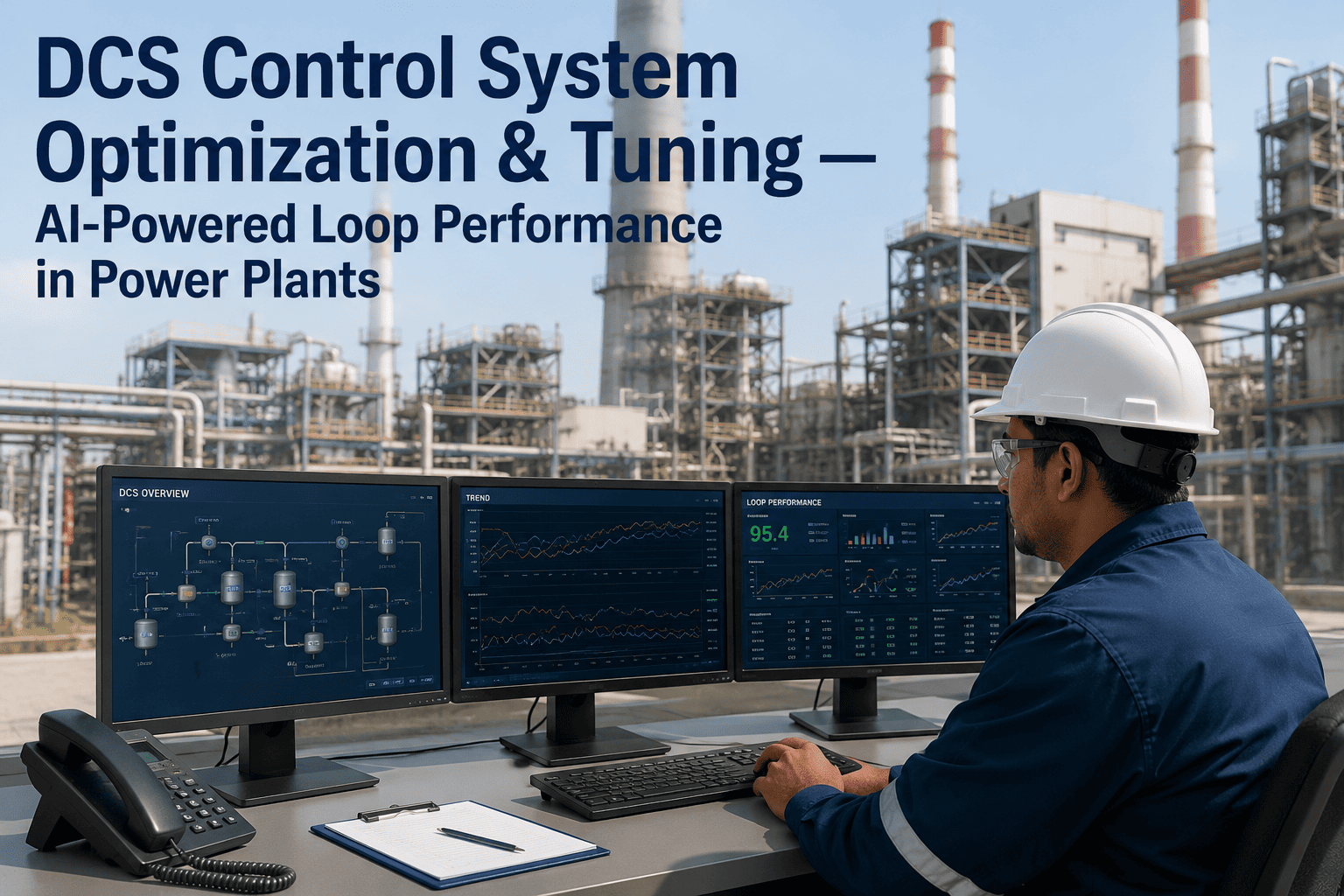
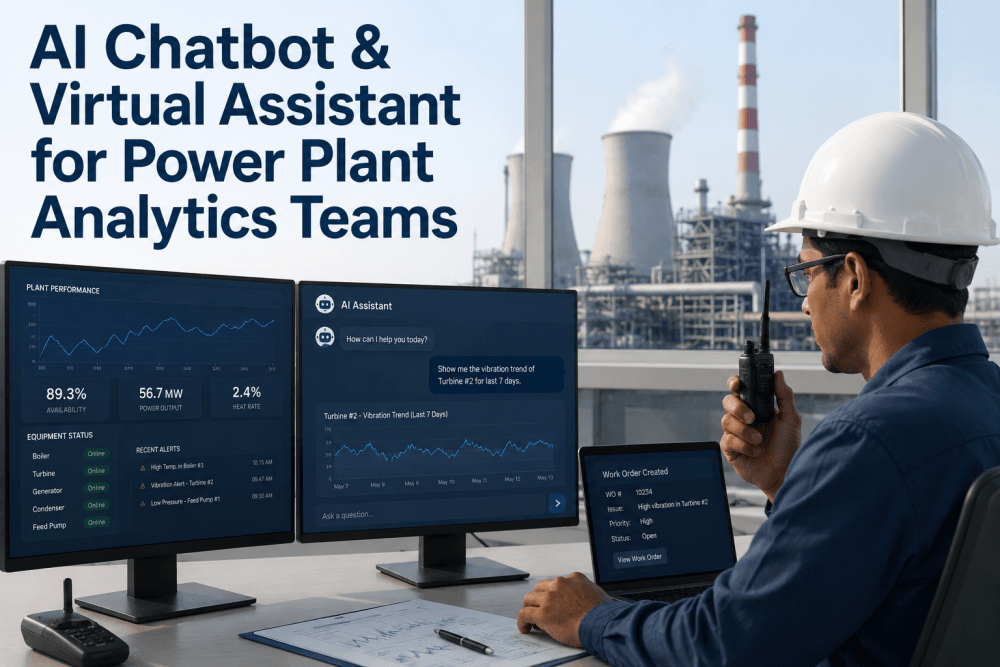
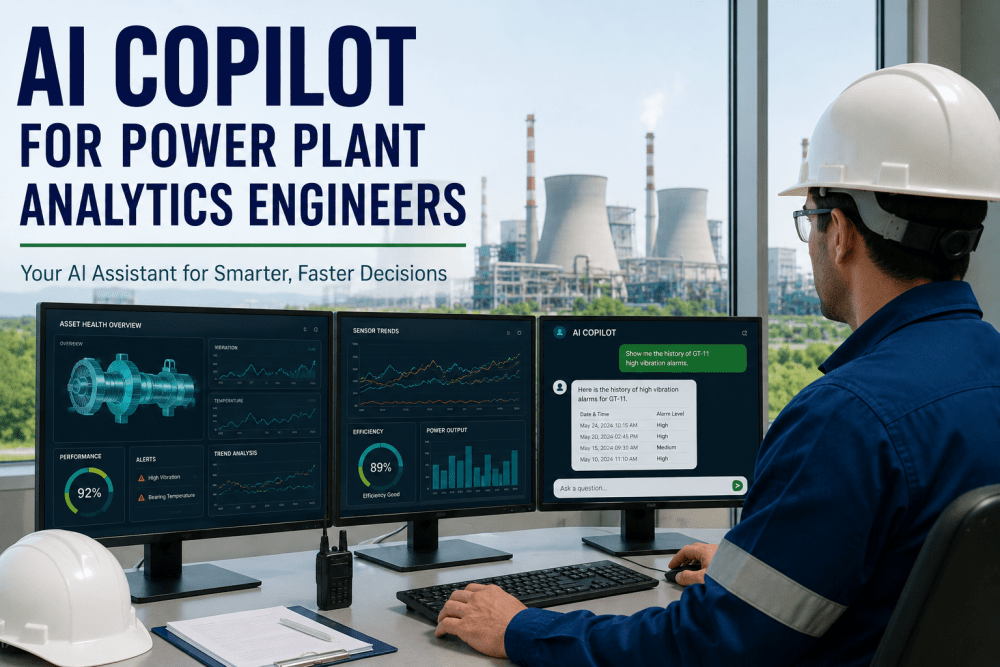
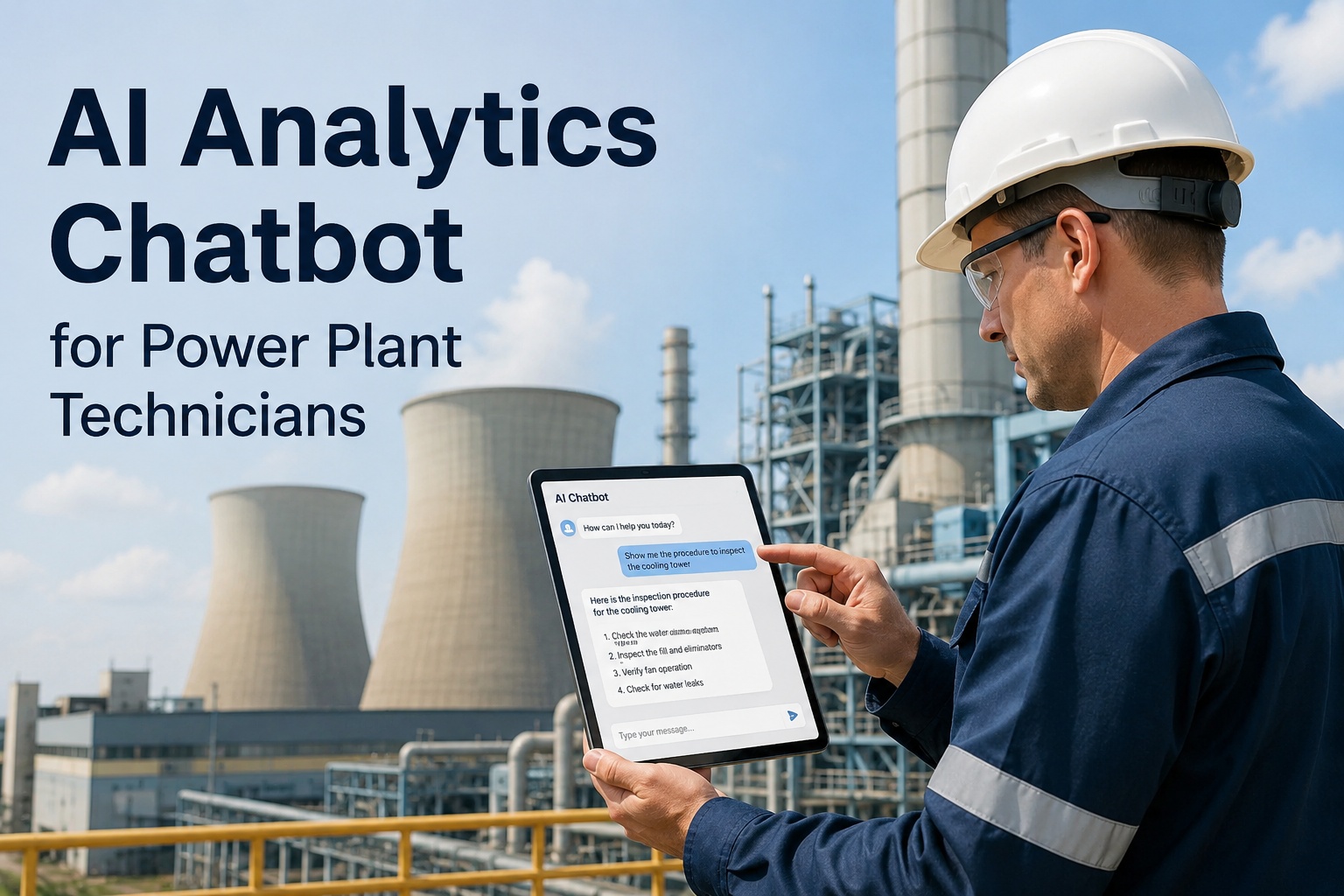
A power plant control room is a hands-on-the-desk environment. When an operator needs to know why Unit 3 turbine vibration climbed over the last four hours, the answer lives across the historian, the CMMS maintenance record, the last three shifts' logbook, and possibly a similar event from last year. Getting to that answer today means navigating four different tools, on four different tabs, while the alarm that started the question is still active on the DCS. Voice AI in the control room is not a novelty — it is the interface that lets an operator ask the plant a plain-English question and get the joined answer back in seconds, without taking hands off the controls or eyes off the process.
iFactory / Voice AI for control rooms
Ask the Plant, Get the Answer — Without Leaving the Desk
A voice-first AI assistant for the control room that answers operator questions from the historian, CMMS, shift logbook, and prior-event archive in seconds — with plant-specific vocabulary and safety-conscious response discipline.
Operator
"Why is Unit 3 turbine vibration high?"
Plant
Bearing 2 up 0.15 mm/s over 4h · last PM 340 days ago · similar event March 2024
Operator
"When did feedwater flow last drop?"
Plant
14:22 today · BFP-2 tripped on suction pressure · lasted 18 seconds
3 sec
voice → joined answer
4 sources
historian · CMMS · log · archive
Hands-free
eyes stay on the DCS
The Problem in the Control Room
An operator with a live alarm on the DCS has three seconds of attention to spend on the underlying question — is this real, has it happened before, is there context I don't have? Today the answer requires a tab switch to the historian, then the CMMS, then the previous shift's log, then the six-month archive of similar events. Each is a hands-off-the-desk, eyes-off-the-process action. The alternative is to guess, which is what most operators do under time pressure — and guessing is what post-event reports later name as the root cause of an escalated event. A voice interface returning a joined answer in seconds is the difference between context and guess.
Where the Record Actually Breaks
Control-room information access breaks in the same places at every plant. The tools exist; the interface to them costs time the operator does not have.
Historian tab-switch
Operator wants the last four hours of a specific tag with context on when it started to drift. Requires opening the historian, selecting the tag, setting the window, and interpreting the trend — 30+ seconds minimum.
CMMS lookup lag
Question: when was this equipment last serviced? Answer requires opening the CMMS, searching by tag or asset ID, and reading the work-order history — another 30 seconds.
Log-history search
Question: did the previous shift note anything unusual about this equipment? Answer requires the shift log app, filter by tag, scroll through entries — another minute, minimum.
Prior-event recall
Question: has this exact vibration signature shown up before on this bearing? The archive exists; the interface to find it doesn't. Answer becomes 'ask the veteran' or 'skip the check.'
What Good Looks Like at the Desk
A working voice AI for the control room holds four disciplines together — natural-language understanding of plant vocabulary, joined answer from multiple sources, safety-aware response, and audit-logged interaction.
Plant Vocabulary
Understands equipment tags, unit numbers, plant-specific terminology (BFP, DEH, HRSG, CEMS) and colloquial operator phrasing without training the operator to speak in a rigid syntax.
Speak like the plant
Joined Answer
One question resolves across the historian, CMMS, shift log, and prior-event archive — the answer arrives assembled instead of pointing the operator to four separate tools.
One query, four sources
Safety-Aware
The assistant answers information questions; it does not issue control commands. Every response includes source references so the operator can verify — no black-box answer to trust blindly.
Advisory, not control
Audit-Logged
Every voice query and response captured with operator ID, timestamp, and source data — the record that stands up to NERC CIP and post-event review.
Every query on record
How iFactory AI Fits
iFactory AI works as an overlay on the DCS, historian, and CMMS you already run — Ovation, DeltaV, ABB 800xA, PI System, Maximo — adding the voice interface without touching the systems operators trust for control.
Voice Interface
AI Layer
Wake-word or push-to-talk voice input calibrated to control-room acoustic conditions. Response returned by voice + optional screen display for full context.
Query Router
AI + Data Sources
Natural-language question parsed against equipment tags, time expressions, and query intent — routed to historian, CMMS, log, or archive as appropriate.
Answer Assembly
AI Layer
Joined answer synthesised from multiple sources with source attribution — the operator hears the answer and can drill into any source for verification.
Interaction Log
Compliance Layer
Every query, response, and source reference logged for NERC CIP audit and post-event review — full traceability of what the operator asked and what the system answered.
Time your operators on a real question during the next shift. Ask how long it takes to pull the last 4 hours of a specific vibration tag joined to the last work order on that equipment. Most plants measure this in minutes, not seconds. Book a voice AI demo — we'll walk one live query.
12-Week Rollout on One Unit
One control room, one operator crew, twelve weeks. The pilot is scoped to prove the voice interface is trusted at the desk under real-shift conditions and that the joined-answer discipline actually saves the operator time on real questions.
Weeks 1–2
Vocabulary Load
Load equipment tags, unit conventions, and plant-specific vocabulary. Operators supply the phrasing they actually use. Baseline: current time-to-answer on 10 common questions.
Weeks 3–4
Voice Setup
Control-room microphones installed and tuned for the ambient noise. Wake-word calibrated. Test with three operators on real questions. Adjust response verbosity to operator preference.
Weeks 5–8
Live on One Room
Voice AI active in one control room for real shifts. Interaction log captured. Weekly review with operators identifies query patterns that need tuning.
Weeks 9–12
Time Savings Match
Twelve-week window closes. Measure time-to-answer on the baseline question set. Operator-reported trust score captured. Rollout to additional units decided.
Who Owns the KPI
Voice AI in the control room crosses operations, IT, safety, and compliance. Each function needs a specific number they own or the technology becomes an unused capability.
Shift Supervisor
Operator queries per shift
Owns the adoption — the count of voice queries per shift. Rising trend means operators trust the interface; flat means it isn't earning its place.
Control Room Ops
Time-to-answer on top-10 queries
Owns the productivity number — the measured time from question asked to answer received, benchmarked against the current tab-switching workflow.
Safety Officer
Answers verified against source %
Owns the trust discipline — the share of queries where the operator drilled into the source reference. High initially and declining as trust builds is the expected pattern.
Plant Manager
Events with context-informed response
Owns the outcome — the share of alarm responses where the operator used voice AI to gather context before acting. The number that matters at the post-event review.
FAQ
Can operators trust a voice AI answer for a real event?
Trust is earned in the pilot. The design principle is that the assistant answers information questions and cites its sources — it does not issue control commands or make decisions. Every answer includes the specific historian tag, work order ID, log entry, or archived event it drew from, so the operator can verify in one tap. Most operators start by verifying every answer for the first two weeks, then verify selectively, then verify only for high-stakes questions once trust is established. If the pilot doesn't clear the trust bar in eight weeks, that's a signal the vocabulary or the answer discipline needs work — not a signal to force adoption.
What about ambient noise in the control room — does voice actually work there?
Yes, with the right setup. Modern control rooms have HVAC noise, DCS alarm audio, and cross-talk between operators. Directional microphones tuned to the operator seat and noise-cancellation calibrated to your ambient profile handle it. Push-to-talk mode is available for very high-noise environments. The one control-room condition that voice does not work well in is unit-startup or shutdown, where audible communications are already high-priority and the operator's attention is on process voice — the AI is available but typically not used during those windows, by design.
Book a demo to hear a control-room-quality voice interaction.
Does this send plant data to a cloud AI model — what are the CIP implications?
Deployment options are configured to your utility's CIP and IT policy. On-premise deployment keeps voice processing, model inference, and data access entirely inside your network — no plant data leaves the perimeter, no cloud round-trip. Hybrid deployment keeps sensitive data on-premise while using cloud for non-CIP-scoped model updates. The specific architecture (on-prem, hybrid, edge) is scoped during implementation against your CIP-002 asset classification and CIP-011 information protection requirements. Voice audio is processed and not retained beyond the interaction unless explicitly configured for audit.
Stop making operators tab-switch during an active alarm.
Walk One Real Query Through Voice AI Live
Bring one control-room information workflow — 'why did feedwater trip last night' or 'when was BFP-2 last serviced' — and we'll walk the voice query, the joined answer from historian + CMMS + log, and the response-time comparison against your current workflow.