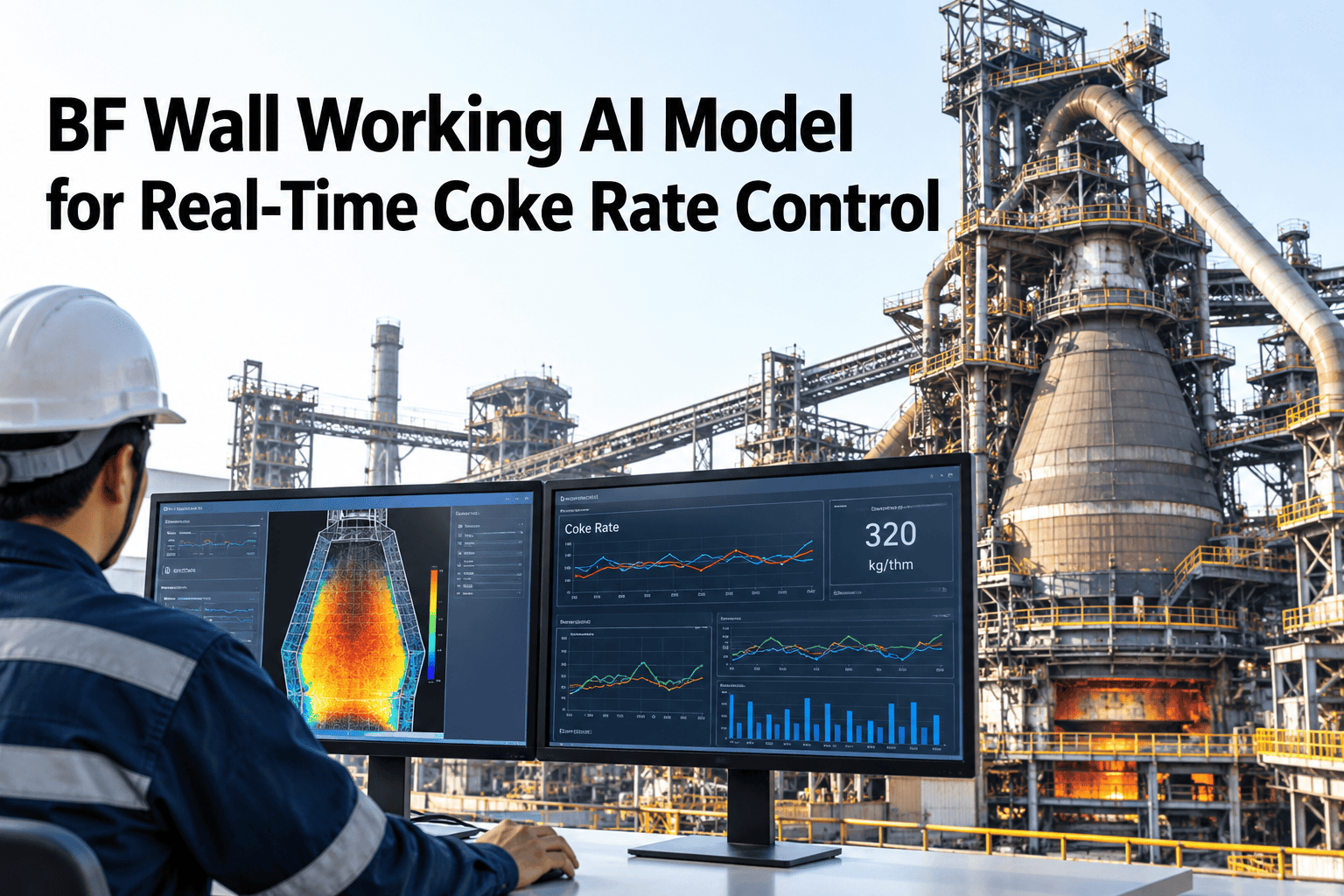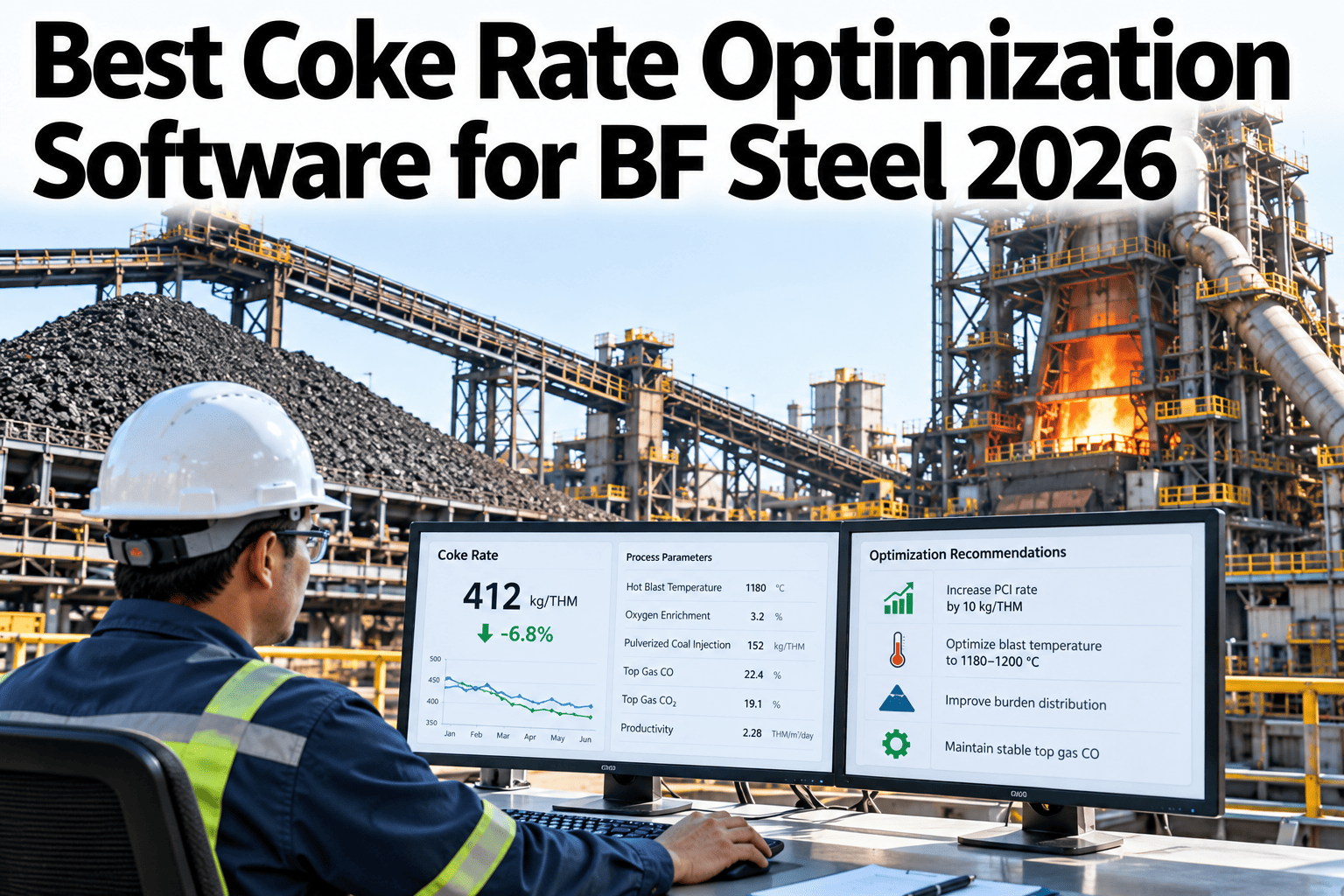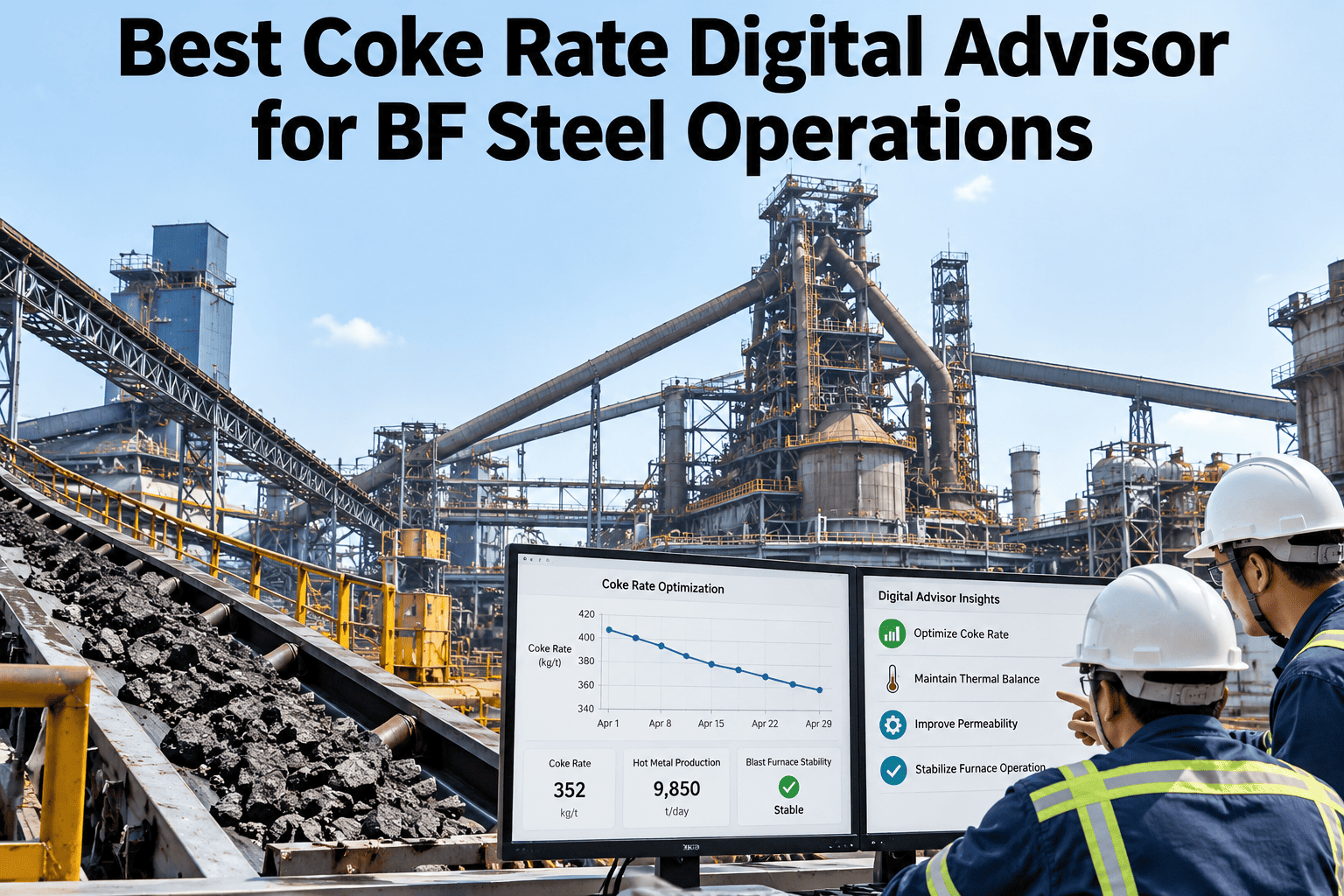
Coke rate is the single biggest controllable cost line on a blast furnace, and most furnace teams still diagnose a rate deviation after the fact, from a shift report that shows the number drifted but not why. By the time anyone traces it back to burden chemistry, blast conditions, or raw material quality, several shifts of excess coke consumption have already happened. A digital advisor changes the sequence: it flags the deviation and names the likely cause while the heat is still running. See coke rate deviation attribution live on your own furnace data.
Know Why Coke Rate Moved, Not Just That It Did
iFactory AI calculates coke rate in real time, attributes deviations to the likely cause, and suggests the next operator action on one shift screen.
Why Shift Reports Arrive Too Late
A coke rate shift report tells you what happened across the last eight or twelve hours, long after the ore blend, blast temperature, or moisture content that caused it has already moved on.
By the time the report is read and discussed, the furnace has run several more heats under the same unaddressed condition, compounding the cost.
Burden moisture rises or blast temperature drifts from target.
Coke rate deviation appears in the report hours after the shift ends.
Team reviews the report the next day, often without a clear attribution.
By now, multiple heats have already run under the unaddressed condition.
What Drives Coke Rate Deviation
Four categories explain most of the coke rate variance furnace teams see shift to shift.
| Driver | Typical Effect | Detection Window | Correction |
|---|---|---|---|
| Burden moisture | +5 to 15 kg/thm | Hours if untracked | Adjust drying or blend |
| Blast temperature drift | +3 to 10 kg/thm | Minutes with live tracking | Stove cycle adjustment |
| Ore grade shift | +8 to 20 kg/thm | Shift to shift | Burden distribution tuning |
| Coke quality variance | +5 to 18 kg/thm | Campaign-level | Coordinate with coke plant |
See Your Own Coke Rate Deviation Attributed Live
Book a 30-minute session and iFactory AI will walk through deviation attribution on your own furnace data.
One Screen, Built for the Shift
The advisor is designed around what an operator needs to decide in the next ten minutes, not a dashboard built for a monthly review.
Live Coke Rate Calculation
Updated continuously from furnace, blast, and burden data rather than a shift-end total.
Deviation Attribution
Ranks the most likely cause of a deviation from moisture, temperature, grade, and quality signals.
Prescriptive Suggestions
Surfaces the operator action most likely to correct the deviation, with expected impact.
Shift Handover Summary
Condenses the shift's deviations and actions into a short, searchable handover note.
A Sample Shift Conversation
The advisor is built to answer the question an operator is already asking.
Coke Rate Over a Campaign
The bars below show an illustrative two-week coke rate trend before and after deviation attribution was introduced.
Rolling It Out on the Furnace
iFactory AI is delivered turnkey, built to connect to existing furnace, blast, and burden systems.
Frequently Asked Questions
How accurate is the deviation attribution?
The model is calibrated against your furnace's own history during rollout, so attribution reflects how your specific furnace actually responds to moisture, temperature, and grade changes rather than a generic model. Support can walk through calibration accuracy for a furnace your size.
Does this replace our furnace control system?
No, it reads from your existing Level 2 and burden systems and adds an attribution and suggestion layer on top. Operators keep using their current control interface for actual adjustments.
Can operators act on the suggestions directly?
The advisor suggests, and the operator decides, within existing furnace operating limits. Many plants start with suggestions only and review results before considering tighter integration. See the suggestion workflow in a walkthrough on your own furnace.
What data do we need to get started?
Furnace production data, blast temperature and volume, burden composition, and coke quality results are the core inputs. Most plants already hold these across Level 2 and lab systems.
How does this roll into our cost per tonne reporting?
Coke rate is one of the largest single drivers of hot metal cost, so attributed deviations and corrections show up directly in cost per tonne tracking. Ask support how this connects to cost reporting in your system.
Catch the Coke Rate Deviation While the Heat Is Still Running
iFactory AI attributes coke rate deviation in real time and suggests the next action. Book a walkthrough to see it on your own furnace.