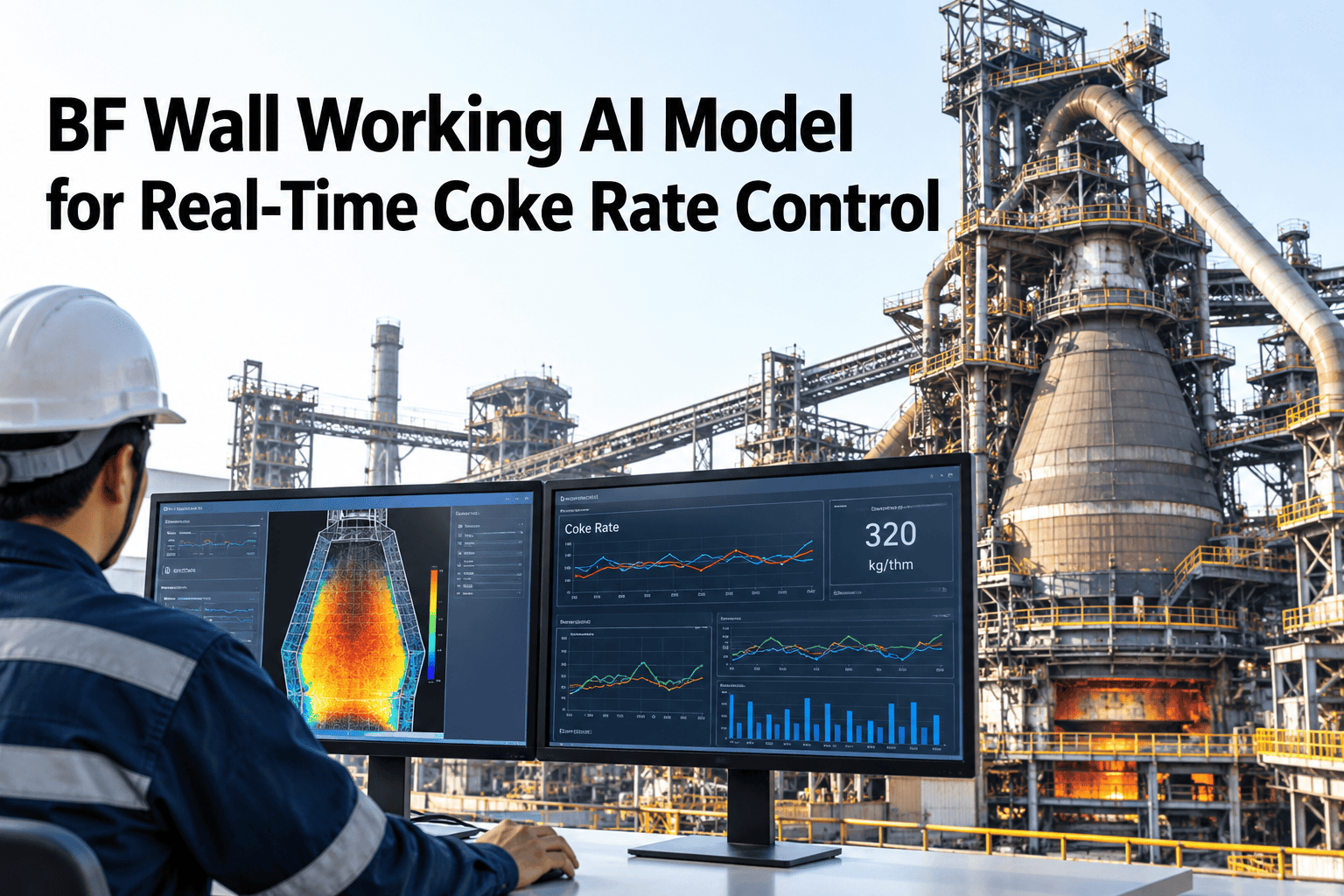
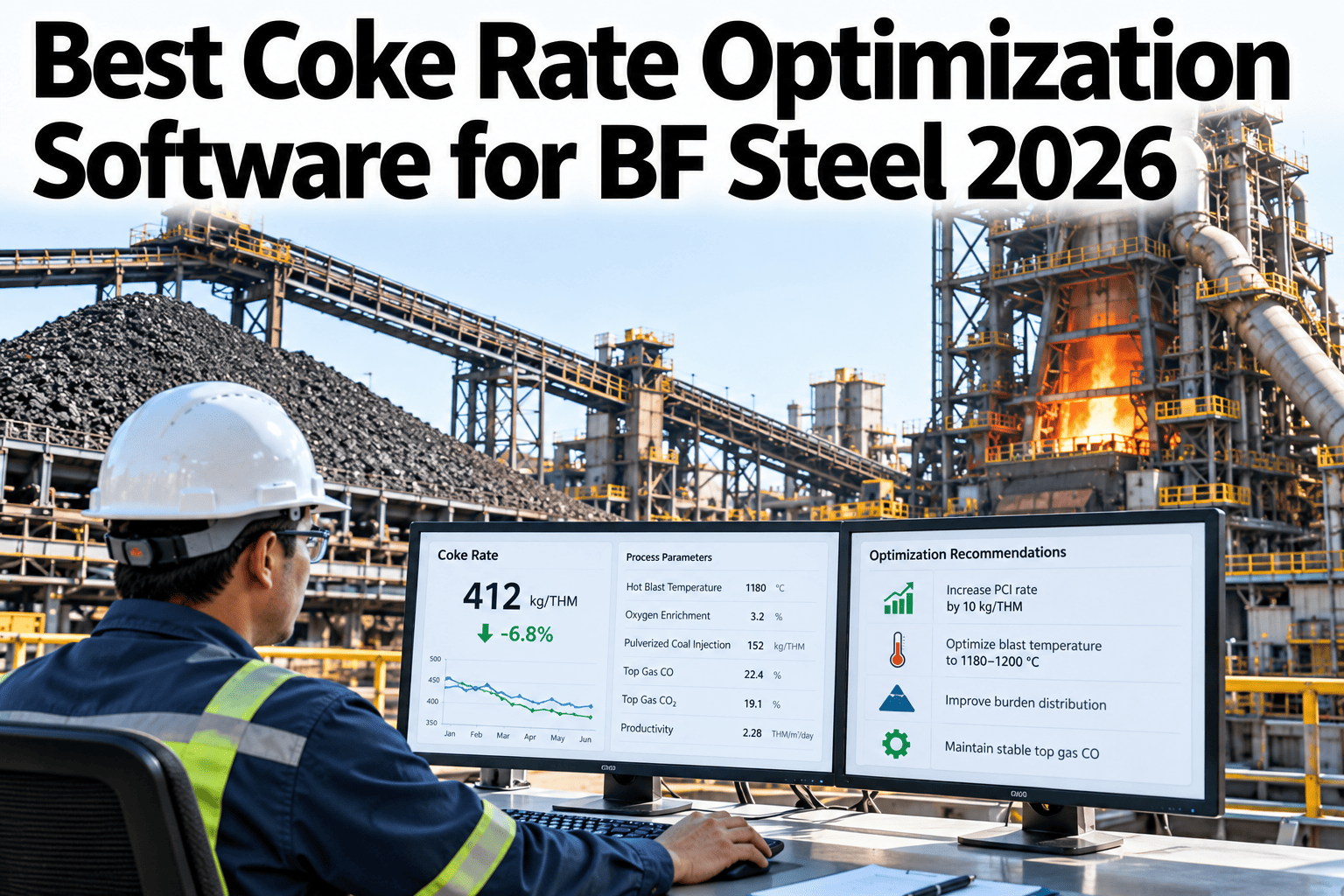
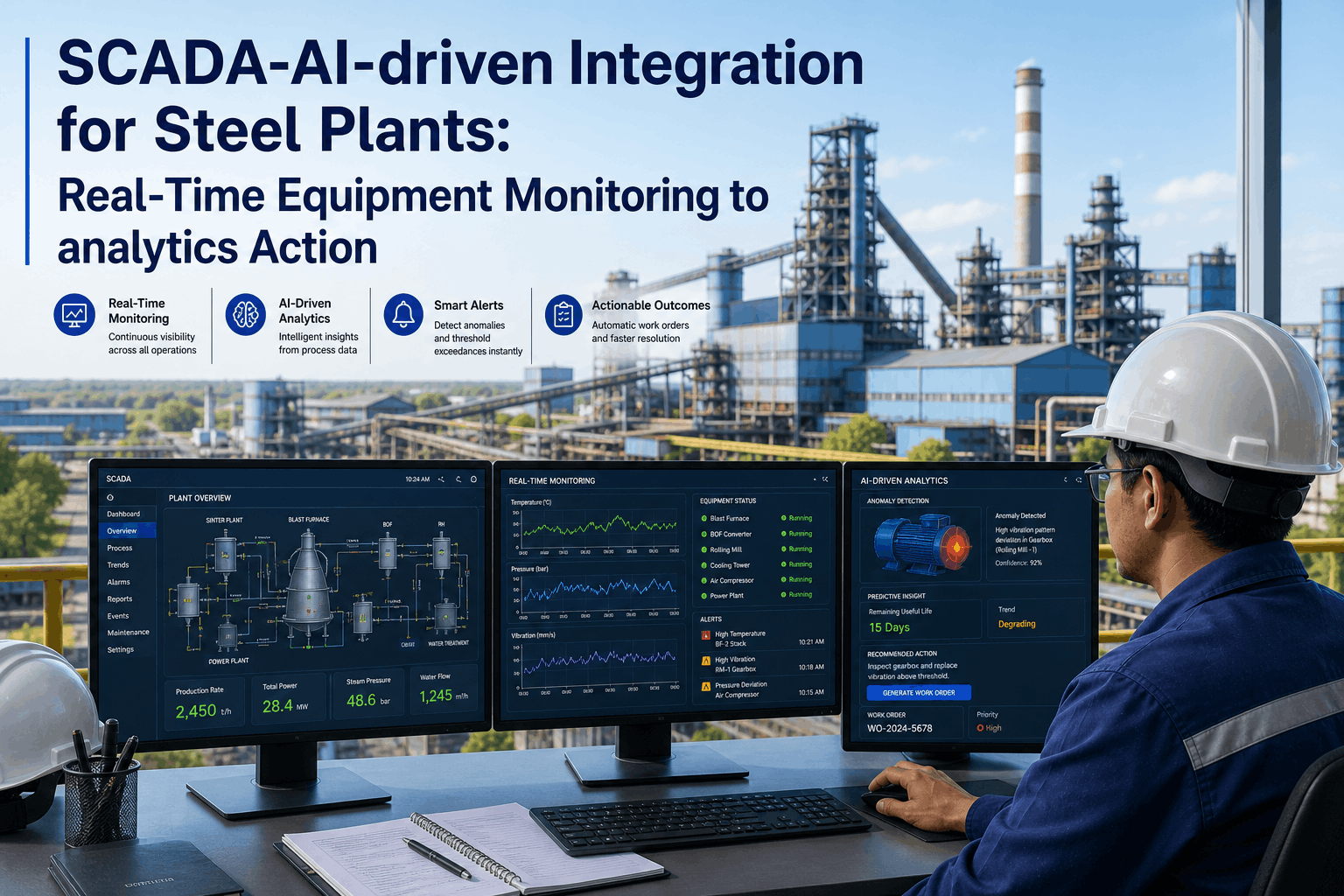
Inside a blast furnace, gas does not rise evenly. When too much gas runs up the wall, the furnace loses heat to the cooling system, uses its reducing gas less efficiently and burns more coke. When too little reaches the wall, scaffolds can build and the burden may slip. Wall working models combine thermal state, gas efficiency and anomaly signals into a steering aid that helps the control room balance the two. The model supports operators and does not replace their judgment. To see how it could work on your furnace, you can review a wall working model with our team.
Coke and fuel rate optimisation
Steer Coke Rate by Reading How Gas Actually Moves Along the Furnace Wall
iFactory AI combines wall temperatures, gas efficiency and process anomalies into a live aid that shows operators how the gas flow is shaping fuel use.
Three signal groups in one steering aid
Thermal stateGas efficiencyProcess anomalies
Gas flow regionsThree Zones Where Gas Can Run
Operators think of the furnace as a centre, an intermediate ring and a wall region. Each carries a share of the gas.
Centre
Strong central flow keeps the core open and permeable
Intermediate ring
Carries much of the useful reduction
Wall region
Too much flow here wastes heat and wears the lining
Balance
The aim is a controlled, stable distribution
Wall working describes how much gas runs along the wall. It changes constantly with burden, blast and charging practice.
Why it affects coke ratePeripheral Gas Costs Fuel in Three Ways
1
More heat to the cooling system
Gas along the wall transfers more heat to staves and cooling water.
2
Lower gas utilisation
Gas that bypasses the burden does less reduction work.
3
Wear and instability
Excess wall flow can wear the lining, while too little can encourage scaffolds.
Operators use experience and several indicators to judge wall working. A model helps put those indicators together and track them continuously.
What the model readsSix Signals Behind a Wall Working View
Wall and stave temperatures
Show where heat is being lost and how it moves.
Cooling water temperature rise
Shows heat load carried away by cooling elements.
Top gas temperature profile
Shows how gas is distributed across the throat.
Top gas composition
Shows how much reducing potential is used.
Pressure and permeability
Show how freely gas passes through the burden.
Charging and burden data
Explain changes in distribution.
No single signal tells the full story. The value comes from reading them together over time.
See What Your Furnace Signals Say About Wall Working
Share a few months of furnace and cooling data and see how iFactory AI would build a wall working view and link it to coke rate.
Gas efficiencyA Simple Measure of How Well Gas Is Used
Gas utilisation = CO2 / (CO + CO2), measured in top gas
22
CO2 in top gas, percent
Trend
Matters more than one value
The numbers are illustrative. Compare utilisation with burden, blast and wall signals, and look for changes in trend rather than single readings.
How the aid worksFour Steps From Signals to Steering
1
Collect
Bring together wall, cooling, top gas and charging data.
2
Estimate
Compute indicators of wall working and thermal state.
3
Compare
Check against normal behaviour for current conditions.
4
Advise
Show the trend and suggest adjustments for operators to consider.
Advice should be explained. Operators trust a view that shows which signals moved and why.
Reading the balancePeripheral Flow and Central Flow Together
The two flows trade off. A simple grid shows how to interpret them.
Flow pattern
Strong wall flow
Weak wall flow
Strong central flow
Open but hot walls
Check heat loss and lining wear
Balanced
Aim for this state
Weak central flow
Risk of wall build-up
Watch for scaffolding and slips
Poor permeability
Gas struggles to pass, so investigate
Targets differ by furnace design and campaign stage. Set limits with process engineers and review them regularly.
AnomaliesEarly Signs That Something Is Changing
| Signal pattern | Possible meaning | First check |
|---|
| Rising wall temperatures at one level | Increasing peripheral flow or lining wear | Review charging and cooling data |
| Falling wall temperatures and unstable pressure | Possible build-up or scaffolding | Check pressure, slips and burden descent |
| Sudden jump in cooling water temperature | Local heat load change | Inspect the affected cooling circuit |
| Fall in gas utilisation without cause | Channelling or poor distribution | Review charging pattern and burden quality |
| Persistent unevenness around the furnace | Imbalance between tuyeres or sectors | Check blast and injection balance |
Possible responsesSix Levers Operators Consider
Charging pattern
Change where material lands to shape gas flow.
Burden quality
Improve screening and consistency.
Blast volume and temperature
Adjust how hard the furnace is driven.
Injection balance
Even out fuel and heat across tuyeres.
Coke quality and size
Support permeability.
Slag practice
Keep slag flow and thermal state steady.
Any action follows furnace procedures and operator judgment. The model informs choices and does not make them.
Autonomy levelsKeep Humans in the Loop
Display
Indicators shown on the control room screen.
Advice
Suggested adjustments with reasons.
Approved setpoints
Selected setpoints proposed inside strict limits.
Most furnaces stay at display and advice for a long time. To plan your path, ask our team about control room integration.
What improvement looks likeBefore and After a Wall Working Programme
Track steadiness of wall signals and fuel rate. This view is illustrative.
Before
Variation in wall temperatures
Variation in gas utilisation
After
Variation in wall temperatures
Variation in gas utilisation
RolloutFive Steps to a Control Room Aid
1
Check the signals
Verify thermocouples, flow meters and gas analysers.
2
Agree indicators
Define wall working and thermal state indicators with operators.
3
Back-test
Compare indicators with past events and coke rate.
4
Run beside operators
Show the view without acting on it.
5
Adopt step by step
Use the aid in daily decisions and review monthly.
Wall, stave and cooling sensors verified
Top gas profile and composition available
Indicators defined with operators
Normal ranges set by campaign stage
Back-test completed on past events
Alerts reviewed with process engineers
Operator feedback route in place
Owner from furnace operations and process
Expert reviewWhat a Blast Furnace Process Engineer Would Check First
Wall working models are only as good as the sensors behind them. Verify instruments and agree indicators with operators before trusting any steering aid.
Verdict
Strong when several signals are combined and explained.
Watch for
Single-sensor indicators and models that ignore campaign stage.
Do next
Verify sensors and back-test indicators against six months of events.
Frequently asked questionsWhat Steel Plants Ask About Wall Working Models
What is wall working in a blast furnace?
It describes how much gas rises along the furnace wall instead of through the centre and intermediate zones. Too much wastes heat and fuel, while too little can encourage build-ups. Operators judge it from several indicators.
See how it is measured.
Can a model really help steer coke rate?
It can help by showing how gas distribution, thermal state and efficiency are changing, so operators adjust earlier and in smaller steps. Gains depend on furnace condition and how the advice is used.
Ask about expected benefits.
Which sensors matter most?
Wall and stave temperatures, cooling water readings, top gas temperature profile and composition, and pressure data give a strong base. Reliability and time alignment matter as much as quantity.
Check your sensor readiness.
Will the model replace operators?
No. It adds a view and suggestions, while experienced operators and engineers make decisions within furnace procedures.
Ask about operator roles.
How do we trust the model?
Back-test on past events, run it beside operators and review where it disagreed. Keep explanations visible and retrain when raw materials or practice change.
Plan a validation approach.
See the gas flow, steer the fuel
Give the Control Room a Clearer Picture of Gas Flow
Book a session with iFactory AI to review your wall, cooling and top gas signals and plan a steering aid your operators will trust.