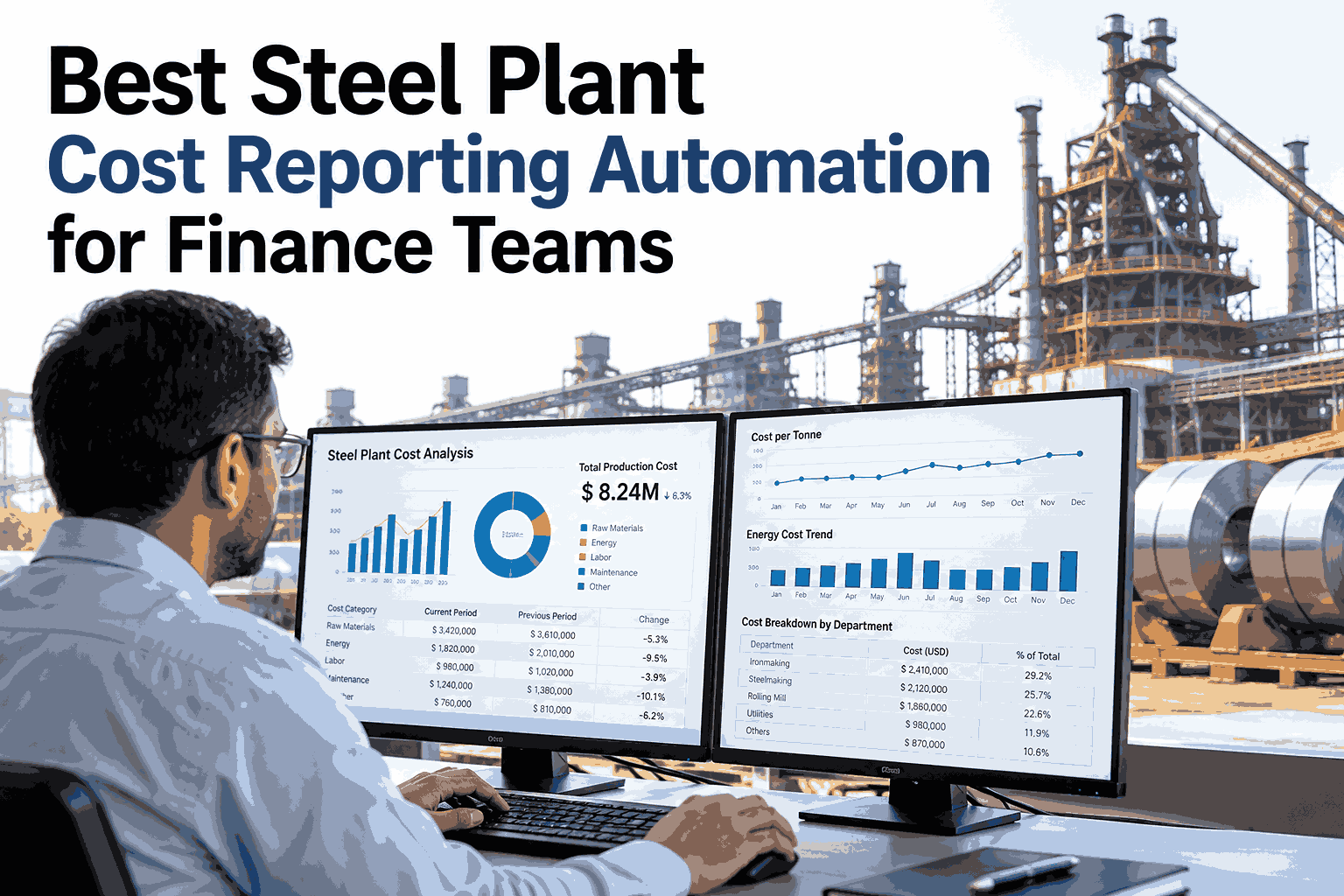
Most finance teams in steel plants spend the first week of every month collecting numbers rather than explaining them. Production tonnes come from one system, stores issues from another and maintenance costs from a third, so the cost report is assembled by hand in a spreadsheet that only one person fully understands. By the time it is reviewed, the shop floor has moved on and the variance is history. Automated cost reporting keeps the same logic and removes the assembly, so finance can spend the week on questions instead of copying cells. Teams ready to see that on their own plant data can ask iFactory AI's team to walk through a report design built around their existing cost centers.
Let the Cost Report Build Itself and Keep Finance for the Analysis
iFactory AI generates daily, weekly and monthly cost reports from plant data on your own cost centers, so the numbers arrive reconciled instead of assembled.
From Scattered Data to One Report
Automation does not replace the cost logic. It connects the sources, applies the rules once and produces every report from the same numbers.
Working Days to Close
The calendar below shows an illustrative month-end close. Filled boxes are working days spent producing and checking the cost report.
See a Cost Report Assemble Itself From Your Data
Book a 30-minute session and iFactory AI will show a daily cost pack and a monthly support report built from your cost centers.
Three Reports, Three Decisions
Each cadence serves a different reader and supports a different decision. Designing them separately keeps every pack short.
Where Spreadsheet Reporting Breaks
Spreadsheets are not the enemy. Reporting that depends on them for data assembly is fragile in six predictable ways.
Version Copies
Several files hold slightly different numbers and nobody is sure which is current.
Manual Pastes
Data is pasted from exports, so one missed row changes the total.
Broken Lookups
A renamed cost center or grade quietly breaks a formula downstream.
Late Data
Reports wait for the slowest source before they can be finalised.
No Audit Trail
A number cannot be traced back to the record that produced it.
Key-Person Risk
Only one analyst knows how the workbook really works.
Controls That Make Automated Numbers Auditable
Finance will only trust a report it can defend. These controls keep automated figures traceable and reviewable.
| Control | What It Does | Who Reviews |
|---|---|---|
| Source reconciliation | Matches report totals to ERP and MES totals | Cost accountant |
| Drill-down to record | Lets any figure be traced to heat or document | Controller |
| Rule versioning | Keeps a history of allocation and costing rules | Finance lead |
| Exception flags | Lists missing, duplicated or unmatched records | Data owner |
| Sign-off before release | Holds the monthly pack until finance approves | Controller |
Where the Finance Team's Week Goes
The columns show an illustrative split of a reporting week, before and after data collection and reconciliation are automated.
A Composite Scenario: The Variance Explained Within the Hour
A controller opened the daily pack and followed one variance from the headline to the crew involved, all in one session.
Headline
Cost per tonne is above target for the second day running.
Bucket
Alloy cost carries most of the gap.
Unit and shift
The overshoot sits on furnace 2, night shift, across two grades.
Action
A note goes to the melt shop lead with the heat list attached, and the action is logged.
Where iFactory AI Fits
The reporting layer sits on top of the systems you already run and reads from them.
Scheduled Report Packs
Daily, weekly and monthly packs are generated on a schedule in agreed layouts.
Reconciled by Design
Totals are matched to source systems, with exceptions listed for review.
Drill to the Record
Any number can be traced through bucket, unit and shift down to the heat.
Finance-Owned Rules
Allocation and costing rules stay visible, versioned and controlled by finance.
Frequently Asked Questions
Will the automated report match our ERP numbers?
It is designed to reconcile to them. The cost engine reads from ERP and MES, applies your costing rules and shows any difference as an exception for review, not a silent adjustment. Timing differences, such as postings after cut-off, are listed openly. iFactory AI's team can run a reconciliation on a past month so finance can judge the match before go-live.
Who controls the allocation and costing rules?
Finance does. Rules are configured with your cost accountants, recorded with a version history and changed only through an agreed approval step. That keeps the logic visible to auditors and prevents quiet edits. Operations can see how a number was built, but the rules themselves stay under finance control, which is what keeps the reports trustworthy.
Can reports follow our existing formats?
Usually yes. Layouts, cost center groupings and naming are agreed during configuration, so leadership sees reports they recognise, not a new format to learn. Formats you already share can be reproduced as scheduled packs. See a report built in your layout in a short walkthrough with your finance team.
Does this change our statutory or audited close?
No. The audited close stays with finance and follows your existing accounting policies. Automated reports support it by supplying reconciled, traceable operational cost data earlier in the month. Many teams find the close smoother because unexplained differences surface during the month, when the people involved can still remember what happened on the shop floor.
How long before the first automated report is ready?
Full delivery takes six to twelve weeks, but a first daily cost pack is often possible earlier once ERP and MES connections are in place. Deeper reports, such as the monthly closing support pack, follow as cost rules are calibrated and reconciled. Ask support for a rollout plan matched to your close calendar.
Give Finance the Week Back and the Plant the Numbers Sooner
iFactory AI builds reconciled cost reports from plant data on your own rules. Book a walkthrough to see it against a month of your own numbers.