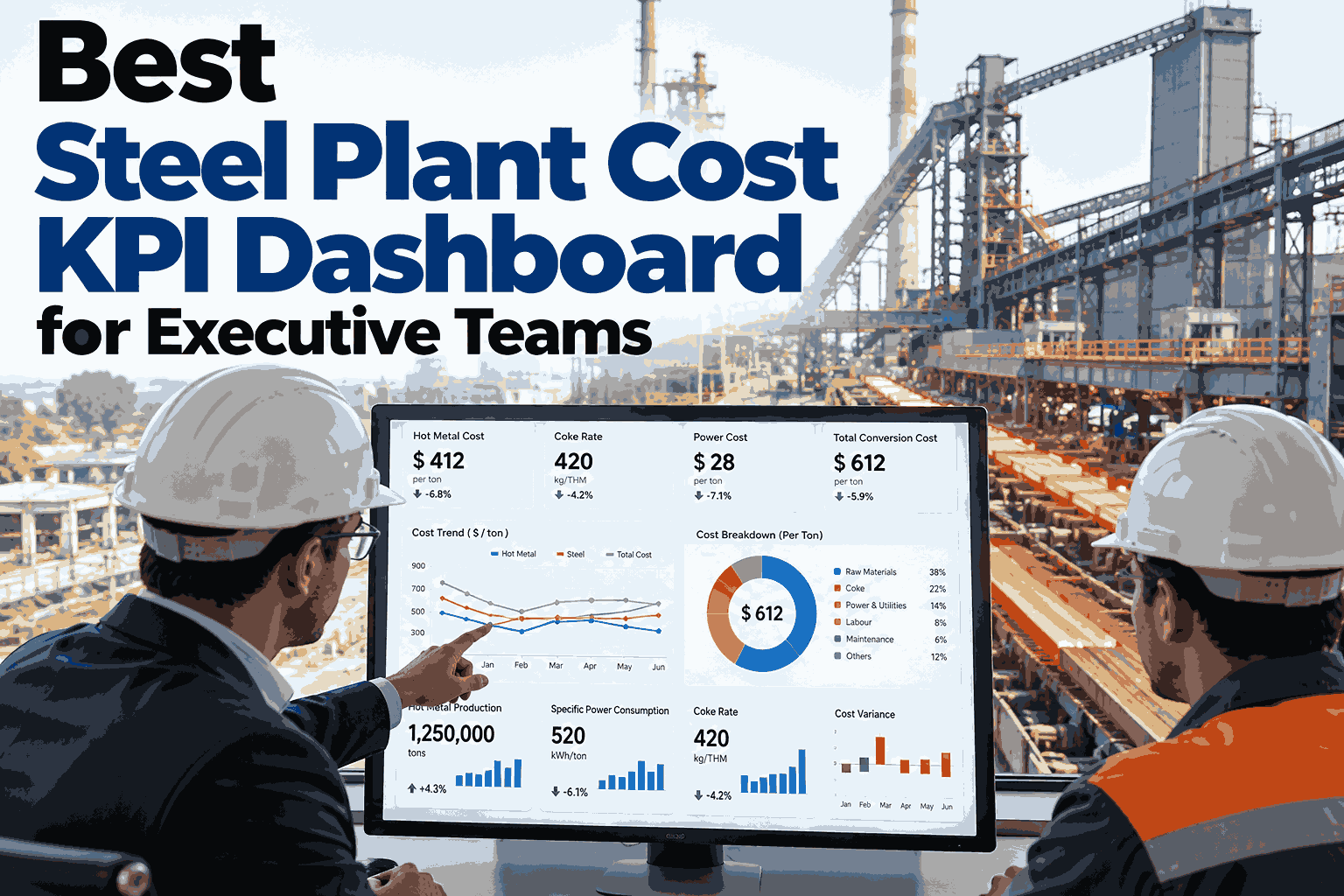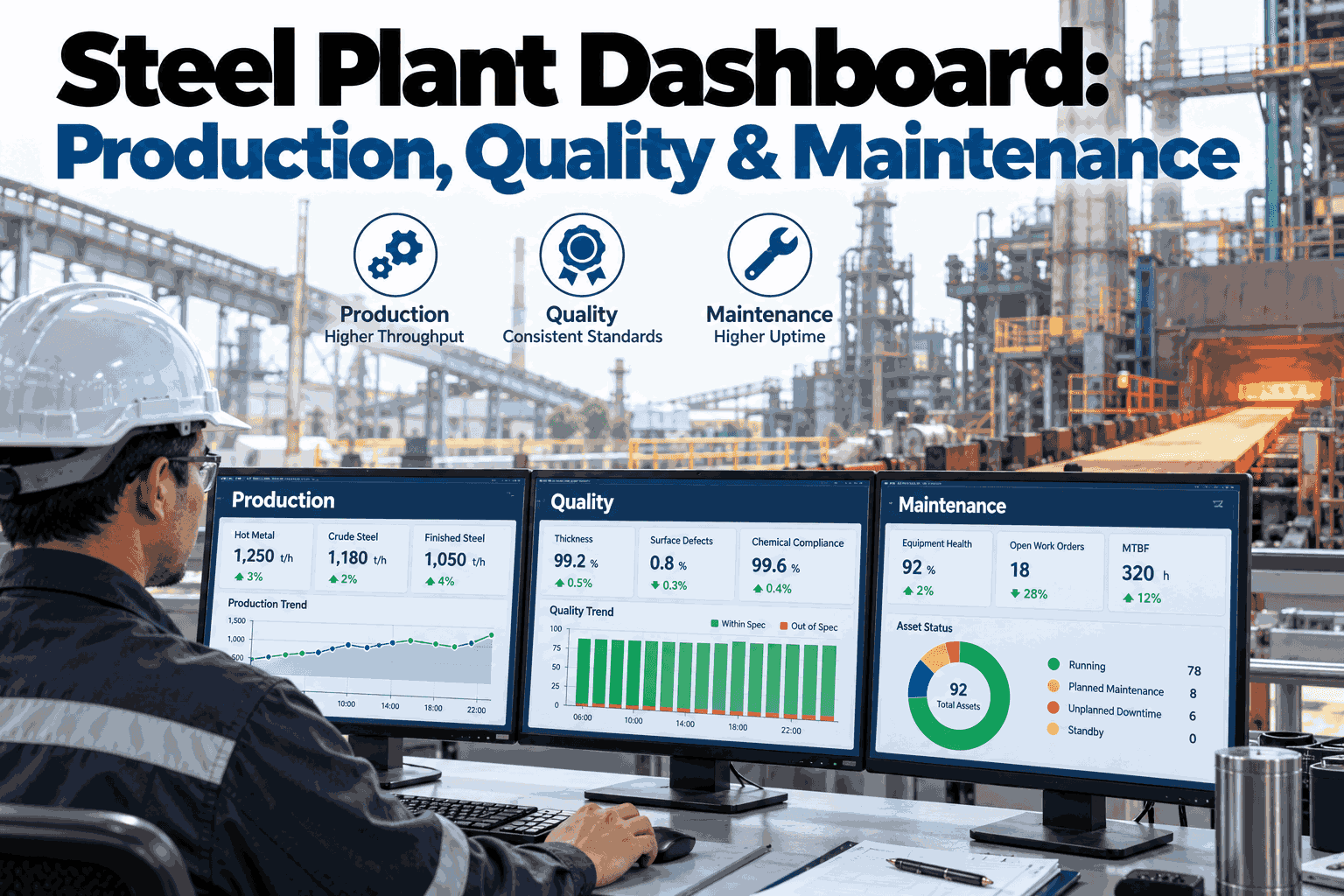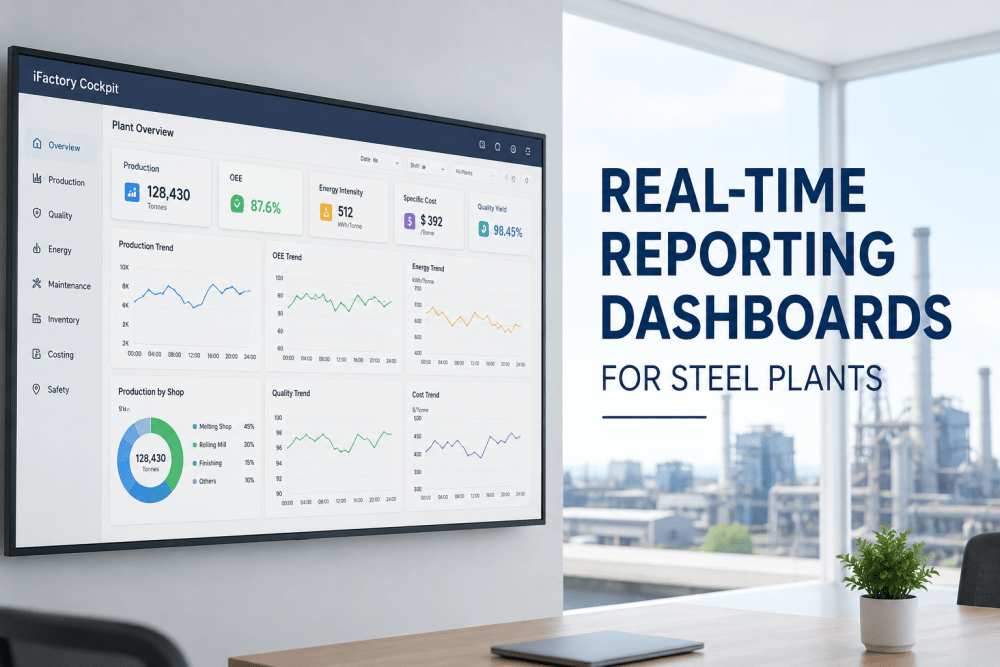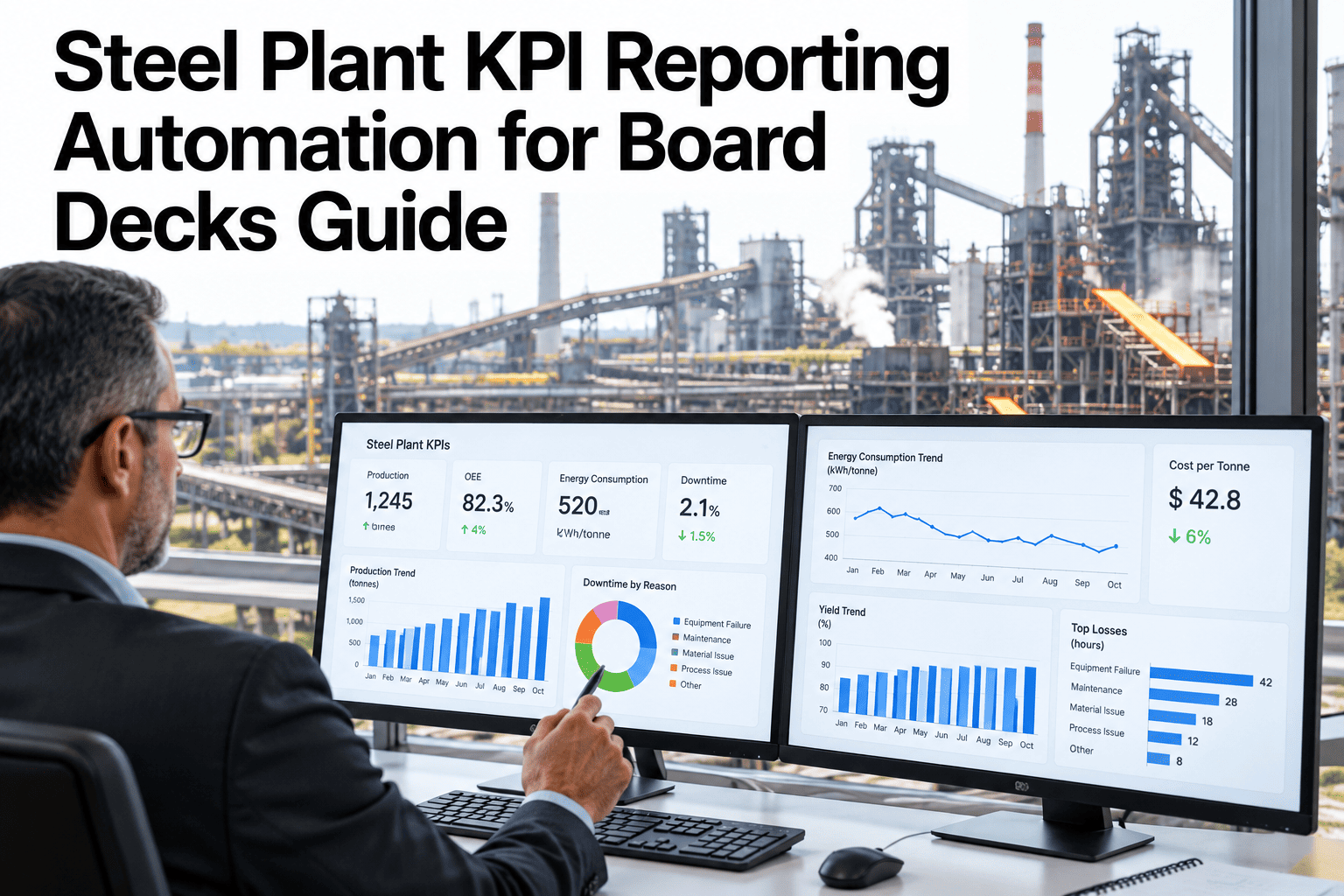
Somewhere in most steel plants, a capable analyst spends two or three days every month pulling production, energy, and safety numbers into the same slide template the board has seen a hundred times before, formatting charts that could be generated automatically if the underlying data were already structured for it. That time is not analysis, it is data entry with a PowerPoint skin, and it recurs every single reporting cycle regardless of how little actually changed from the month before. Automating the slide generation itself, not just the data pull, is what actually gives that time back. See your own board deck generated automatically from live plant data.
End the Days Spent Building the Same Slides
iFactory AI auto-generates weekly and monthly production, energy, and safety slides directly from live plant data, ready for board review.
The Reporting Cycle That Repeats Every Month
The board deck changes very little in structure from one month to the next: the same metrics, the same chart types, the same comparison against target, with only the underlying numbers actually different, which makes it exactly the kind of recurring, structured task that should not require a person rebuilding it from scratch every cycle.
What Gets Automated
Three categories of slides cover most of what a steel plant board deck typically needs.
Production Slides
Output volumes, yield, and throughput against target, auto-charted weekly or monthly.
Energy Slides
Energy intensity and carbon metrics tracked against reduction targets.
Safety Slides
Incident rates and leading safety indicators, formatted consistently each cycle.
Automate Your Own Board Deck
Book a 30-minute session and see a weekly or monthly board deck generated automatically from your own plant's data.
Time Saved Across a Reporting Cycle
Comparing manual slide building against automated generation across a typical monthly cycle.
From Data to Deck in Four Steps
The automated pipeline runs against the same production, energy, and safety data your plant already collects.
Rolling Out Automated Reporting
iFactory AI connects to your existing production, energy, and safety data sources, building the automated deck around your current reporting template.
Expert Review
The analysts who benefit most from this automation are usually the ones who were already the strongest at reporting, since the time freed up gets redirected into the analysis and narrative work that actually required their judgment, rather than the mechanical slide-building that never did.
Frequently Asked Questions
Does this use our existing board deck template?
Yes, your current template and formatting are used as the basis for automated generation, so the board sees a consistent format rather than a new unfamiliar layout. Support can confirm template compatibility.
Can the deck still be edited before it goes to the board?
Yes, the automated deck is generated as a working draft for review, so narrative context and any manual adjustments can still be added before final distribution.
What data sources does this connect to?
It connects to your existing production, energy, and safety reporting systems rather than requiring a separate data entry process for the report itself. Confirm compatibility with your systems on a call.
Can this generate both weekly and monthly versions?
Yes, separate templates can be configured for weekly operational reviews and monthly board decks, each pulling from the same underlying data.
What happens if a metric definition changes?
Metric definitions and targets are configured centrally, so a change updates automatically across future reporting cycles rather than requiring a manual fix each time. Ask support about updating metric definitions.
Give the Board Deck Back Its Days
iFactory AI auto-generates production, energy, and safety slides directly from live plant data. Book a demo to see your own deck generated automatically.