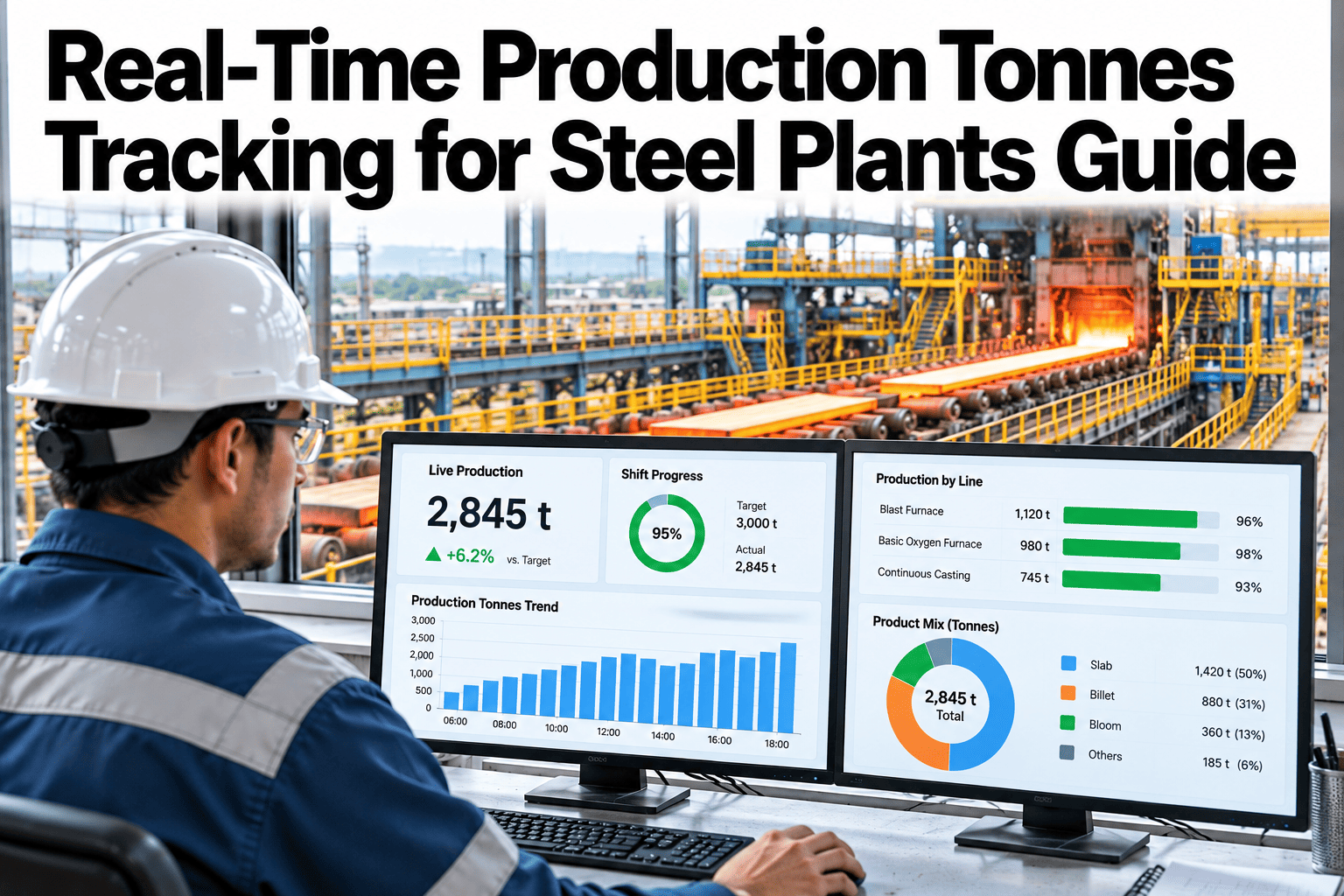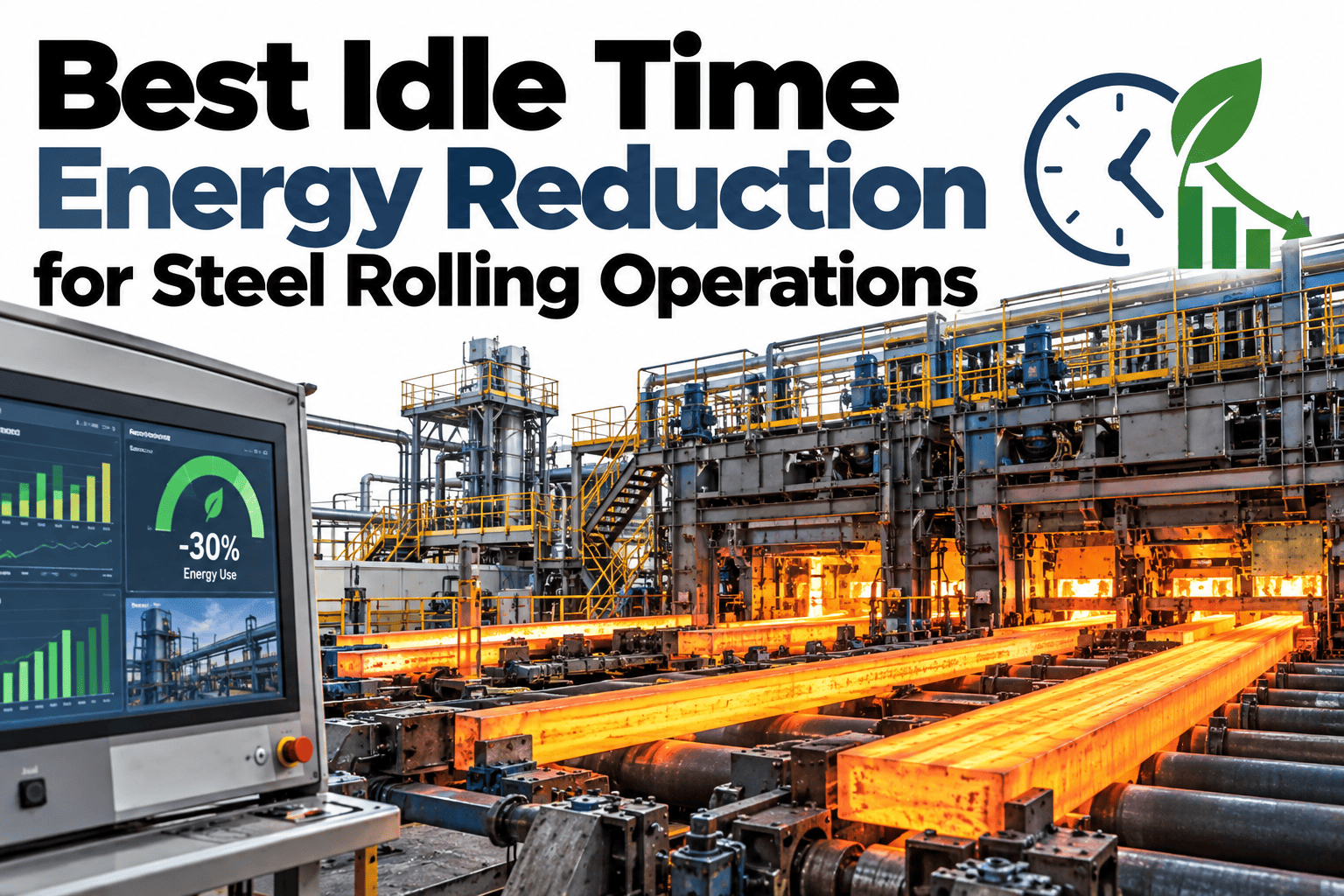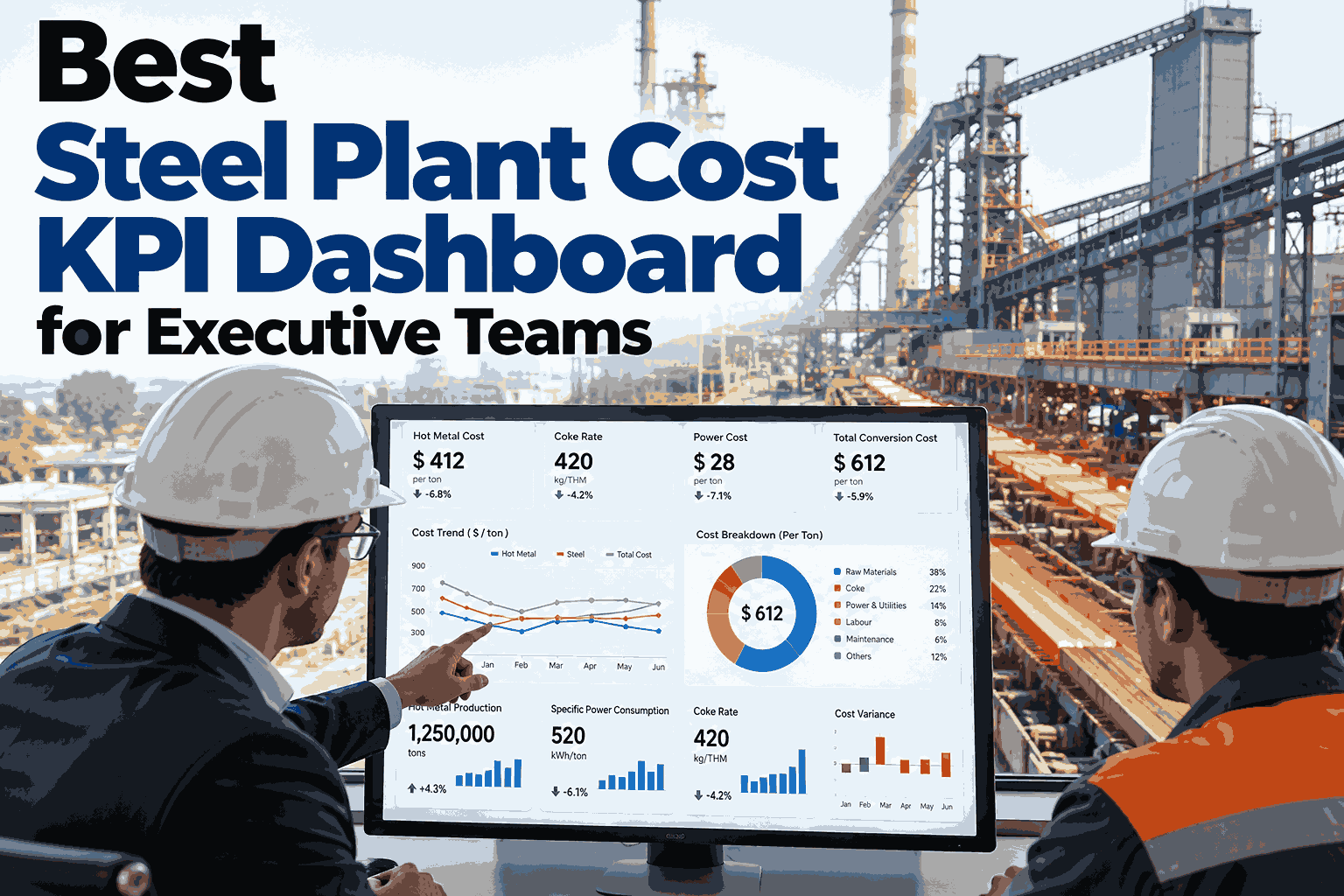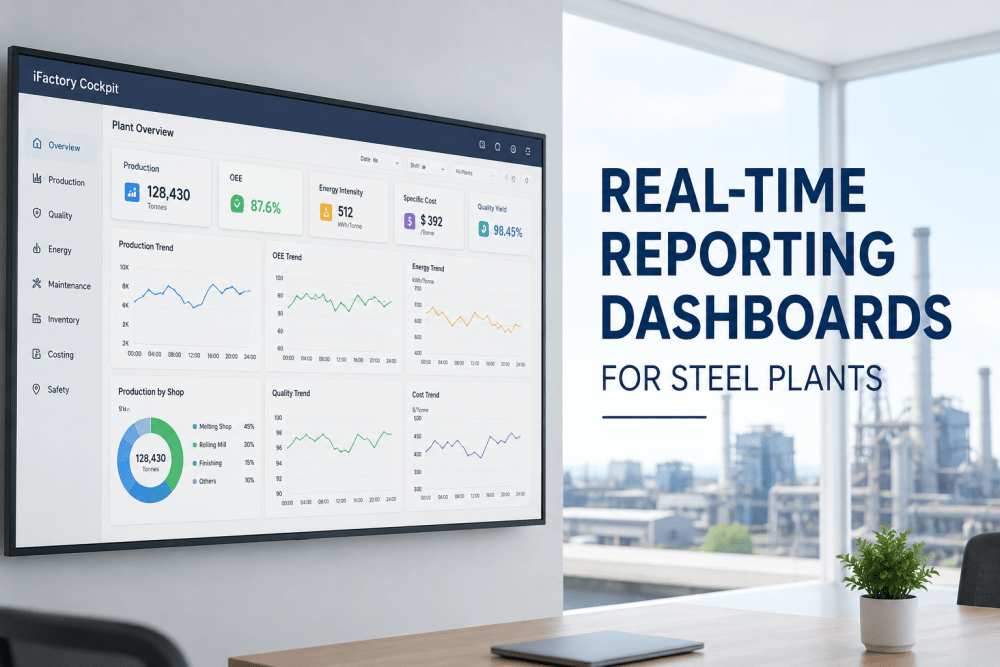
A shift leader at a steel plant usually finds out what a shift cost per tonne well after the shift has ended, pieced together from an energy bill, a material consumption report and a maintenance log that each arrive on their own schedule. By the time the number is final, the shift that produced it is long over. This guide covers how to build a live cost per tonne view that updates while the shift is still running, breaking out energy, raw material and consumable cost separately. Teams ready to put a live number in front of shift leaders can book a demo with the iFactory AI team.
Best Steel Plant Cost Per Tonne Live Dashboard for Shift Ops
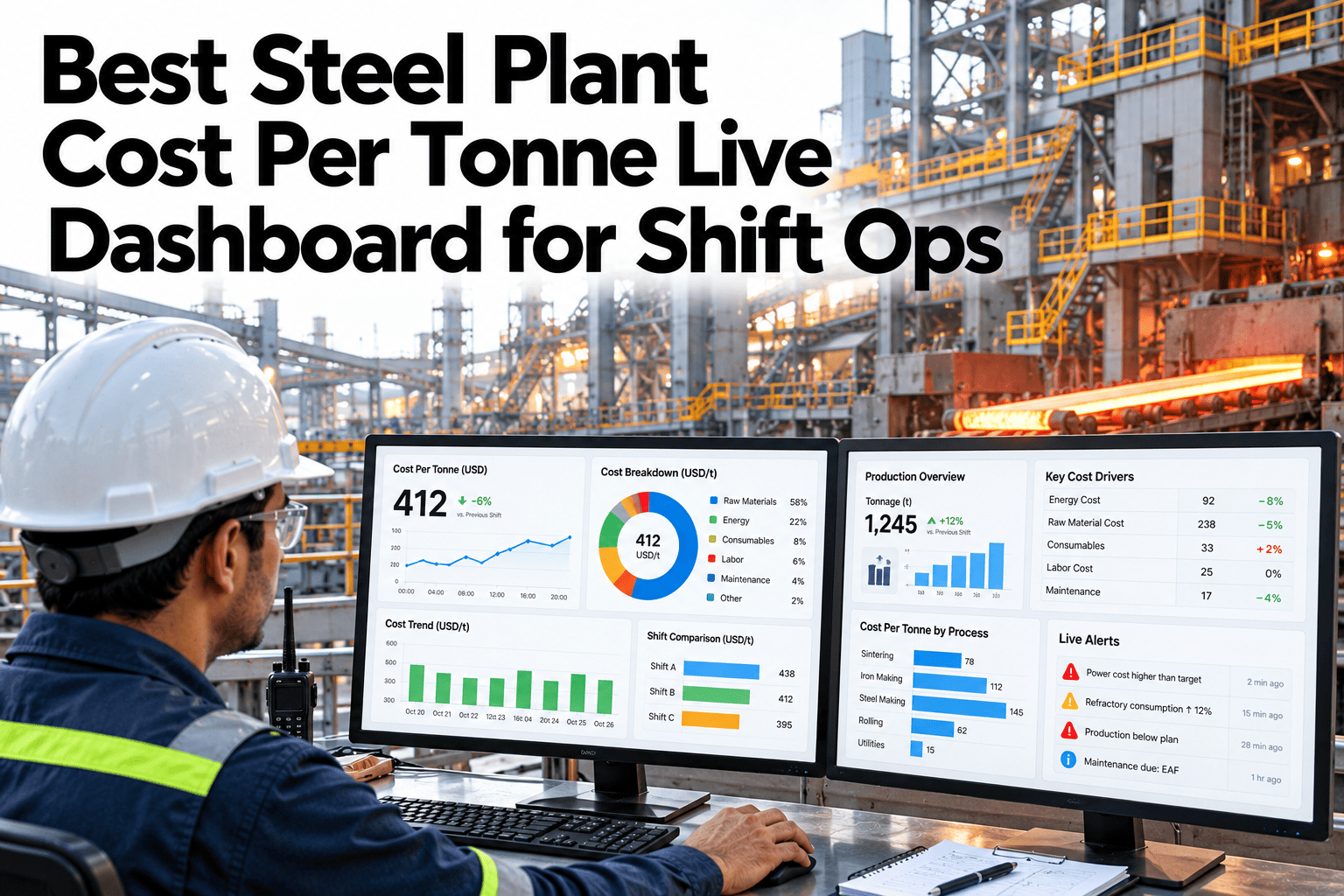
Energy cost, raw material cost and consumable cost, calculated live and combined into one cost-per-tonne figure, so a shift leader sees the financial impact of a decision while the shift is still running.
Three Cost Components, One Figure
Cost per tonne is not one input, it is three, each with its own data source and its own update speed. A live dashboard has to pull all three together without waiting for the slowest one to catch up.
| Component | Data Source | What Moves It |
|---|---|---|
| Energy cost | Fuel and electricity meters, tariff rates | Furnace load, idle time, power price periods |
| Raw material cost | Material flow data, current purchase pricing | Yield, scrap rate, input mix |
| Consumable cost | Consumption tracking, inventory pricing | Electrode, refractory and additive usage rates |
Seeing Real-Time Impact of a Decision
The chart below shows an illustrative cost per tonne trend across one shift, with a visible step change after a raw material mix adjustment partway through.
In this illustrative shift, the shift leader could see the cost per tonne drop within hours of the mix change, not days later in a monthly cost report. That immediate feedback is what makes a live dashboard useful operationally, rather than just a faster version of the same month-end number.
What a Shift Leader Actually Needs to See
A shift leader does not need a finance-grade cost breakdown with every allocation rule spelled out. They need enough detail to recognize when something has shifted and roughly why, in time to still do something about it.
Give Shift Leaders a Cost Number They Can Act On
iFactory AI combines energy, raw material and consumable cost into one live cost-per-tonne figure. Book a 30-minute walkthrough.
Pricing Data That Has to Stay Current
A live cost figure is only as good as the pricing data behind it. Stale pricing on energy tariffs, raw material contracts or consumable costs quietly turns an otherwise live dashboard into a stale one wearing a live dashboard's clothes.
Benchmarking Against a Target Cost
A live number means little on its own. Pairing it with a target cost per tonne, set per grade and per shop, turns the dashboard from a status display into something a shift leader actually reacts to.
| Grade | Target $/Tonne | Current Shift | Variance |
|---|---|---|---|
| Standard carbon | $385 | $391 | Over by $6 |
| Low-alloy | $452 | $438 | Under by $14 |
| High-strength | $498 | $512 | Over by $14 |
A variance this illustrative table shows is only useful if it is visible while the shift can still respond to it. A shift leader who sees the high-strength grade running fourteen dollars over target at hour three has real options left; the same leader reading it in next week's cost report does not.
Where the Savings Actually Show Up
Plants that move to a live cost view rarely see one dramatic win. The value accumulates from dozens of smaller decisions made while they still mattered, instead of after the fact.
Plain-Language Glossary
A shared vocabulary keeps operations and finance teams reading the same cost dashboard the same way.
Expert Review
Operations leaders who have rolled out live cost dashboards across steel plants keep returning to the same two notes.
Pricing freshness matters more than display speed
A dashboard that refreshes every second but runs on month-old consumable pricing is less useful than one that refreshes hourly on current prices. Fix the pricing feed first.
Keep the shift view simple
Shift leaders respond better to a clear total with a simple component split than to a detailed finance-style breakdown. Save the full detail for the weekly cost review.
Frequently Asked Questions
How often does the cost per tonne figure update?
It depends on how often each underlying input updates, though most plants see a meaningful figure refreshing hourly, with the energy component often updating faster. Book a demo to see update frequency for your inputs.
Does this replace our finance team's official cost accounting?
No, it is an operational view for shift decisions, while finance's formal cost accounting still governs official reporting and allocation rules. Ask support how this complements finance reporting.
Can cost be broken down by product grade?
Yes, where production is tracked by grade, cost per tonne can be split the same way, similar to how emissions roll up by product. Book a demo to see cost broken out by grade.
What if our raw material pricing changes mid-shift?
The dashboard should apply the price effective at the time of consumption, which is one reason tying it to the live procurement pricing source matters.
Is this useful outside of shift operations?
Yes, the same component data supports weekly and monthly cost reviews, giving leadership a consistent figure that traces back to the same shift-level detail.
Put a Live Cost Number in Every Shift Leader's Hands
iFactory AI combines energy, raw material and consumable cost into one live cost-per-tonne dashboard. Book a walkthrough built around your plant.