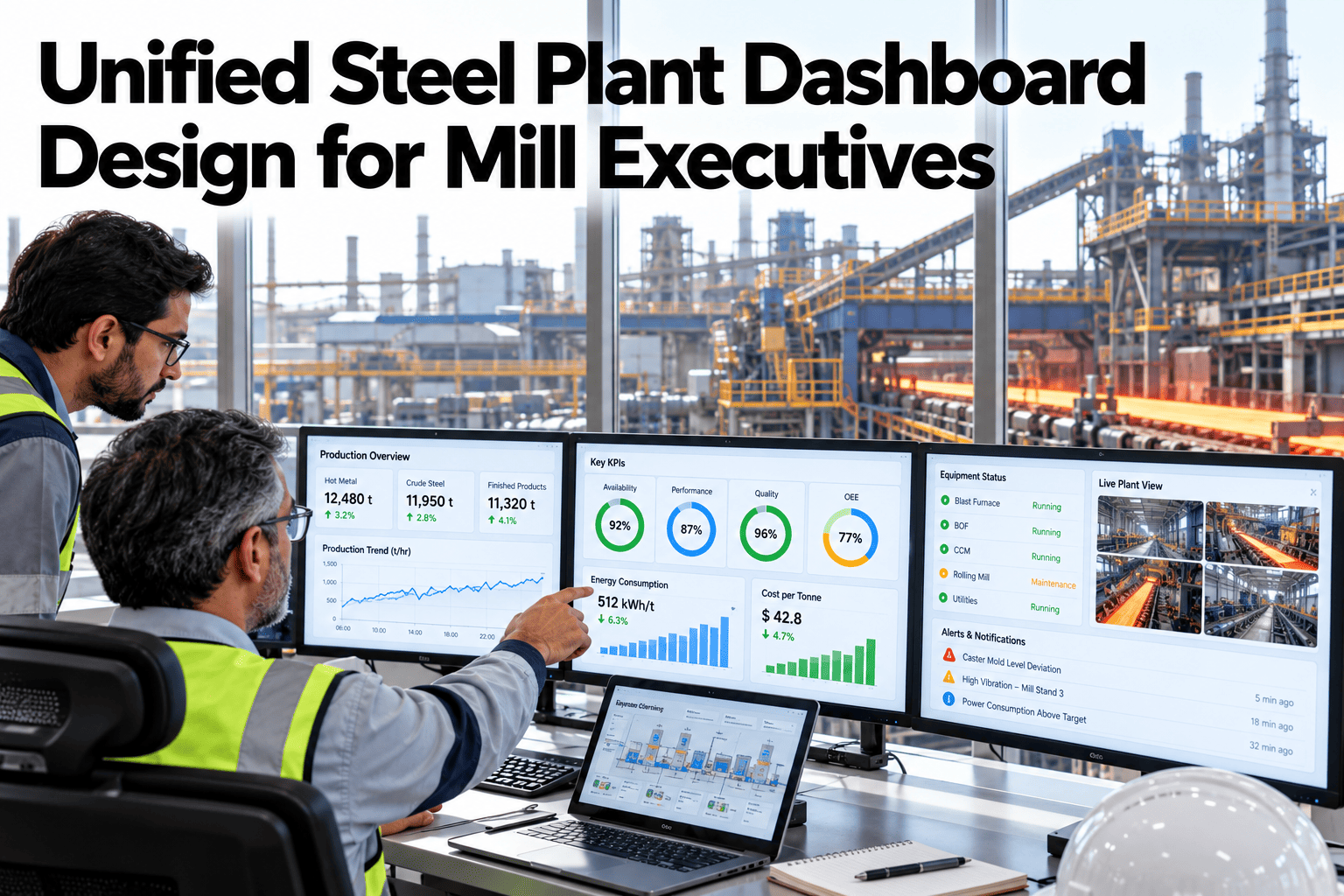
Most steel mills run a different dashboard for every shop. The melt shop has its own view, the rolling mill has another, and energy sits in a spreadsheet nobody else opens. A mill executive trying to answer one simple question, like which shop drove last week's cost overrun, ends up stitching together four exports by hand. This guide covers how a unified dashboard is actually built: one data model underneath, drill-down hierarchies that go from plant to asset, and role-based views so an executive and a shift supervisor see the same numbers framed for their own decisions. Teams ready to see their own shops unified can book a demo with the iFactory AI team.
Unified Steel Plant Dashboard Design for Mill Executives
Cross-shop data model, drill-down hierarchies and role-based views that make one dashboard actually work across the whole mill.
Why Four Dashboards Never Agree
Each shop dashboard is usually built on its own data pull, its own definitions and its own refresh schedule, so even the same metric name can mean something different from one screen to the next.
A unified design starts from the opposite direction: one shared data model that every shop view, and every role view, reads from, so a number means the same thing wherever it appears.
Four Design Layers
A unified dashboard is built in layers, each one solving a different part of the problem before the executive ever sees a chart.
| Layer | What It Solves | Who Relies On It |
|---|---|---|
| Shared data model | One definition per metric, across every shop | Everyone downstream |
| Drill-down hierarchy | Plant to shop to line to asset, in one click | Executives and engineers alike |
| Role-based view | The same data framed for the decision each role makes | Executives, shift leads, operators |
| Refresh and reconciliation | Keeping every view current and internally consistent | Anyone trusting the number this week |
Drilling From Plant to Asset
An executive rarely starts at the asset level, but needs to get there in a click once a number looks wrong.
See Every Shop on One Trusted View
Book a 30-minute walkthrough and see your mill's shops unified into one dashboard with role-based views.
What Each Role Actually Needs to See
The same underlying data looks very different depending on the decision a role is making with it.
Trend and cost impact
Plant-wide tonnes, cost per tonne and carbon trend, with the ability to drill into whichever shop is driving a change.
Live status and alerts
Current shift performance against target, with deviations flagged the moment they appear, not at week's end.
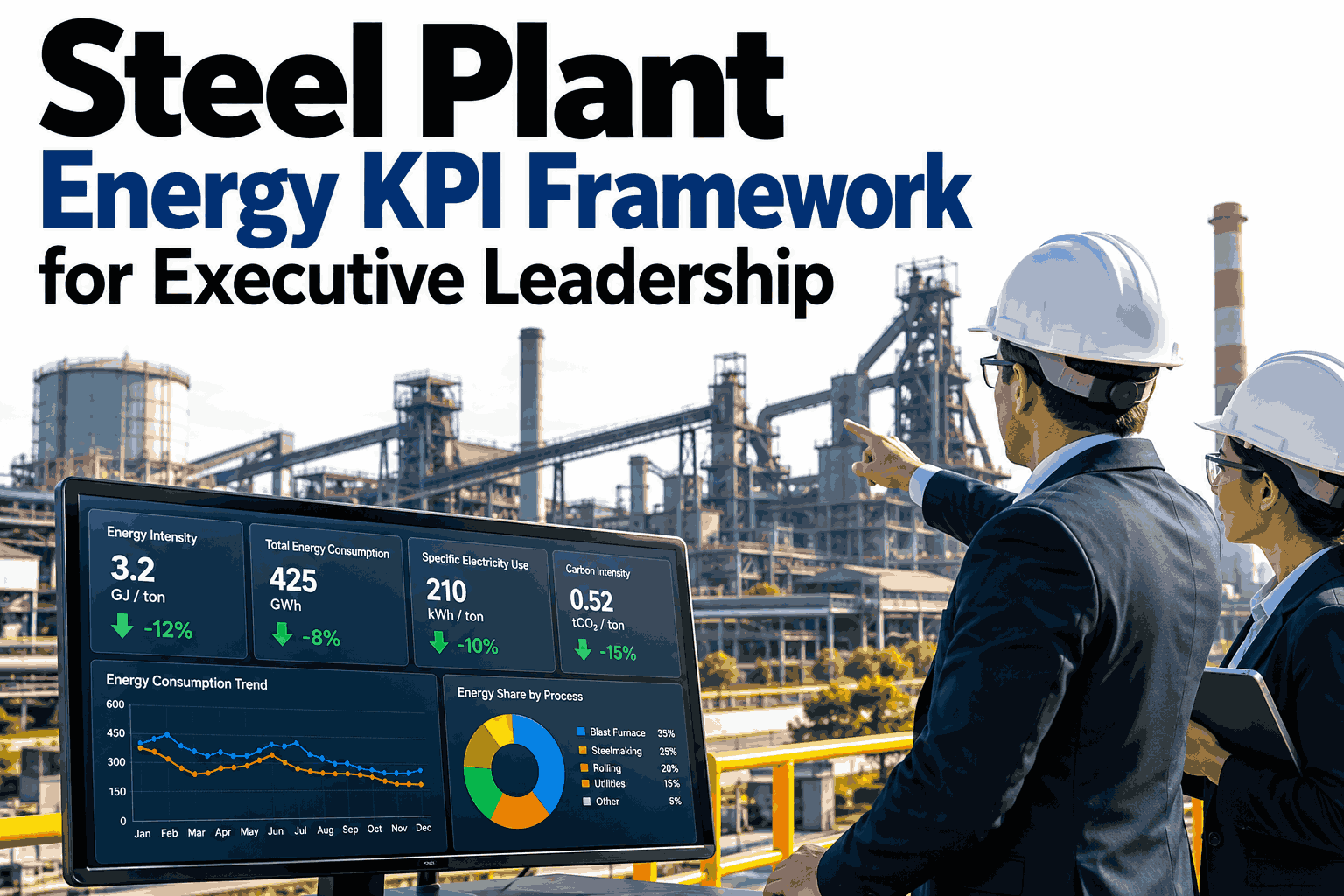
A Sample Executive View, Illustrative
The figures below are invented to show the shape of an executive summary, not to benchmark your mill.
Common Unification Mistakes
The same mistakes repeat across mills attempting to unify dashboards for the first time.
Frequently Asked Questions
Do we need to replace our existing shop-level systems?
No, a unified dashboard reads from the systems each shop already uses rather than replacing them. The work is in aligning definitions and building the shared model on top, not ripping out existing tools. Ask support which shop systems connect.
How long does a unified dashboard take to build?
A first version covering the highest-priority shops typically goes live within a single quarter, with additional shops and drill-down depth added in later phases as the data model proves out.
Can different executives see different default views?
Yes, role-based views can be tailored by function, so a commercial leader and an operations leader can each land on the summary most relevant to their decisions. Book a demo to see role views configured.
What happens when shop definitions genuinely conflict?
A short reconciliation exercise resolves which definition becomes the shared standard, usually the one tied most directly to how cost or tonnes are actually reported externally.
Give Every Shop a Seat on the Same Dashboard
iFactory AI unifies your shops into one data model with drill-down and role-based views. Book a walkthrough built around your mill.