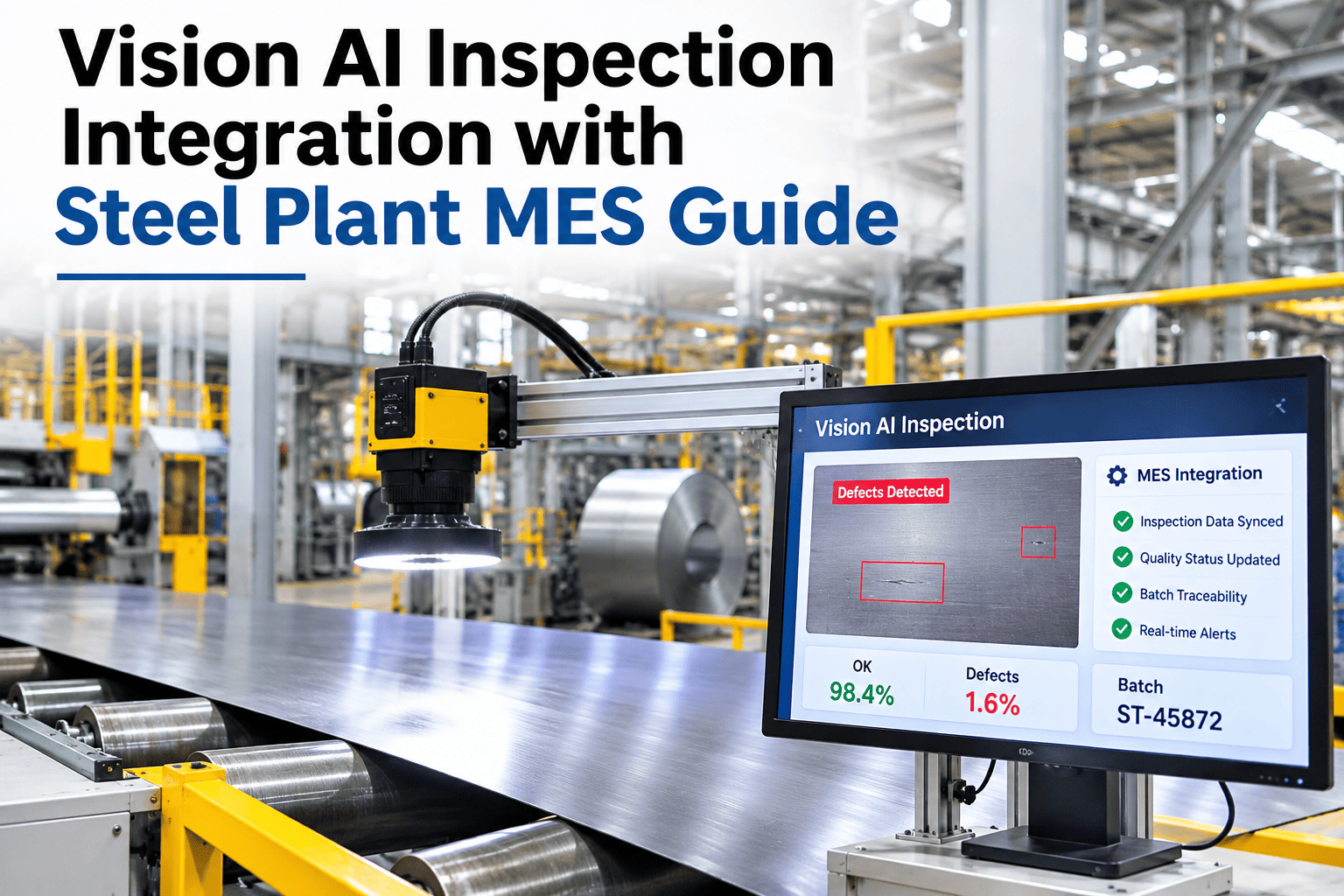
A vision AI model that detects a perfect crack or stain is only half the job if that finding never reaches the system that decides what happens to the product next. Many mills run inspection and MES as separate worlds, where a defect sits in an inspection report while the MES grades and ships the coil or bar on a different timeline entirely. Closing that gap means mapping defect metadata into grade override rules so the MES decision reflects what the camera actually saw, and our team can walk through this integration against your current MES setup.
Steel plant systems integration
Connect Vision AI Inspection Directly Into Your MES Grading Decisions
iFactory AI maps defect metadata into grade override rules inside your MES, so inspection findings drive the actual shipping and grading decision, not a separate report.
The disconnect
Inspection Findings That Never Reach the Grading Decision
When vision AI output lives in its own dashboard and MES grading runs on a separate rule set, a detected defect can simply be missed by the system that actually ships product.
Disconnected systems
Inspection report sits in its own tool
MES grades on its existing rules only
Someone must manually cross-check both
Integrated systems
Defect metadata flows into MES automatically
Grade override rules apply the finding directly
No manual cross-check step needed
What moves across
Three Pieces of Defect Metadata the MES Needs
Defect type and severity
The classification and scored severity from the vision model.
Location on the product
Position data so the MES can apply zone-specific rules.
Confidence and timestamp
Context that lets the MES rule apply the finding correctly.
Map Your Own MES Grading Rules
Share your current grade override logic and see how defect metadata would plug into your existing MES rule structure.
Mapping table
Defect Metadata to MES Action
| Defect metadata | MES field | Resulting action |
|---|
| Defect type and severity | Grade override trigger | Downgrade or hold for review |
| Location on product | Zone-based rule | Trim, cut or isolate affected section |
| Confidence score | Review threshold | Auto-apply or route to human review |
| Timestamp and line ID | Traceability record | Link finding to process and shift data |
Integration hub
How Inspection, MES and Dashboards Connect
Vision AI inspectionMES grading rulesShift and line data
Defect metadata layer
Grade override decisionsQuality dashboardsTraceability and audit reports
Start with the defect types that most often lead to a grading dispute, since that is where the integration pays back fastest. To plan your own data flow, ask our team about your MES data structure.
Closed-loop decisions
Four Steps From Camera to Shipping Decision
1
Detect
Vision AI classifies the defect and scores severity.
2
Transmit
Defect metadata is sent to the MES in a structured format.
3
Apply rule
The MES grade override rule evaluates the metadata.
4
Decide
The product is graded, routed or held automatically.
Common pitfalls
Three Problems That Stall MES Integration Projects
1
No agreed metadata format
Inspection and MES teams never settle on a common field structure.
2
Override rules written too broadly
Every flagged defect triggers the same action regardless of severity.
3
No human review path
Low-confidence findings get auto-applied instead of routed for review.
Expert review
Integration pays off fastest when it starts narrow. Pick one or two defect types with a clear override rule, prove the data flow end to end, and expand the mapping once the first rule is trusted on the floor.
Watch for
Override rules that apply the same action regardless of severity or confidence.
Do next
Map one high-dispute defect type end to end before expanding to the full defect catalog.
— iFactory steel specialists
Frequently asked questions
What Mills Ask About Vision AI and MES Integration
Does this work with any MES vendor?
Most MES platforms accept structured data through an API or integration layer, so the usual work is mapping defect metadata fields to your specific MES schema rather than replacing the MES itself.
Ask about your specific MES.
Can override rules differ by product type?
Yes, rules are typically set per product family since a defect that triggers a downgrade on one product line may be within tolerance on another.
Discuss your product families.
What happens to low-confidence detections?
Low-confidence findings are typically routed to a human reviewer rather than auto-applied, so the MES only acts automatically on findings that clear a set confidence threshold.
Ask about review thresholds.
How long does a typical integration take?
Starting with one or two defect types and a narrow rule set usually gets a working pilot running faster than trying to map the full defect catalog at once.
Plan an integration pilot.
Does this help with audit and traceability reporting?
Yes, once defect metadata is linked to MES records, audit and customer traceability reports can pull directly from that connected data instead of being assembled manually after the fact.
Talk through your audit needs.
From camera to shipping decision
Make Inspection Findings Drive Your MES Decisions
Book a session with iFactory AI to review your current MES rules and see how defect metadata integration fits your plant systems.