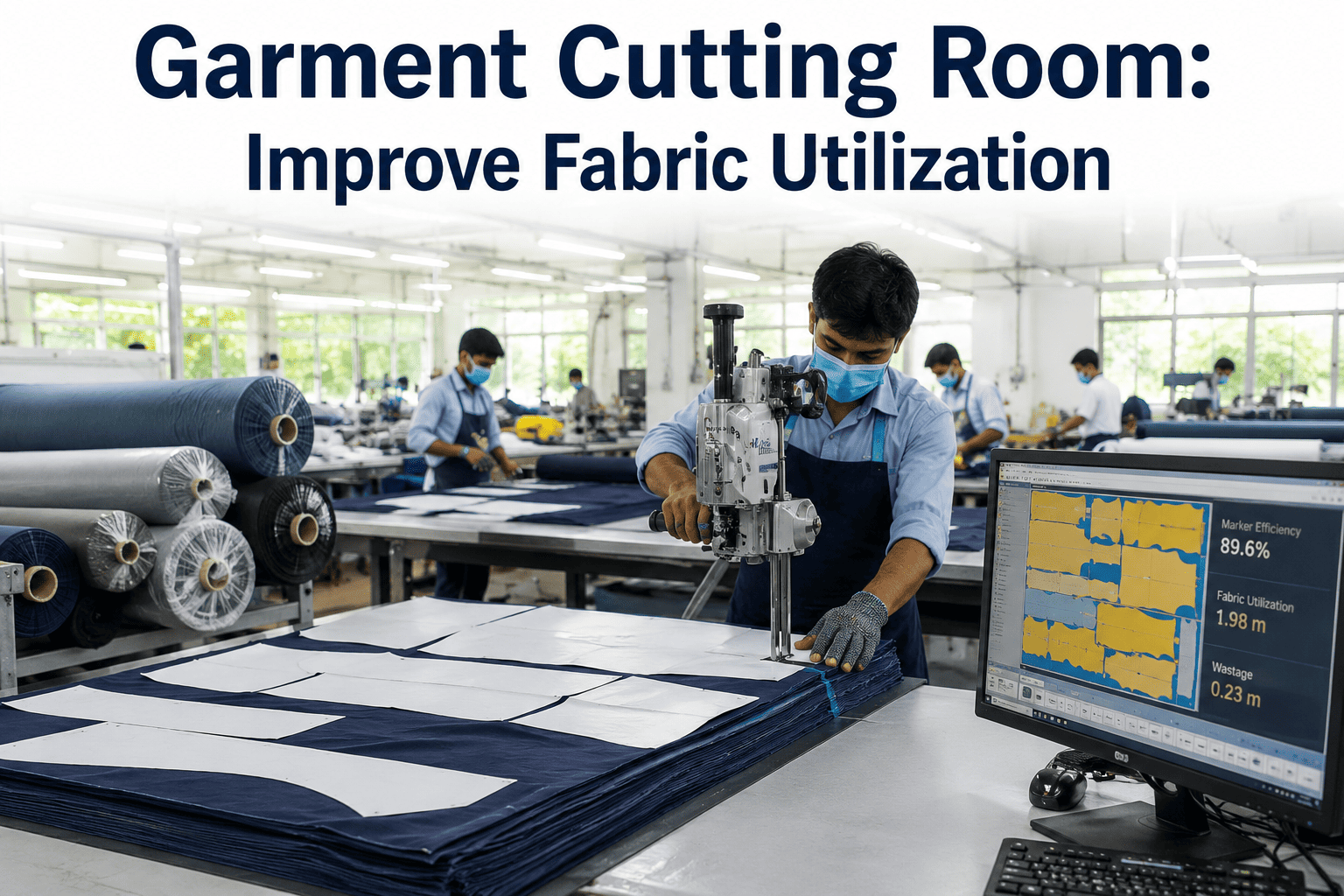
Fabric is usually the single largest cost line in a cutting room, yet the number that decides most of that cost, utilization percentage on the marker, gets set once by a pattern grader and rarely revisited until margins are already under pressure. A marker that runs two or three points below its achievable utilization on every lay, across every style and every day, adds up to a waste bill that never shows up as one dramatic number, only as a slowly eroding margin. Reviewing marker efficiency against what AI-assisted nesting can actually achieve is something cutting teams can walk through on their own styles and fabric widths in a short session.
Every Percentage Point of Fabric Utilization Is Real Money
iFactory AI re-nests markers continuously against actual fabric width and ply data, closing the gap between planned and achievable utilization.
Where Fabric Waste Actually Comes From
Not all unused fabric is waste in the same sense. Some of it is structural, from seam allowance and fabric selvedge that no marker can remove. The rest is recoverable, and it is where optimization work pays off.
Treating the whole gap as one number hides where the real opportunity sits. Splitting it by cause changes what gets fixed first.
| Waste Type | Cause | Typical Share of Loss | Fix |
|---|---|---|---|
| Nesting gaps | Pattern pieces placed with avoidable space between them | Largest recoverable share | AI-assisted re-nesting per lay |
| End-of-roll remnants | Marker length does not match roll length | Second largest | Marker length matched to roll data |
| Spreading defects | Ply misalignment, tension, bowing | Smaller but recurring | Spreading quality checks per lay |
| Seam and trim allowance | Structural, built into every pattern | Fixed, not recoverable | Not a target for optimization |
Find Out How Much of Your Gap Is Recoverable
Book a 30-minute session and iFactory AI will break down your current utilization gap by cause, using your own marker data.
Marker Nesting: Standard vs AI-Optimized
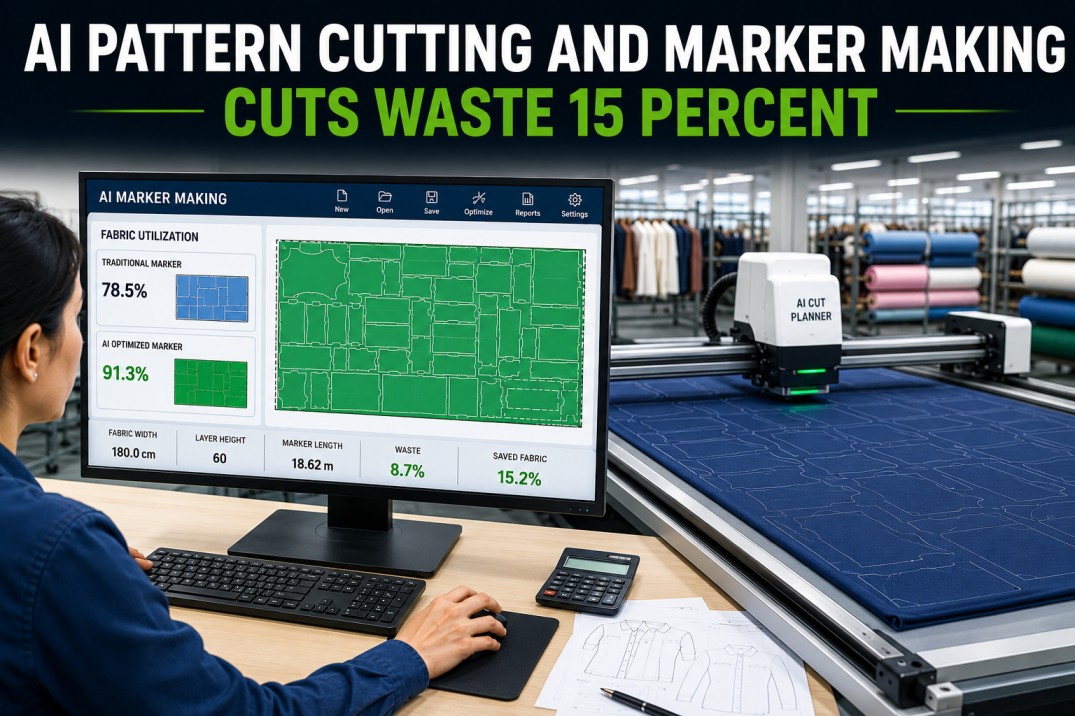
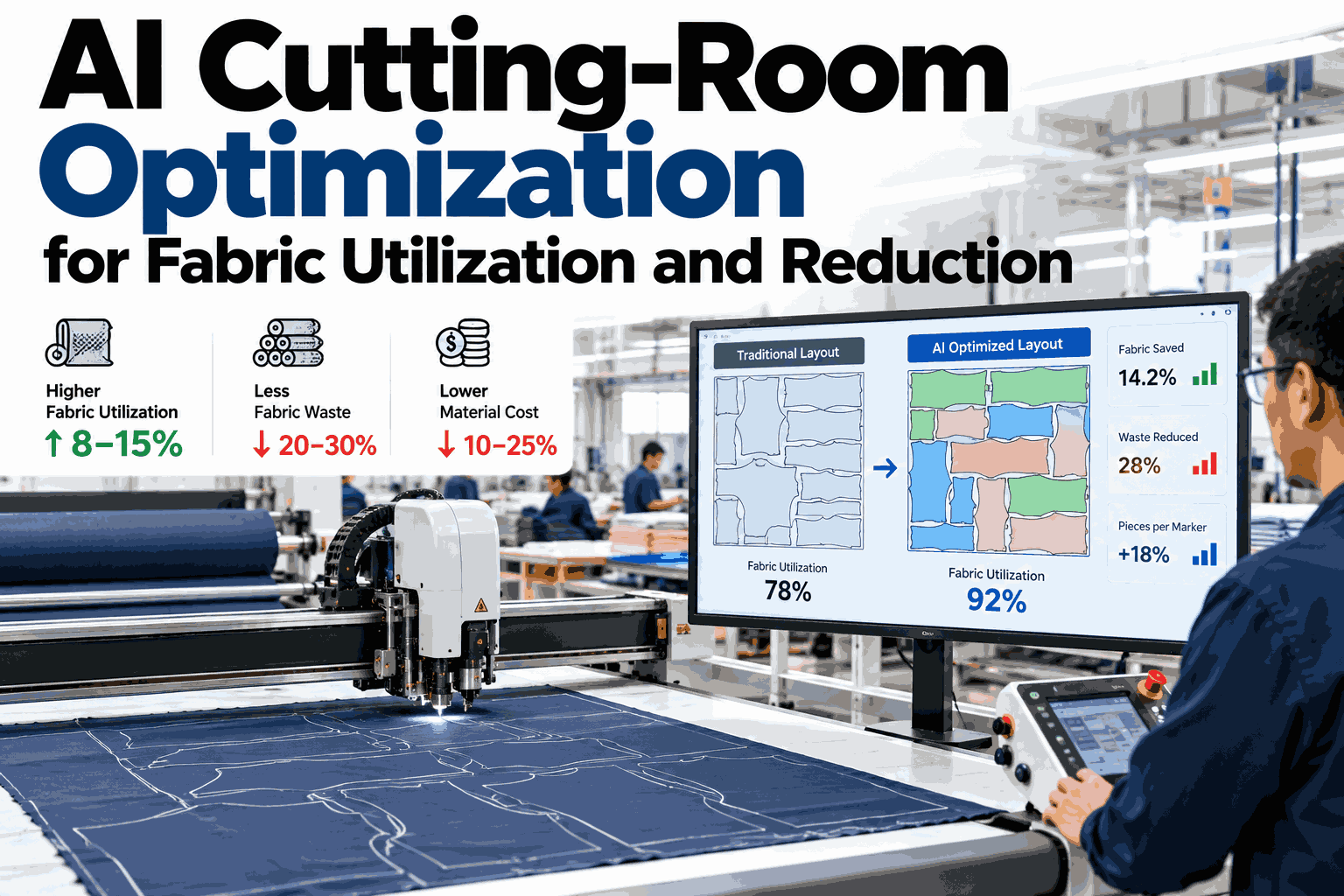
A standard marker is built once by a grader working within a time limit, then reused across every lay of that style. An AI-optimized marker is tested against many piece arrangements and keeps the tightest one, including small rotations a grader would rarely try by hand.
Planned vs Actual Consumption, Lot by Lot
Planned fabric consumption comes from the marker. Actual consumption comes from what the cutting room really uses, and the two drift apart more than most planning sheets assume. The pairs below are illustrative, by lot.
What to Do With Every Remnant
Not every offcut is scrap, and treating all of it the same way wastes fabric twice: once on the marker and again in the bin. A simple size-based ladder keeps usable fabric out of waste streams.
Enough for a small style or sample run. Log it with fabric type and size so planning can pull it for the next relevant order.
Too small for a full style but enough for trims, pockets or patchwork components. Route to a secondary-use bin by fabric type.
Below any usable threshold. Track volume by style and fabric so recurring high-scrap combinations get flagged for marker review.
Signals a Marker Needs a Second Look
These are the early signs that a marker's real-world utilization has fallen behind what it was approved at.
Where iFactory AI Fits in the Cutting Room
Marker data, roll-length records and actual consumption logs usually sit in separate systems, or only in a grader's working files. iFactory AI connects them lay by lay.
AI-Assisted Re-Nesting
Markers are tested against many arrangements and matched to actual fabric width, not a fixed assumption.
Roll-Length Matching
Marker length is checked against incoming roll data to cut down end-of-roll remnants.
Planned vs Actual Tracking
Every lot's actual consumption is compared back to plan, surfacing the gaps worth investigating.
Remnant Logging
Usable offcuts are tracked by fabric and size so they get pulled into future orders instead of the bin.
Frequently Asked Questions
Does AI re-nesting replace our pattern graders?
No, graders still build and approve the pattern pieces and construction rules. AI-assisted nesting works within those rules to test more layout combinations than a grader can try manually under time pressure, and a planner still reviews the result before it is cut. Support can walk through how approval stays with your team.
How much utilization improvement is realistic?
It depends heavily on fabric width, pattern complexity and how tightly current markers are already built, so there is no single number that applies to every style. The more useful first step is measuring your current recoverable gap, since that sets the realistic ceiling before any optimization work begins.
Can this work with fabric that varies slightly roll to roll?
Yes, and this is one of the more common recoverable losses. Matching marker length and nesting to the actual incoming roll data, rather than a nominal standard, is exactly where automated re-nesting tends to help most. See this matched against your own roll records in a short walkthrough.
Does remnant tracking require new hardware?
Not necessarily. Many cutting rooms can start by logging remnant size and fabric type at the cutting table into the same system that already tracks consumption, with barcode or simple entry. Camera-based sizing can be added later where volume justifies it.
How does this tie into cost reporting?
Fabric utilization is usually one of the largest single drivers of cost per garment, so a change at the marker level shows up directly in cost-per-style reporting. Ask support how utilization data rolls into your existing cost reports.
Close the Gap Between Planned and Achievable Utilization
iFactory AI re-nests markers against real fabric data to recover utilization that standard markers leave on the table. Book a walkthrough on your own styles.