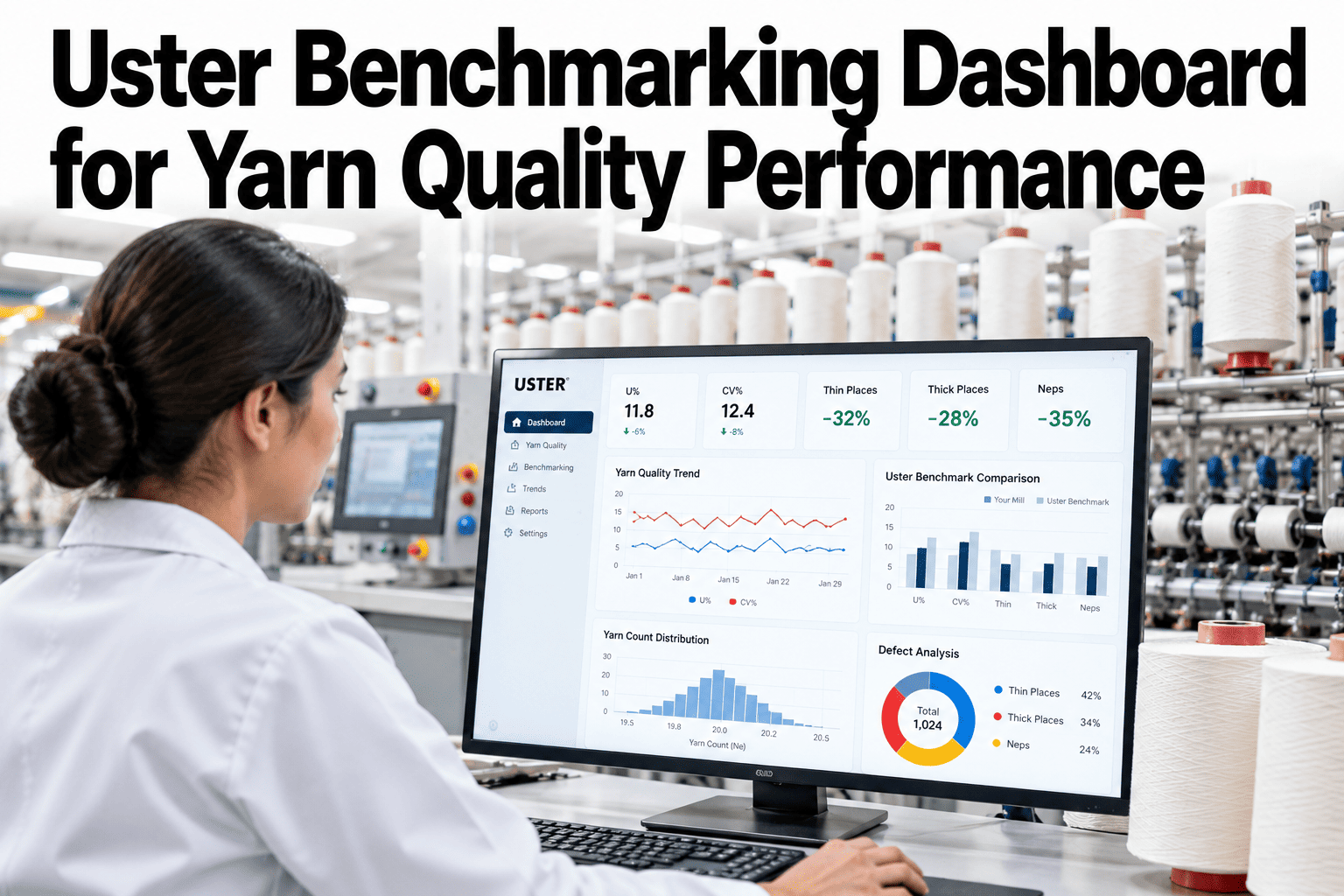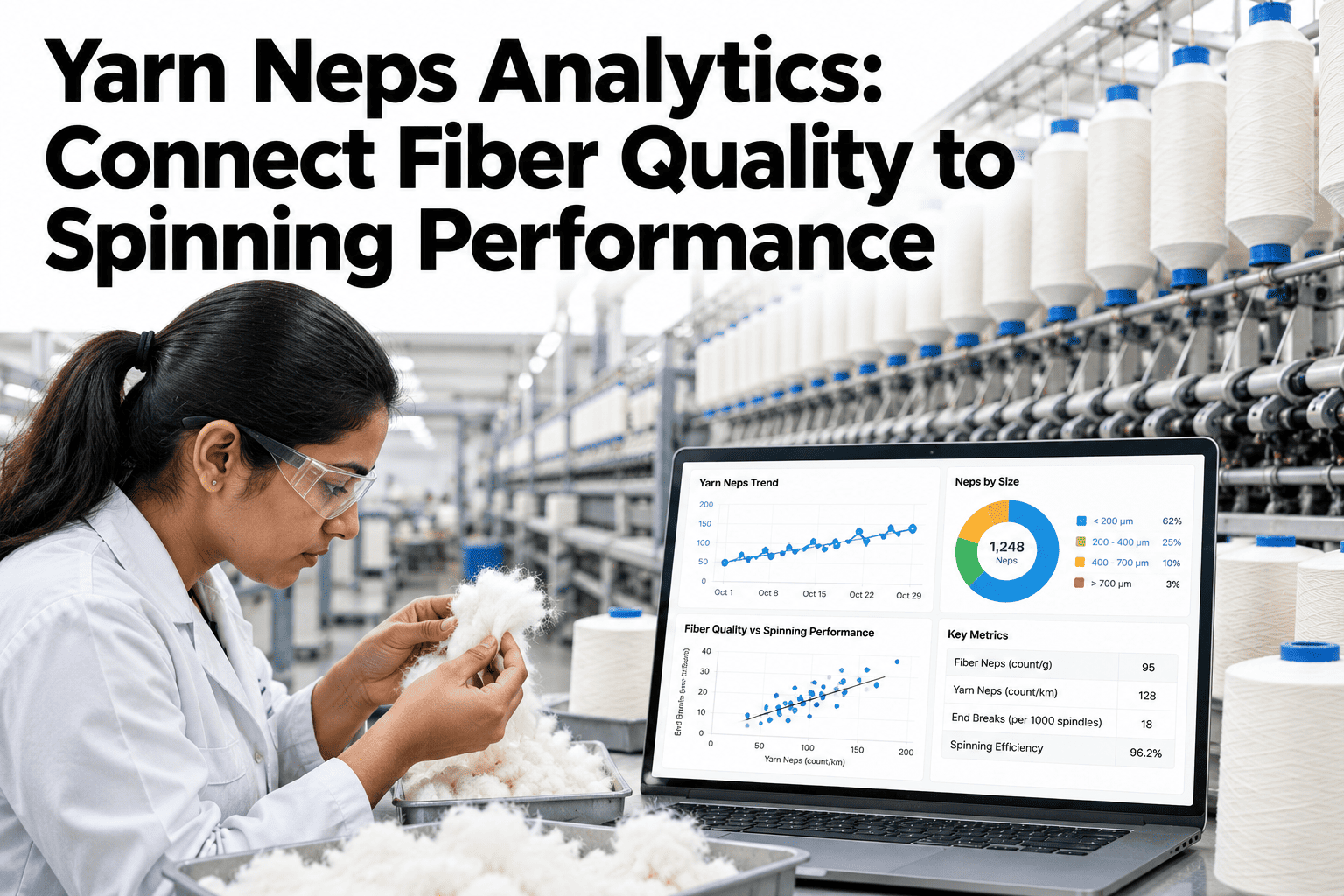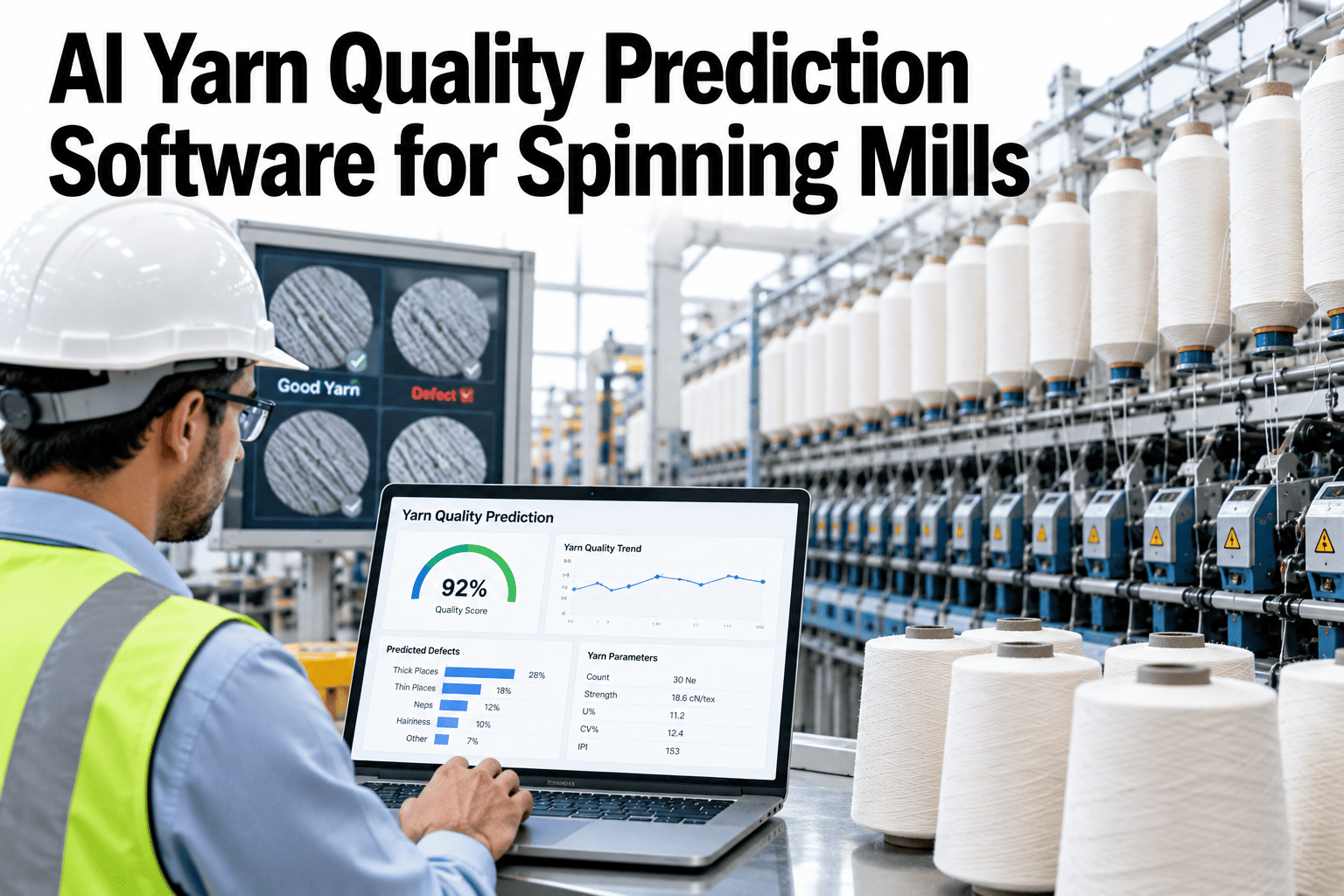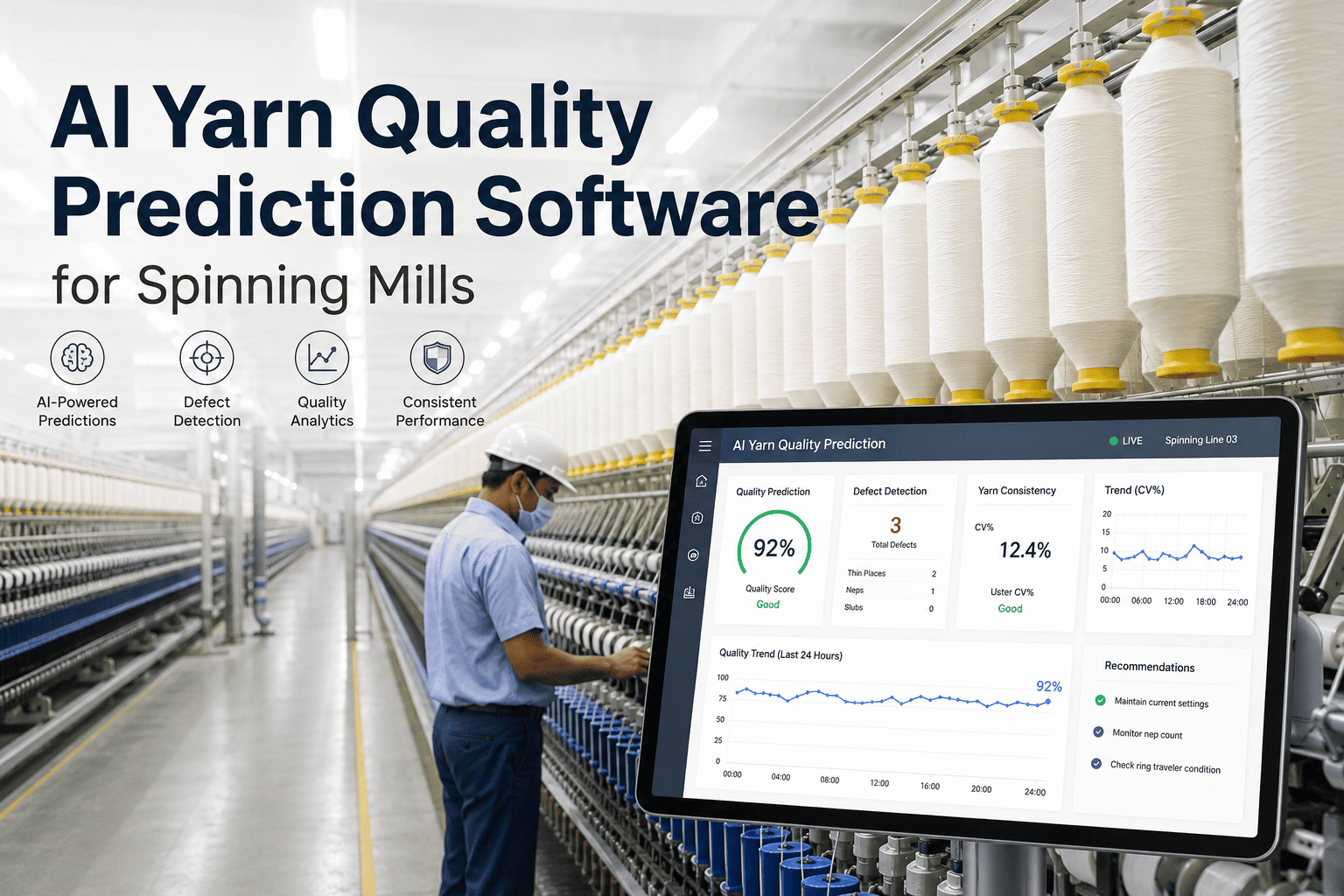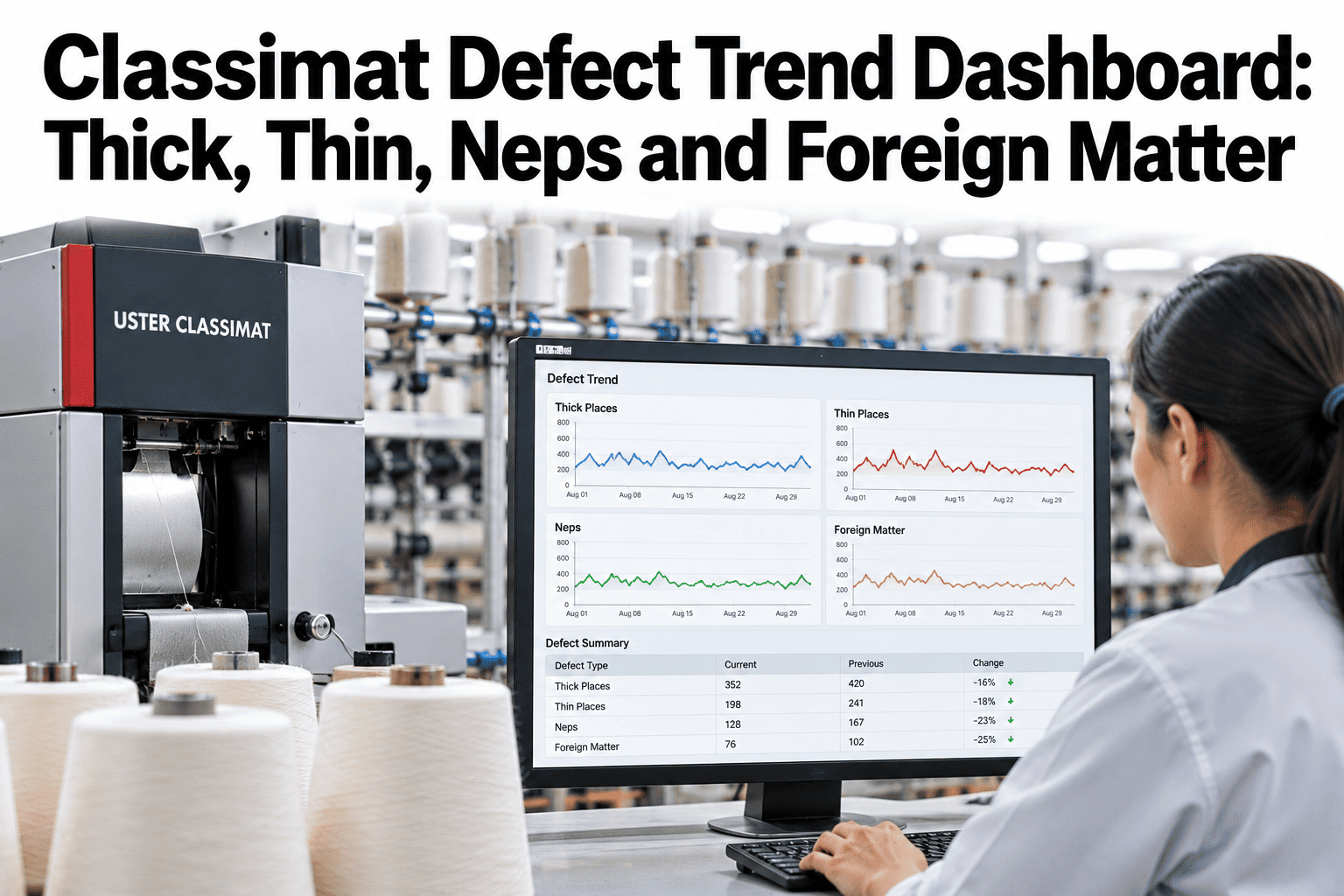
Classimat data answers a question that evenness testing cannot: how often does the yarn produce a defect severe enough to be cut out at winding, and what size and type is it? The 23-class matrix classifies thick places, thin places, neps, and foreign matter by both cross-section deviation and length, giving the quality team a complete fingerprint of the yarn's defect population. Tracking that fingerprint over time — by machine, lot, and shift — is where the Classimat moves from a test instrument to a process control tool. iFactory AI builds the trend dashboard that makes the patterns visible. See how Classimat defect trends are visualized across your production.
See Every Defect Pattern Across Every Machine and Lot
A Classimat trend dashboard that shows thick, thin, nep and foreign matter patterns by machine, lot and shift — so recurring sources surface automatically.
What the Classimat's Four Defect Channels Reveal
Each defect channel in the Classimat result points to a different part of the spinning process. The trend pattern across channels is what guides the root cause investigation.
Classified by cross-section deviation and length. Frequent short thick places (A and B classes) typically trace to drafting irregularities at the ring frame — worn top rollers, incorrect pressure, or drafting zone settings drifting outside specification.
Weak sections in the yarn body resulting from fiber attenuation in the drafting zone. Persistent thin places on specific machines point to drafting geometry, apron clearance, or fiber length mismatch with the draft settings in use.
Classified separately from thick places — neps are fiber entanglements and seed coat fragments, not mass anomalies from drafting. A nep trend that tracks with a bale lot change or card clothing age is a raw material or process signal, not a ring frame problem.
Colored foreign fibers, vegetable matter, and polypropylene contamination. A foreign matter trend correlated with a specific supplier lot or storage area points to the contamination source, allowing separation before the material enters production.
The Trend View That Changes the Conversation
Single test results are data points. Trend lines are signals. The difference between the two is what separates reactive quality management from proactive process control.
Dashboard Design for Classimat Trend Monitoring
The dashboard structure determines whether quality teams use it in daily decisions or treat it as a reporting tool checked weekly.
| Dashboard Layer | What It Shows | User | Update Frequency |
|---|---|---|---|
| Defect heatmap | All four Classimat channels by machine — color-coded to target | Quality manager, spinning manager | Per lot / per test batch |
| Channel trend lines | 8-week rolling trend per defect type per machine | Quality technician, process engineer | Updated each test cycle |
| Lot correlation view | Defect rate overlaid against active material lot changes | Raw material team, quality manager | Per lot intake |
| Shift comparison | Classimat fault counts by shift for the same machine | Shift supervisor, production manager | End of each shift |
| Class distribution detail | Fault count breakdown by individual Classimat classes (A1–D4, etc.) | Process engineer, quality specialist | On demand |
Surface the Classimat Patterns That Are Costing You Quality
iFactory AI builds the trend dashboard across all four Classimat defect channels, by machine, lot, and shift. Book a session to see your own defect patterns visualized.
Using Yarn Body Profiles Alongside Class Data
The Yarn Body concept introduced in Classimat 5 adds a visual dimension to the numerical class data. Used alongside trend tracking, it makes outlier detection more intuitive.
Yarn Body as a Process Fingerprint
Each machine's Yarn Body profile is specific to its settings and the material running through it. A profile that shifts over time without a deliberate process change is an early signal of mechanical drift — often weeks before class counts show a clear deviation.
Outlier Tracking Across Machines
Classimat 5 classifies outlier bobbins — cop-level thick and thin outliers that sit outside the normal Yarn Body. Tracking outlier bobbin rate per machine identifies whether a defect source is intermittent (one spindle position) or systematic (the full machine frame).
Clearing Limit Alignment
Classimat clearing limit analysis shows which defect classes are being caught at winding and which are passing through. iFactory AI tracks cutting rate alongside Classimat class data so the quality team knows whether winding efficiency is being affected by a change in the defect population.
Period Fault Detection
Periodic faults in Classimat data — defects recurring at fixed yarn length intervals — indicate mechanical causes with a calculable wavelength. Identifying the repeat length points to the specific roller diameter or gear ratio producing the periodic fault.
Frequently Asked Questions
How often should Classimat tests be run to support effective trend monitoring?
Effective trend monitoring needs test frequency matched to the rate of change in the process. For most ring spinning operations, testing each machine once per production lot or every three to five days provides enough data points to detect developing trends without creating excessive lab workload. More frequent testing is justified when a machine is under investigation or when a new material lot is introduced. Ask for guidance on sampling frequency for your mill configuration.
Can the dashboard separate nep results from thick place results when both are elevated?
Yes. iFactory AI tracks all four Classimat channels independently, so elevated neps and elevated thick places are displayed on separate trend lines with separate root cause pointers. Conflating the two — as some simpler reporting tools do — would mask that they have fundamentally different causes requiring different corrective actions. See the channel separation in a live dashboard demonstration.
What is the fastest way to identify whether a Classimat defect trend is driven by material or by the machine?
Overlay the defect trend line against material lot change dates. If the step change in defects aligns with a lot intake date and appears across multiple machines simultaneously, the cause is material. If the step change is isolated to one machine and does not correlate with a lot change, the cause is mechanical. iFactory AI generates this overlay automatically rather than requiring the quality team to cross-reference records manually.
Does iFactory AI support all Classimat instrument generations?
iFactory AI supports Classimat 5 data exports as well as compatible earlier format conversions. The platform also accepts Classimat Quantum and Classimat 3 classification values, which Classimat 5 provides as converted equivalents to maintain continuity with historical data. Contact support to confirm compatibility with your specific instrument version and export format.
Can the dashboard alert automatically when a Classimat channel exceeds target?
Yes. Alert thresholds are set per channel, per machine, and per yarn count, so an alert fires when a specific defect type on a specific frame exceeds its count-specific target. Alerts route to the quality technician or shift supervisor based on the channel type — a nep alert routes differently than a foreign matter alert because they require different follow-up actions. Walk through alert configuration in a live session.
Turn Classimat Results into a Process Control Tool
iFactory AI tracks all four defect channels by machine, lot and shift so recurring sources surface before they become quality claims. Book a walkthrough to see the trend dashboard built for your data.