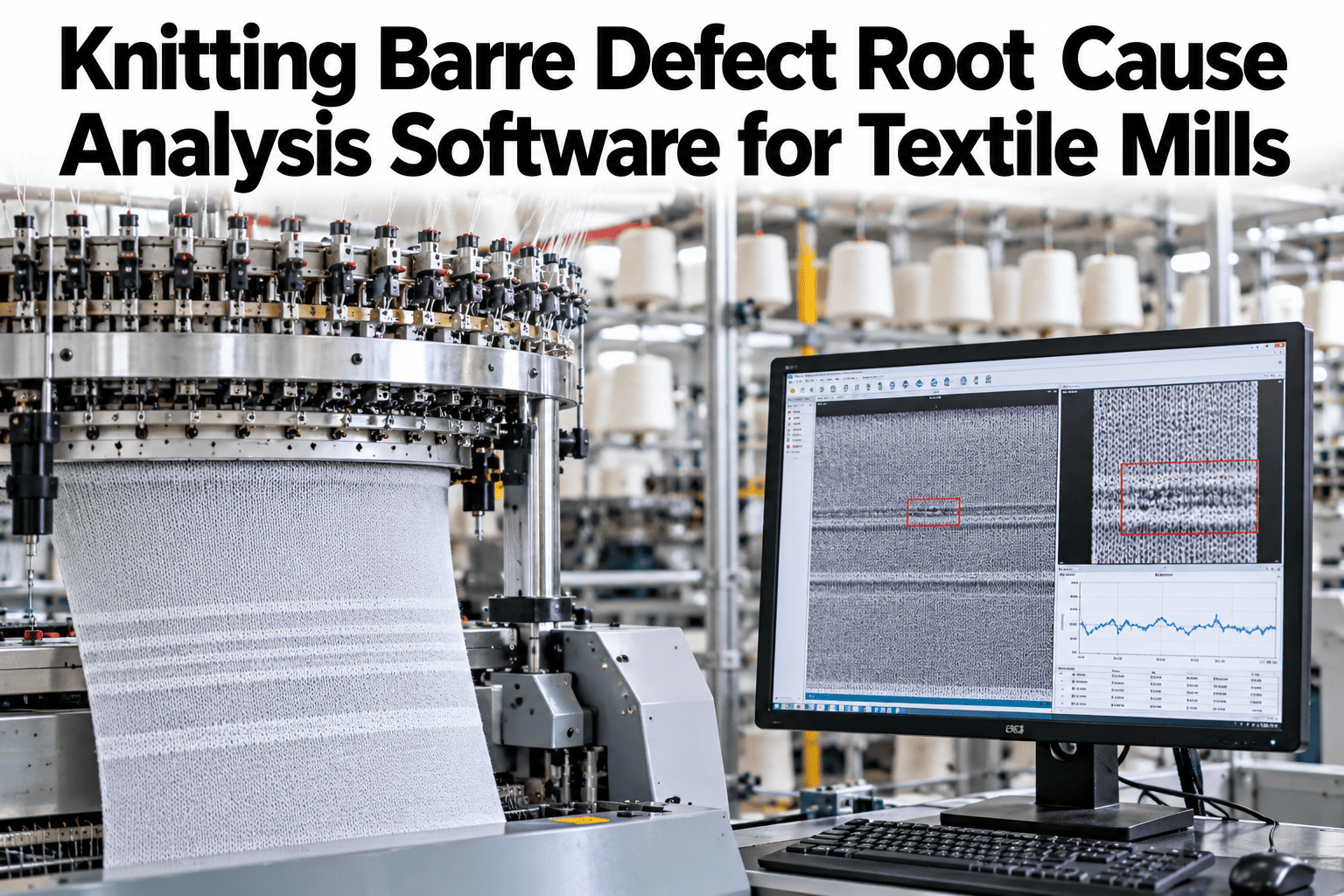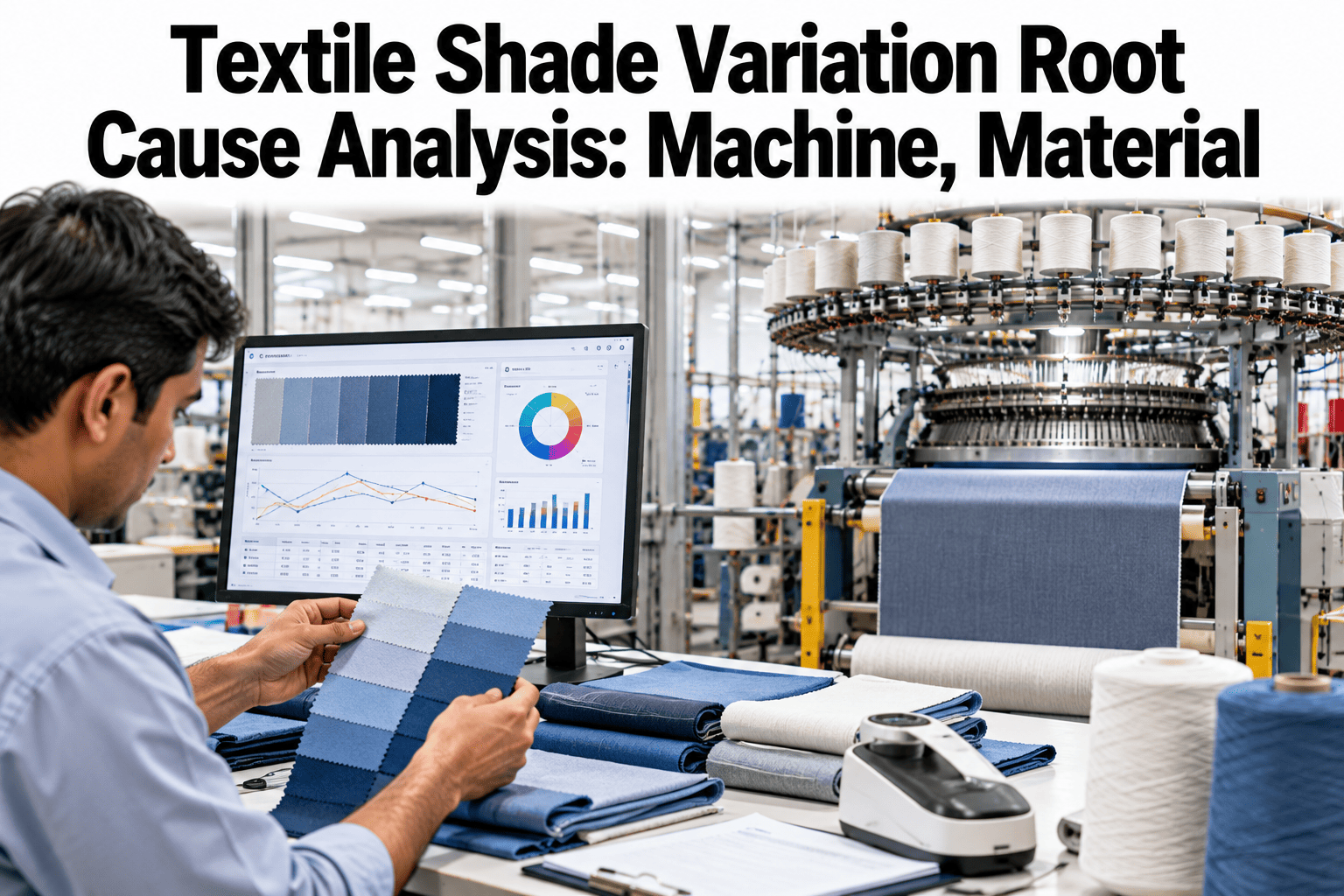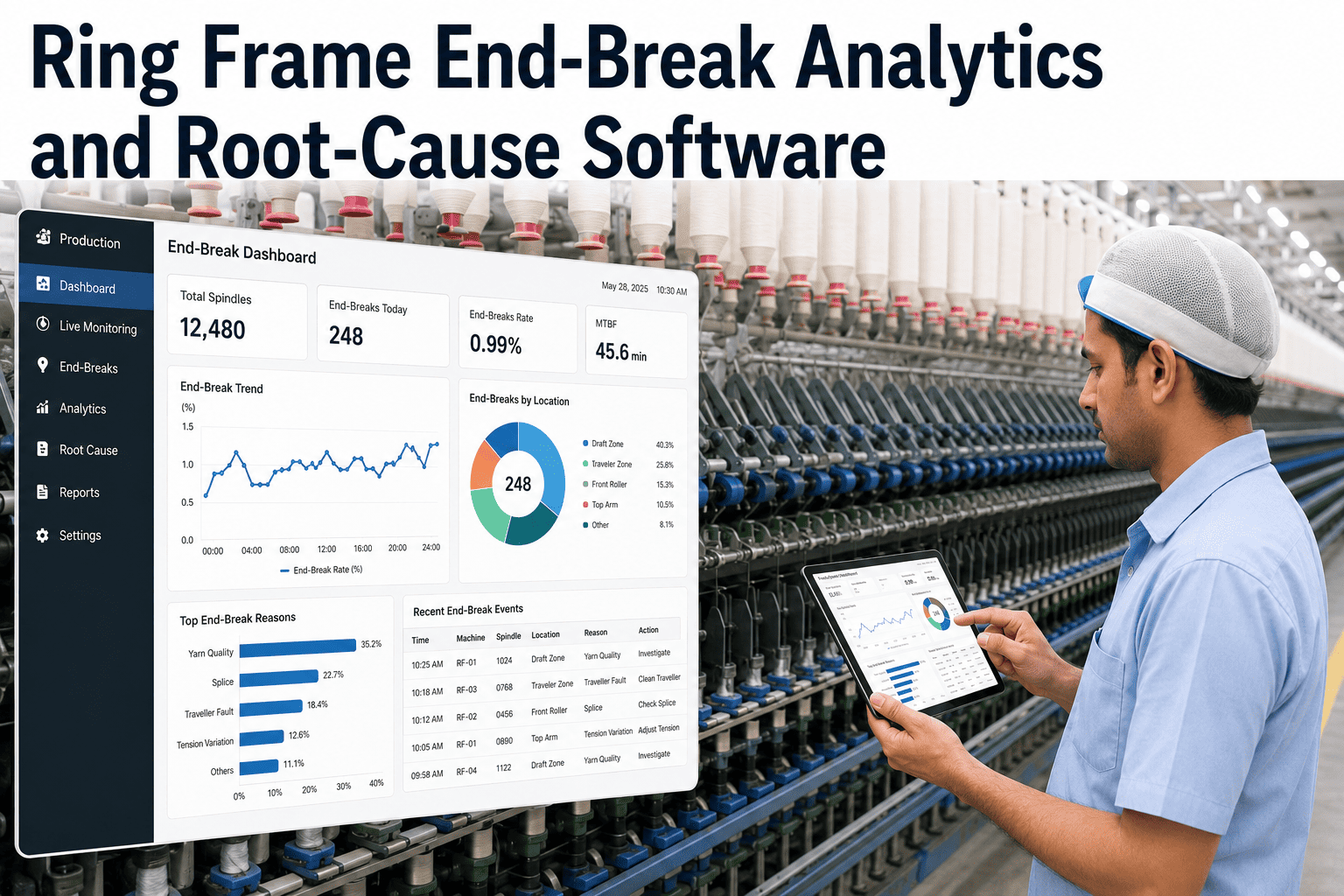
Thick and thin places in yarn are not a single problem — they are a category of problem with a wide range of causes that require different corrective actions. A thin place driven by short fiber content in the raw material needs a raw material decision. The same thin place caused by worn drafting rollers on one ring frame needs a maintenance action. Treating them as the same defect and applying a generic response to both is why thick and thin place levels in many mills fluctuate without ever showing sustained improvement. iFactory AI links Classimat thick and thin results to machines, components, settings, material, and shifts so the root cause — not just the defect — is what gets addressed. See how Classimat results are linked to machine causes in a live session.
Link Every Thick and Thin Place to Its Machine Cause
Classimat results connected to machine ID, drafting component condition, settings history, raw material, and shift — so root cause analysis takes minutes, not days.
Check drafting rollers, aprons, traveler, ring condition
Check fiber length, short fiber content, micronaire
Compare shift OEE and process parameter logs
Why Thick and Thin Places Recur Without Sustained Improvement
Most mills that struggle with persistent thick and thin place levels share one pattern: the corrective action targets the symptom, not the specific cause on the specific machine.
The Cause Map for Thick and Thin Places
Different thick and thin place patterns in the Classimat data map to different parts of the spinning process. The pattern is the diagnostic tool.
| Defect Pattern | Classimat Character | Likely Cause | Corrective Action |
|---|---|---|---|
| Isolated thick places — one machine | A-class thick, short length | Worn top roller, incorrect drafting pressure | Roller inspection and replacement on that frame |
| Thick places — all machines, one shift | Elevated across department | Drafting speed setting deviation in shift startup | Standard work check for shift startup procedure |
| Thin places — correlated with lot change | E-class thin, consistent across machines | Higher short fiber content in incoming lot | HVI verification and drafting parameter adjustment |
| Thick and thin both elevated — one machine | Mixed A and E classes | Apron damage or incorrect apron clearance | Apron replacement and clearance gauge check |
| Long thin places periodically repeating | Long thin, fixed wavelength | Drafting roller eccentricity or gear fault | Calculate wavelength — identify roller diameter match |
| Thick places increasing over 4–6 weeks | Gradual rise, all A-B classes | Traveler wear or ring deterioration | Schedule traveler change and ring inspection |
Raw Material Contribution to Thick and Thin Places
Fiber properties are often the hidden variable that makes it impossible to eliminate thick and thin places through machine maintenance alone.
High SFC increases thin place frequency because short fibers fall out of the drafting control zone, creating periodic gaps in the fiber mass. The effect is amplified at higher draft ratios. SFC data from HVI testing, overlaid against thin place trends in iFactory AI, makes this link explicit.
Low uniformity ratio means a wide distribution of fiber lengths in the drafting zone, increasing mass variation. Lot-to-lot uniformity variation explains why thick and thin place levels can change without any process change when a new bale mix is introduced.
Coarser fibers (high micronaire) are more difficult to control in the drafting zone and tend to produce larger-magnitude mass variations than fine fibers. When a lot with elevated micronaire enters production, thick place levels typically rise across all machines running that material.
Weak fibers break during drafting, contributing to thin places. Strength variation within a lot — not just the average — is the more relevant parameter, because localized weak spots in the fiber mass produce isolated thin places rather than a consistent elevation in thin place count.
Stop Guessing What Causes Your Thick and Thin Places
iFactory AI links every Classimat thick and thin result to the machine, component, material lot, and shift that produced it. Book a session to see root cause analysis driven by your own production data.
How iFactory AI Accelerates Root Cause Analysis
Manual root cause analysis for thick and thin place problems typically takes two to three days of cross-referencing lab records, maintenance logs, and production sheets. iFactory AI compresses this to minutes.
Machine-Level Thick/Thin Dashboard
All ring frames ranked by thick and thin place rate, updated each test cycle. The worst performer is immediately visible without any manual calculation or sorting.
Maintenance Event Overlay
Drafting component replacement dates, traveler changes, and ring inspections displayed on the same timeline as Classimat trends — showing whether a maintenance action improved the defect rate or had no effect.
Lot Change Correlation
Material lot change dates automatically overlaid on the thick and thin place trend, making it immediately visible whether a defect step change coincides with a new bale mix entering the blow room.
Shift Comparison
Thick and thin place rates compared across shifts for the same machine and count, isolating whether the defect level varies with the operator team or is consistent regardless of who is running the frame.
Frequently Asked Questions
Which Classimat classes are most important to track for thick and thin places?
For thick places, the A and B class (short thick faults) are the most commercially significant because they have the highest frequency and the most direct link to drafting conditions. For thin places, the E class (thin faults across all lengths) requires attention because thin places create yarn strength weak points that drive end breaks in weaving and knitting. Ask about configuring alerts for specific Classimat classes in your setup.
How does iFactory AI link a Classimat result to a specific ring frame?
Attribution works through structured sample registration — each Classimat test sample is registered at the time of collection with the machine ID, doff number, and production batch. iFactory AI assigns the test result to the registered source automatically when the Classimat result is imported. Clear sampling and labeling practice at the time of cop collection is the prerequisite that makes machine attribution accurate. Walk through sampling and attribution setup in a demo session.
Can the system detect when a thick or thin place trend is getting worse gradually rather than in a sudden spike?
Yes. iFactory AI tracks rolling trend direction alongside absolute levels, so a gradual upward drift over four to six weeks — typical of traveler wear or progressive roller deterioration — triggers an alert before it crosses the absolute threshold. Gradual drift detection is often more valuable than threshold alerts in spinning because most machine-driven degradation is progressive, not sudden.
What is the fastest way to determine whether a thick place increase is from raw material or machine condition?
Check whether the increase is machine-specific or department-wide. A machine-specific increase with no lot change nearby is almost certainly mechanical. A department-wide increase that coincides with a new lot intake date is almost certainly material. iFactory AI automates this check by overlaying the defect trend against lot change dates and machine maintenance events simultaneously, removing the need to search multiple record sources manually.
Does the system support different thick and thin targets for different yarn counts?
Yes. Classimat target limits are set per yarn count and construction, reflecting the fact that a coarser count can tolerate higher thick and thin place rates than a fine combed count without causing downstream issues. A single mill-wide threshold produces false positives for coarse counts and fails to flag genuine problems in fine counts — count-specific limits are a basic requirement for meaningful quality monitoring. See how count-specific targets are configured in a live walkthrough.
Find the Machine Behind Every Thick and Thin Place
iFactory AI connects Classimat results to machines, components, material lots, and shifts so every root cause investigation starts with the right information. Book a session to see the analysis framework on your own production data.