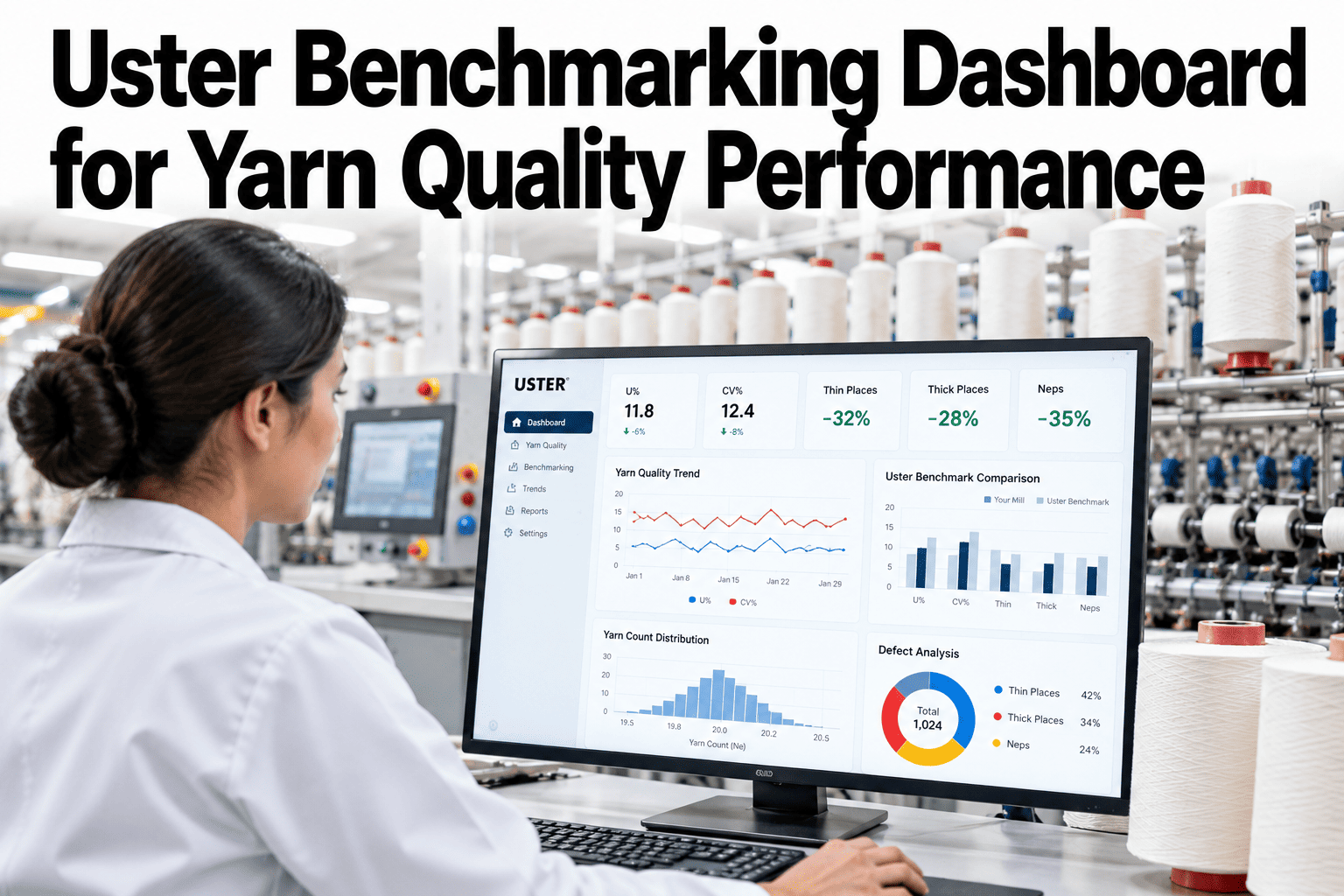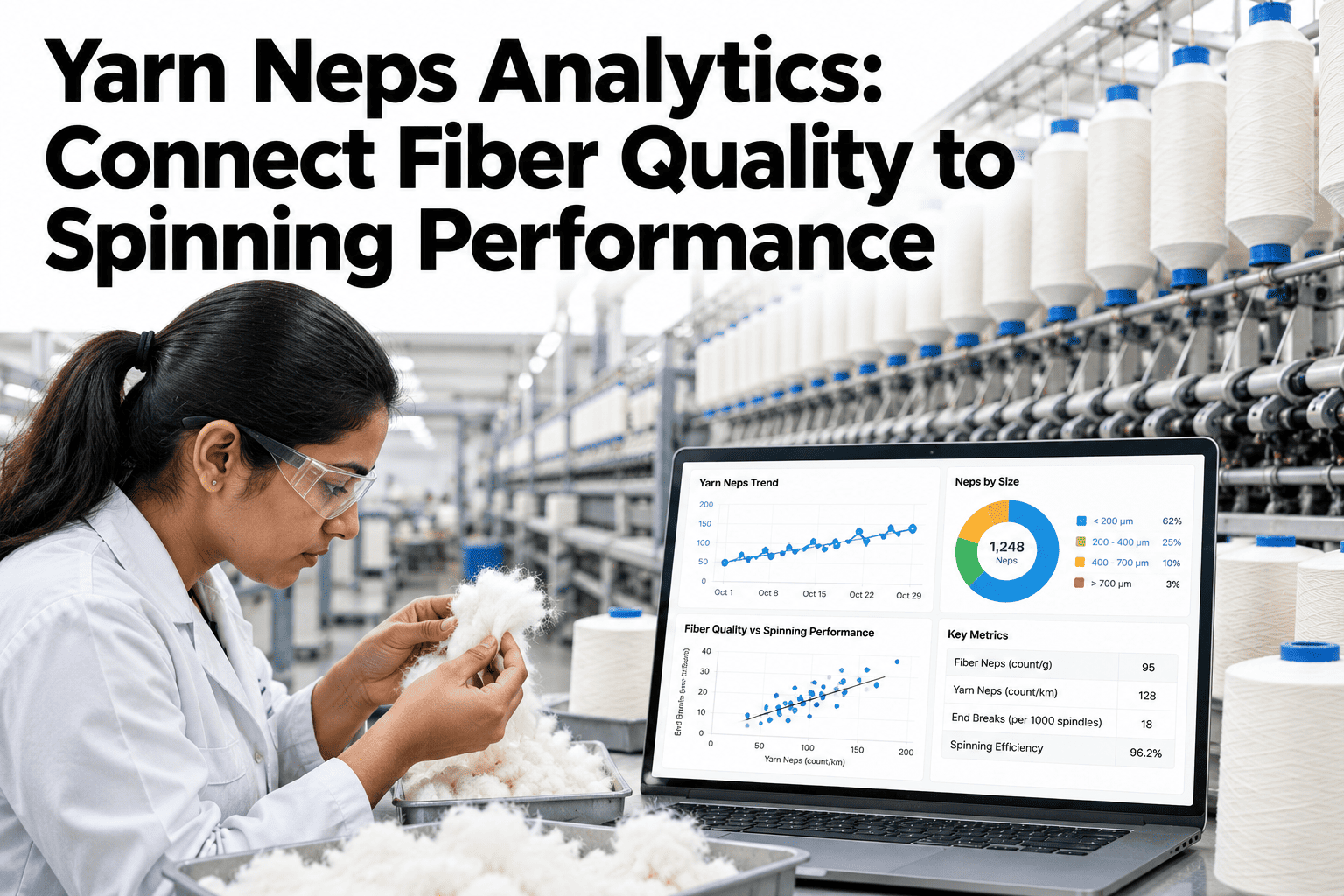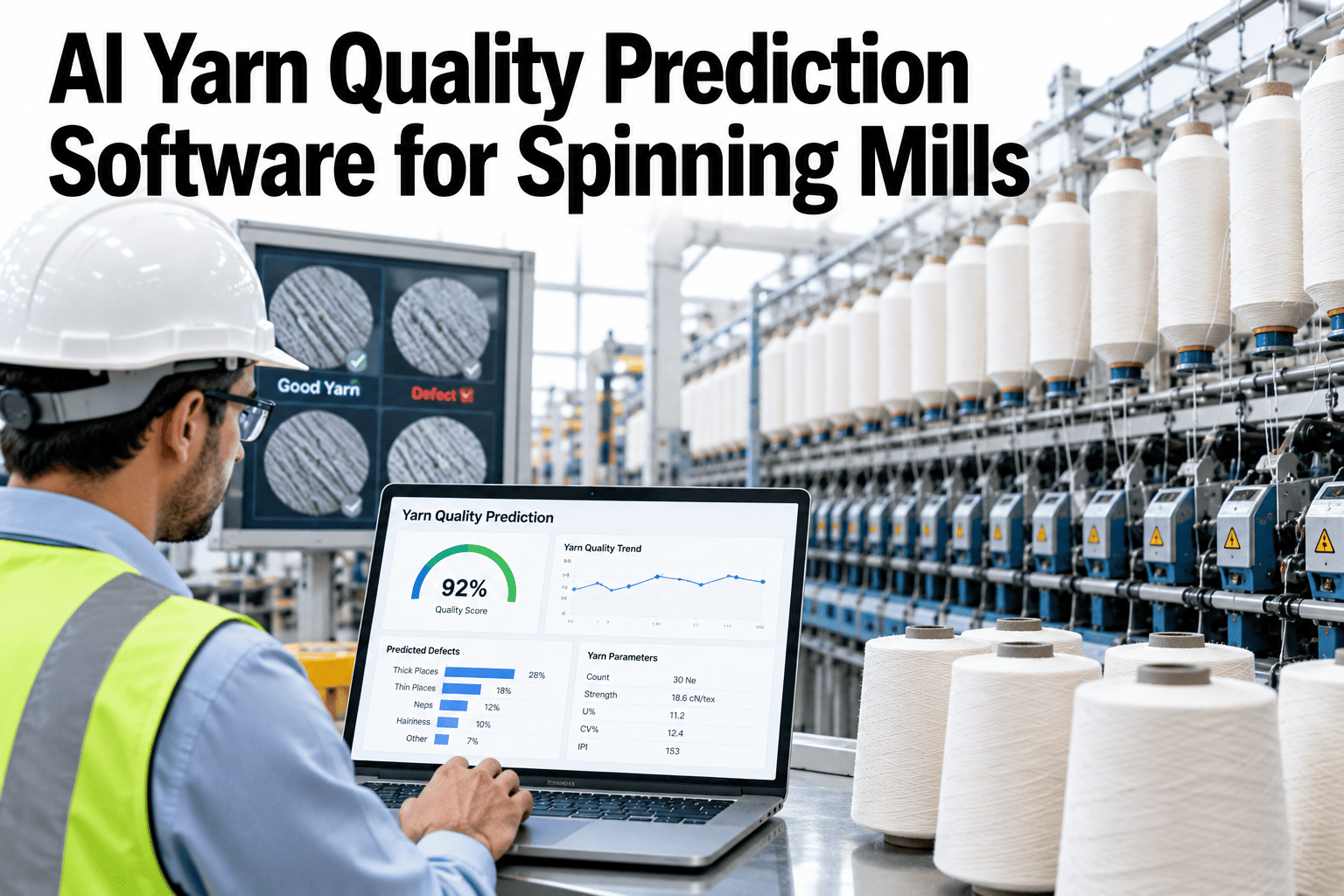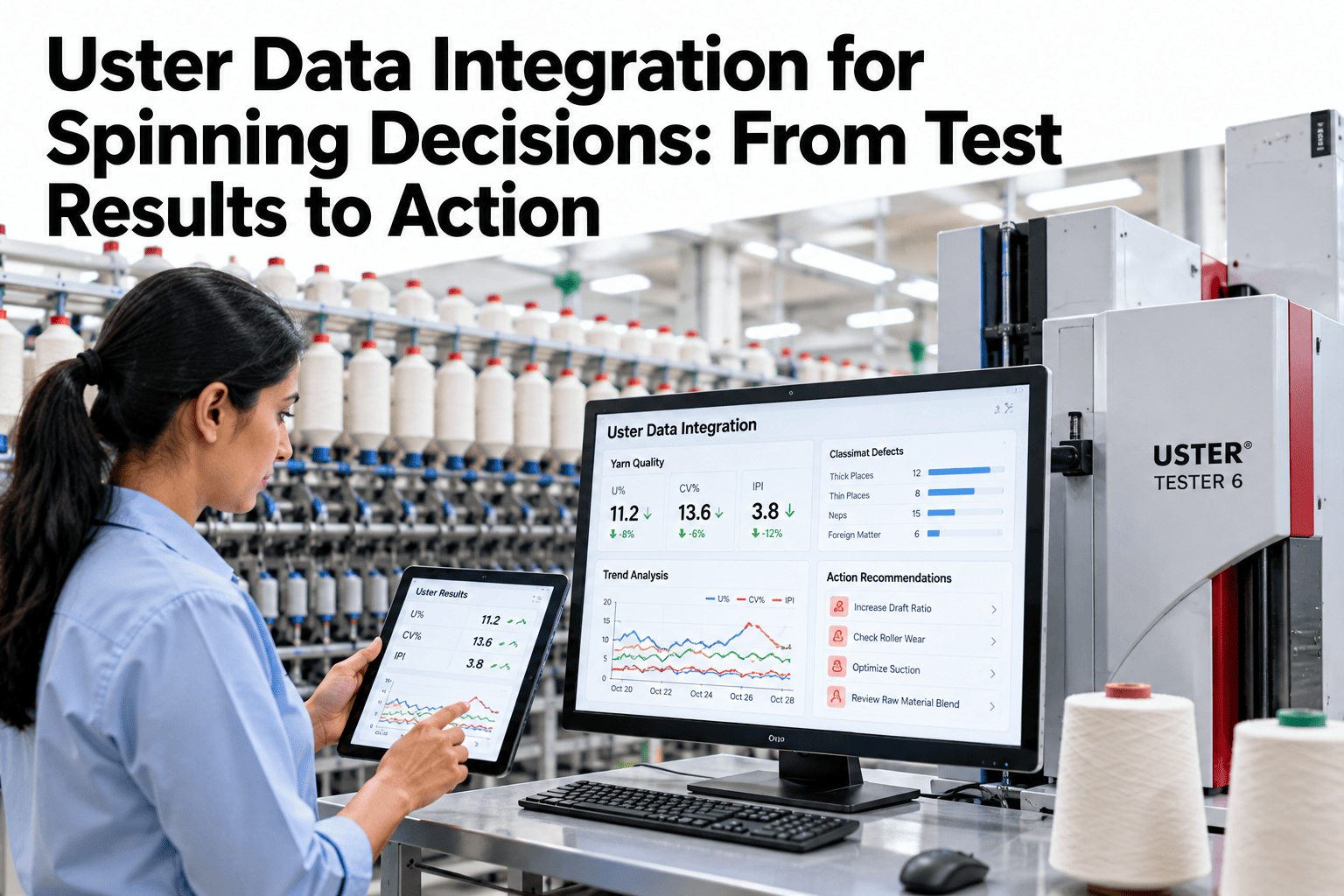
A laboratory test result sitting in isolation is a number. The same result connected to the machine that spun the yarn, the shift that ran it, the raw material lot it came from, and the production volume it represents becomes a decision. Uster Tester data tells you what the yarn is. iFactory AI tells you why it is that way — and what to do about it. See how Uster test results connect to spinning decisions in a live session.
From Uster Test Result to Spinning Action
Lab data without context produces reports. Lab data connected to machine, shift, lot and production context produces decisions.
Why Isolated Lab Data Does Not Drive Action
Quality teams in most spinning mills face the same frustration: the Tester produced a result, it is outside the target, and nobody knows which machine caused it or whether the raw material lot triggered it.
iFactory AI closes this loop by automatically linking each Uster test result to the machine, shift, material lot, and production batch that produced the sample — without manual data entry by the lab team.
What Integration Connects
Useful integration is not about transferring raw data between systems. It is about making each data point answer the question that follows naturally from it.
Connect Your Uster Data to Your Spinning Decisions
iFactory AI integrates Uster test results with machine, shift, lot and production data so your quality team acts on root causes rather than averages. Book a 30-minute session to see the integration architecture.
The Quality Decision Workflow with iFactory AI
Integration changes not just what data is available, but how quickly the quality team can move from result to action.
Key Metrics the Integrated Dashboard Tracks
The dashboard is not a mirror of the Uster Tester printout. It surfaces the quality metrics that have the most direct link to downstream fabric performance and customer claims.
| Metric | What It Reflects | Primary Root Cause Dimension | Downstream Risk |
|---|---|---|---|
| CV% (Evenness) | Mass variation along yarn | Drafting system, fiber length distribution | Fabric barriness, streaks |
| Thick places (+50%) | Frequent local mass increases | Ring frame drafting, traveler, top roller | Weaving breaks, fabric spots |
| Thin places (−50%) | Weak points along yarn length | Drafting irregularity, fiber length variation | End breaks in weaving and knitting |
| Neps (+200%) | Fiber entanglements and seed coat fragments | Fiber quality, carding settings, blow room | Fabric specks, dye non-uniformity |
| Classimat classes | Severe, seldom-occurring thick/thin faults | Machine-specific mechanical faults | Cutting loss at winding, customer claims |
| Hairiness (H) | Fiber ends protruding from yarn body | Traveler wear, ring condition, spindle speed | Pilling, fabric surface quality |
How iFactory AI Handles Uster Data
iFactory AI is designed for textile mills where Uster instruments are the quality testing backbone but the data they produce sits in disconnected laboratory logs.
Direct Uster Tester Import
Test results import automatically from Uster Quality Expert and compatible formats, eliminating manual re-entry and the transcription errors that accompany it.
Count-Specific Targets
Quality targets set per yarn count, construction, and customer specification — so a Ne 40 combed result is evaluated against Ne 40 benchmarks, not a single mill-wide threshold.
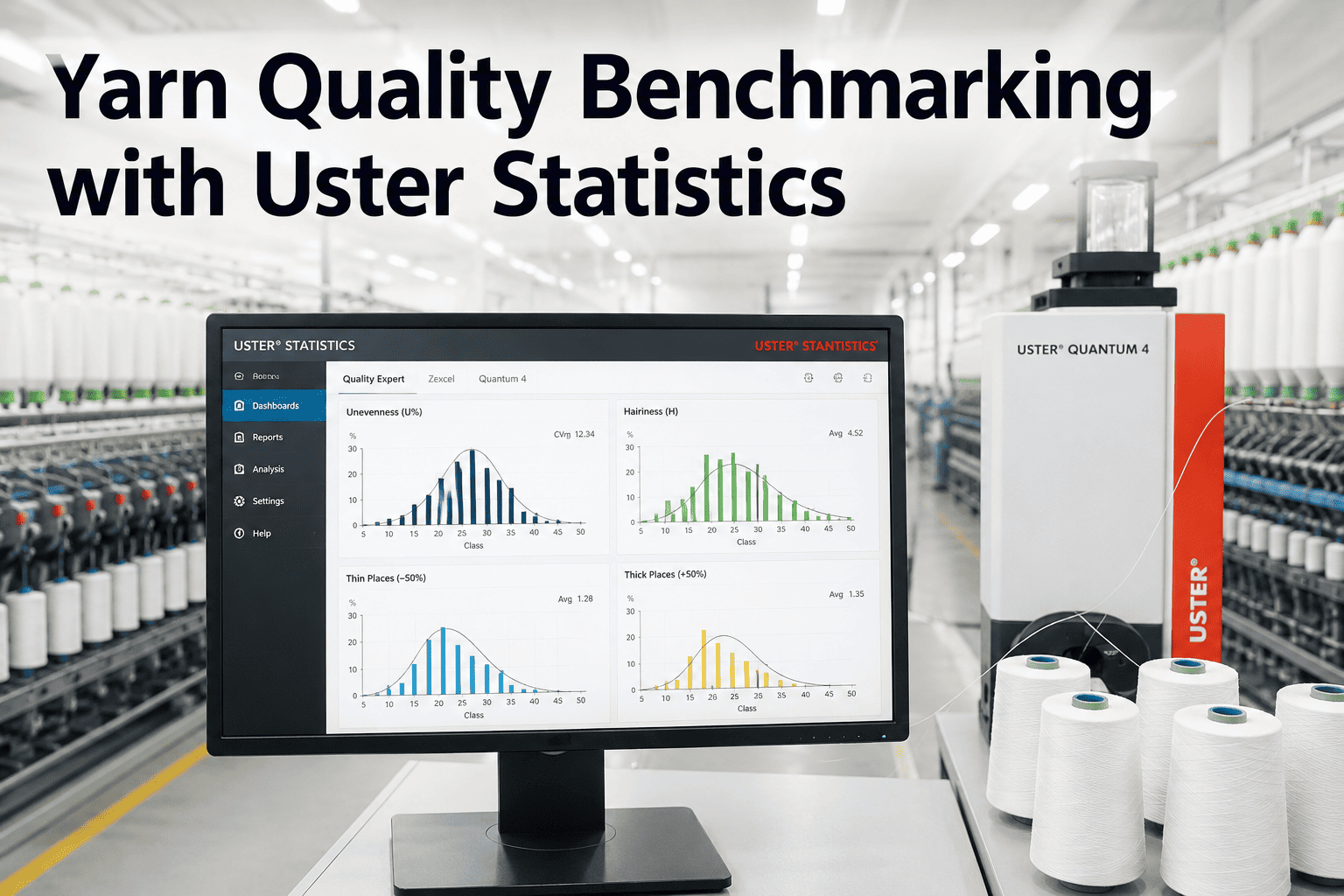
Uster Statistics Benchmarking
Results displayed against Uster Statistics world percentile lines, so the quality team sees not just whether they met their own target but where they stand relative to global spinning performance.
Multi-Parameter Trend View
CV%, imperfections, Classimat results, and hairiness tracked together on a single timeline per machine, revealing whether a deterioration in one parameter coincides with changes in others.
Frequently Asked Questions
Do we need to replace our existing Uster instruments to use iFactory AI?
No. iFactory AI connects to existing Uster instruments and imports test data from the formats they already produce. The integration adds an analysis and decision layer on top of existing testing workflows without requiring instrument replacement or software changes on the Uster side. Ask support about compatible Uster instrument versions.
How is machine attribution handled when one test sample covers multiple machines?
Attribution works correctly when sampling practice records which machine or frame the cop or package came from at the time of collection. iFactory AI tracks this association through the sample registration process, and the system supports structured sampling plans that ensure each test result is traceable to a specific production source. Walk through sampling plan design in a live session.
Can the system handle multiple yarn counts and constructions across the same mill?
Yes. iFactory AI manages quality targets, Uster Statistics benchmarks, and trend analysis separately for each count, construction, and customer specification running in the mill simultaneously. Quality analysis never aggregates incompatible product types into a misleading average.
How long does it take for historical Uster data to populate the analysis views?
Historical data from Uster Quality Expert and lab records can be imported during the initial setup phase, so trend views and baseline calculations draw on the full history rather than starting from zero at go-live. The import scope depends on how historical records are stored and structured at the mill. Get details on historical data import for your setup.
Which spinning departments does the integration cover?
The integration covers the full spinning pipeline — blow room, carding, combing, drawing, roving, ring frame, and winding — attributing test results to the production stage and specific machine most relevant to the defect type. Neps and evenness trace back to carding and drafting stages, while Classimat faults trace to the ring frame and winding unit.
Turn Your Lab Data into Floor Action
iFactory AI connects every Uster test result to the machine, shift, lot, and production context that explains it. Book a session to see the integration framework for your mill.