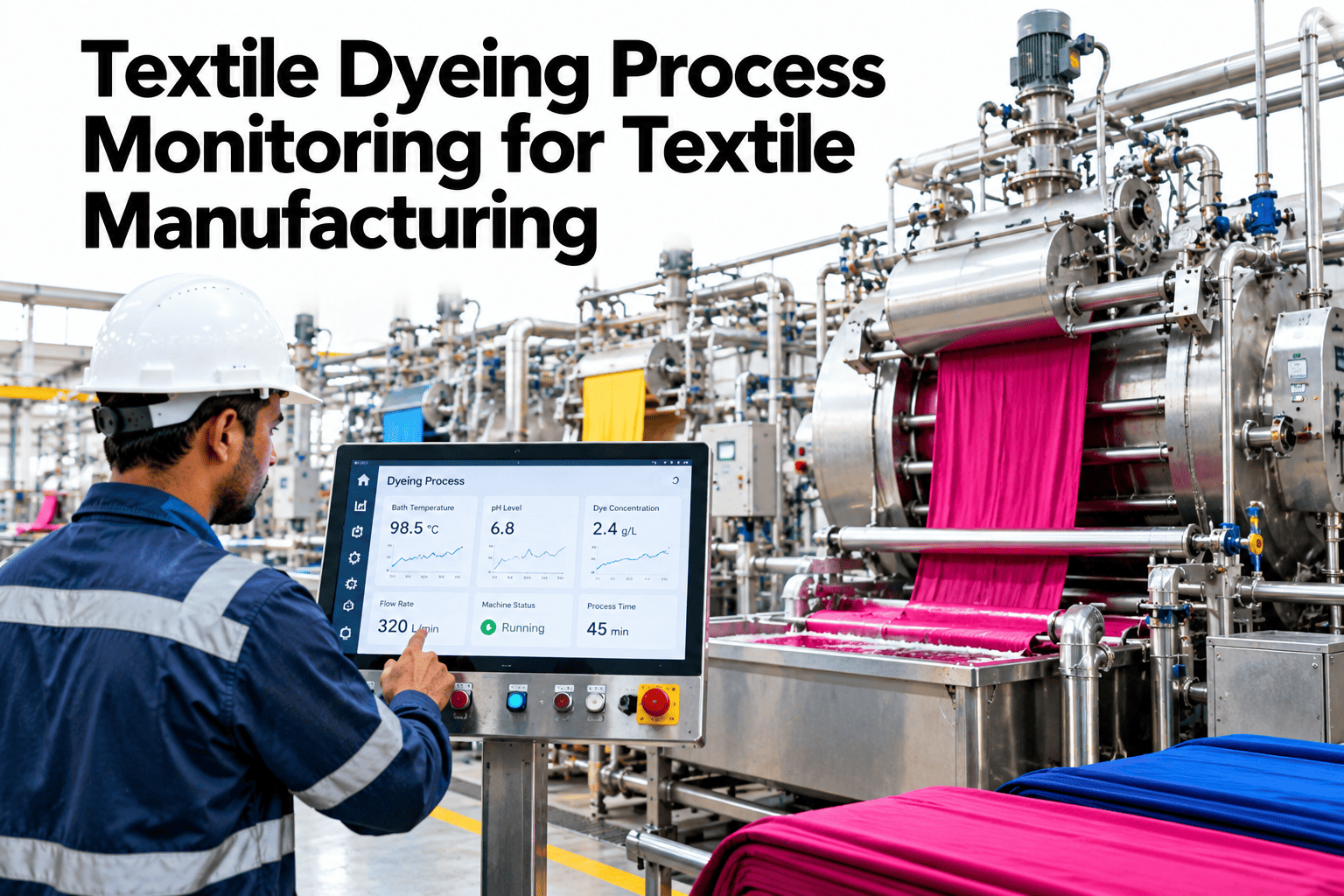
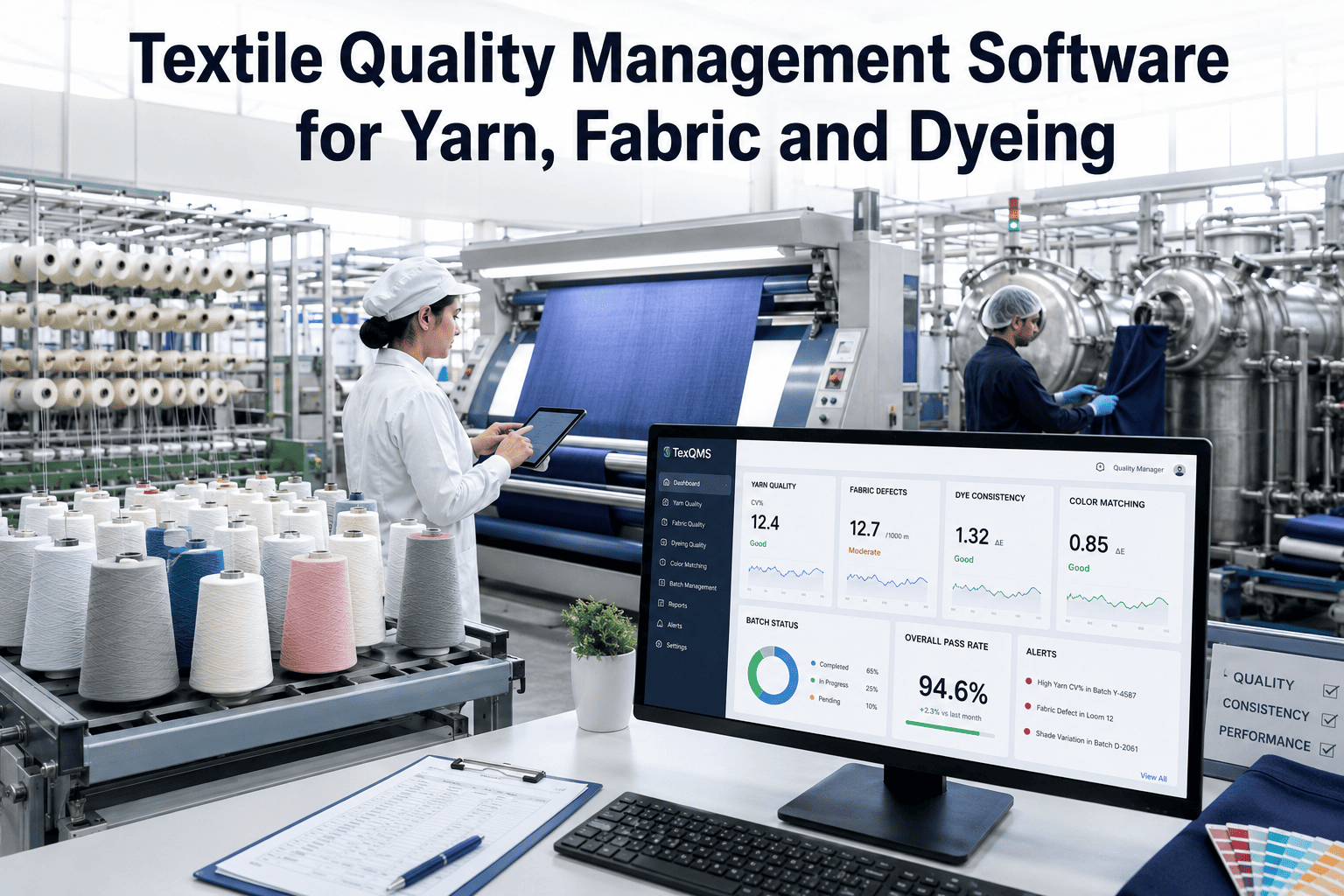
Two batches on the same dye machine, running the same recipe, can still consume meaningfully different amounts of energy per kilogram — and that gap is usually the first sign of something worth investigating before it shows up as a quality issue too. iFactory, an on-premise AI platform with energy monitoring and quality analytics built in, tracks energy per kg by batch, recipe, and machine together. Dyehouse teams who want this visibility on their own batches can request a demo with our team.
Dyeing Energy per kg Variance · Batch & Recipe, 2026
Same Machine, Same Recipe, Different Energy — That Gap Is Worth Investigating
iFactory AI tracks energy per kg across every dye batch, flagging when a specific batch, machine, or recipe combination breaks from its expected pattern.
Why batch energy varies at all
An Identical Recipe Doesn't Guarantee an Identical Cycle
A dyeing recipe specifies the target chemistry and temperature profile, but the actual cycle — how long heating takes, how many reheat events happen, whether the machine holds temperature cleanly — can still differ batch to batch due to machine condition, fabric loading, or a process step that ran longer than intended. Energy per kg is a sensitive proxy for exactly that kind of cycle-level variation.
What an energy outlier often signals
Four Things a High-Energy Batch Might Be Telling You
Extended heating cycle
A longer-than-normal ramp to temperature, often from a heat exchanger or steam supply issue.
Reheat or correction event
An extra heating cycle added mid-batch, frequently linked to a process correction.
Underloaded machine
A batch run well under rated capacity still consumes close to full energy for less fabric.
Machine-specific inefficiency
One machine consistently running hotter or slower than its peers on the same recipe.
The link to quality
An Energy Outlier Is Often a Quality Outlier Too
| Energy signal | Possible quality link |
|---|
| Extra reheat event | Often correlates with a mid-batch correction for a shade or process deviation |
| Extended ramp time | Can indicate inconsistent heating that also affects dye uptake uniformity |
| Underloaded batch | Sometimes a planned small run, sometimes a sign of a scheduling or loading problem |
See What Your Batch Energy Data Already Shows
Share your recent dye batch energy and recipe data, and iFactory AI will show which batches are already outliers worth a closer look.
Machine vs recipe vs batch
Where to Look First When a Pattern Emerges
One-off batch anomaly
A single batch, otherwise normal recipe and machine
Usually points to a specific cycle event — a reheat, a loading issue
Investigate that batch's own cycle log first
Recurring machine pattern
The same machine, repeated across different recipes
Points to equipment condition — a heating element, a seal, a sensor
Investigate the machine's maintenance history next
Setting the baseline
What a Recipe-Specific Baseline Needs
Because different recipes genuinely use different amounts of energy — a dark shade requiring longer dye exhaustion time than a pale one, for example — a useful baseline has to be built per recipe, not as a single blended average across every dye job. A batch is only an outlier relative to its own recipe's typical energy footprint, not relative to the dyehouse as a whole.
Expert review
What a Dyehouse Manager Checks First
Energy per kg variance earns its place as a diagnostic tool when it's checked alongside the quality outcome of the same batch, not tracked as a separate, disconnected metric.
Verdict
Strong when baselines are recipe-specific, since dark and pale shades genuinely use different amounts of energy.
Watch for
Dismissing a high-energy batch as a one-off without checking whether it also had a quality or re-dye event.
Do next
Pull your last re-dyed or corrected batch and check whether its energy per kg was already elevated before anyone flagged a quality issue.
Frequently asked questions
What Dyehouses Ask About Batch Energy Variance
Can identical recipes on the same machine really have different energy use?
Yes — cycle-level factors like heating ramp time, reheat events, and fabric loading can all vary batch to batch even when the written recipe is identical, and energy per kg reflects that real cycle variation.
Discuss this for your own dye batches.
Does an energy outlier always mean a quality problem?
Not always — an underloaded planned run can look like an outlier without any quality implication, which is why context like batch size and recipe needs to be checked before assuming a quality link.
Ask support how to distinguish the two.
How is a recipe-specific baseline actually built?
It's built from historical batches run on that specific recipe, establishing the normal energy range for that shade and process combination rather than comparing against a dyehouse-wide average.
Discuss baseline setup for your recipe library.
Can this help identify which dye machine needs maintenance?
Yes — a machine that repeatedly shows elevated energy per kg across different recipes, rather than just once, is a strong signal pointing toward equipment condition rather than a one-off process issue.
Ask support about machine-level trend reporting.
Does this connect to our re-dye or correction tracking?
Yes — linking energy variance to re-dye events for the same batch is one of the more direct ways to see whether energy outliers and quality outliers actually correlate in your own data.
Talk through connecting these two records.
An energy outlier is often the earliest signal
Track Energy per kg by Batch, Recipe, and Machine
Book a demo to see how iFactory AI flags dye batch energy outliers before they become a quality issue too.