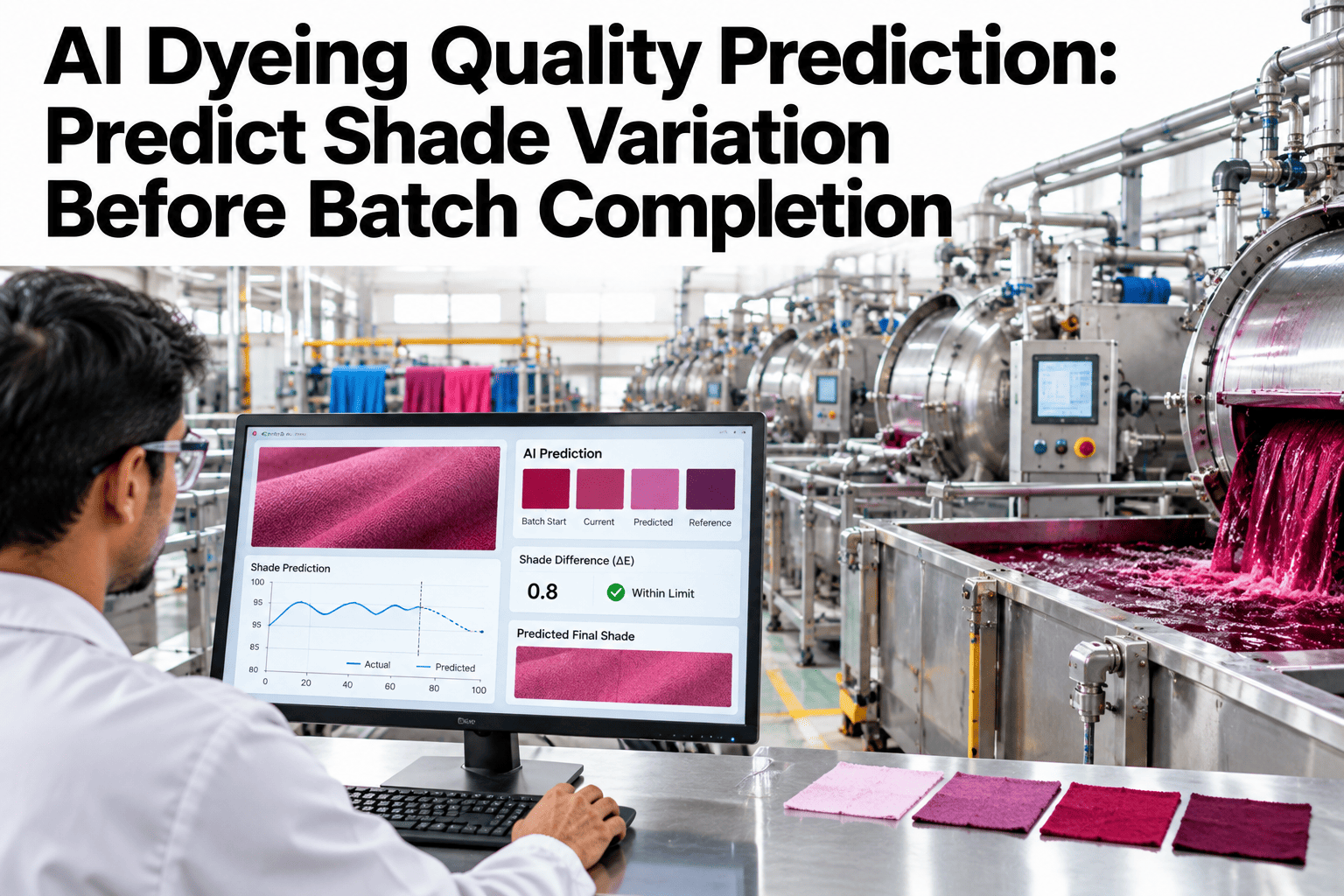
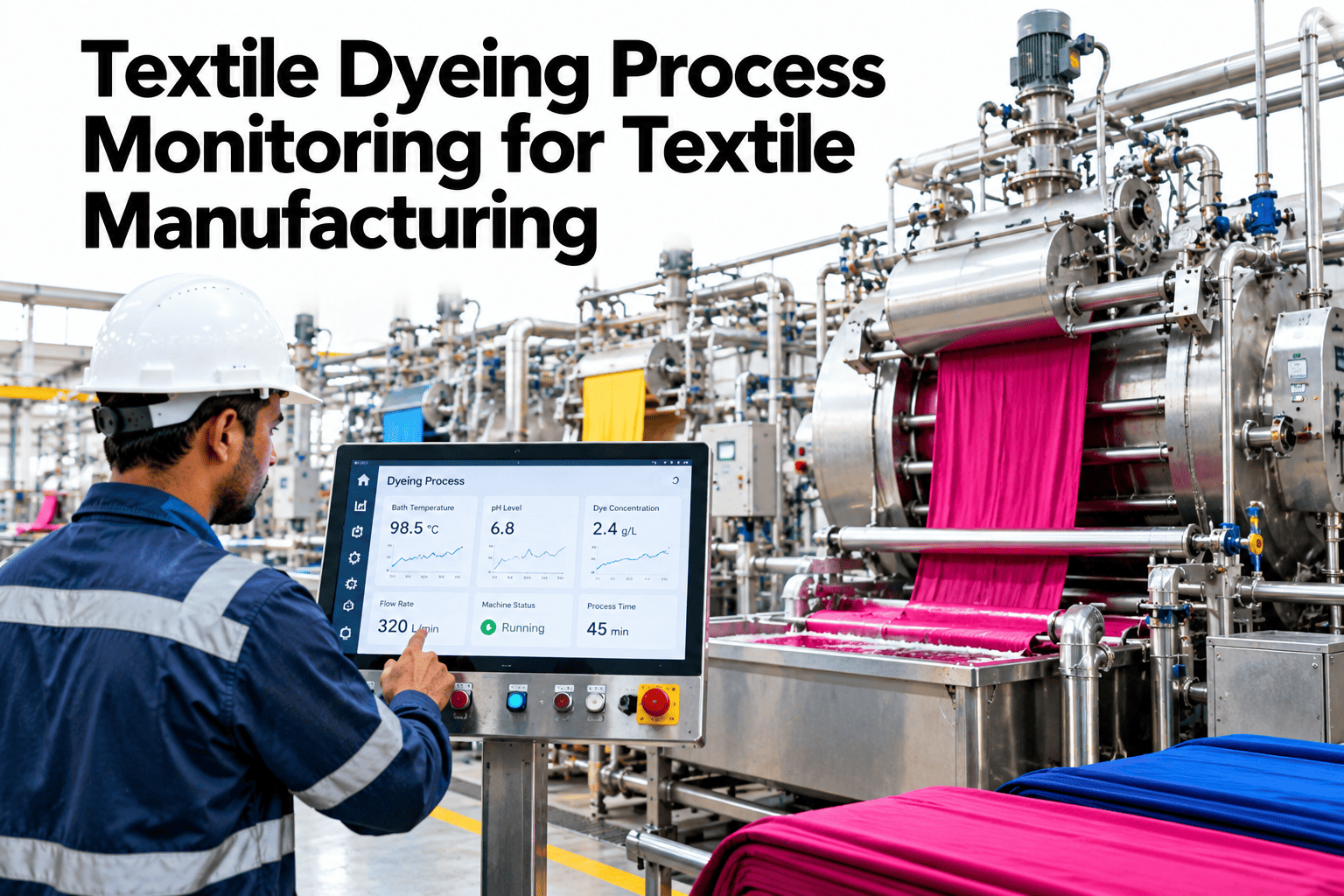
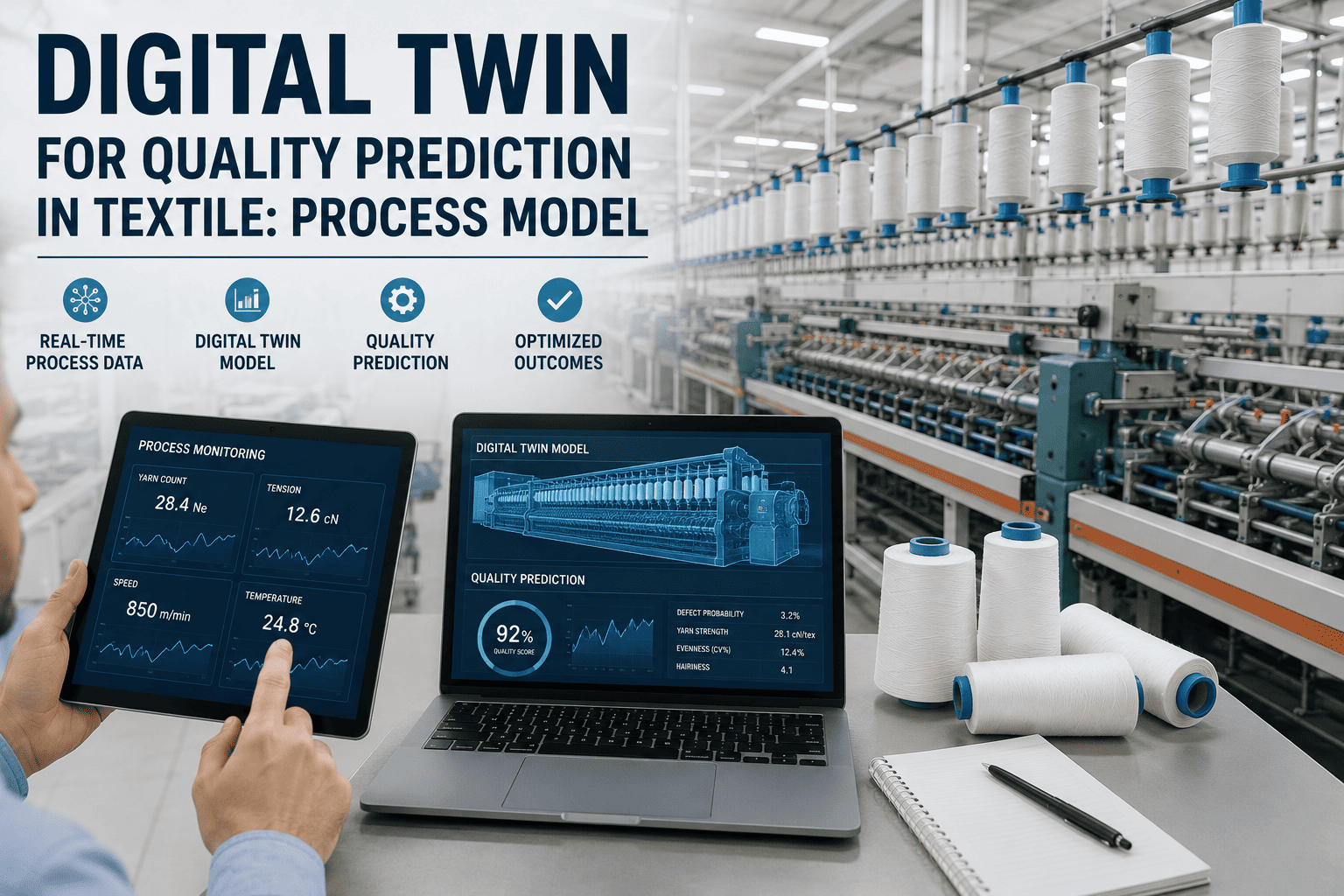
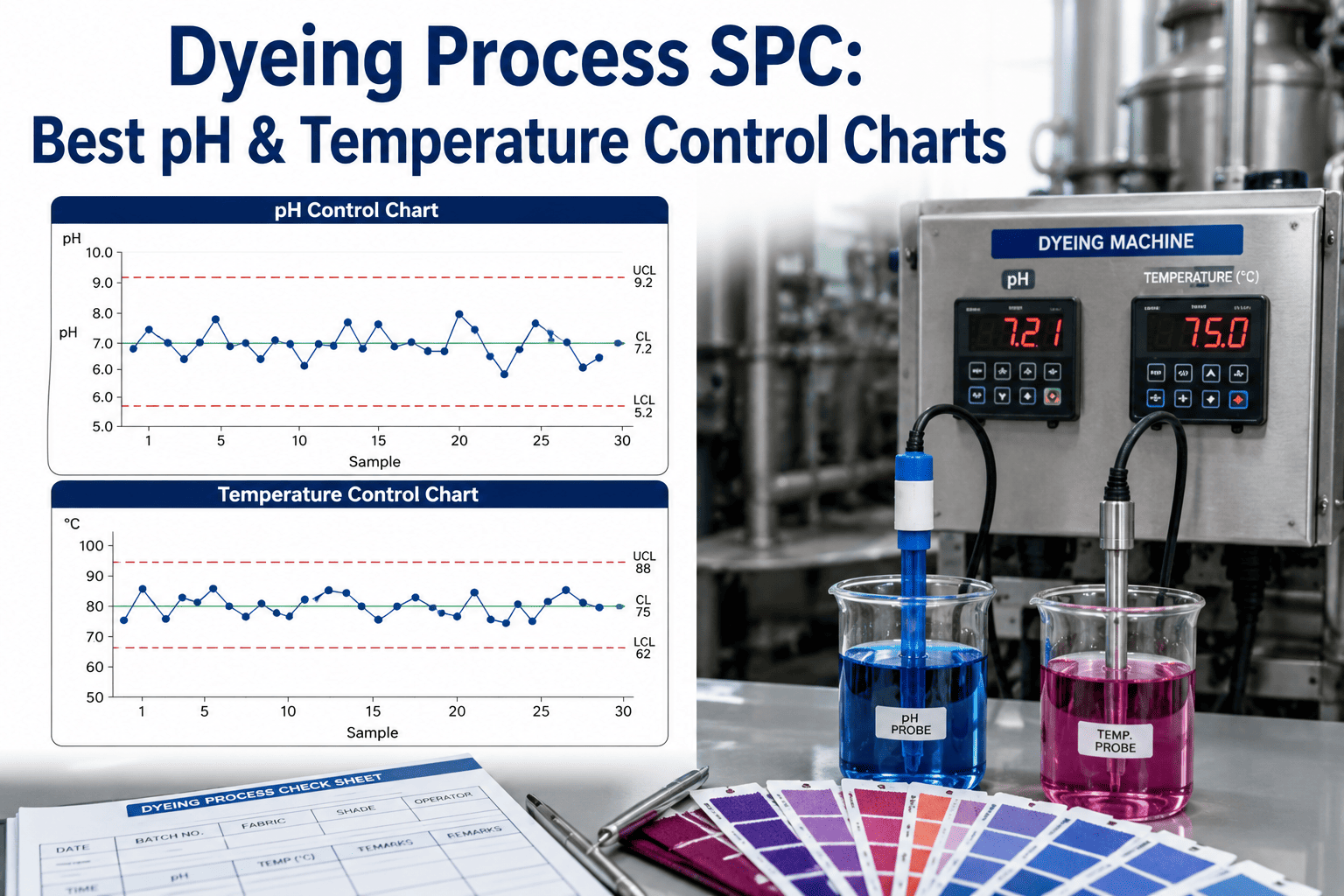
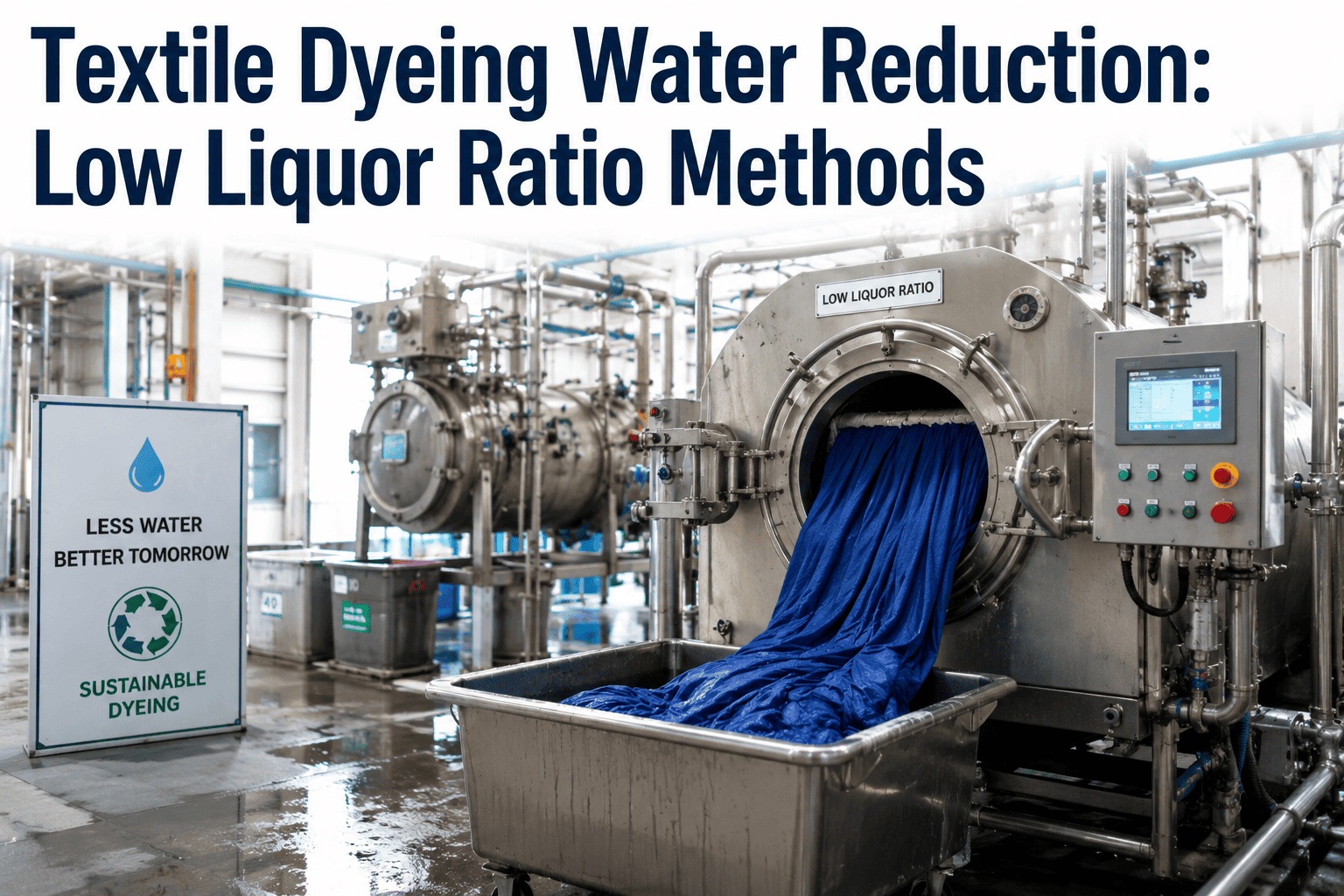
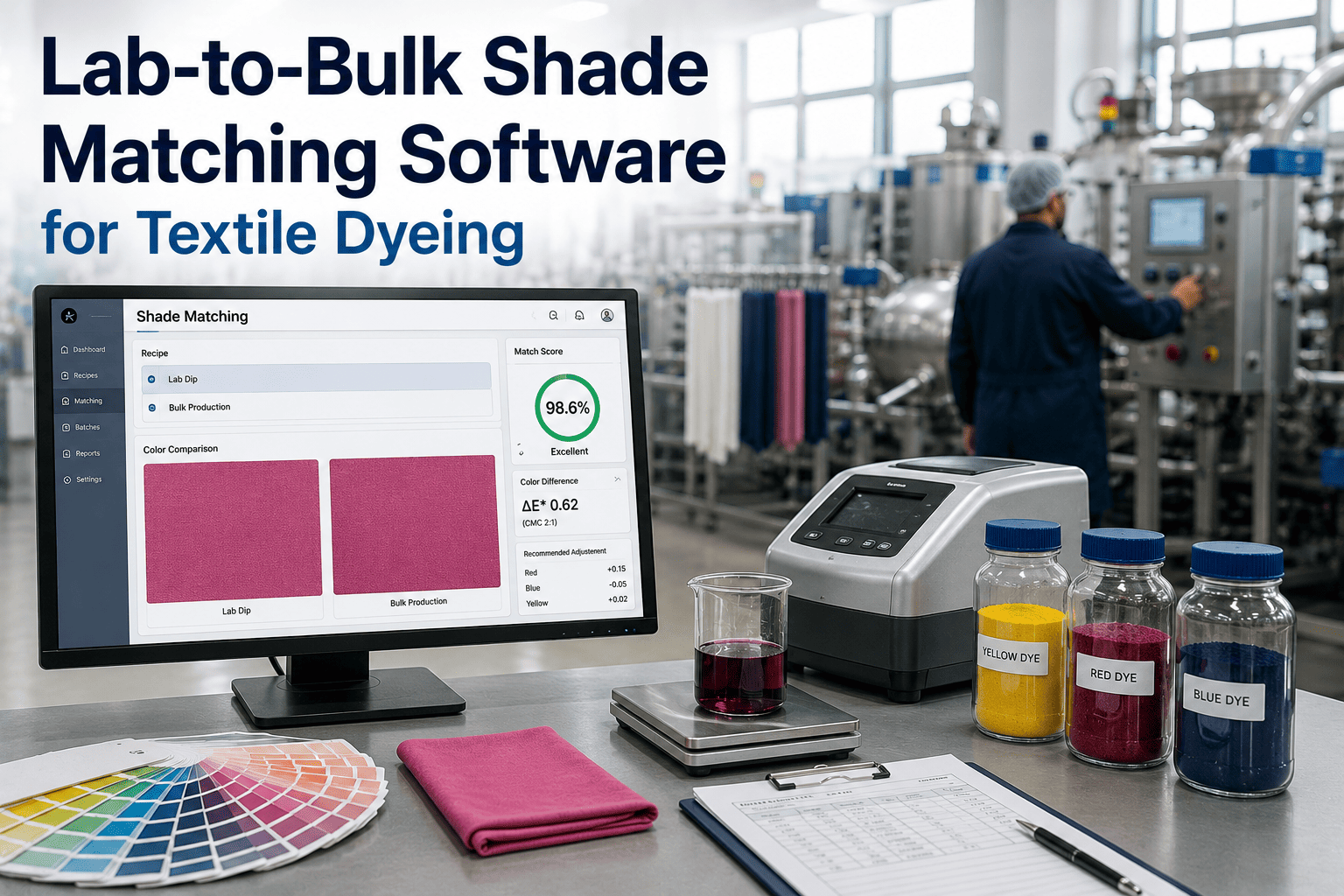
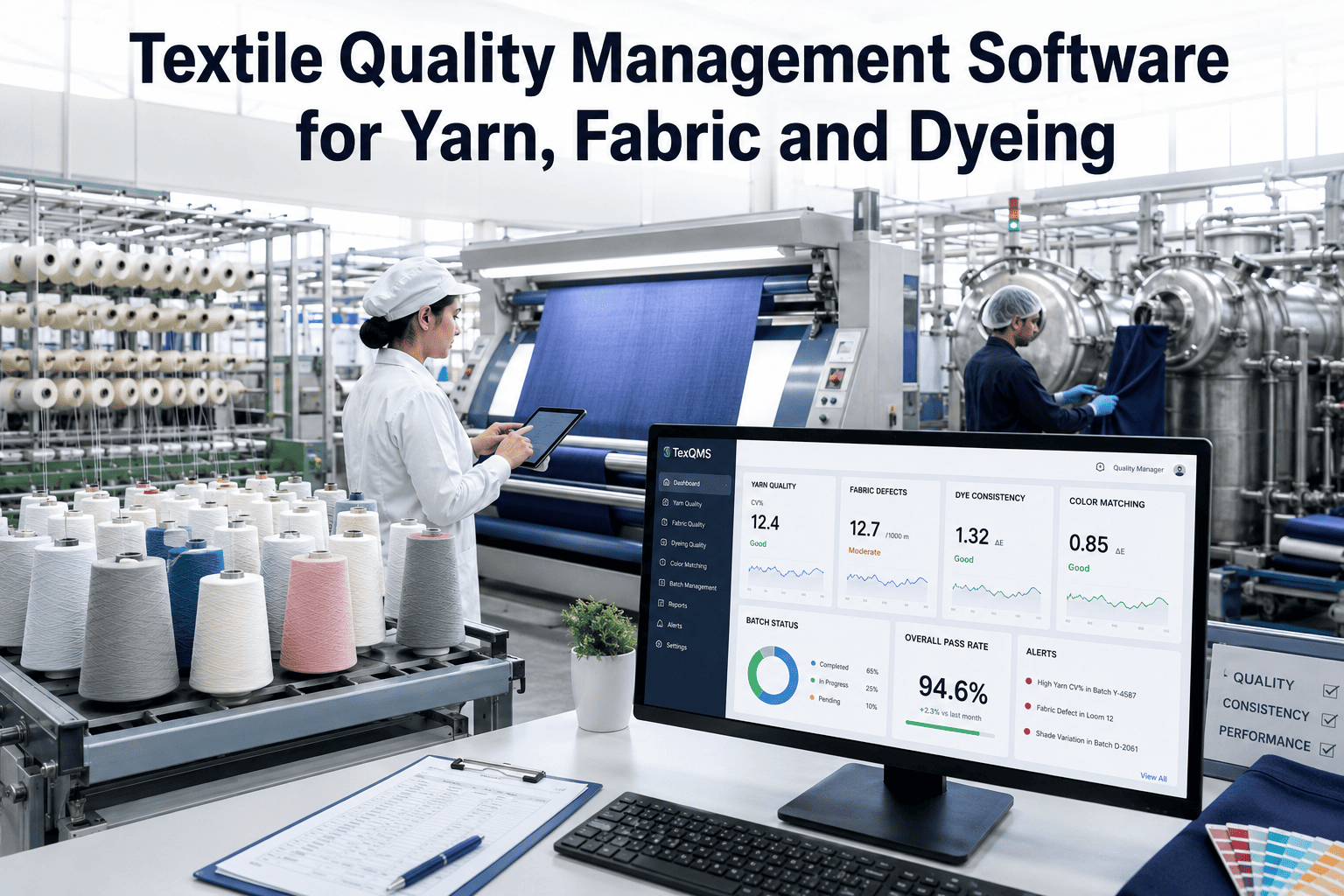
Most shade mismatches don't come from a wrong recipe — they come from process discipline slipping during an otherwise correct recipe, as liquor ratio drifts, a heating ramp overshoots, or alkali dosing lands a few minutes off schedule. iFactory, an on-premise AI platform with quality analytics built in, watches temperature, pH, and liquor ratio against the approved process window while the batch is still running. Dyehouse quality teams who want this risk visibility before batch completion can request a demo with our team.
Dyeing Shade Risk Alerts · Recipe & Process Drift, 2026
The Recipe Was Right. The Process Drifted. The Shade Still Missed.
iFactory AI tracks temperature, pH, and liquor ratio against the approved process window in real time, flagging shade risk while the batch can still be corrected.
Liquor ratio driftΔE 0.6–1.4
Alkali dosing timingΔE 1.5–3.0
Temperature ramp rateVariable
Why the recipe is rarely the actual cause
A Recipe Defines Chemistry. The Batch Still Needs Discipline.
A dyeing recipe specifies target temperature, pH, chemical concentrations, and timing — but a batch is dyed by a machine and an operator following that recipe in practice, and small real-world deviations accumulate across the cycle. Industry troubleshooting literature consistently names liquor ratio variation, pH variation, temperature variation, and chemical dosing timing as the leading causes of shade mismatch, more often than the recipe formulation itself.
What to watch during the cycle
Four Process Variables That Drive Most Shade Risk
Liquor ratio
Even a modest change in the material-to-liquor ratio shifts dye exhaustion and the final shade.
pH
Incorrect or drifting pH changes dye exhaustion and fixation behavior through the cycle.
Temperature ramp
Heating too fast or too slow, or holding too briefly at peak, changes how the dye actually fixes.
Dosing timing
Salt and alkali added too early, too late, or too quickly can cause uneven dye uptake.
Risk, not certainty
A Flag Is an Elevated Probability, Not a Guaranteed Failure
| Risk level | What it means | Typical response |
|---|
| Low | Process parameters tracking within the validated window | No action needed, batch proceeds |
| Elevated | One or more parameters drifting toward the edge of tolerance | Operator reviews and can correct mid-cycle |
| High | Multiple parameters outside tolerance, or a known high-impact deviation | Closer inspection at lab check, possible early correction |
See What Your Recent Batches' Process Data Would Have Flagged
Share your recent dyeing cycle logs and shade approval results, and iFactory AI will show which batches would have been flagged as at risk before completion.
Acting before completion
Why Timing Is the Whole Value of a Mid-Cycle Flag
A shade mismatch caught at the spectrophotometer after the batch finishes means the dye, water, salt, and alkali for that entire batch are already spent — a re-dye repeats nearly all of that cost. A risk flag raised while the batch is still running gives an operator the chance to adjust a dosing or temperature parameter before the outcome is locked in, which is the entire difference in value between a process alert and a finished-batch inspection.
Building the risk model
What the System Needs to Learn First
1
Log confirmed outcomes
Historical batches with known shade approval or rejection results, paired with their cycle data.
2
Identify the deviation pattern
Which process variable deviations actually correlated with the confirmed shade failures.
3
Set risk thresholds per recipe
Different dye classes and shades tolerate different amounts of process variation.
4
Validate against new batches
Flagged batches are checked against actual lab results to confirm and refine the model.
Expert review
What a Dyehouse Quality Lead Checks First
Shade risk alerting earns trust when the flagged variable is specific enough for an operator to actually act on mid-cycle, not a vague "something is off" warning.
Verdict
Strong when risk thresholds are set per recipe and dye class, since tolerance for process variation genuinely differs between them.
Watch for
A model trained on too few confirmed shade failures to distinguish a real pattern from coincidence.
Do next
Pull your last several re-dyed batches and check which process variables were actually logged for them, and whether any were already drifting before the lab caught it.
Frequently asked questions
What Dyehouses Ask About Shade Risk Alerts
Is the recipe usually the actual cause of a shade mismatch?
Industry dyeing troubleshooting literature points more often to process variables like liquor ratio, pH, temperature, and dosing timing than to the recipe formulation itself as the leading causes of batch-to-batch shade variation.
Discuss your most common causes of shade mismatch.
Can an operator actually fix a flagged risk mid-cycle?
In many cases yes — a drifting temperature ramp or a dosing timing issue caught early enough can often be corrected before the batch completes, which is the entire value of a mid-cycle flag over an end-of-batch test.
Ask support what corrections are typically possible.
What data do we need logged to build a risk model?
Temperature, pH, and liquor ratio data through the cycle, paired with confirmed shade approval or rejection outcomes for enough historical batches to establish a real pattern.
Discuss your current cycle logging.
Does this replace spectrophotometer shade approval?
No — spectrophotometer testing remains the confirmatory check at batch completion; the risk alert is an earlier-warning layer that can prompt a closer look or a correction before that final check.
Discuss how this fits your existing QC process.
Can different dye classes have different risk tolerances?
Yes — reactive, disperse, and other dye classes behave differently under the same process deviation, so risk thresholds are typically set per dye class and recipe rather than as one universal rule.
Talk through risk thresholds for your dye classes.
Catch the drift while the batch can still be corrected
Flag Shade Risk From Process Drift Before Completion
Book a demo to see how iFactory AI tracks your dyeing process against the window that actually predicts shade outcomes.