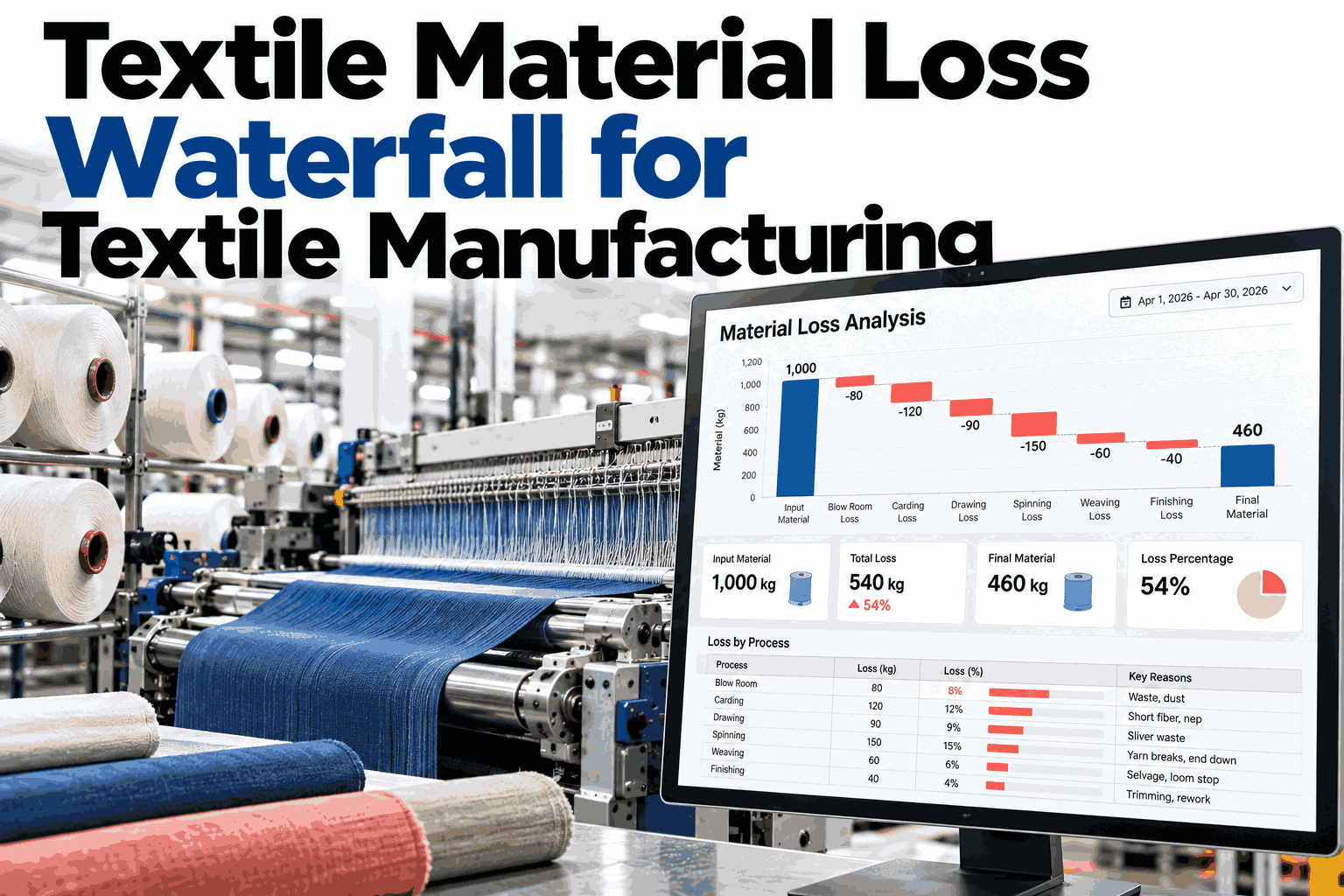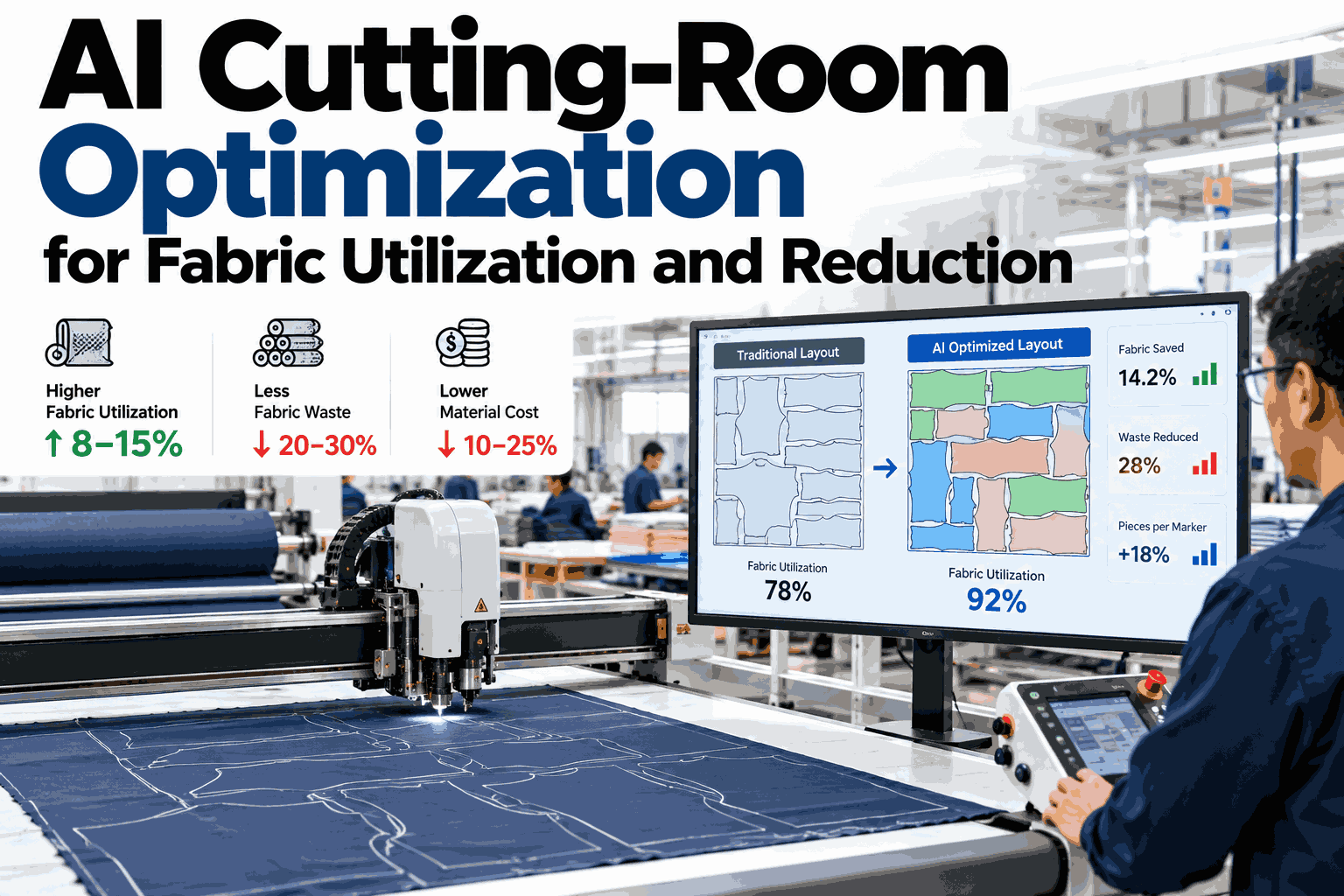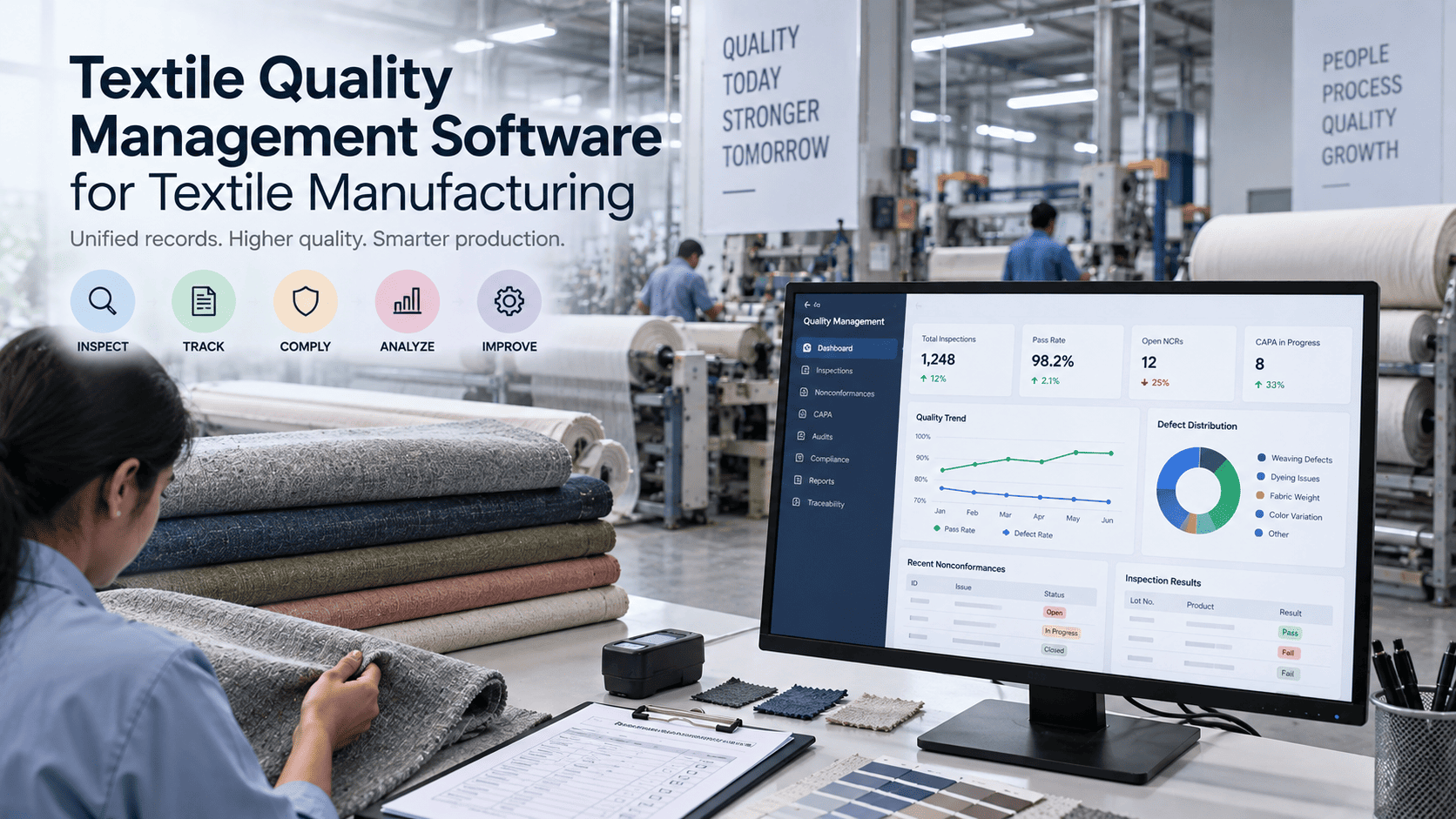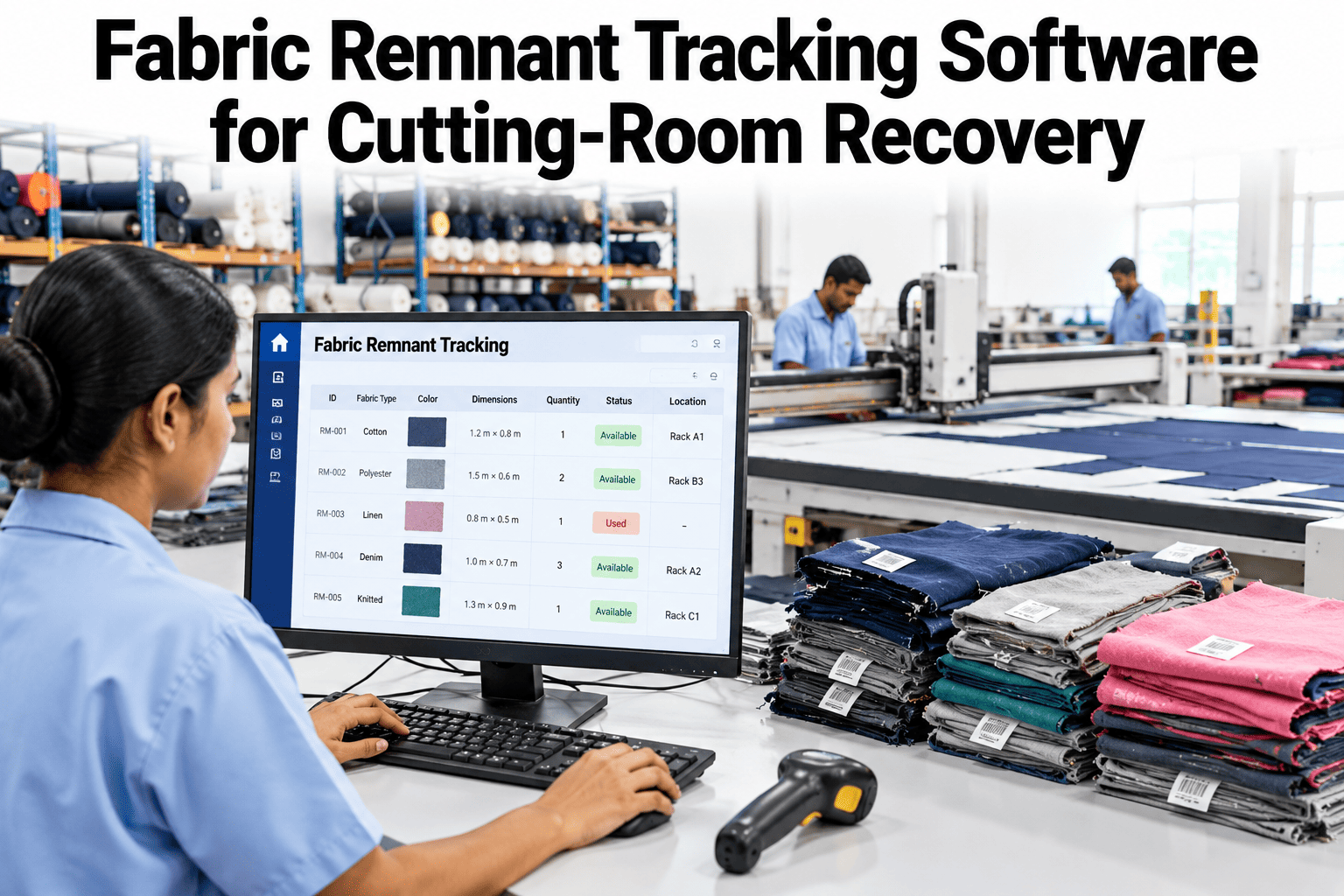
A cutting room can lose a surprising amount of good fabric without ever scrapping a roll. It leaks out as end bits, short pieces and leftover lengths that nobody measured, labelled or planned to use. Tracking those remnants turns them back into stock. See how iFactory AI follows each roll and remnant on a live cutting floor.
Every Metre Accounted For, Down to the Last End Bit
iFactory AI follows each roll through spreading and cutting, so remnants are measured, tagged and used before new fabric is opened.
How Good Fabric Turns Into Dead Stock
Most factories do cut garments with leftover pieces, but the saving is often accidental. A length gets saved for a later part change, then sits on a shelf, and in the end nobody can say what it is or how much of it there is.
A lay ends
The last ply runs short of the marker, so a length of fabric is left on the roll.
It gets set aside
Someone rolls it up and shelves it, with a rough note or none at all.
It goes unseen
The planner cannot see it, so the next order opens a fresh roll.
It turns to dead stock
After shipment, the length is old stock with no style to match.
Sources of Remnants
Remnants are not one thing. Each source has its own size, its own risk of being lost and its own best use. Naming them is the first step to tracking them, and it also shows which sources your own floor produces most.
| Source | When it appears | Typical length | Main risk |
|---|---|---|---|
| End of roll | The roll runs out before the lay is complete | Short to medium | Left on the roll and shelved unmeasured |
| Splice | Two rolls are joined to finish a ply | Overlap pieces | Hard to log, so treated as lost |
| End allowance | Extra length is laid at each end of a ply | Short strips | Quietly grows when plies are cut long |
| Defect cut-out | A flaw is cut around or removed in the lay | Short pieces | Mixed with sound fabric in one bin |
| Part change | A late change needs a few more pieces | Small bundles | Cut off a new roll when a remnant would do |
| Order cancelled | Rolls are issued but the style does not run | Long lengths | Returned unlabelled and forgotten |
The Life of a Tracked Remnant
A remnant that is tracked follows five steps. Each is quick, and together they replace the shelf and the guesswork.
Record the true length and usable width as soon as the lay ends.
Print a label with roll, lot, shade, width, length and defects.
Sort it into a usable band so planners know what it can cover.
Store it by lot and shade in a named bay, not in a pile.
The planner sees it and fills a lay with it before opening a roll.
See Your Roll Ends Turn Into Stock
Book a 30-minute session and iFactory AI will walk through roll records, remnant tags and consumption variance on a cutting room like yours.
What a Good Remnant Tag Carries
The tag is the core of the whole system. A tag with eight fields lets a planner decide in seconds, without walking to the shelf.
Four Grades, One Simple Rule
Grading keeps the shelf honest. The bands below are a starting point. Set the length cut-offs with your own pattern pieces in mind.
Full-part lengths
Long enough, wide enough and clean. Can fill part of a lay with big pieces.
Small-part lengths
Good for collars, pockets, cuffs and part changes. Plan these first for small items.
Sample and trim use
Too short for production. Send to the sample room or use for trims.
Defective or tiny
Logged with a reason, then taken off the shelf and counted as loss.
Small Parts That Soak Up Short Lengths
Short remnants are not useless. A garment has many small pieces, and the right grade of remnant can cover them. The trick is to plan these parts on purpose, not by luck.
Collars and stands
Compact, repeated pieces that fit well on a narrow remnant.
Cuffs and plackets
Long and thin, so they suit a remnant with good length and little width.
Pockets and flaps
Small blocks that nest well into the corners of an awkward piece.
Facings and linings
Hidden pieces that can often use a second-best grade with no visible effect.
Part-change pieces
A few late pieces for a live order, cut off a tagged remnant of the same lot.
Samples and trims
Grade C lengths that serve the sample room and keep production fabric free.
Planning With the Remnant Bank
Remnants only help if the cut order plan can see them. When the planner builds a lay, the remnant bank should show first, with matching lot, shade and width. The plan then fills the lay out of the bank and opens a new roll only for the balance.
Over a season this habit compounds. Each lay that uses the bank leaves one fewer partial roll behind, which means fewer new end bits to track. The shelf stays small, the stock stays fresh, and the planner trusts the numbers enough to use them. Without that trust, people go back to opening a new roll out of habit.
Why Buying Buffers Hide Waste
Factories add small safety margins at many stages. Each one is sensible alone, but together they can stack up and cover real loss. The same Apparel Resources feature lists the usual ones.
About 10 cm
Added for large sizes in the planned consumption.
3 to 5%
Added for cutting wastage.
2%
Added for shrinkage and fabric defects.
5%
Added in case more garments ship than ordered.
When every buffer is guessed and none is measured, the extra fabric turns into leftover stock after shipment. Tracking remnants shows how much of each buffer was truly used, so the next buying plan can be tighter and still safe.
Common Leaks in a Cutting Room
The Reconciliation Report That Finds the Gap
A fabric reconciliation report compares what was issued with its final place. The gap between the two is the number to investigate. The example below is made up, but the shape is typical.
| Line | Metres | What it tells you |
|---|---|---|
| Issued to cutting | 10,000 | The starting point for the order |
| Laid and cut | 8,200 | Fabric that became parts |
| Remnants tagged | 450 | Usable stock that went back to the bank |
| Offcuts | 300 | Short pieces for trims and samples |
| Scrap with reason | 350 | Selvedge, defects and splice loss, each logged |
| Unaccounted | 700 | The gap, 7% of issue, and the place to start the search |
A large gap does not always mean theft or error. It can point to roll lengths that differ off the supplier label, shrinkage beyond the allowance, or lays cut longer than planned. The point of the report is to narrow the search, so the team checks the likeliest cause first and keeps a record of what it found.
Spreading Data Is the Missing Link
Remnants start in the lay, so the lay is the start of the data. If spreading records show length, layers and fabric used, the leftover can be worked out for every roll.
Roll in
Roll ID, lot, shade, width and starting length at issue.
Lay made
Marker, ply count, lay length and who spread it.
Roll out
Length left on the roll, measured and not guessed.
Gap check
Used length against the plan, with any difference flagged.
What a Planner Must Check Before Using a Remnant
Saving fabric must never cost quality. Four checks keep reuse safe, and each one can be built into the plan so nobody has to remember it.
| Check | Why it matters | What to confirm |
|---|---|---|
| Lot and shade | Different dye lots can look different inside one garment | Same lot, or an approved mix for that style |
| Usable width | A narrower piece may not fit the planned marker | Width at least equal to the marker width |
| Defect map | Flaws can land on visible parts | Flaw positions logged and kept off key pieces |
| Direction and nap | Pile, print and stripe direction affect the look | Direction noted on the tag and matched in the lay |
What Each Team Gains
A Daily Remnant Routine
Habits decide whether tracking survives. This short routine fits into a normal shift and takes only a few minutes per lay. Post it at the lay bench, and treat a missed tag as a missed step, not a minor slip. The boxes are clickable.
People and Software, Each Doing Their Part
Measures That Show Recovery Is Working
| Measure | How to work it out | Review rhythm |
|---|---|---|
| Remnant reuse rate | Remnant metres used divided by remnant metres tagged | Weekly |
| Remnant age | Days each tagged length has been on the shelf | Weekly |
| Unaccounted fabric | Issued minus laid, remnants and logged scrap | Each order |
| Remnant-first lays | Lays that used the bank divided by all lays | Weekly |
| Scrap by cause | Scrap metres grouped by reason code | Monthly |
| Actual against plan | Fabric used per style against the costed figure | Each order |
How iFactory AI Supports Cutting-Room Recovery
iFactory AI links roll records, cutting data and fabric use, so the gap between plan and actual is visible while the batch is still being cut.
Roll and lot records
Each roll carries its lot, shade and width through spreading and cutting.
Remnant tags and grades
Leftover lengths are measured, labelled and graded so planners can find them.
Plan against actual
Fabric used is tracked against planned use by style, lot and cutting line.
Marker efficiency view
Marker efficiency sits beside spreading data, so loss is traced to its stage.
Drift alerts
Variance is flagged while a batch is still being cut, not after it ships.
Reconciliation report
Issued, laid, remnant and scrap metres roll up into one report per order.
A 90-Day Starting Plan
Count what exists
Measure and tag the current shelf stock. Learn the true starting number.
Tag every new end
Make measuring and tagging a fixed step at the end of each lay.
Plan remnant-first
Show the bank to planners and set a rule to use it before opening rolls.
Reconcile and review
Run the report on each order, chase the gap and add the next cutting line.
Frequently Asked Questions
What is fabric remnant tracking?
It is the practice of measuring, labelling and recording every leftover length of fabric so it can be planned into later lays. The goal is to turn end bits into usable stock. Book a demo to see remnant tags in action on a real cutting flow.
Do we need new hardware in the cutting room?
Often very little. Many rooms start with a label printer and a scanner at the spreading area, and link the rest to existing ERP and cutting data. Book a demo and share your current setup, or ask support about integration.
How do we handle shade differences between lots?
Record lot and shade on every roll and tag, and let planning match them. Mixing shades inside one garment is a quality risk, so a mix should always be a deliberate choice. Book a demo to see lot and shade matching in a lay plan.
What produces the saving?
It follows opening fewer new rolls, cutting part changes off remnants, and finding the unaccounted gap in each order. Your own figures depend on your lays and styles. Book a demo and bring one recent order to test the idea.
How long before we see results?
The turnkey build runs 6–12 weeks, and tagging can start as soon as records are linked. Plan a few weeks of clean data before judging reuse rates. Book a demo to plan your first weeks with the team.
Turn Every End Bit Back Into Stock
iFactory AI gives cutting rooms a clear record of every roll, remnant and gap. Book a walkthrough on your own fabric and lays.