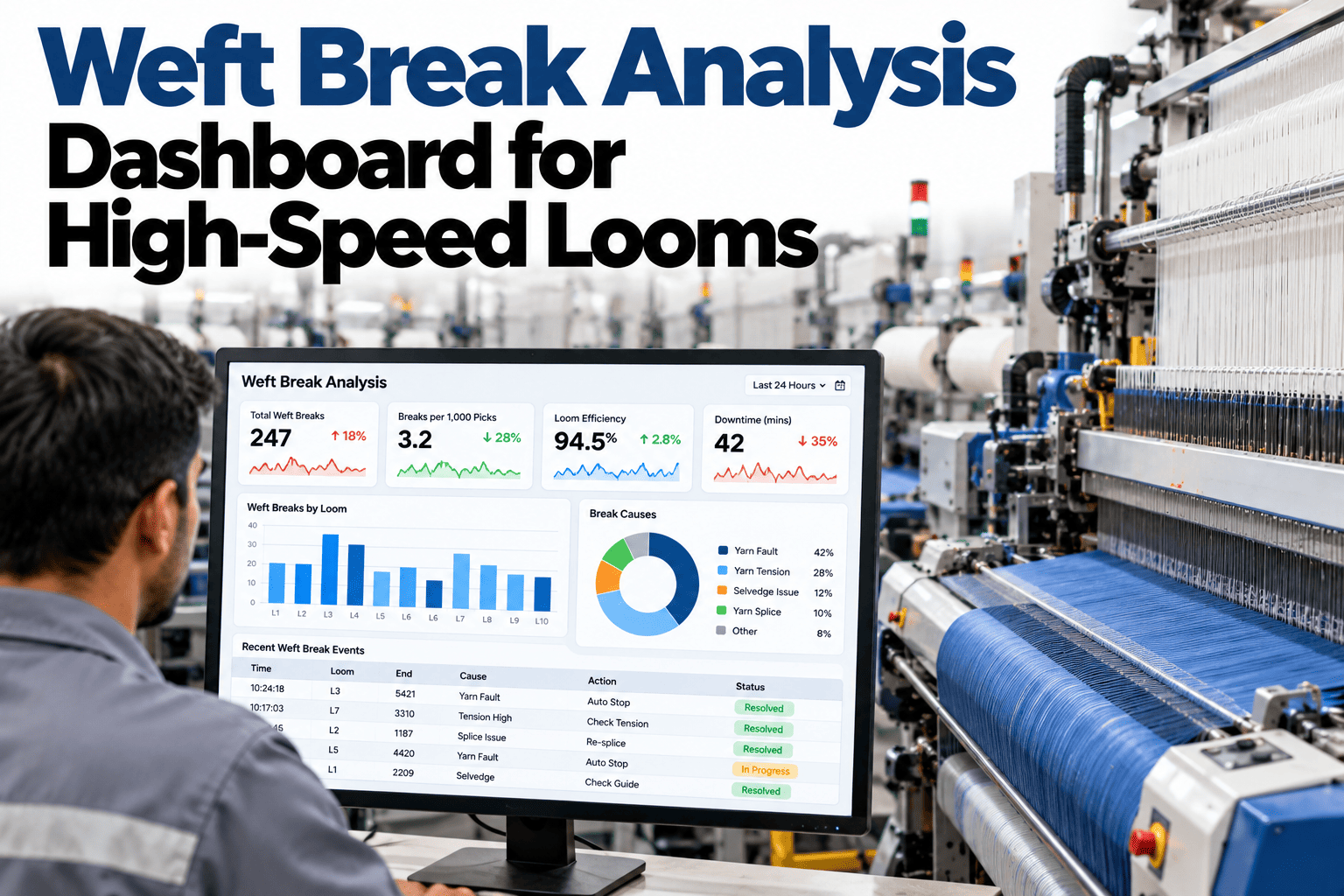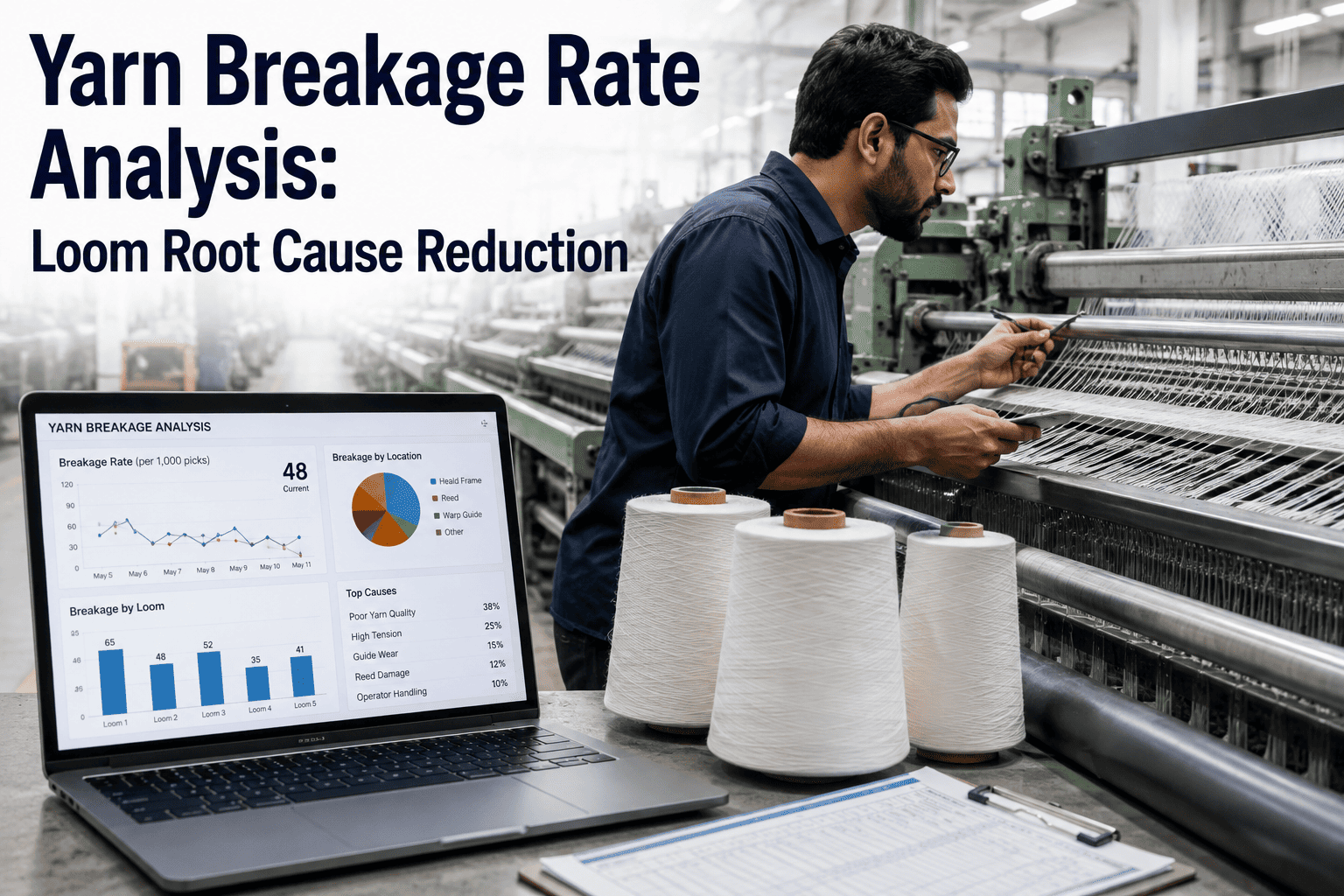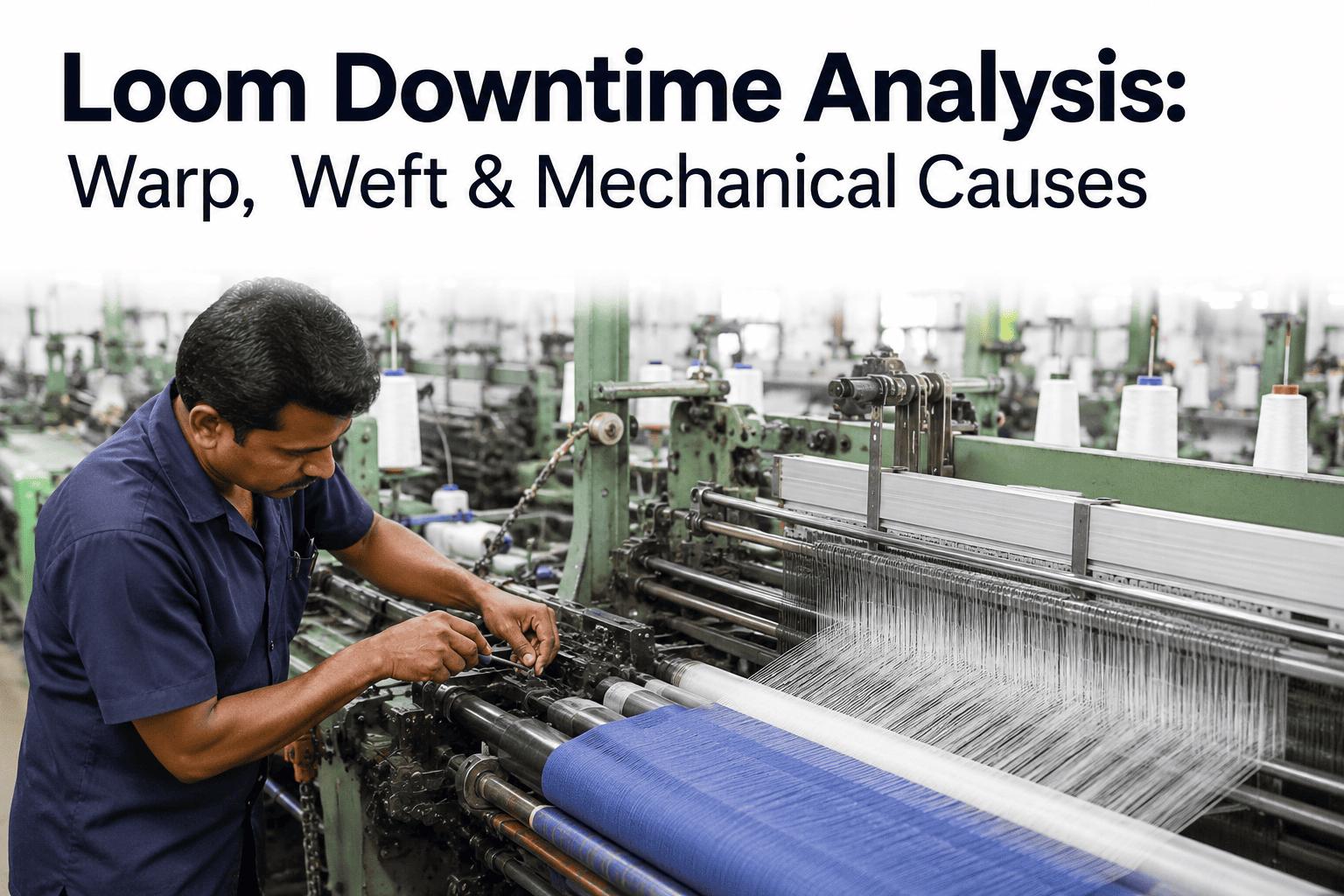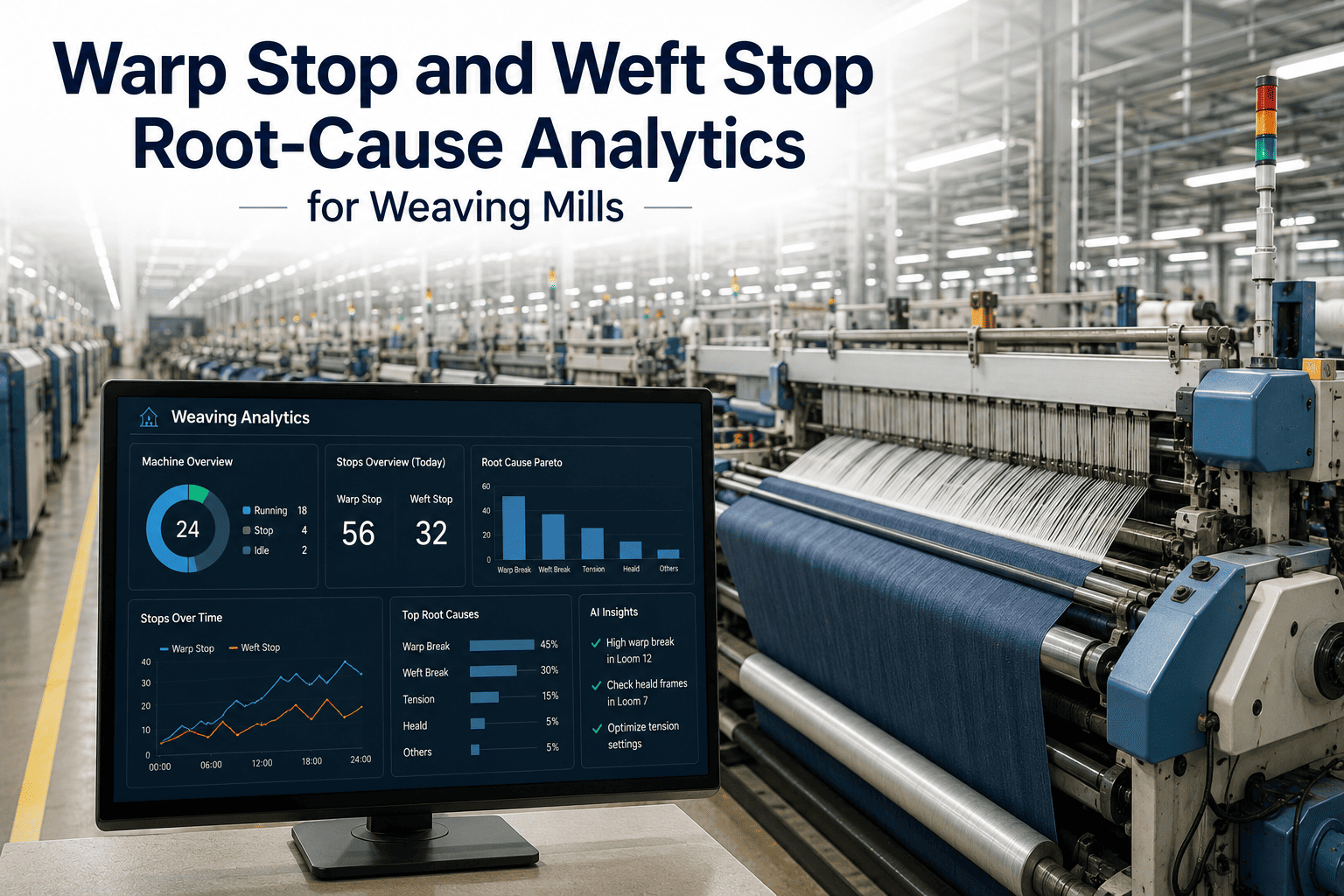
Every weaving shed knows its looms stop, but far fewer know why. Stops get logged as other, unknown or whatever the weaver pressed first, and the data that should guide improvement turns into noise. Stop reason analytics fixes the source by sorting every stop into mechanical, material or process causes and then ranking them by lost time. Teams that want that clarity can ask iFactory AI how stop reasons are captured and categorised.
Know Why Every Loom Stopped, Not Just That It Did
iFactory AI sorts loom stops into mechanical, material and process causes, so improvement effort follows lost minutes instead of opinions.
Where Stop Time Usually Goes
Every shed splits differently, but most stop time lands in a handful of buckets. The bar shows an illustrative split.
Three Families of Stop Reasons
Grouping reasons into families makes ownership clear. Each family points to a different team and a different kind of fix.
Mechanical
Wear, timing and drive faults owned by maintenance and solved by planned repair.
Material
Yarn, package and beam quality owned by preparation and purchasing.
Process
Settings, practices and handling owned by weaving supervision and training.
A Reason Code Table That Works
Short, mutually exclusive codes beat long lists. This table shows how a few well-named codes map to families and owners.
| Reason Code | Family | Typical Owner |
|---|---|---|
| Weft yarn break | Material | Preparation and quality team |
| Warp end break | Material or process | Warping and sizing, then weaving |
| Gripper or nozzle fault | Mechanical | Maintenance |
| Style change | Process | Weaving supervision |
| Waiting for beam or cones | Process | Planning and logistics |
The Hidden Cost of Unknown Stops
Stops coded as other or unknown are the most expensive kind, because nobody can act on them. The chart shows an illustrative before and after.
What a Good Weekly Stop Report Contains
A useful report is short, ranked and owned. This checklist describes what to include and what to leave out.
See Where Your Loom Minutes Actually Go
Book a 30-minute session and iFactory AI will review your stop codes and records to show how much time is hidden in unknown and other.
Stop Coding Hygiene Checklist
Analytics is only as good as the codes behind it. Run through these checks before trusting any ranking.
From Ranking to Action in Four Steps
A ranked list only helps if it triggers a response. This short loop turns analytics into improvement.
List reasons by lost minutes, not by count.
Give each top reason to a named owner.
Run a small, measurable change on the worst looms.
Check the ranking next week to confirm the gain.
A Composite Scenario: When Other Became Something
This is a composite example, not a named weaving unit. It shows how better coding changes priorities.
What iFactory AI Adds
iFactory AI is smart manufacturing and industrial software for textile operations. Explore stop reason analytics in a live product tour to see it on realistic data.
Digging Into Each Family of Stops
Each family needs a different kind of attention. Treating them alike is how improvement efforts stall.
Wear, timing and faults
Look at repeat failures by loom and component, then link them to planned maintenance so the same stop is not repeated.
Yarn, package and beam
Trace stops back to lots and suppliers, and share findings with spinning, preparation and purchasing for action upstream.
Setup, waiting and practice
Standardise style changes, schedule deliveries and train staff on the routines that cost the most time.
Setting Targets for Each Family
A single stop target hides the real picture. Family-level targets give each team something concrete to improve.
| Family | Target Style | Review Rhythm |
|---|---|---|
| Mechanical | Fewer repeat failures per loom | Weekly with maintenance lead |
| Material | Fewer stops per lot received | Weekly with preparation and quality |
| Process | Shorter setup and waiting time | Weekly with weaving supervision |
| Unknown | Share of unexplained stops falling steadily | Weekly with the shed manager |
Mistakes That Corrupt Stop Data
Even a good code list can be undermined by habits. Spotting them early protects the whole analysis.
Codes picked to end the argument
Operators choose the fastest code, not the right one, when review feels punitive.
Frequent code list changes
Constant edits break comparisons over time.
Mixing cause and action
A code should name why the loom stopped, not what was done about it.
No feedback to operators
Without results shared back, coding quality drifts down.
A 30-Day Rollout for Stop Analytics
A month is enough to see a clear ranking if the scope stays small. Here is a realistic path.
Review of Stop Reason Analytics
A practical review of what makes loom stop data trustworthy, written as editorial guidance rather than a named expert quote.
Simplify the code list
A short list used consistently beats a detailed list used carelessly.
Rank by time, not count
Frequent but short stops can matter less than rare long ones.
Give every reason an owner
A reason with no owner stays in the report and never gets fixed.
Frequently Asked Questions
Why are most loom stops coded as other?
Long code lists, unclear names and no feedback make operators pick the quickest option. Simplifying the list and reviewing results with the floor fixes most of it. See how a simplified code list works live in a short walkthrough. Treat the first clean-up as a reset, since better codes today make every report more trustworthy tomorrow.
Can codes be captured automatically?
Some stops, such as warp or weft breaks, can often be classified from loom signals, while others need an operator choice. A mix usually gives the best data. Automatic classification handles the obvious stops, leaving operators to confirm only the ones that need judgement.
Who should own the stop reason ranking?
A weaving manager usually owns the overall ranking, with each family owned by the relevant team. Ask support how owner views are configured so each team sees its own priorities. Sharing the ranking in a short weekly meeting keeps every owner aware of what their family costs the shed.
How many reason codes are enough?
Most sheds do well with eight to twelve clear codes. More than that slows operators and reduces accuracy, while fewer can hide important differences. A one-screen code list is faster to use, which is what keeps coding accurate during a busy shift.
How quickly can this show results?
Many sheds see a clearer ranking within a few weeks of cleaning up codes. Book a call to plan your stop analytics rollout around your biggest looms. The first visible change is usually a smaller other category, which makes every later decision easier.
Stop Guessing Why Looms Stop
iFactory AI ranks every stop reason by lost time and gives each one an owner, so improvement becomes routine. Book a walkthrough to see it on your own loom data.