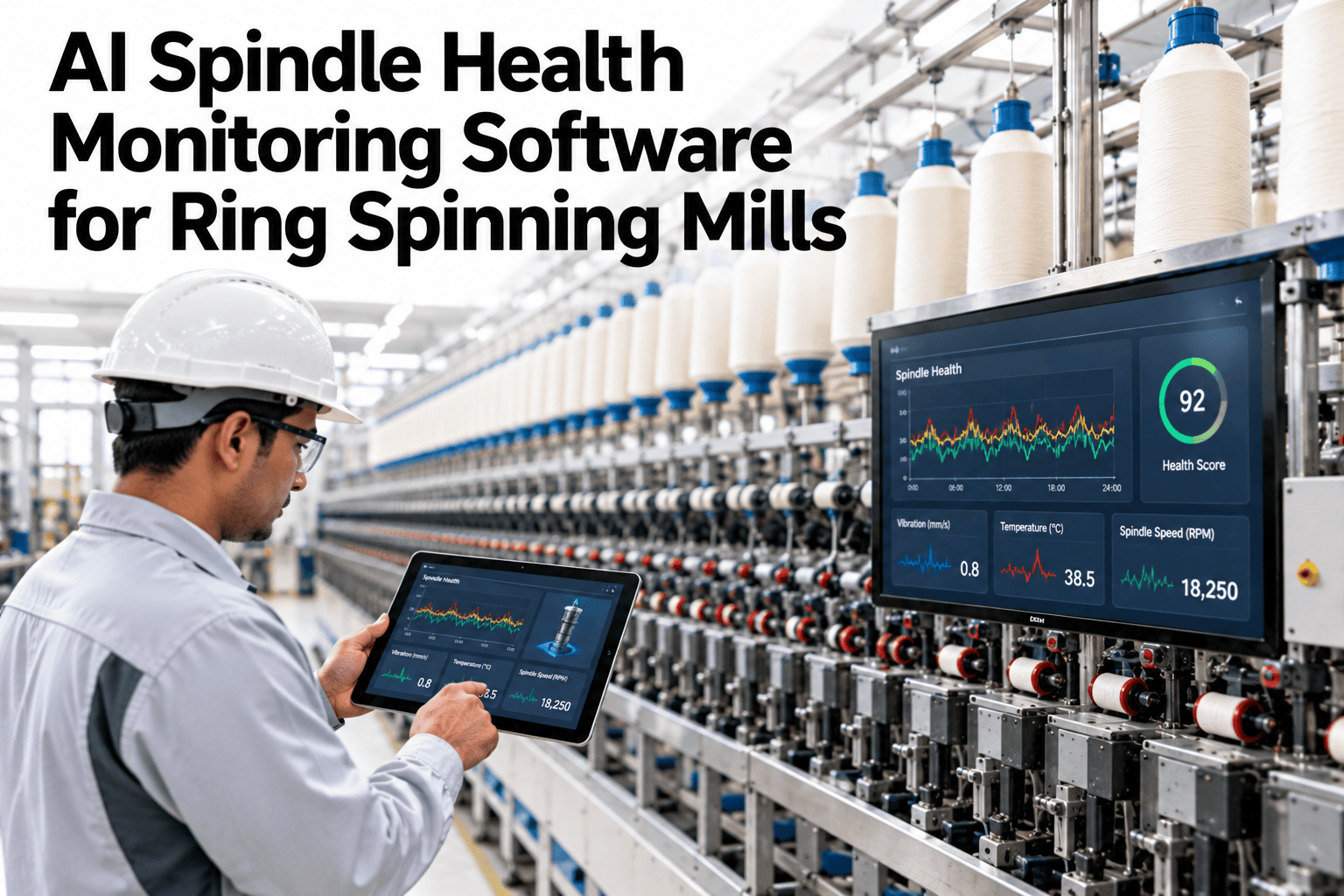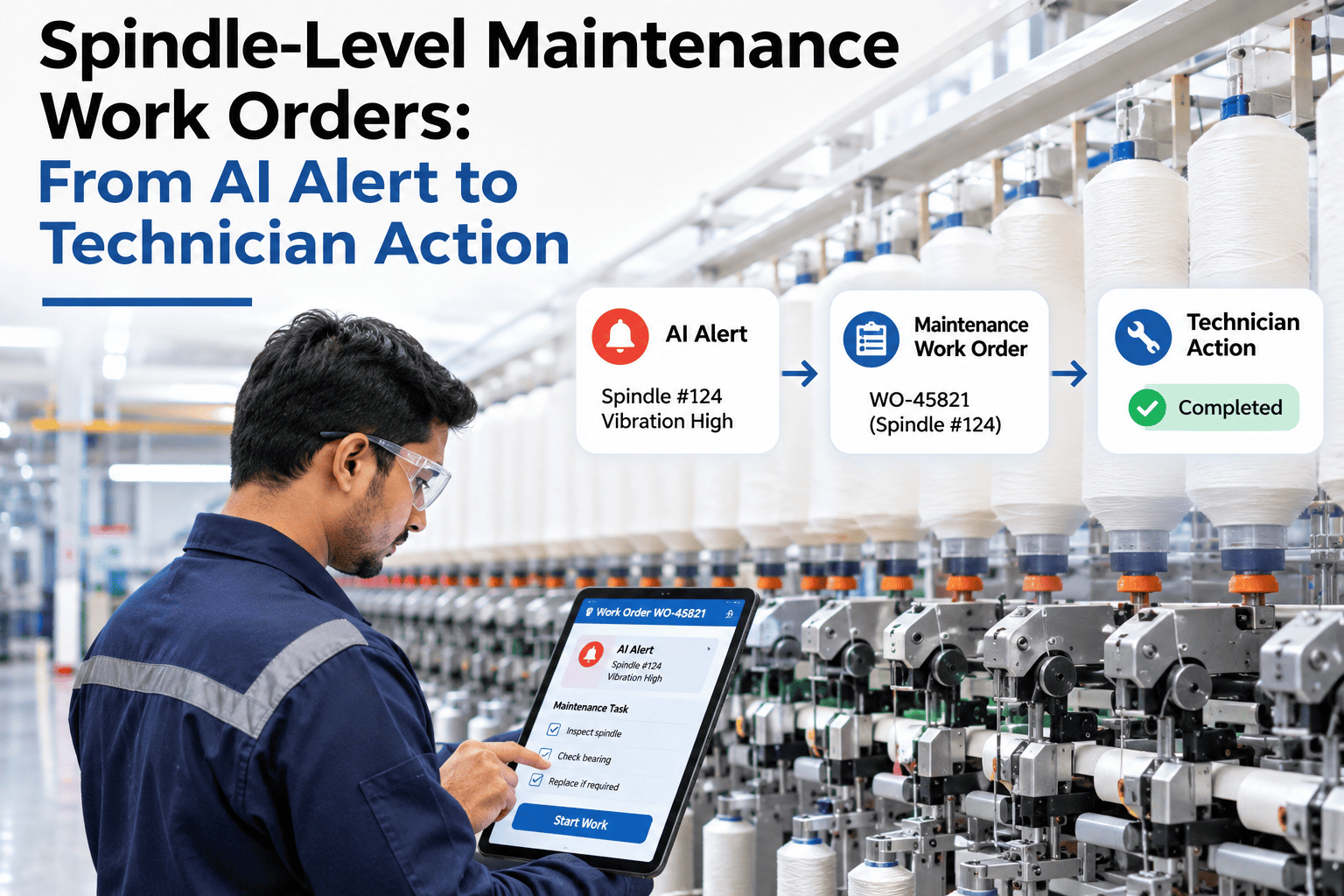
An AI alert flagging a spindle bearing trending toward failure is only useful if it turns into a work order a technician can actually act on — with the right parts, the right procedure, and a way to confirm the fix worked. Too many predictive maintenance pilots stop at the alert, leaving someone to manually figure out what to do with it, which defeats the purpose of catching the problem early in the first place. Spinning mills that want their own alerts connected straight to action can review a spindle alert-to-work-order workflow with iFactory AI.
An Alert That Doesn't Become a Work Order Is Just a Notification
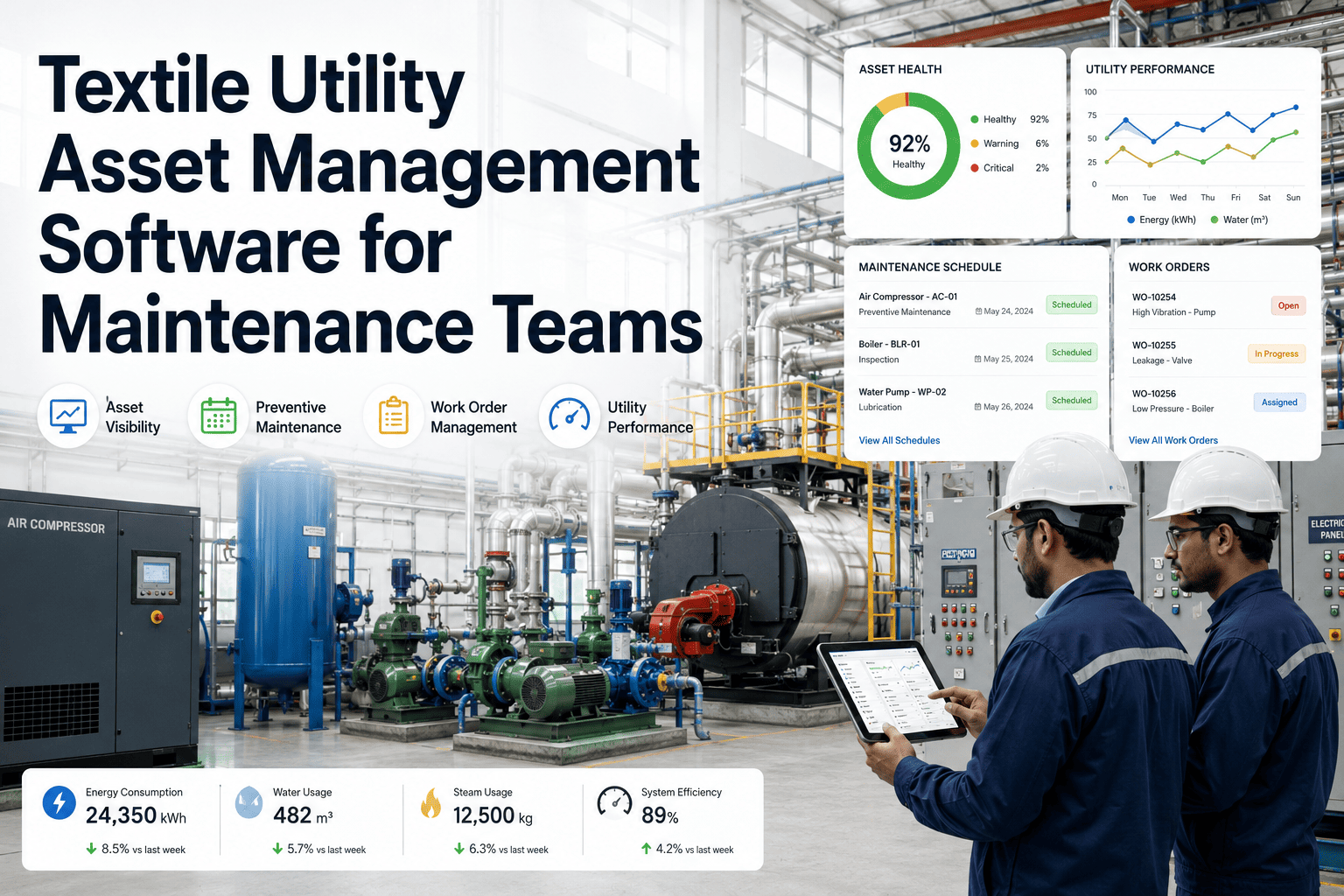
iFactory AI turns spindle condition alerts into prioritized work orders with parts, procedures and a verification step, so emerging failures become planned tasks, not ignored warnings.
From Alert to Action in Five Steps
Why Prioritization Matters More on a Ring Frame With Thousands of Spindles
A single ring frame can carry hundreds or thousands of spindles, and not every alert deserves the same urgency. A spindle trending slowly toward a minor issue should not compete for technician time with one showing signs of an imminent bearing failure — prioritization is what keeps the work order queue usable rather than overwhelming.
| Alert severity | Typical cause | Priority level |
|---|---|---|
| Early drift | Gradual wear, still well within tolerance | Scheduled, next planned maintenance window |
| Moderate trend | Noticeable wear pattern developing | Elevated, addressed within days |
| Severe trend | Imminent bearing or spindle failure risk | Urgent, addressed before next shift |
See How Your Own Alerts Would Prioritize Into Work Orders
Share a sample of recent spindle condition data and a short session will show how alerts would rank and route to technicians.
A Composite Scenario: The Alert That Used to Just Sit in a List
A mill's early predictive monitoring system generated alerts on a dashboard that technicians checked when they had time, with no automatic prioritization or work order creation, so alerts often sat unaddressed for days while technicians worked from a separate, informally prioritized list. Connecting alerts directly to automatically created, severity-ranked work orders — complete with the likely part and procedure attached — meant a severe trend reached a technician's queue the same shift it was detected, rather than waiting in a dashboard nobody had time to review carefully. The difference showed up directly in fewer unplanned bearing failures over the following months, a change iFactory AI's team can help design around your own current alerting setup.
Why Verification Closes the Loop That Most Programs Leave Open
A work order marked complete is not the same as a confirmed fix. Re-checking the spindle's condition after the repair, rather than simply trusting that the replacement part resolved the issue, catches the cases where a repair did not fully address the underlying cause — information that feeds directly back into refining the alert model itself.
Frequently Asked Questions
Turn Every Spindle Alert Into a Work Order Someone Can Act On
iFactory AI connects spindle condition alerts to prioritized, parts-ready work orders with built-in verification. Book a walkthrough with your own data.