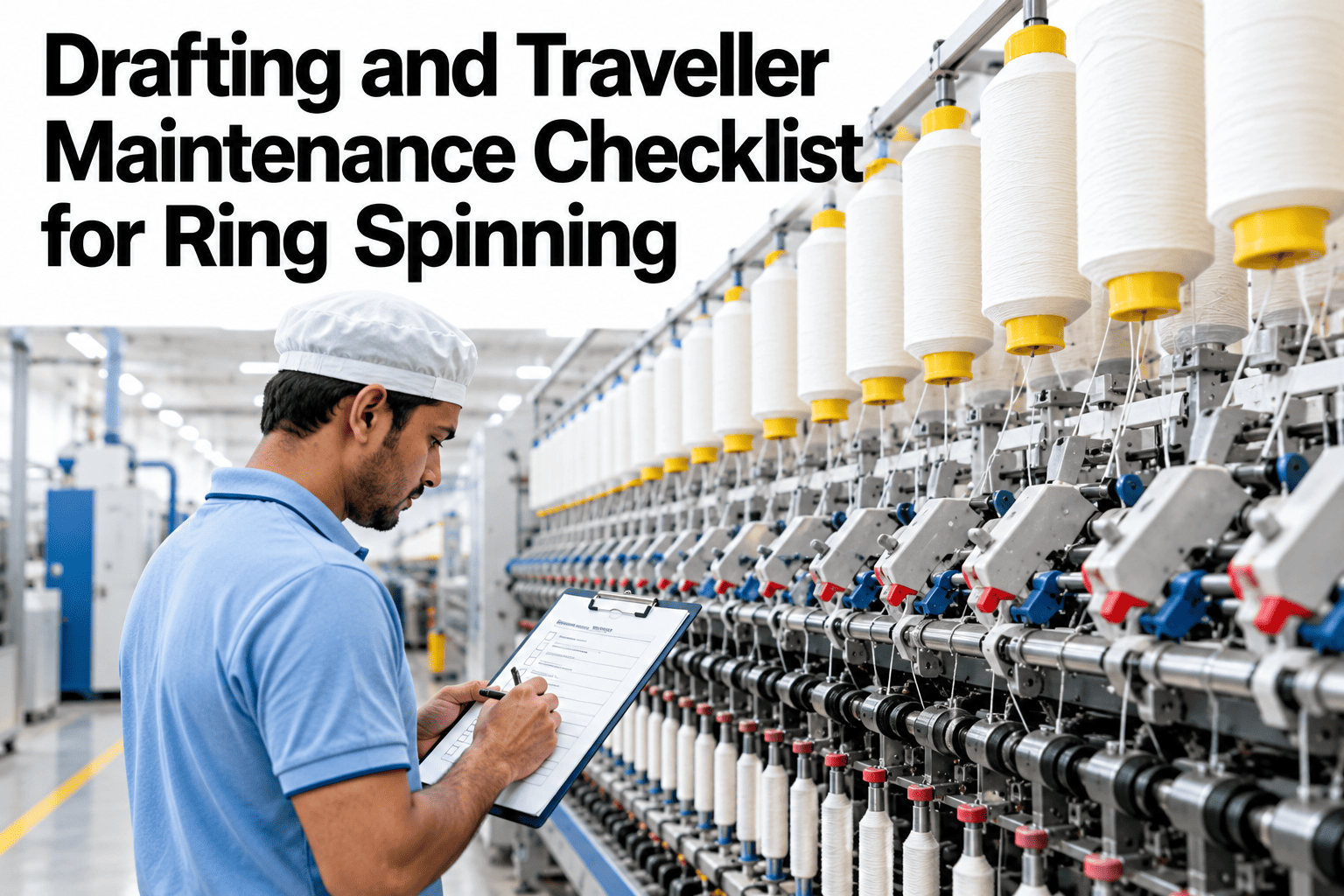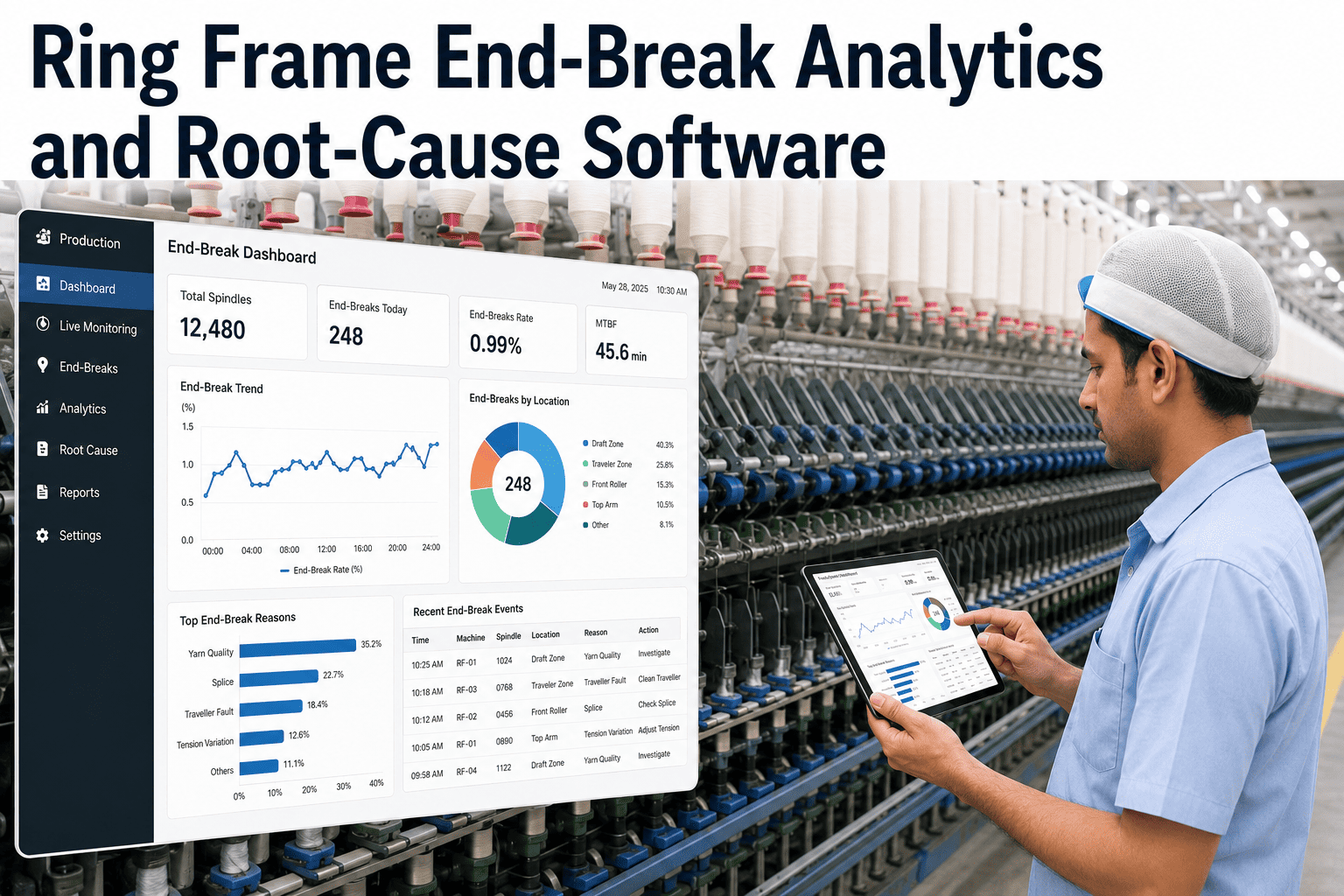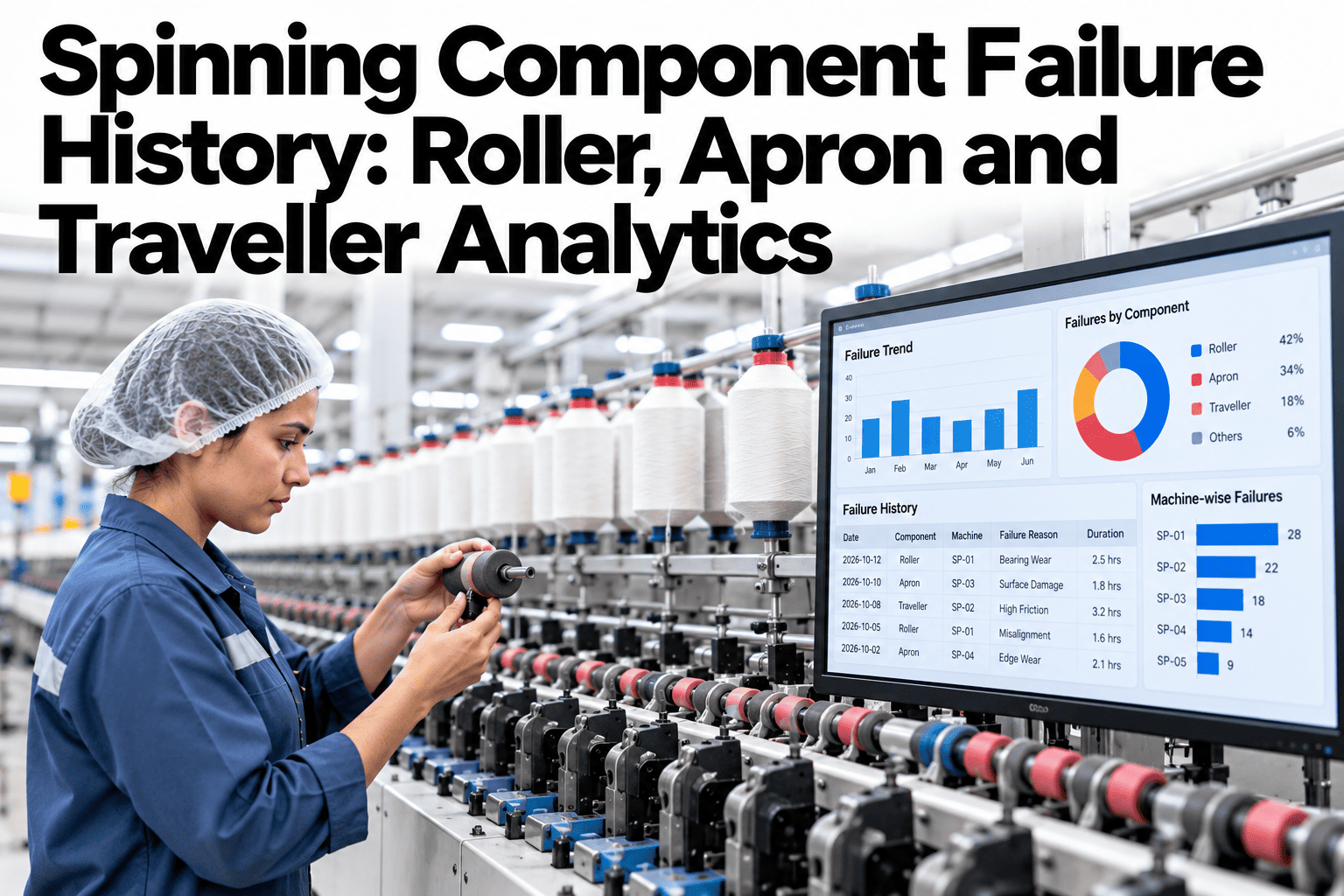
A ring frame runs on three small, constantly moving parts: the drafting roller, the apron and the traveller. Each wears differently, fails differently, and gets replaced on its own schedule, often tracked in a different register or not tracked at all. When yarn quality slips, nobody can say with confidence whether the cause was a worn apron on frame twelve or a traveller nearing its change interval on frame nineteen. This guide covers how component-level failure history is built and what it reveals once roller, apron and traveller data finally sit in one place. Mills ready to see their own component history analysed can book a demo with the iFactory AI team.
Spinning Component Failure History: Roller, Apron and Traveller Analytics
Analyze component failures across drafting rollers, aprons and travellers to find recurring patterns, maintenance gaps and quality-related cost.
Why Three Components Stay Invisible
Rollers, aprons and travellers each wear on a different timeline, and each is usually replaced by whoever notices first, logged in whatever system that shift happens to use, if logged at all.
Without a shared record, nobody can tell whether a quality dip traces back to a component change that was overdue or one that happened right on schedule.
What Each Component's Failure Record Should Hold
A useful failure record answers the same questions for every component, so patterns across frames and shifts become visible.
| Component | Common Failure Mode | Typical Quality Link |
|---|---|---|
| Drafting roller | Surface wear, bearing wear | Uneven draft, thick and thin places |
| Apron | Cracking, glazing, slippage | Irregular yarn, drafting waves |
| Traveller | Wear, burn-out, wrong number for count | End breaks, yarn tension variation |
From Scattered Logs to a Pattern
Building the history follows a short sequence that turns individual replacement events into a view of recurring patterns.
Find the Frame That Keeps Failing
Book a 30-minute walkthrough and see your own roller, apron and traveller failures ranked and linked to quality.
A Sample Frame Record, Illustrative
The figures below are invented to show the shape of a component record, not to benchmark your mill.
Common Component Tracking Mistakes
The same gaps repeat across mills building their first component failure history.
What the Pattern Usually Reveals
Once failure history is grouped and compared, a small number of frames or component batches typically explain most of the repeat failures.
A bad batch of travellers, a frame with a worn ring, or a maintenance interval set too long for a specific count range are common findings once the pattern becomes visible across the whole department.
Frequently Asked Questions
Do we need to replace our current maintenance log?
No, the analytics layer reads from whatever log or CMMS your mill already uses, structuring the data for comparison rather than replacing the underlying system. Ask support how your current log connects.
How far back does failure history need to go?
Ninety days is usually enough to surface a meaningful pattern, though a full seasonal cycle gives a clearer picture for components whose wear rate shifts with humidity or temperature.
Can this distinguish a bad component batch from a frame issue?
Yes, grouping by component lot alongside frame and position helps separate a supplier quality issue from a mechanical issue specific to one frame. Book a demo to see both views compared.
Does this connect to our quality inspection data?
In most cases, yes. Linking component change records to quality incidents on the same frame is what turns a maintenance log into a cost-of-failure view.
Stop Guessing Which Component Is Costing You Quality
iFactory AI joins roller, apron and traveller history with quality data to find your real repeat failures. Book a walkthrough built around your mill.