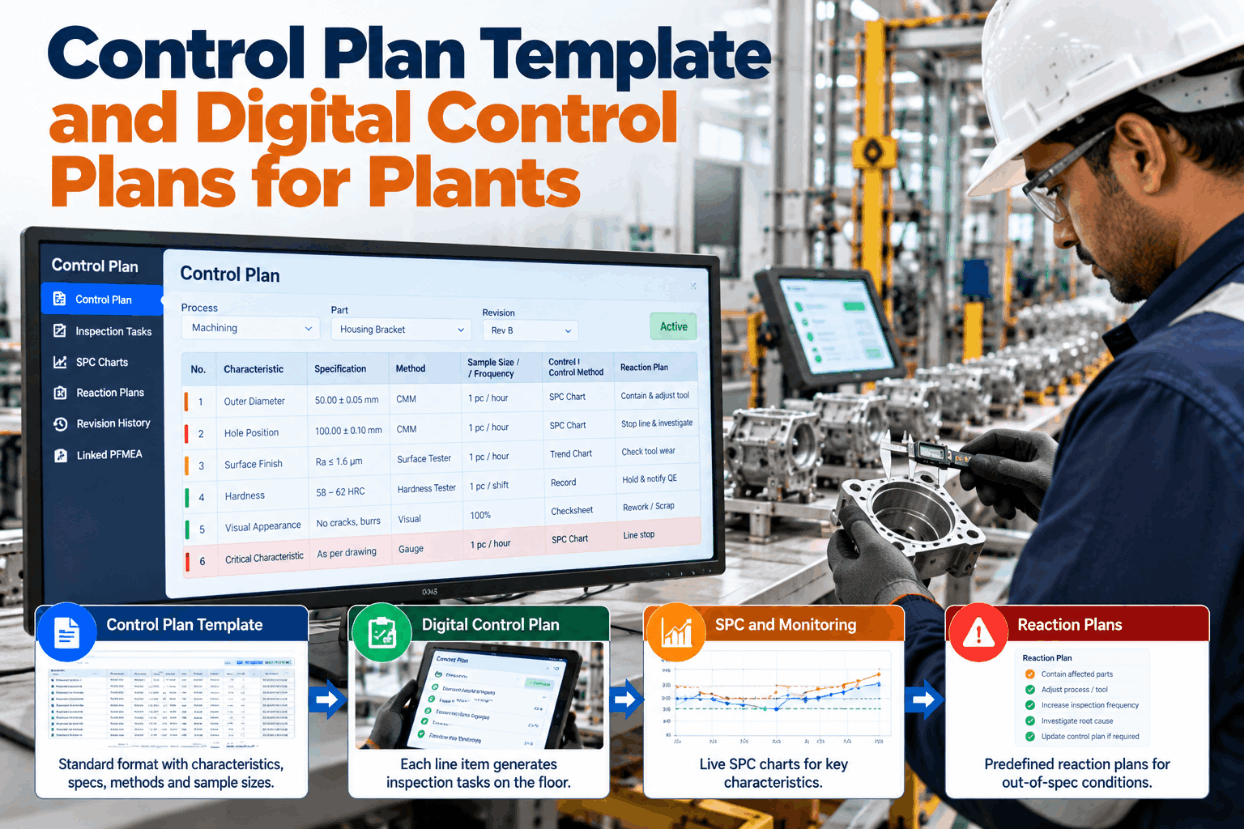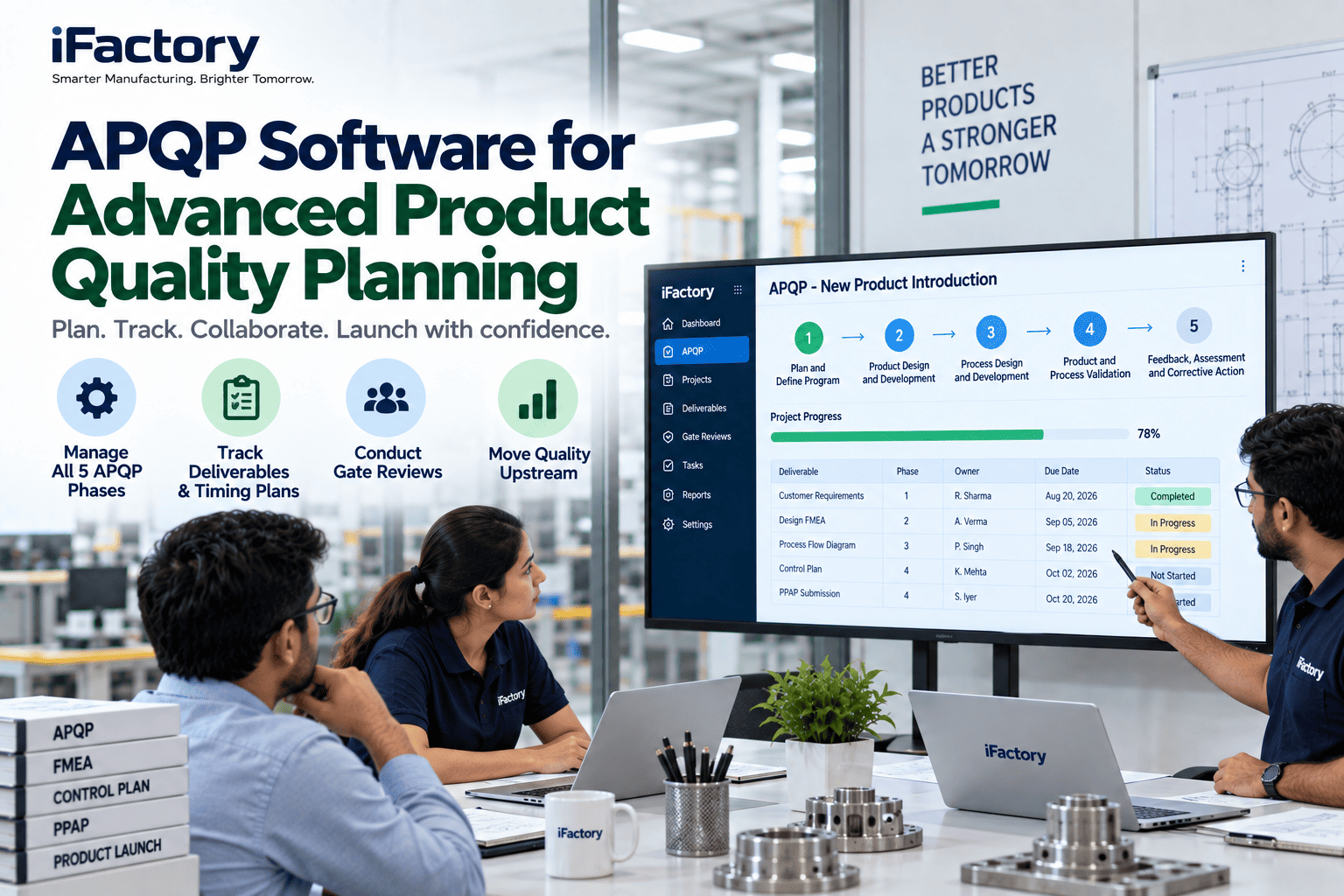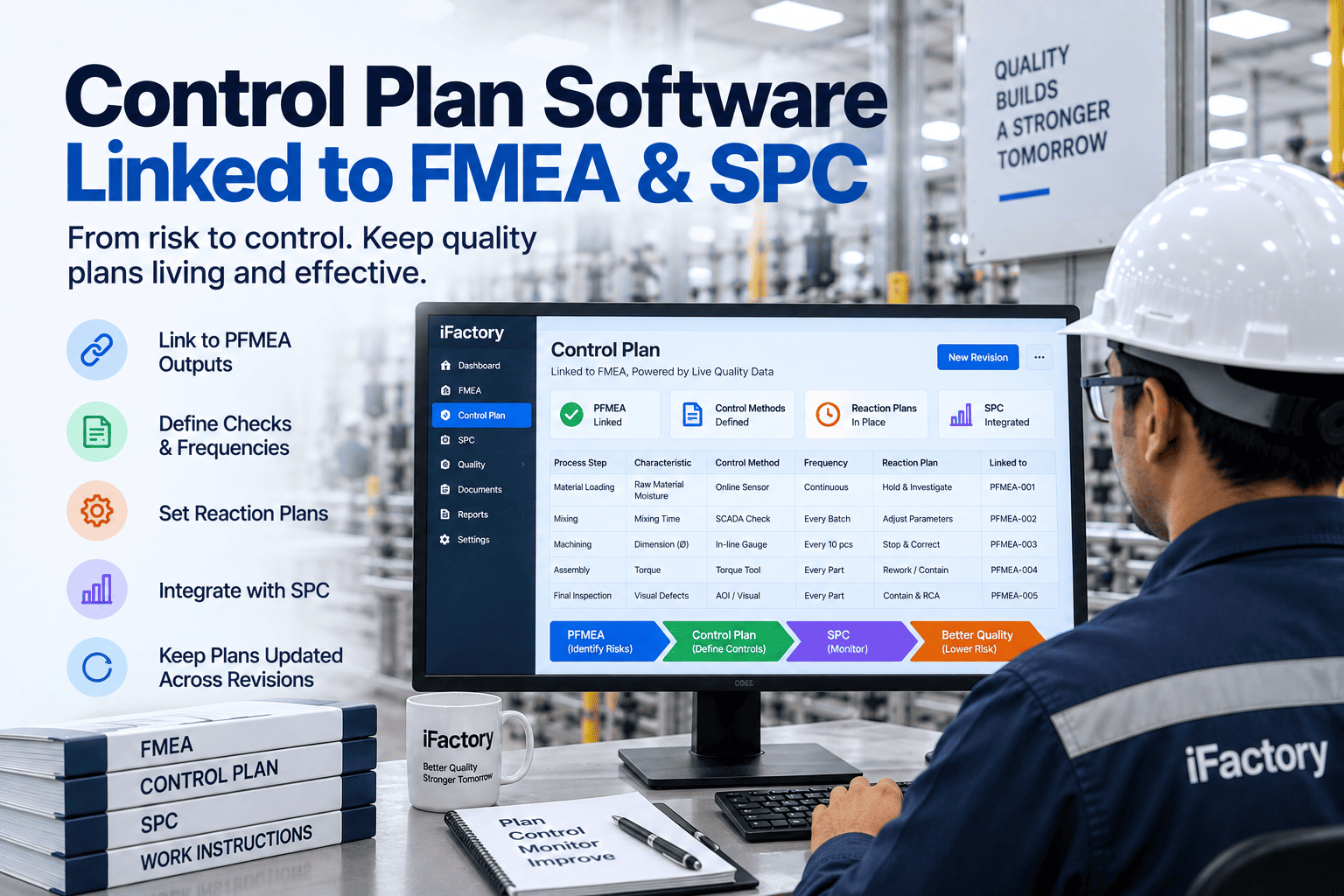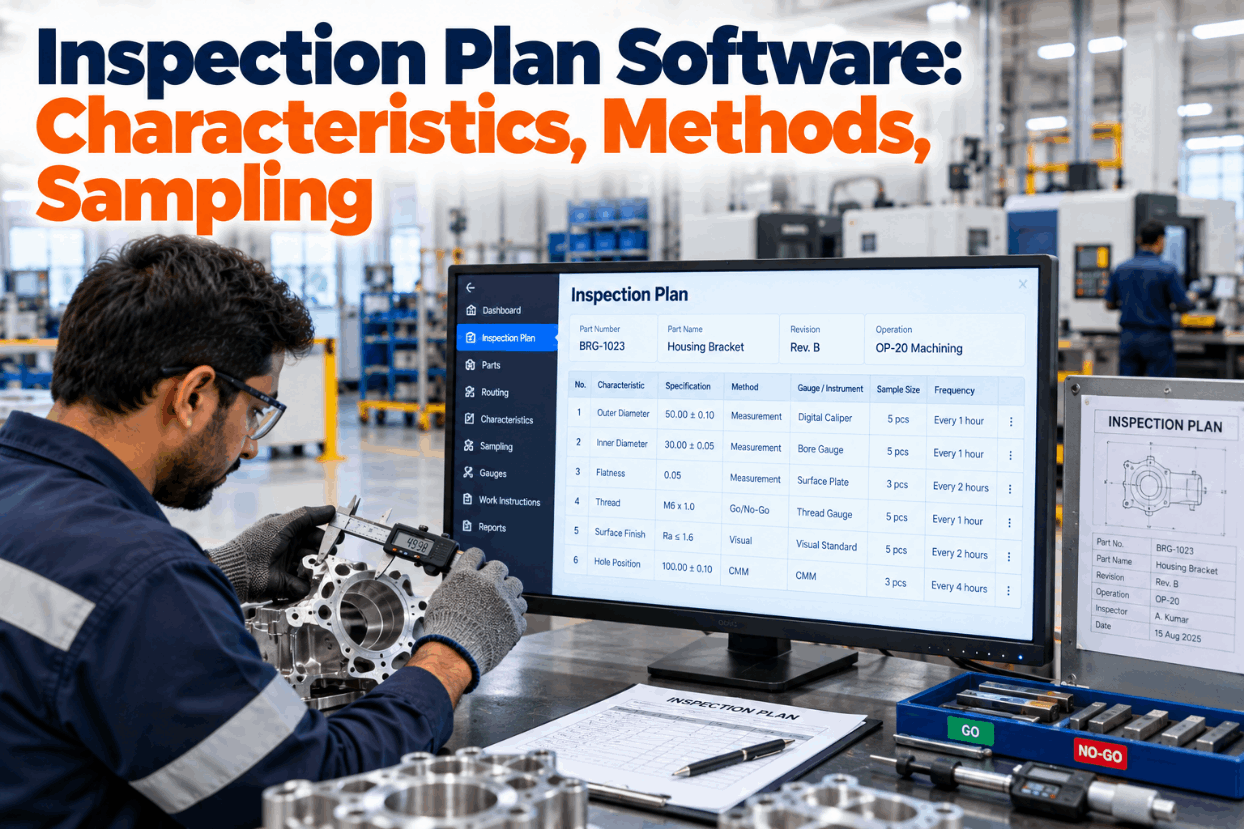
Every drawing hides a long list of promises: hole sizes, bend angles, weld lengths, coating limits, and the notes in the corner nobody reads twice. An inspection plan decides which of those promises gets checked, with which gauge, how often, and at which operation. When that plan lives in a spreadsheet, operators end up with generic checklists, and the data never reaches a capability study. Inspection plan software builds the plan from the drawing and sends each check to the right station. See it on one of your parts in a short demo.
Build the Plan From the Drawing, Push Each Check to Its Operation
iFactory Inspection Planner builds plans from drawings and control plans, sends tasks to each operation on the routing, and feeds every result into SPC and capability without retyping.
Two Documents, Two Different Jobs
A control plan summarises the controls a risk analysis decided on, including process settings and reaction plans, and in automotive it goes to the customer with the PPAP. An inspection plan is the working instruction behind it: every characteristic to check, the gauge, the method, the sample and the station. Plants outside automotive often have only the second, because ISO 9001 asks for monitoring and measurement at appropriate stages of production without naming a format. Our support team can show how the two connect in iFactory.
- Driven by the PFMEA and special characteristics
- Covers product and process characteristics
- Includes reaction plans and control methods
- Often reviewed or approved by the customer
- Driven by the drawing, specs and the control plan
- Lists every check, including general notes
- Names the gauge ID, method and record type
- Sent to operators as tasks at each operation
Number Every Requirement on the Drawing First
The plan starts with a characteristic list: one numbered line per requirement, including the ones hidden in title-block notes and referenced specs. Skipping that step is how a coating spec or a "no spatter on mating face" note goes unchecked for months. Here is the list for the welded seat bracket. Values are illustrative. Let iFactory extract a list from your drawing in a live session.
Give Each Characteristic a Gauge That Can See It
A go/no-go pin is fast and hard to misread, but it only says pass or fail, so it can never feed a capability study. A variable gauge gives numbers but needs proof it measures well enough. A common rule of thumb asks for resolution of about one-tenth of the tolerance. The AIAG MSA guidance treats gauge R&R under 10% as generally adequate, 10 to 30% as possibly acceptable for some uses, and over 30% as unacceptable, while warning against using those bands alone. Check your gauge list with our quality team.
Four Ways to Decide How Often to Check
Most in-process checks run on a count or a clock. Some must happen on events, such as the first part after a die change. Lot-based sampling from ISO 2859-1 or ANSI/ASQ Z1.4 suits audits of finished lots more than checks at the machine. For a lot of 501 to 1,200 parts at general inspection level II, the code letter is J and the sample is 80; at an AQL of 2.5 that sample accepts on 5 defects and rejects on 6. Set frequencies for your own parts in a planning call.
Operators See Only the Checks Due at Their Station
Each operation gets its own list, ordered by when the next check is due. Readings go in by voice or handheld scan and land on the right chart at once, so nobody retypes a clipboard at the end of the shift.
Check Each Feature Where It Can Still Be Fixed
The rule is simple: check a characteristic at the operation that makes it, or the first one after it that can't change it again. A late check finds the problem after more value has been added and more parts are at risk. On the bracket, one check moved during planning because forming bends the part after piercing. See how checks attach to routing steps with our support team.
Every Reading Becomes Capability Data
Because variable checks are recorded as numbers against a characteristic number, capability falls out of the plan instead of needing a separate study. Here is the height calculation from recent readings, followed by three characteristics side by side. Figures are illustrative. A capability result should also feed back into the plan, raising or relaxing frequency. See it run on your own data in a short demo.
The Fields Behind One Inspection Line
Use these fields as a template for each line of your inspection plan. The last three are the ones paper plans tend to miss, and they are what make results usable later. Ask our support team for a blank version.
How Other Sectors Shape the Same Plan
The structure carries across industries, while the gauges and frequencies change with the product. Treat them as sketches of typical setups rather than customer stories. Walk through your own product family in a working session.
Where the Hours Come Back
Two costs are easy to see: building plans by hand from drawings, and retyping paper results into spreadsheets. Both use assumed inputs below, so replace them with yours. Our support team can help you measure the real figures.
Five Steps From Drawing to Live Station Lists
Start with a part family that shares a routing, so one plan pattern covers many part numbers. Then widen it line by line. Map out your own rollout with our engineers.
Drawings In, Station Task Lists Out
iFactory delivers Inspection Planner as a complete package. A pre-configured NVIDIA AI server ships racked and ready, with drawing extraction, routing links and SPC loaded and your ERP or MES connector set up before delivery. You rack it, plug in power and Ethernet, and the AI is live. Our support team can scope it for your plant.
- Pre-configured NVIDIA AI server, racked and ready
- Characteristic extraction from drawings and specs
- Plans linked to control plans and routings
- Station task lists by operation and due time
- Voice and handheld scan entry for readings
- SPC charts and capability per characteristic
- 24×7 remote monitoring and support
Server racked, routings connected, first part family extracted from drawings.
Station lists and charts run on one cell, checked against paper.
Paper retired for the pilot family, planners and operators trained.
One Plan From Drawing to Capability Report
iFactory ties the drawing, the plan, the station and the chart together so none of them drifts apart. See the full loop in a live demo.
What Plants Ask About Inspection Plan Software
Make Every Check Count Twice
Build inspection plans from drawings, send each check to the operation that owns it, and turn every reading into SPC and capability. One turnkey package, with station lists live in 6 to 12 weeks.