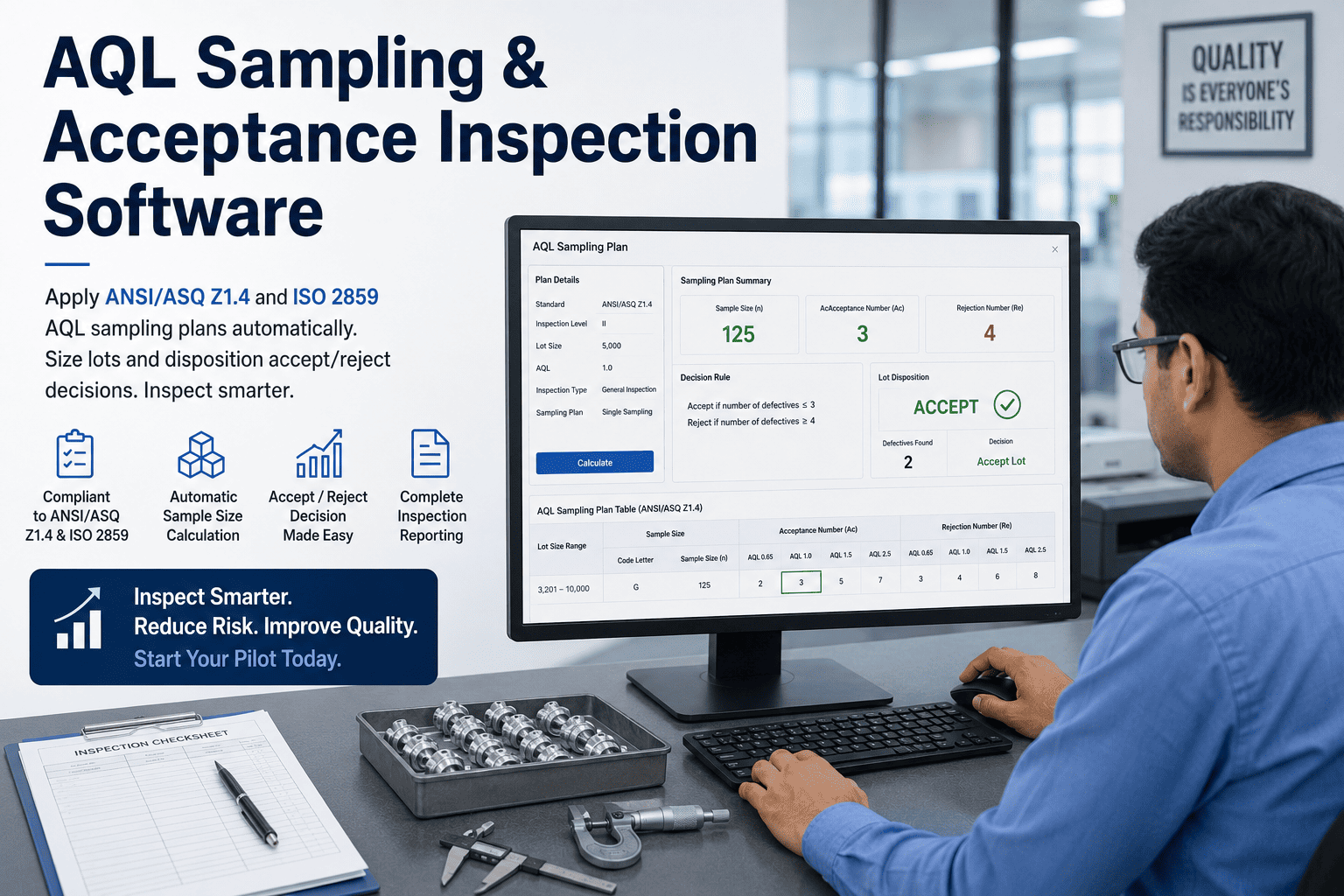
AQL sampling is a settled science — ANSI/ASQ Z1.4 and its international twin ISO 2859-1 have governed accept/reject decisions for decades, and the math is not up for debate. What goes wrong is almost never the standard; it's the execution. An inspector reads the wrong code letter off a laminated table, a switching rule to tightened inspection gets skipped, a lot gets sampled at the wrong level, and months later an audit finds decisions nobody can reconstruct. Sampling software doesn't reinvent Z1.4 — it removes every place a human can misapply it. You can book a demo to see it run against your own lots.
Apply Z1.4 and ISO 2859 Correctly on Every Lot — Without the Table Lookups and Guesswork
Enter the lot size once. The software selects the code letter, sizes the sample, applies the switching rules, and dispositions accept or reject — every decision logged, every plan traceable to the standard.
The Standard Is Sound. The Way Most Teams Run It Isn't.
Nearly every AQL error traces back to a manual step between the standard and the decision. The tables are correct; the person reading them under time pressure, on the floor, across a dozen lots a shift, is where the plan drifts away from what the standard actually specifies. And because a sampling plan produces a clean-looking accept or reject either way, a misapplied plan doesn't announce itself — the lot ships, the decision looks defensible on the form, and the error only surfaces when a customer return or an audit forces someone to check the arithmetic. Here are the four places it happens most.
Reading lot size against inspection level to find the sample size code letter is a two-table cross-reference, and a single row misread sends the whole plan — sample size, acceptance number, rejection number — off target from the first step.
Z1.4 requires moving to tightened inspection after consecutive rejects and allows reduced inspection when quality holds. In practice the operation stays on normal inspection indefinitely, because tracking the switching history by hand across shifts is a job nobody owns.
General Level II is the default, but a customer spec, a destructive test, or a critical characteristic may call for a different level. When the level is chosen by habit rather than by the requirement, the sample size is wrong before a single unit is checked.
When the plan, the sample, the defects found, and the disposition live on a paper form or a spreadsheet, reconstructing why a specific lot was accepted eight months ago — for an audit or a customer complaint — ranges from painful to impossible.
From Lot Size to Accept/Reject, the Way the Standard Intends
The logic of a single-sampling AQL plan is a fixed sequence, and software follows it identically on every lot — no shortcuts, no fatigue, no "we always use L." Understanding the sequence is what makes it clear why automating it removes the error, not the rigor.
The standard includes a detail that trips up manual users constantly: when no plan exists for a given code-letter-and-AQL combination, an arrow directs you to a different code letter, and you use the sample size of the new letter, not the original. For example, chasing a very tight AQL on a small lot can push you to a minimum sample size — or to 100% inspection — that the naive table read would miss entirely. Software applies the arrow rule automatically; a person under pressure almost never does.
One Lot, Three AQLs — Critical, Major, and Minor
A real inspection rarely runs a single AQL. The same lot is judged against different acceptance levels for different severities of defect, and each class gets its own sample-size math and its own accept/reject count. Getting the classes and their AQLs right is half of running acceptance sampling correctly.
| Defect Class | What It Means | Typical AQL Range |
|---|---|---|
| Critical | Could be harmful to the user, breaches regulation, or causes product failure | Often 0 allowed, or a very tight 0.0-0.65 |
| Major | Product does not function as intended; most buyers would reject it | Commonly 1.0-2.5 |
| Minor | A departure from spec that most buyers would still accept | Commonly 2.5-4.0 |
The software carries all three plans on the same lot at once, sizes each sample correctly, and dispositions the lot against every class — so a lot that passes on minors but fails on a single critical defect is caught, instead of slipping through because the inspector was watching one number.
There's a deeper reason getting the AQL right matters: every sampling plan carries a built-in balance between producer's risk — rejecting a good lot — and consumer's risk — accepting a bad one. That balance is what the operating characteristic curve behind each plan describes, and it shifts with sample size and AQL. Choosing an AQL casually, or defaulting to whatever was used last time, quietly moves that risk balance without anyone deciding to. When the plan selection is governed by software tied to the requirement rather than to habit, the risk you're actually accepting is the risk you intended to accept.
Let the Software Own the Table Lookups
iFactory embeds the full ANSI/ASQ Z1.4 and ISO 2859 master tables, so every lot gets the correct code letter, sample size, and Ac/Re numbers the moment you enter the lot size — no laminated card, no spreadsheet, no guesswork.
Switching Rules Are the Whole Point of Z1.4 — and the First Thing to Get Skipped
AQL sampling isn't meant to be static. The standard's power is in switching: tighten when a supplier's quality slips, relax when it proves consistent, so inspection effort tracks actual risk instead of staying flat regardless of how a source is performing. That switching logic depends on remembering the recent history of every lot from a source — which is exactly the bookkeeping a busy floor cannot sustain by hand, so it doesn't, and the operation ends up running normal inspection on a good supplier and a bad one alike.
Where inspection begins and where it stays as long as quality holds within expected bounds. Most operations never leave it — which is precisely the problem when quality slips.
After a defined run of rejected lots, the standard requires switching to tightened inspection — larger effective scrutiny — until the source earns its way back. Skip this, and you keep accepting from a deteriorating source at normal risk.
When quality is consistently strong, reduced inspection lowers sample size and cost. Manual systems leave this money on the table because nobody's tracking the eligibility criteria.
Four Jobs, Handled Automatically on Every Lot
Sampling software isn't a calculator you consult — it's built into the inspection workflow, so the plan is applied as part of creating and dispositioning a lot rather than as a separate lookup step.
Enter the lot quantity and the inspection level, and the system returns the correct code letter, sample size, and acceptance and rejection numbers for each defect class — instantly, from the embedded master tables, with zero table reading.
The system tracks acceptance history per source and moves between normal, tightened, and reduced inspection exactly when the standard requires, so inspection effort follows real quality without anyone maintaining a switching log by hand.
Inspectors record defects by class against the sample; the system compares to Ac/Re and returns a deterministic accept or reject disposition, removing the judgment call and the arithmetic slip from the final decision.
Every plan, sample, defect count, disposition, and switching event is timestamped and tied to the lot and source — so any decision is reconstructable in seconds for a customer, an auditor, or your own root-cause work.
Wherever Lots Are Accepted or Rejected, the Same Plan Applies
Acceptance sampling is used everywhere goods change hands against a quality bar — from a factory's incoming raw material to a brand's pre-shipment inspection halfway around the world. Z1.4 and ISO 2859 are the common language, which is why one sampling engine fits very different operations.
Disposition raw material and component lots from suppliers against agreed AQLs, with switching that tightens automatically on a slipping vendor.
Sample production lots at line-side or final QC, running critical, major, and minor plans on the same lot without manual table work.
Apply the same standard importers and third-party inspectors use, so your internal disposition matches how the lot will be judged downstream.
Carry tight critical-defect AQLs and a complete, timestamped audit trail into medical, food, or aerospace inspection where the record is scrutinized.
From Spreadsheet Sampling to Governed Sampling in Weeks
Because the standard is fixed, deployment is fast — there's no model to train, only your specific AQLs, inspection levels, and defect classes to configure. iFactory maps to how you already sample and goes live in phases.
Set your defect classes, the AQL for each, and the inspection levels per product or customer, so the embedded tables produce exactly the plans your contracts and specs require.
Run live lots through the workflow, confirm dispositions match expectation, and tune the switching thresholds and source groupings against how your operation actually behaves.
Extend across inspection points and sites, switch on the audit reporting, and integrate with the ERP or quality systems that consume accept/reject dispositions.
What Quality Teams Ask About Sampling Software
Run Acceptance Sampling the Way the Standard Actually Intends
iFactory applies Z1.4 and ISO 2859 automatically on every lot — correct plan, live switching rules, deterministic dispositions, and a complete audit trail — so sampling stops being a source of error and starts being a source of confidence.