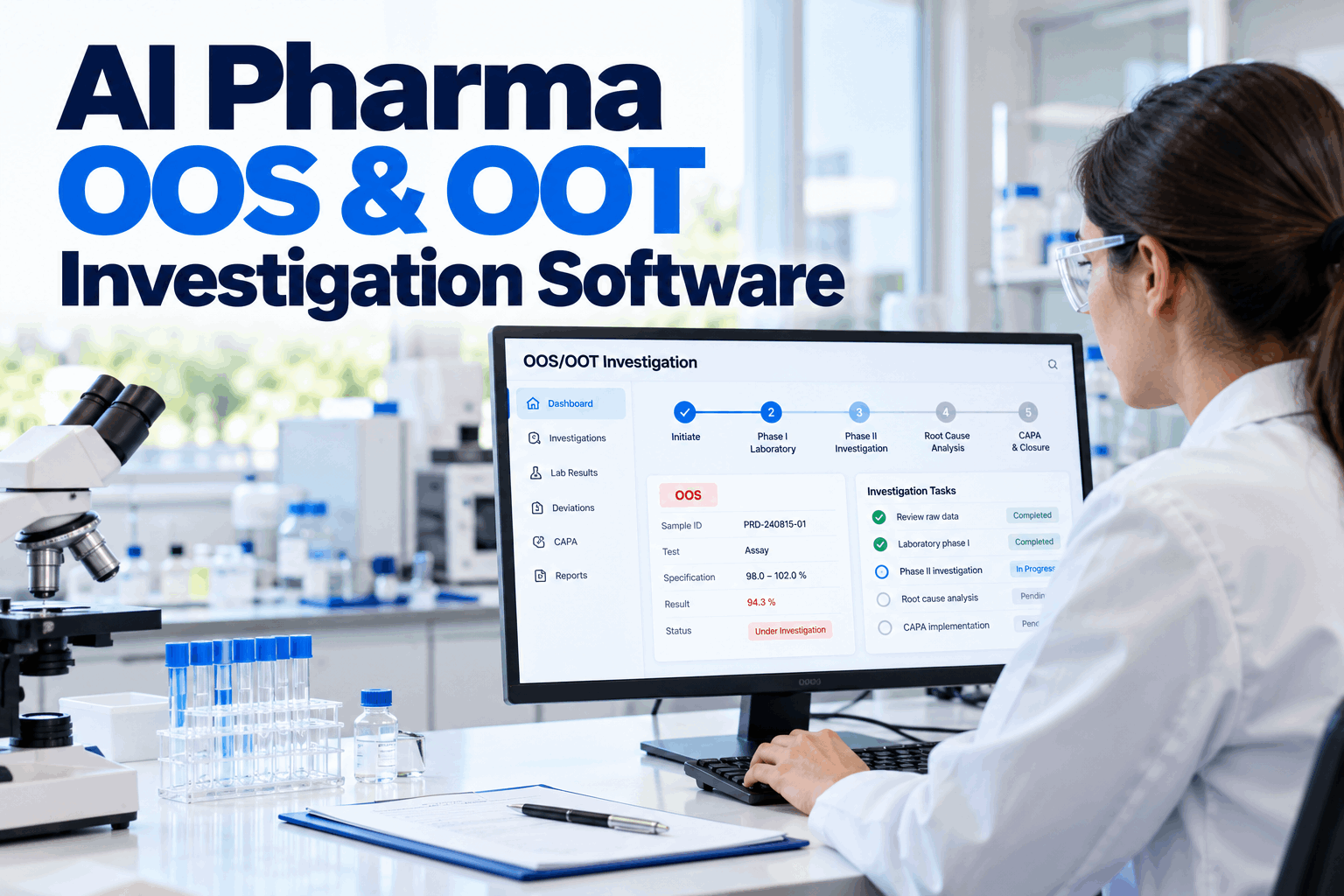
An out-of-specification result in a pharmaceutical lab starts a clock and a chain of decisions that auditors will later read line by line. Was the lab data checked before the solutions were thrown away? Was a retest justified, or was it testing into compliance? Did the CAPA fix the real cause? On paper and spreadsheets, those answers are scattered. AI OOS and OOT investigation software runs every case through phased workflows aligned with FDA guidance, links findings to CAPA and spots trends before they become OOS results. Start with a lab investigation review.
AI Pharma OOS and OOT Investigation Software
Phase I lab checks, Phase II full-scale investigations and CAPA in one controlled workflow, with AI that flags out-of-trend results and links similar cases across products and labs.
- The phased OOS process in FDA guidance
- Out-of-trend detection before results fail
- Root cause, CAPA and trending across cases
What FDA Guidance Expects From an OOS Investigation
A structured, scientific process, not a search for a passing result.
FDA's guidance on investigating out-of-specification test results, revised in May 2022, describes a phased approach. Phase I is a laboratory investigation to find out whether an assignable lab error caused the result, and the data should be assessed before test preparations are discarded. If no lab error is found, a Phase II full-scale investigation follows under a pre-set procedure, led by the quality unit and reaching into manufacturing. The guidance is clear that repeated testing until a passing result is obtained is never permitted, and that a passing retest does not on its own invalidate an original OOS result. Our quality specialists can map your current procedure against it.
Report
Analyst reports the OOS result at once.
Phase I
Lab checks data, method, instrument and standards.
Decide
Assignable lab error, or move to Phase II.
Phase II
Full-scale review across manufacturing and QC.
Conclude
Batch decision, root cause and CAPA.
Even when a lab error is confirmed and a retest replaces the original result, the original data must be kept. Software that stores every result, calculation and preparation with an audit trail removes the risk of results quietly disappearing from the record.
Phase I: The Laboratory Investigation
Fast, focused and documented before anything is thrown away.
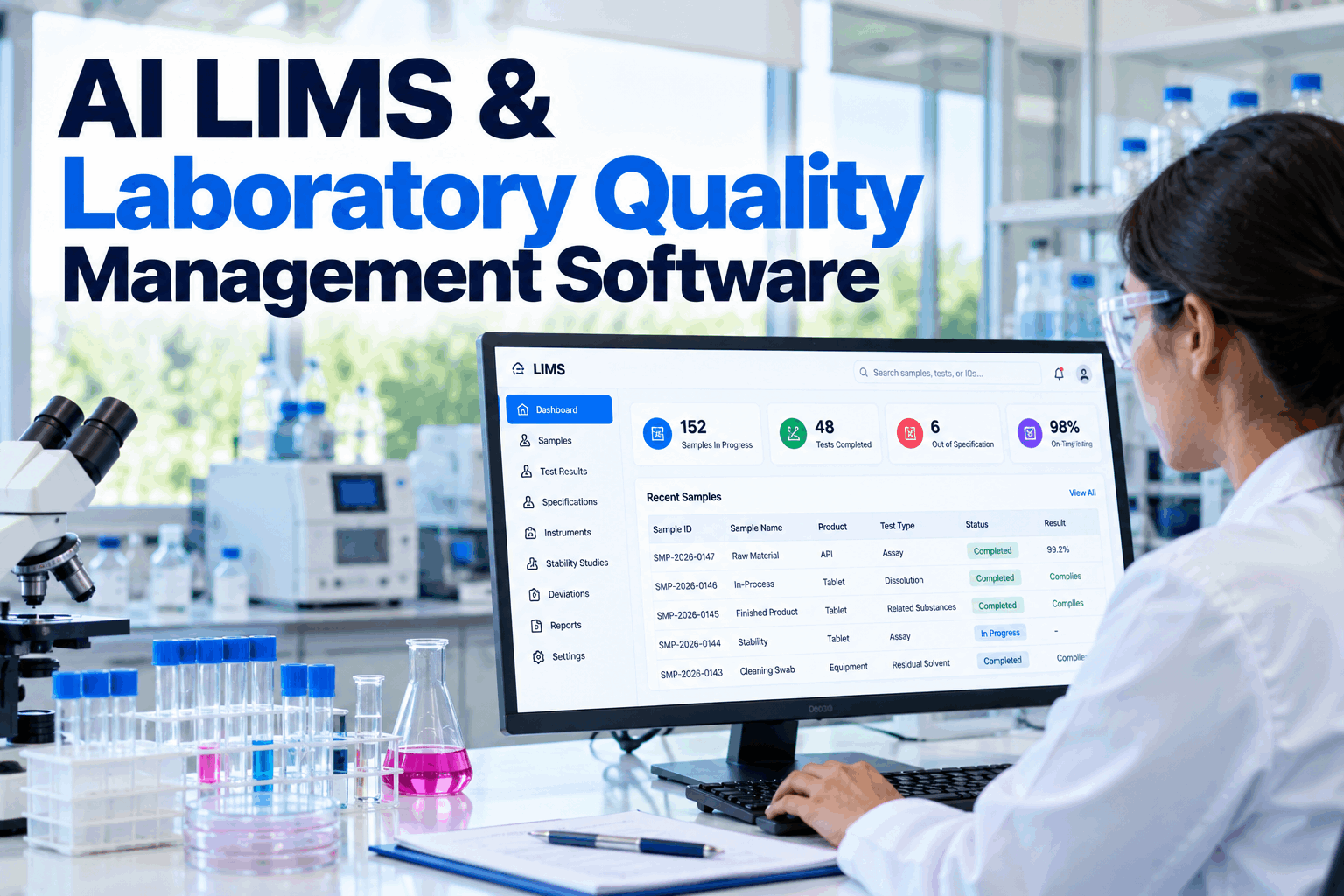
Phase I has to move quickly, because sample solutions and preparations may be needed as evidence. The software opens the case the moment the result is reported, reminds the lab to retain preparations and guides the analyst and supervisor through a structured checklist. Instrument and LIMS data can be pulled straight into the case, so the supervisor reviews the actual chromatograms, system suitability and calibration records instead of asking for printouts. Set up your Phase I checklist with our implementation team.
Phase II: The Full-Scale Investigation
When the lab is cleared, the question moves to the product and process.
A Phase II investigation looks at the batch record, the process, raw materials and equipment, and asks whether other batches could be affected. Any retesting or resampling follows a pre-defined plan with the number of tests set in advance. The software coordinates tasks across QC, production, engineering and QA, and keeps every decision with its reason. If other batches may be affected, they are listed in the case and placed on hold until QA decides, so the scope of the investigation is clear to everyone involved. Plan Phase II roles with our QA team.
Phase II reviews
- Batch record and process deviations
- Raw material and component lots
- Equipment and environmental data
- Other batches that may be affected
Decisions recorded
- Retest or resample plan, set in advance
- Root cause or most probable cause
- Batch disposition by QA
- CAPA and effectiveness check
FDA guidance warns against averaging an original OOS result with retest or resample results, because it hides the variability the investigation is meant to understand. Configure the software so averaging is only allowed where the validated method itself requires it.
Every Investigation, Same Phases, Same Rigour
Phase I and Phase II workflows, retained data, retest controls and CAPA linkage, with AI that spots trends across cases.
Out-of-Trend: Catching Problems Before They Fail
An OOT result is within limits but not where it should be.
FDA's OOS guidance focuses on results outside specification. Out-of-trend results are usually defined in each company's own procedures, often for stability studies and routine release data. A result can pass specification and still be unexpected compared with the product's history. The AI compares each new result with its trend, using methods your QA team approves, and flags those that break the pattern. An OOT alert opens a lighter investigation path defined in your procedure, so early warning signs are looked at and recorded rather than noticed only after a failure. Agree OOT rules in a trending workshop.
Off the expected curve
A time point far from the predicted degradation line.
Shift in the process
Several lots moving in the same direction.
Analyst or instrument
Results that differ by analyst, column or system.
Supplier lot effect
Trends that follow a material lot change.
Because OOT is not defined in the FDA OOS guidance, regulators will look at how your own procedure defines it and whether you follow it. Agree the method, limits and response in writing, then let the software apply them consistently.
Root Cause and CAPA Linkage
An investigation is only as good as the action that follows.
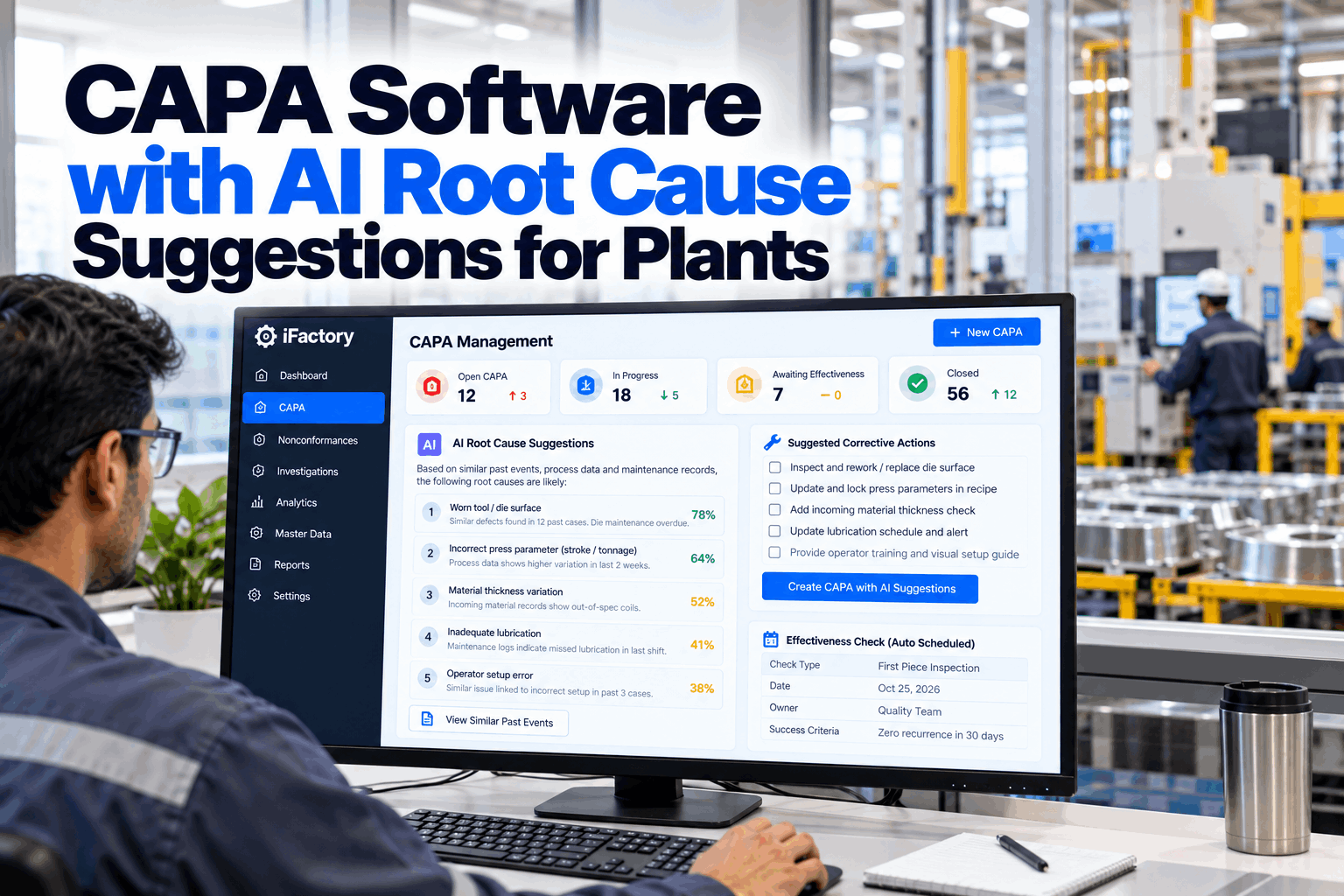
Every investigation that finds a root cause, or a most probable cause, should lead to a CAPA with an owner, a due date and an effectiveness check. The software links each investigation to its CAPA and back, so reviewers and inspectors can follow the thread in both directions. When the effectiveness check comes due, the software pulls the relevant results for the next lots automatically, so the check is based on data rather than a signature on a form. Plan CAPA links with our quality systems team.
Timelines and Escalation
Investigations that drag on hold batches and weaken conclusions.
Most firms set target times for Phase I and Phase II in their procedures, with escalation when cases run late. The software tracks each case against those targets, reminds owners as dates approach and escalates to QA management when a case is overdue or when the batch decision is waiting. Set your timelines with our QA team.
Lab target
Short, so preparations and memories are still fresh.
Full-scale target
Longer, with interim reports to QA.
Overdue cases
Raised to QA management with the reason.
Trending Across Labs and Products
One investigation answers one question. Many show the pattern.
FDA guidance notes that frequent OOS results can point to a problem in product or process design, and that trends in laboratory errors deserve attention from management. When every investigation uses the same structure, the software can show where OOS and OOT results cluster and how often lab error is the cause. Review trends with our analytics team.
OOS per product
Products and tests with repeat failures.
Lab error share
How often Phase I finds an assignable lab error.
Time to close
Phase I and Phase II cycle times.
CAPA effectiveness
Whether the same cause comes back.
Data Integrity Built Into the Workflow
Investigations are only credible if the data behind them is.
OOS investigations are a frequent focus of regulatory inspections, and data integrity sits at the centre. Records should show who did the work, be legible, be made at the time, be the original and be accurate. Electronic records and signatures used to meet FDA requirements fall under 21 CFR Part 11. The software keeps an audit trail of every entry, change and signature, and access is controlled by role, so analysts, reviewers and QA approvers each see and do only what their part of the process needs. Review data integrity controls with our compliance team.
Named user
Every entry tied to the person who made it.
Contemporaneous
Time-stamped as the work happens.
Original
Original results kept, never overwritten.
Audit trail
Every change recorded with its reason.
OOS Investigation Mistakes to Avoid
Most inspection findings trace back to a few habits.
These are common problems seen in OOS handling. A short procedure review can find them.
What works
- Preparations retained until Phase I ends
- Retest plans set before testing
- Phase II reaching into manufacturing
- CAPA with an effectiveness check
What fails
- Invalidating results without assignable cause
- Retesting until a result passes
- Averaging OOS with passing results
- Ignoring passing results that trend badly
How iFactory Runs OOS and OOT Investigations
CAPA and Problem Solving, on your own network.
iFactory manages OOS and OOT investigations with phased workflows, retained data controls, trend detection and CAPA linkage. It runs on an on-prem AI server inside your site, so laboratory and batch data stay under your control. Fit questions go to our solutions team.
Phased workflows
Phase I and Phase II with set tasks.
OOT detection
Results compared with approved trends.
Case linking
Similar cases across products and labs.
CAPA linkage
Root causes tied to actions and checks.
Audit trail
Every entry, change and signature.
QA decisions
Batch disposition always by QA.
iFactory supports your OOS procedure and quality system. Validation, batch disposition and regulatory decisions remain with your quality unit.
Turnkey AI: Delivered, Connected and Live in 6–12 Weeks
You do not build this. It arrives ready.
iFactory ships as a pre-configured NVIDIA AI server with the software pre-loaded, racked and ready. Rack it, plug in power and Ethernet, and the AI is live on your network. Our team handles cabling, network setup, PLC, SCADA, DCS and CMMS integration, LIMS and QMS links, operator training and 24×7 remote monitoring. Data stays on your network. For a scope matched to your plant, request a turnkey quote.
Ship, network and data
Server installed. LIMS results, instrument records and QMS connected.
Model training and pilot
Phase I and II workflows and OOT rules configured and validated with QA.
Go-live and training
Investigations live. QC and QA trained. 24×7 monitoring begins.
Frequently Asked Questions
What is OOS investigation software?
Software that manages out-of-specification lab results through structured Phase I and Phase II investigations, with retained data, retest controls, root cause and CAPA linkage.
What is the difference between OOS and OOT?
An OOS result is outside the specification. An OOT result is within specification but unexpected compared with the product's history or trend, as defined in your own procedures.
Which FDA guidance applies?
FDA's guidance on investigating out-of-specification test results for pharmaceutical production, revised in May 2022, describes the phased approach.
Can a passing retest replace an OOS result?
Only if the investigation finds an assignable lab error. Without one, a passing retest does not invalidate the original result, and the original data must be kept.
How does AI help?
It flags out-of-trend results, links similar cases across products and labs, and drafts CAPA proposals for people to review and approve.
Can it track investigation timelines?
Yes. Each case is tracked against the Phase I and Phase II targets in your procedure, with reminders and escalation to QA management when cases run late.
Is the software validated?
The system is validated for your intended use during implementation, with your QA team, as part of your computerised system validation approach.
Where is data stored?
On the on-prem server inside your site, with access control and audit trails.
How do we start?
Start with one QC lab and one product family. A 6-week pilot configures workflows and OOT rules with your QA team. To plan it, contact our team.
Run Every OOS Case the Right Way
In thirty minutes we review your OOS procedure and a recent investigation, and show how it would run in a phased workflow. You keep the notes either way.
- 1Your OOS and OOT procedures
- 2A recent completed investigation
- 3Your CAPA procedure
- 4LIMS and QMS systems in use
- 5One finding from a recent inspection