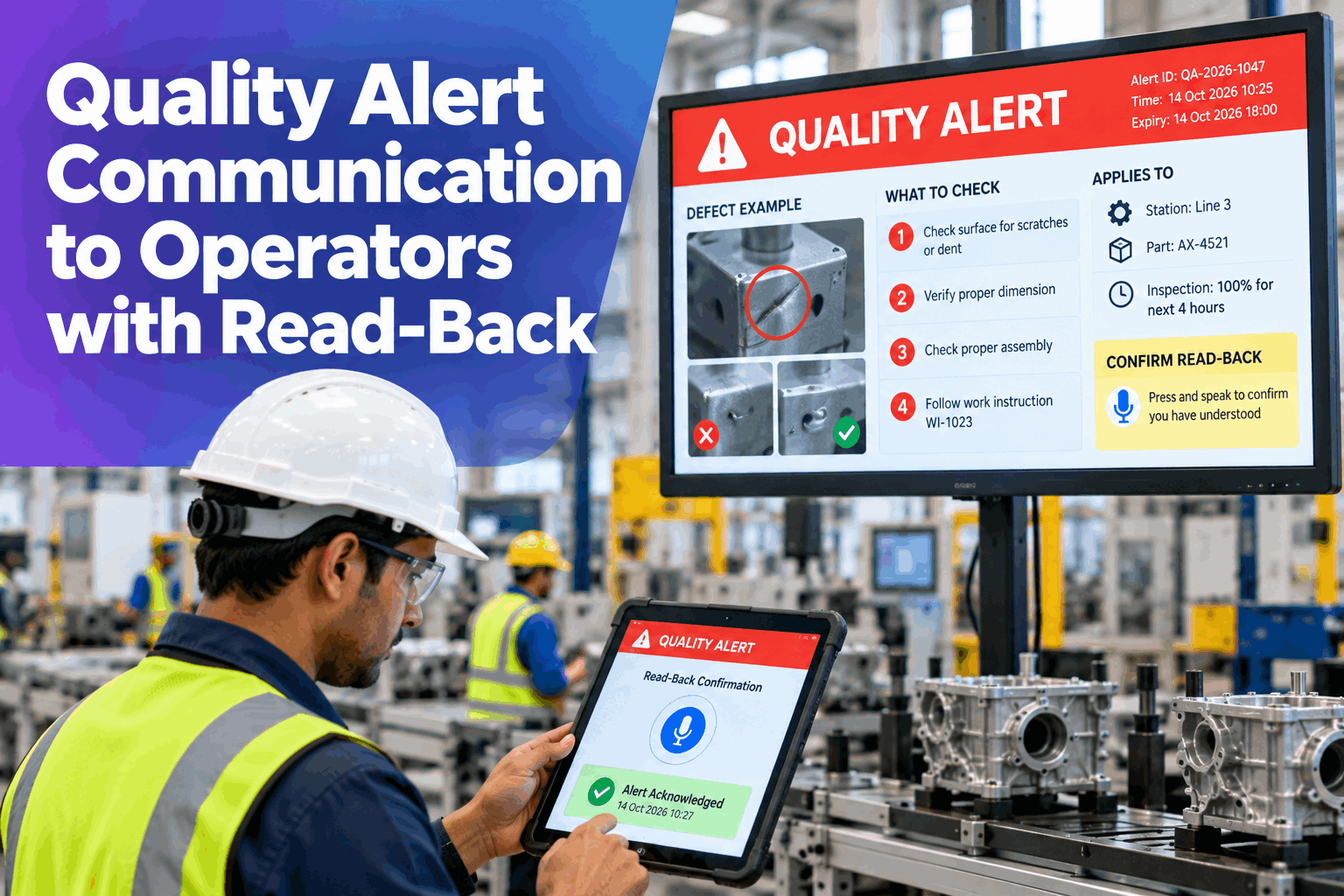
A quality alert only works if the right operator sees it before the next part is made. In many plants the alert is a printed notice on a board, a line in a shift briefing or a message passed along by a supervisor, and nobody can prove who actually saw it. Quality alert communication to operators fixes that: the alert goes to the stations and parts it affects, shows the defect photo, what to check and for how long, and records a read-back by voice or tablet. When the corrective action is verified, the alert expires. This page shows how it works, with a worked example and what to bring to a pilot. Plant managers can see it on their own stations in an quality alert demo.
Quality Alert Communication to Operators with Read-Back
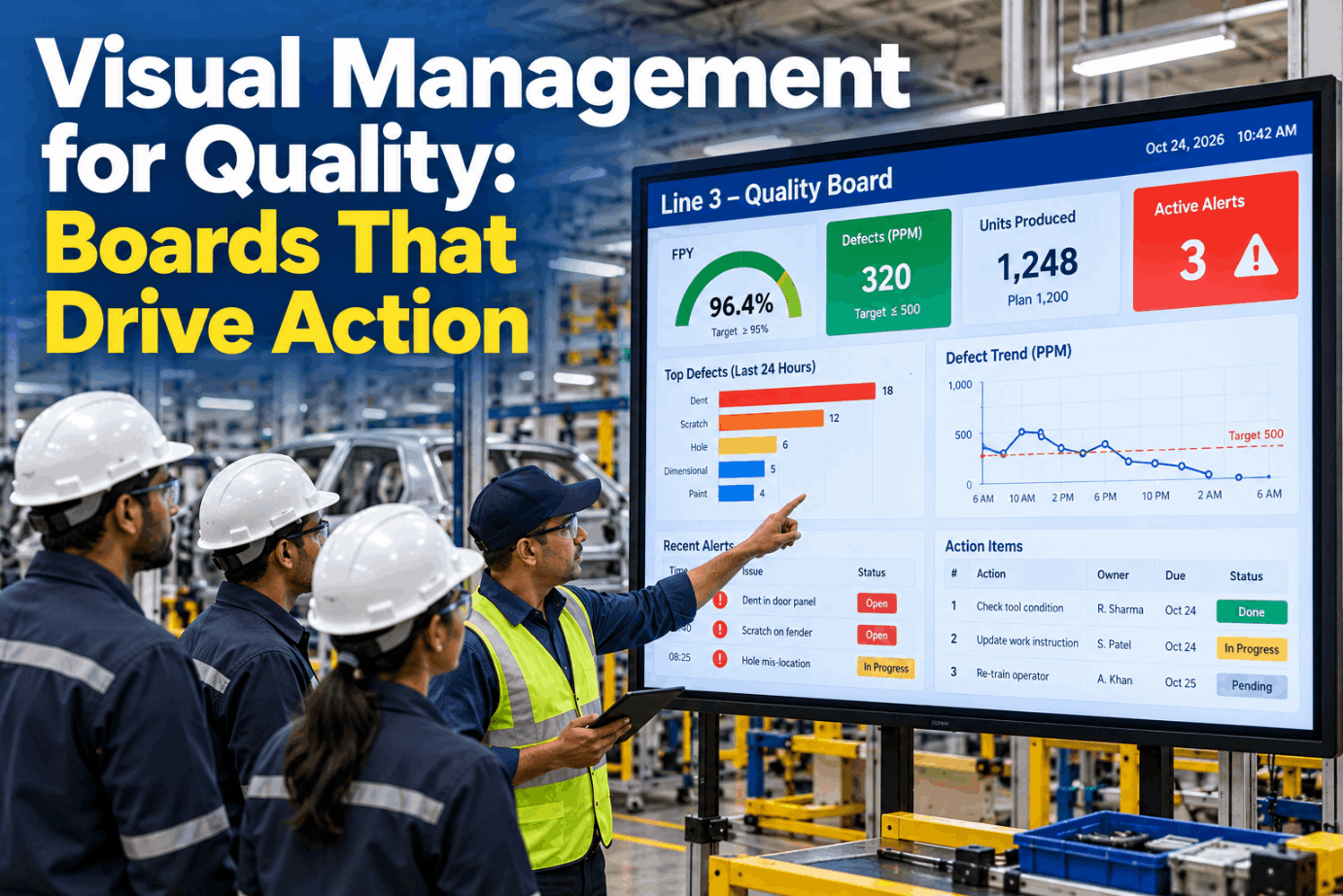
Alert Distribution sends each quality alert to the stations and parts it affects, plays it aloud on request, tracks who has confirmed and expires the alert when the CAPA is verified. It runs on a turnkey on-prem AI server, next to your quality systems.
- Alerts reach only the stations that run the part
- Read-back by voice or tablet at each station
- Alerts expire when the CAPA is verified
Why Quality Alerts Get Missed
The message was sent, but nobody can show it was received.
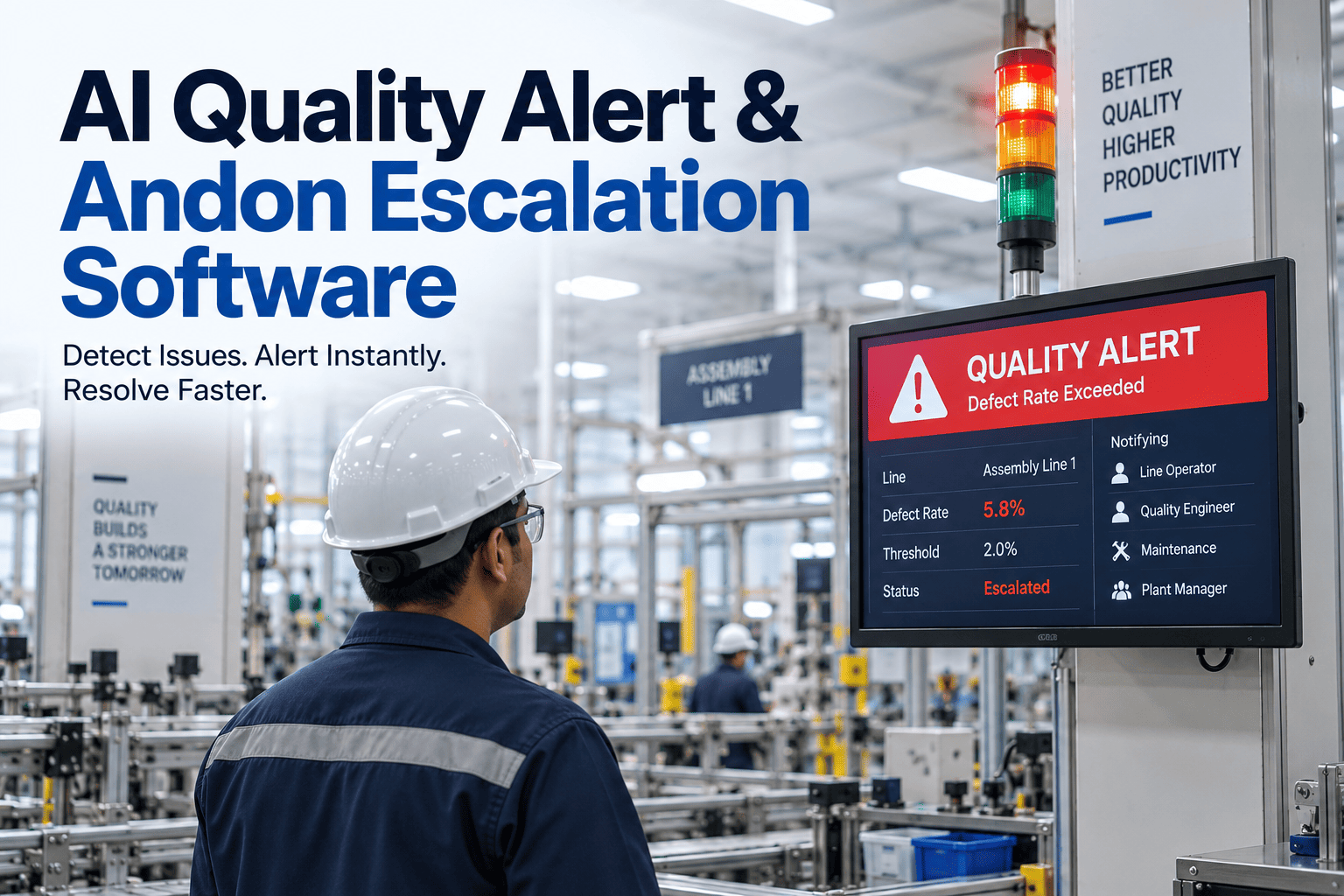
Printed notices, board postings and word of mouth all share one weakness: they say what was communicated, not who understood it. Operators on the wrong shift never see the board, and notices that stay up for months stop being read. A quality alert board needs to be targeted, short-lived and acknowledged. Our quality communication specialists can map where your alerts fail today.
Unread boards
Notices pinned where operators rarely look.
Word of mouth
The message changes with each retelling.
No proof
No record of who saw the alert.
Alerts that never end
Old notices bury the current ones.
The Five Parts of Alert Distribution
Each part solves one reason alerts fail.
The table below is the template for a quality alert. Each part answers a question about who gets the alert, what they see and when it ends. The same structure works for a new defect, a changed specification or a temporary inspection. Set it up for your plant in a working session.
A short alert gets read and a long one gets skipped. Quality writes the content and decides what to check and for how long. The system makes sure it reaches the right station, is confirmed and ends on time.
A Worked Example: One Alert, Three Stations
From the defect to a confirmed operator.
Take a burr found on a bore. Quality raises an alert for the three stations on line 2 that run the part, with a defect photo, a 100 percent visual check of the bore and a duration of 2 shifts. 12 operators are on shift at those stations, and 11 confirm with a read-back by voice or tablet. The twelfth is flagged to the supervisor. All figures are illustrative.
See Your Own Alert Reach the Station
Bring a recent quality notice and your station list, and watch it targeted, shown, confirmed and expired in one flow.
What a Good Quality Alert Contains
Four things, and nothing more.
The best operator notification is one an operator can act on in seconds. A clear alert shows the defect, tells the operator what to do and says when it stops. Anything beyond that belongs in the CAPA record, not at the station. Discuss your alert format with our quality alert team.
Defect photo
What the defect looks like, and where.
What to check
The one inspection step to add.
How long
The duration of the temporary inspection.
Reference sample
A good and a bad part to compare against.
From Alert to Expiry
Five steps, each with a record.
Every alert follows the same short path, so operators learn what to expect and quality can show what happened. Plan the rollout with our implementation team.
Write
Quality writes the alert and links the CAPA.
Target
Choose the parts, stations and shifts affected.
Show
Display at the station, with voice playback.
Read back
Operators confirm by voice or tablet.
Expire
Close when the CAPA is verified.
Ask the Board Who Has Seen It
Ask in plain words and get an answer from the live alerts.
Quality managers and plant managers can check an alert at any moment, instead of walking the line to ask. The answers come from the read-back records and the CAPA status. See it on your own alerts in a live walk-through.
Who Decides What
The system carries the message, and quality owns the content.
A good alert system is clear about responsibility. The software handles targeting, playback, confirmation and expiry. Quality decides what the alert says, what to check and when the matter is closed.
The system handles
- Targeting alerts by station, part and shift
- Showing the alert and reading it aloud
- Recording read-back by operator
- Reminding supervisors and expiring alerts
Quality decides
- What the alert says and which photo to show
- What to check and for how long
- Which stations and parts are in scope
- When the CAPA is verified and the alert closes
Quality Alert Mistakes to Avoid
An alert that is sent but not read protects nothing.
These are common best practice gaps in quality alert communication. A short readiness review can find them before a pilot starts.
What works
- Alerts targeted to the stations that run the part
- One defect, one check and one duration per alert
- Read-back recorded for every operator
- An end date or CAPA link on every alert
What fails
- The same notice broadcast to the whole plant
- Long text with no photo
- No way to show who has seen it
- Old alerts left up after the fix
How iFactory Runs Quality Alert Distribution
The alerts and the server, delivered together.
iFactory connects your station list, part data and CAPA records, sets up the alert templates with you and runs Alert Distribution on one on-prem server. After the pilot, results are reviewed against your baseline. Fit questions go to our solutions team.
Targeted alerts
By station, part and shift.
Alert board
Photo, check and duration on one page.
Voice playback
Alerts read aloud at the station.
Read-back tracking
Confirmation recorded by person.
Auto expiry
Alerts end when the CAPA is verified.
On-prem
Quality data stays in the plant.
The figures and exchanges on this page are illustrative. Your own results depend on your parts, stations, shifts and systems, and we measure them on your data during the pilot.
Turnkey AI: Delivered, Connected and Live in 6–12 Weeks
You do not build this. It arrives ready.
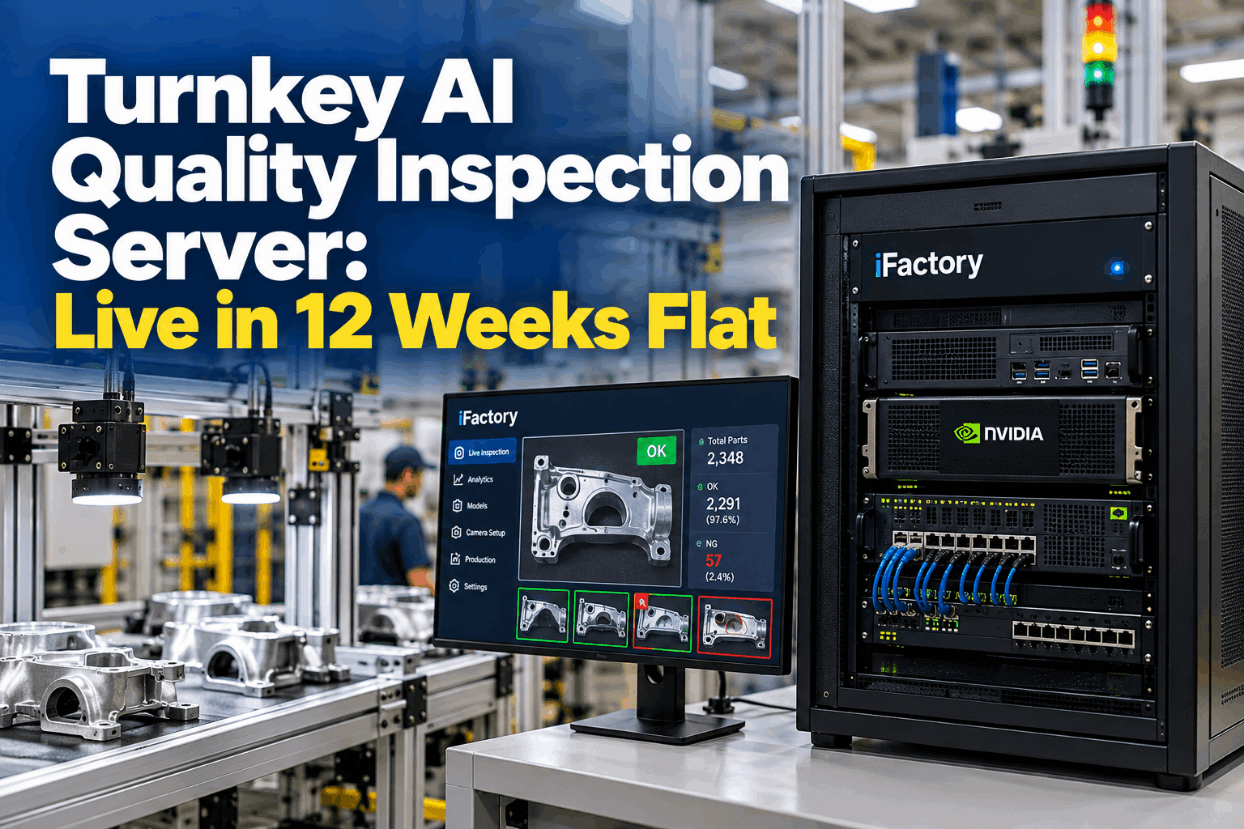
iFactory ships as a pre-configured NVIDIA AI server with the software pre-loaded, racked and ready. Rack it, plug in power and Ethernet, and the AI is live on your network. Our team handles cabling, network setup, PLC, SCADA, DCS and CMMS integration, quality system links, station tablets and headsets, operator training and 24×7 remote monitoring. Data stays on your network. For an implementation guide and a quote matched to your plant, request a turnkey quote.
Ship, network and baseline
Server installed. Stations, parts and CAPA records connected and the baseline captured.
Setup and pilot
Alert templates configured. Live pilot runs on a few stations.
Go-live and measured result
Roll-out across the plant. Teams trained. Results compared with the baseline.
Frequently Asked Questions
What is quality alert communication?
It is the way quality tells operators about a defect, a changed requirement or a temporary check: what to look for, how long to check and proof that each operator has seen it.
How are alerts targeted to the right operators?
Each alert is tied to a part number, line, station and shift. Only operators running that part at those stations see it, so the board stays relevant and alerts are not ignored.
What is read-back and how does it work?
Read-back is the operator confirming the alert by voice or a tablet tap. The system records who confirmed, when and where, and reminds the supervisor about anyone still pending.
How does voice playback help on the floor?
Operators with busy hands or gloves can have the alert read aloud at the station instead of reading a screen. Language options are confirmed for your plant during scoping.
When does an alert expire?
An alert is linked to a CAPA and closes when that CAPA is verified. For short-term checks, it can instead expire on a set date, so old alerts do not pile up.
Is there a template, and are there examples?
Yes. The five-part table and the bore alert on this page are the template. In a working session we build the same alert with your own parts and stations.
What does it cost and when is the return?
Cost depends on the number of stations, lines, devices and integrations, so we issue a turnkey quote after a short scoping call. Return shows up as faster alert reach, fewer repeat defects and less time chasing confirmations, and the pilot measures it against your baseline.
What do plant managers need to prepare?
Recent quality alerts or notices, your station and part list, how alerts work today, your open CAPA list and details of tablets or headsets at stations. A short working session turns these into a pilot scope.
How do we start?
Start with a short session to review your current alerts and stations. A 6-week pilot then connects your records, captures the baseline and runs live alerts on a few stations. To plan it, contact our team.
Make Sure Every Alert Is Seen and Confirmed
In thirty minutes we take a recent quality notice through the system and show how it would have reached each station and been confirmed. You keep the findings either way.
- 1Recent quality alerts or notices
- 2Your station and part list
- 3How alerts are shared today
- 4Your open CAPA list
- 5Tablets or headsets used at stations