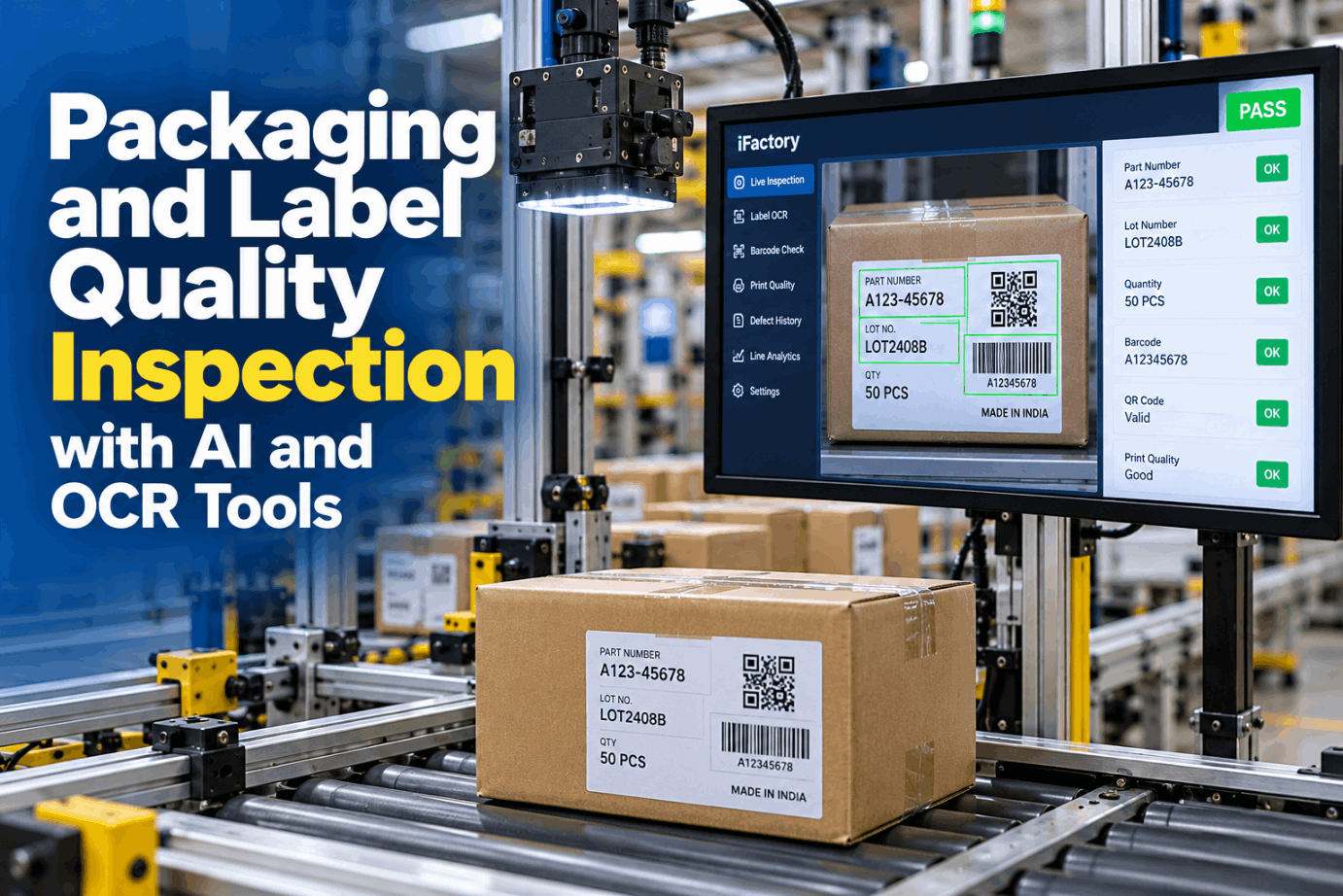
A carton with the right parts and the wrong label is still a wrong shipment. The customer's receiving dock scans the label, not the parts, so a stale template, an old part number suffix or a faded barcode can turn a good pallet into a chargeback or a line stop at the customer's plant. Packaging label quality inspection with AI and OCR checks every label at pack-out and tells you which printer or template caused each error. See it running on shipping and part labels in a short Label Vision demo.
Stop the Wrong Label at Pack-Out, Then Find the Printer That Made It
iFactory Label Vision runs OCR and barcode checks at pack-out. A mismatch stops the line before the carton is sealed, and every label error is linked to the printer and template that produced it.
Five Ways a Bad Label Reaches a Carton
Label errors rarely come from one careless moment. They come from the system around the printer: a template that was revised in one place but not another, order data pulled from the wrong job, a ribbon loaded crooked, or a label applied to the wrong pack. Each source leaves a different trace, which is why the check needs to record more than pass or fail. Review your own label flow with our support team.
Reading, Confirming, Decoding and Grading Are Four Checks
OCR reads the printed characters and returns whatever it finds. OCV, optical character verification, starts from the string you expect and confirms it is there and legible. On a label you usually want both: OCR to capture what was printed for the record, and OCV to judge it against the order. Barcodes need two more checks, one for data and one for print quality. Compare the four on your own labels in a sample label test.
ISO/IEC 15416 for Linear Codes, 15415 for 2D
Linear codes such as Code 128 and GS1-128 are graded under ISO/IEC 15416. Several scan lines are taken across the bar height, each one graded by its weakest parameter, and the symbol grade is the average, from 4 down to 0, or A to F. Two-dimensional codes such as Data Matrix and QR, common on part labels, are graded under ISO/IEC 15415 with their own parameters. Set grade limits that match your customers' specs with our print quality team.
Overprinted boxes, a label edge too close to the code or a ribbon wrinkle at the margin can eat into the quiet zone. The code may still scan at your dock and grade poorly on the customer's verifier.
Ask Why the Line Stopped and Get the Printer Back
Every stop comes with the label image, the text read, the decoded data, the grade and the printer and template that made it. Quality can ask iFactory in plain words and fix the cause, not just the carton.
GS1-128 and the SSCC on Every Pallet
Many customers ask for a GS1 logistics label on each pallet or case. Its only mandatory element is the SSCC, encoded in GS1-128 behind Application Identifier (00). GS1's General Specifications set the print quality and size, and the Logistic Label Guideline sets the layout. A camera at the stretch wrapper can check all of it before the pallet leaves the line. Check your label layout against both in a pallet label review.
AIAG B-10 or B-16: Read Your Customer's Manual First
Automotive part labels usually follow one of two AIAG documents. B-10, the Trading Partner Labels guideline, is in its third version from June 2004 and still listed as the current edition. B-16, the JAIF Global Transport Label, is in its third version from November 2010 and is built on B-10, Odette's transport label and ISO 15394. Neither has replaced the other outright, so the customer's own shipping and labeling requirements decide which applies. Ask our support team to map your customers' label rules.
- Linear and 2D symbols on one guideline
- Code 39 or Code 128 with ANSI MH10.8.2 data identifiers, such as P for part number and Q for quantity
- Fields set by agreement between customer and supplier
- Merges the older B-12 and B-14 guides
- Standard and reduced-height templates
- License plate in Code 128, with 1J, 5J and 6J for container, mixed and master loads
- 2D options: Data Matrix, QR Code or PDF417
- Sets label placement and a symbol quality level
Lot, Date and Quantity Checked Against the Order
A label can be perfectly printed and still wrong. The data checks compare every field with the live order and the approved template, not with the previous label. Date codes need extra care because customers use different formats, and a date that is valid in one format can be read as a different day in another. Set up field rules per customer in a rules workshop.
What Stops the Line, What Holds a Carton, What Only Flags
Not every finding deserves a line stop. Stopping for a grade that is drifting but still above spec trains people to ignore the alarm. A clear three-level response keeps stops rare and meaningful, and each level is tied to a PLC signal so the line reacts the same way every time. Agree your stop rules with our support team.
Every Label Error Traced to a Printer, Ribbon or Template
Thermal transfer printers fail in recognisable ways. A failed printhead dot leaves a thin white line, and when bars run in the print direction that line can split or erase a bar along its full height. A wrinkled ribbon leaves diagonal voids. Darkness set too high spreads the bars and lowers the grade. Linking each error to the printer, ribbon lot and template revision turns a pile of rejects into a short fix list. The week below is an illustration. Review a sample cause report in a root cause session.
Six Habits for Clean Pack-Out Labels
Cameras catch errors, but good habits stop them from being made. These six come up again and again on lines that rarely ship a wrong label. Get the full list from our support team.
Three Catches at a Shipping Dock
These illustrations show common catches. They are not customer case studies. Bring your own label samples to a label check session.
Size the Manual Checks and Chargebacks You Can Count
Start with what you can measure: time spent checking labels by hand and the chargebacks customers already send you. Every input below is assumed, so replace each one with your own figure. The arithmetic shows the method only. Build the case with your data alongside our support team.
Leave out the cost of a mixed shipment reaching a customer line unless your own history supports a figure. It can be large, but it should not carry the case.
Cameras, Label Models and Edge Server in One Package
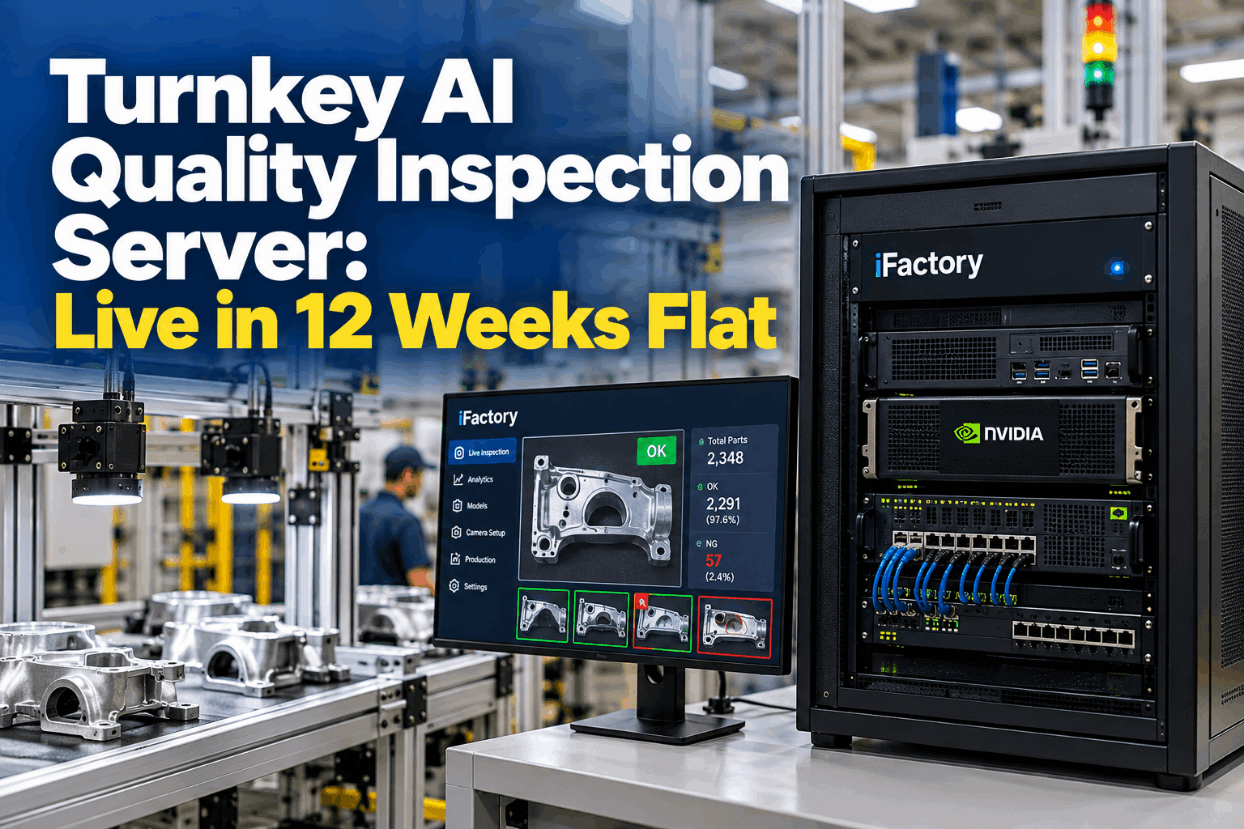
iFactory delivers Label Vision turnkey. Cameras and lighting go in at pack-out, and a pre-configured NVIDIA AI server ships racked and ready with OCR, OCV and barcode grading models loaded, so every label is checked on site at line speed. You rack it, plug in power and Ethernet, and the AI is live. To size cameras and lighting for each pack-out station, book a station survey call.
- Pre-configured NVIDIA AI server, racked and ready
- Cameras and lighting for carton and pallet labels
- OCR, OCV and barcode grading models
- Order data link to your MES or ERP
- PLC signals for stop, hold and reject
- Printer, ribbon and template tracking per label
- 24×7 remote monitoring of models and hardware
Label types and customer rules listed, cameras, lighting and server installed.
Models tuned on your labels and run without stopping the line while QA reviews.
Stop, hold and flag rules go live, operators trained, cause reports started.
Packaging Label Quality Inspection Software for Pack-Out
Label Vision fits between your printers and your dock, using the order data you already have. Our support team can walk you through where each part connects.
What Plant and Quality Managers Ask About Label Inspection
Ship the Right Label on Every Carton
OCR and barcode checks at pack-out, stops on mismatch and every error traced to its printer and template. The full package arrives turnkey and goes live within 6 to 12 weeks.